1. Introduction
Thank you for choosing the Xmenha SK32 Sleep Earbuds. These wireless Bluetooth earbuds are designed for comfort, especially for side sleepers, offering a discreet and lightweight audio experience. This manual provides essential information on how to set up, operate, and maintain your earbuds to ensure optimal performance.
Please read this user manual carefully before using the product.
2. Package Contents
The Xmenha SK32 Sleep Earbuds package includes the following items:
- 1 Pair of Mini Small Earbuds
- 1 TYPE-C Charging Cable
- 1 User Manual (this document)
- 1 Exquisite Packaging Box
3. Product Features
- Comfort for Side Sleepers: Designed to be worn comfortably while sleeping on your side, minimizing pressure on the ears. The non-in-ear design prevents irritation.
- Mini and Lightweight: Each earbud weighs approximately 0.1 oz (0.07 oz stated in image), making them discreet and comfortable for extended wear.
- Advanced Bluetooth 5.3: Ensures a faster and more stable wireless connection with your devices.
- Automatic Pairing: Earbuds automatically power on and connect to the last paired device when removed from the charging case.
- Premium Sound Quality: Features a 10mm diaphragm unit with triple frequency equalization for HIFI stereo sound.
- Clear Call Quality: Accurately identifies and suppresses external noise during calls, ensuring clear voice transmission even in noisy environments.
- Ergonomic Design: The shape is designed to fit the ear canal comfortably and securely.
- Portable Charging Case: Compact and sleek, fitting easily into a pocket for on-the-go convenience.

Image: The Xmenha SK32 Sleep Earbuds are designed for comfortable use while sleeping on your side, featuring an ultra-lightweight build.

Image: The earbuds are designed to be invisible and smaller than a US penny, measuring approximately 0.4 inches.

Image: Highlighting the small and lightweight design of the earbuds, weighing only 0.07 ounces, making them hard to notice when worn.
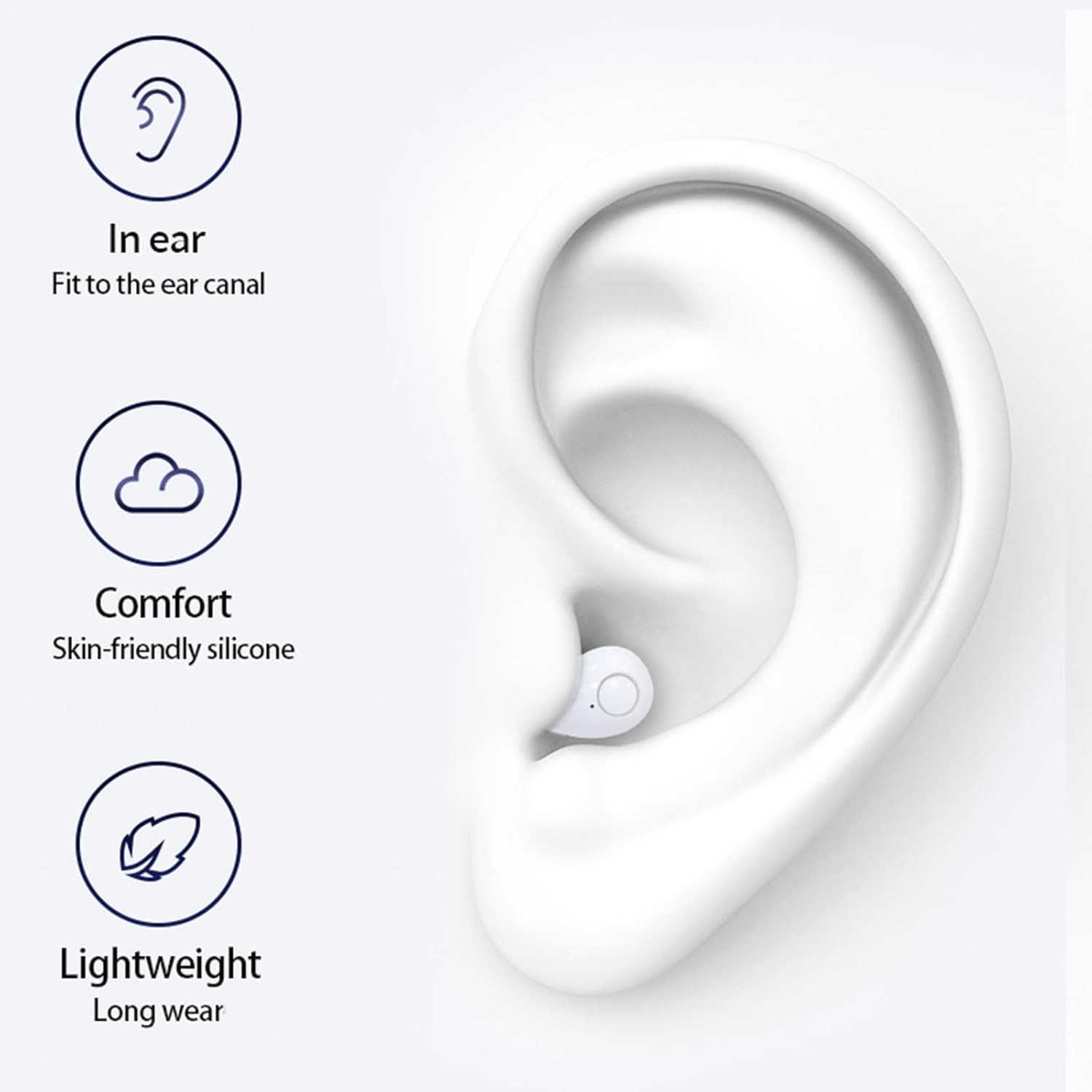
Image: Illustrates the in-ear fit, skin-friendly silicone for comfort, and lightweight design for long wear.
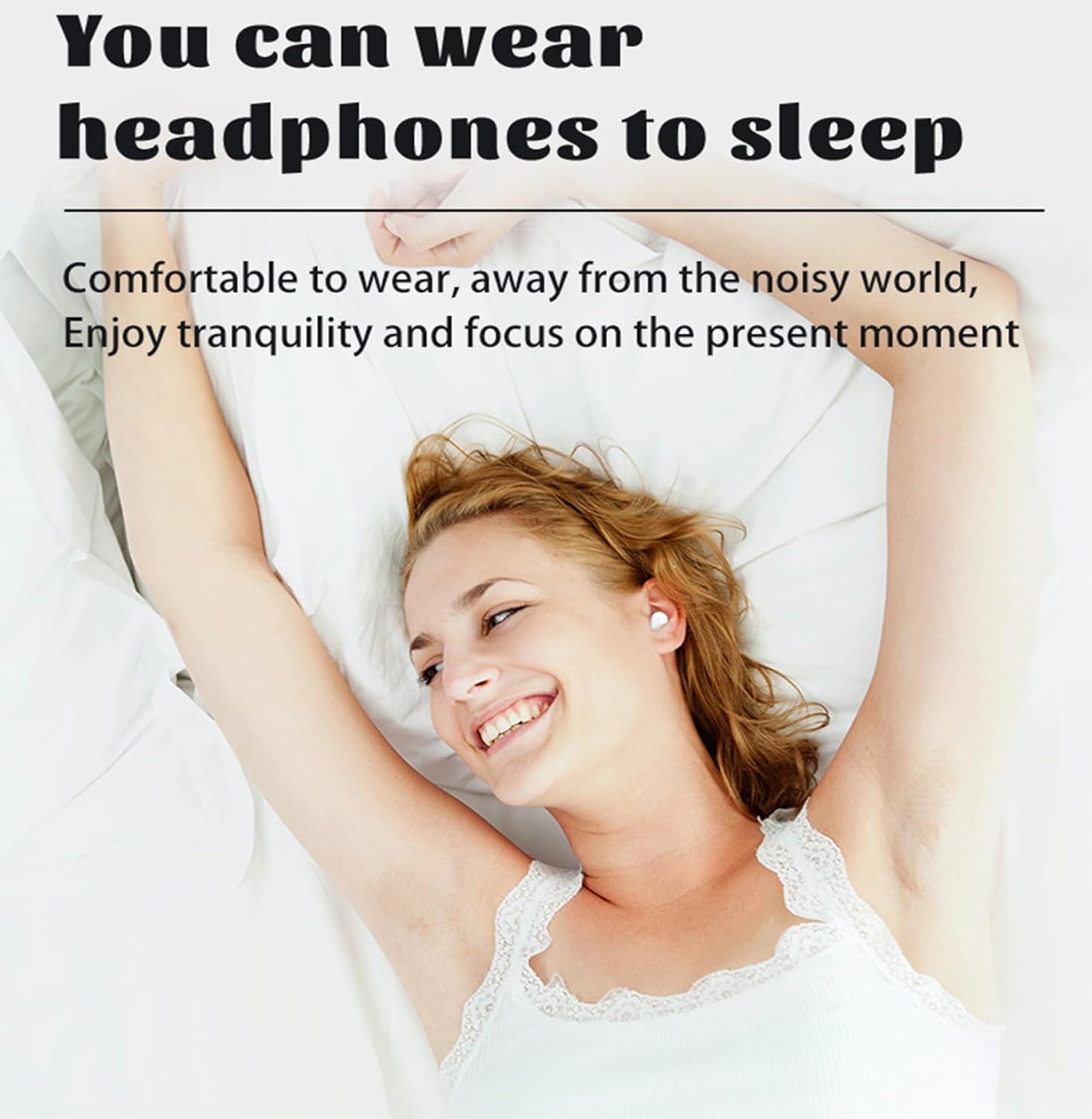
Image: A person comfortably wearing the earbuds while sleeping, emphasizing their suitability for sleep.
4. Setup
4.1 Charging the Earbuds and Case
- Initial Charge: Before first use, fully charge the charging case and earbuds. Connect the provided TYPE-C cable to the charging port on the case and a USB power source.
- Charging Earbuds: Place the earbuds into the charging case. They will automatically begin charging. The indicator lights on the case will show the charging status.
4.2 Pairing with a Device
- Power On: Open the charging case. The earbuds will automatically power on and enter pairing mode.
- Enable Bluetooth: On your smartphone, tablet, or other Bluetooth-enabled device, go to the Bluetooth settings and enable Bluetooth.
- Select Device: Look for "SK32" (or similar name) in the list of available Bluetooth devices and select it to connect.
- Confirmation: Once connected, you will hear an audio prompt, and the earbuds will be ready for use.
4.3 Reconnecting
After the initial pairing, the earbuds will automatically reconnect to the last paired device when removed from the charging case, provided Bluetooth is enabled on your device.
5. Operating Instructions
The Xmenha SK32 Sleep Earbuds feature touch controls for easy management of audio and calls.
5.1 Power On/Off
- Power On: Open the charging case, and the earbuds will power on automatically.
- Power Off: Place the earbuds back into the charging case and close the lid. They will automatically power off and begin charging.
5.2 Music Playback
- Play/Pause: Tap either earbud once.
- Next Track: Double-tap the right earbud.
- Previous Track: Double-tap the left earbud.
- Volume Up: Triple-tap the right earbud.
- Volume Down: Triple-tap the left earbud.
5.3 Call Management
- Answer/End Call: Tap either earbud once.
- Reject Call: Press and hold either earbud for 2 seconds.
5.4 Voice Assistant
- Activate Voice Assistant: Press and hold either earbud for 3 seconds (when not on a call).
6. Maintenance
6.1 Cleaning
- Gently wipe the earbuds and charging case with a soft, dry, lint-free cloth.
- Do not use harsh chemicals, cleaning solvents, or strong detergents.
- Avoid getting moisture in any openings.
6.2 Storage
- Store the earbuds in their charging case when not in use to protect them and keep them charged.
- Keep the product in a cool, dry place, away from extreme temperatures and direct sunlight.
6.3 Battery Care
- Charge the earbuds regularly, even if not used for extended periods, to maintain battery health.
- Avoid fully discharging the battery frequently.
7. Troubleshooting
If you encounter any issues with your Xmenha SK32 Sleep Earbuds, please refer to the following common solutions:
- Earbuds not pairing:
- Ensure the earbuds are charged.
- Turn off and on Bluetooth on your device.
- Delete "SK32" from your device's Bluetooth list and try pairing again.
- Place earbuds back in the case, close the lid, wait a few seconds, then open to re-enter pairing mode.
- No sound from one or both earbuds:
- Check the volume level on both your device and the earbuds.
- Ensure earbuds are properly connected to your device.
- Try restarting your device and reconnecting the earbuds.
- Charging issues:
- Ensure the charging cable is securely connected to both the case and the power source.
- Check if the charging port is clean and free of debris.
- Try using a different charging cable or power adapter.
- Connection drops frequently:
- Ensure there are no significant obstacles between the earbuds and your device.
- Move closer to your device to reduce interference.
- Avoid using the earbuds in environments with strong electromagnetic interference.
8. Specifications
| Model Name | SK32 |
| Brand | Xmenha |
| Connectivity Technology | Wireless |
| Wireless Communication Technology | Bluetooth 5.3 |
| Ear Placement | In Ear |
| Control Method | Touch |
| Water Resistance Level | Waterproof |
| Material | Plastic |
| Earbud Dimensions | 0.3 x 0.2 x 0.5 inches |
| Earbud Weight | Approx. 0.1 oz (0.07 oz per earbud) |
| Manufacturer | Shenzhen Kailige Technology Co., Ltd. |
| Compatible Devices | Smartphones, Tablets, Computers |
9. Warranty and Support
For any questions, technical support, or warranty inquiries, please refer to the contact information provided with your purchase or visit the official Xmenha website. Please retain your proof of purchase for warranty claims.


