
Sealy SL-HW-SN-122-WT
Sealy Portable Sound Machine User Manual
Model: SL-HW-SN-122-WT
Introduction
Thank you for choosing the Sealy Portable Sound Machine Night Light & Bluetooth Speaker. This device is designed to provide a soothing audio and visual environment for relaxation, sleep, and focus. With 40 unique sound modes, adjustable brightness, and multicolor lighting options, it offers a customizable experience for users of all ages. Its portable design and rechargeable battery make it ideal for use at home or on the go. Please read this manual carefully to ensure proper use and maintenance of your device.
Product Overview
Key Features
- 40 Soothing Sound Modes: Includes white noise, natural environments, and machine tones for diverse preferences.
- Dynamic Lighting Options: Features 7 vibrant multicolor mood lights and 2 calming breathing light modes.
- Adjustable Brightness: Offers 4 levels of brightness for the night light function.
- Portable & Rechargeable: Compact design with a strap hook for easy transport, powered by a rechargeable battery via Type-C USB.
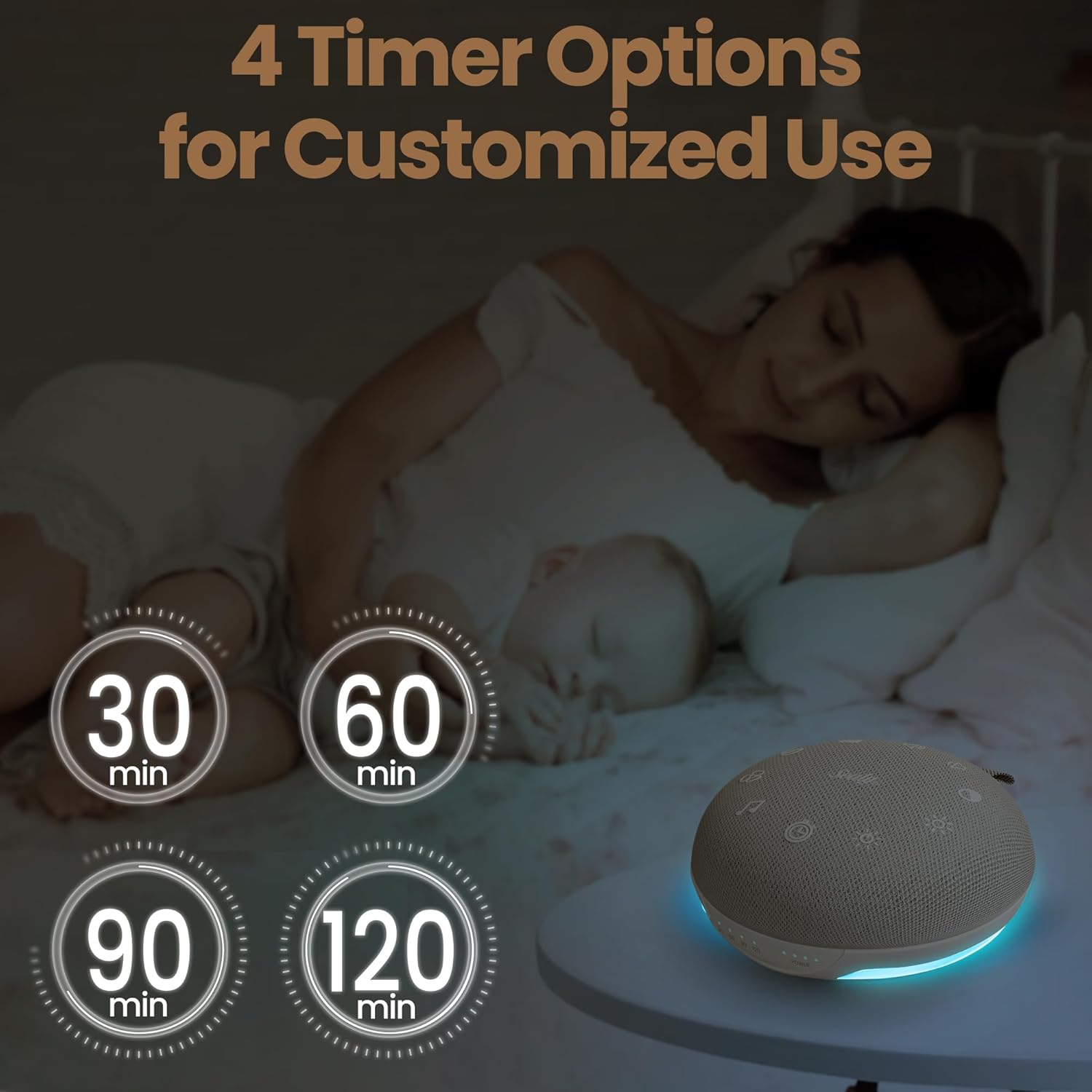
- Versatile Timer Settings: Four time options (30, 60, 90, 120 minutes) for automatic shutoff.
- Bluetooth-Enabled Speaker: Connects wirelessly to your devices for music, audiobooks, or calls with crisp sound quality.
What's in the Box
- Sealy Portable Sound Machine Night Light & Bluetooth Speaker
- Type-C USB Charging Cable
- User Manual
Product Visuals


Product Video
Official product video demonstrating the features and portability of the Sealy Portable Sound Machine, including its use for babies in strollers.
Safety Information
Always follow the instructions provided with this product. Keep the device away from liquids and avoid exposing it to excessive heat. Do not use this device while sleeping to prevent the risk of overheating. This device is not intended for use by children. Always observe safe noise levels to protect your hearing.
Setup
Charging the Device
- Locate the Type-C USB charging port on the device.
- Connect the provided Type-C USB cable to the device and the other end to a compatible USB power adapter (not included) or a computer USB port.
- The charging indicator lights will illuminate to show charging status. A full charge typically takes approximately 2-3 hours.
- Once fully charged, the indicator lights may change or turn off. Disconnect the charging cable.

Operating Instructions
Power On/Off
- To power on the device, slide the ON/OFF switch to the "ON" position.
- To power off the device, slide the ON/OFF switch to the "OFF" position.
Sound Modes
- The device features 40 unique sound modes, including white noise, nature sounds (e.g., rain, waves, birds), and calming tones (e.g., lullabies, heartbeat, meditation).
- Press the Sound Mode button (represented by musical notes or sound waves icon) to cycle through the available sound categories.
- Use the Volume Up and Volume Down buttons to adjust the sound level.

Night Light and Mood Lights
- Press the Light Mode button (represented by a sun icon) to turn on the night light.
- Continue pressing the Light Mode button to cycle through the 7 multicolor mood lights and 2 calming breathing light modes.
- To adjust the brightness of the night light, press the Brightness button (represented by a sun with plus/minus signs). There are 4 adjustable brightness levels.


Timer Settings
- The device offers four timer options for automatic shutoff: 30, 60, 90, and 120 minutes.
- Press the Timer button (represented by a clock icon) to select your desired duration. The corresponding indicator light will illuminate.
- The device will automatically turn off after the selected time.

Bluetooth Connection
- To connect via Bluetooth, ensure the device is powered on.
- The device will automatically enter Bluetooth pairing mode, indicated by a flashing Bluetooth icon or light.
- On your smartphone or other Bluetooth-enabled device, search for "Sealy Sound Machine" (or similar name) in the Bluetooth settings.
- Select the device to pair. Once connected, a confirmation sound may play, and the Bluetooth indicator light will become solid.
- You can now play audio from your connected device through the Sealy Sound Machine.
Maintenance
- Cleaning: Wipe the device with a soft, dry cloth. Do not use abrasive cleaners or immerse the device in water.
- Storage: Store the device in a cool, dry place away from direct sunlight and extreme temperatures when not in use for extended periods.
- Battery Care: To prolong battery life, fully charge the device before first use and recharge it regularly, even if not used frequently. Avoid completely draining the battery.
Troubleshooting
| Problem | Possible Cause | Solution |
|---|---|---|
| Device does not turn on. | Battery is depleted. | Charge the device using the provided USB-C cable. |
| No sound from the speaker. | Volume is too low or muted; incorrect sound mode selected. | Increase the volume. Cycle through sound modes to ensure one is active. |
| Cannot connect via Bluetooth. | Device is not in pairing mode; too far from source device; interference. | Ensure the sound machine is powered on and in pairing mode. Move closer to the source device. Turn off other Bluetooth devices nearby. |
| Night light is not working. | Light mode is off or brightness is set to minimum. | Press the Light Mode button to activate the light. Adjust brightness using the Brightness button. |
Specifications
| Feature | Detail |
|---|---|
| Model Name | SL-HW-SN-122-WT |
| Product Dimensions | 4.9 x 4.8 x 1.75 inches |
| Item Weight | 7.2 ounces |
| Color | Grey |
| Power Source | Battery Powered (Rechargeable via Type-C USB) |
| Sound Modes | 40 (White Noise, Nature, Calming Tones) |
| Light Modes | 7 Multicolor Mood Lights, 2 Breathing Light Modes |
| Brightness Levels | 4 |
| Timer Options | 30, 60, 90, 120 minutes |
| Bluetooth Range | Up to 33 ft |
| Manufacturer | Bytech NY |
Warranty & Support
This product comes with a standard manufacturer's warranty. For detailed warranty information, please refer to the packaging or contact the manufacturer directly. If you experience any issues or have questions regarding your Sealy Portable Sound Machine, please contact our customer support team for assistance.
Manufacturer: Bytech NY
For support, please visit the official Sealy website or contact their customer service as indicated on the product packaging.
Ask a question about this manual
Ask about setup, troubleshooting, compatibility, parts, safety, or missing instructions. Manuals+ will review the question and use this page’s manual context to help answer it.