Introduction
Welcome to the user manual for your Noise Buds X2 Truly Wireless Earbuds. This guide provides detailed instructions on how to set up, operate, maintain, and troubleshoot your earbuds to ensure optimal performance and a seamless audio experience.
What's in the Box
Upon unboxing your Noise Buds X2, you should find the following items:
- 1N Bluetooth Headphone (Earbuds)
- 1N Charging Case
- 1N Charging Cable (Type-C)
- 1N User Manual
- 1N Warranty Registration Card

Image: Noise Buds X2 earbuds and charging case, highlighting the 140-hour playtime capability.
Product Overview
Key Features
- Massive 140-Hour Playtime: Extended battery life with the charging case.
- Hybrid ANC (up to 32dB): Active Noise Cancellation for an immersive audio experience.
- 10mm Dynamic Drivers: Delivers clear audio with enhanced bass.
- Dual EQ Modes: Switch between deep bass and balanced audio profiles.
- Instacharge™: 10 minutes of charging provides 150 minutes of playtime.
- Quad Mic with ENC: Environmental Noise Cancellation for clear calls.
- Dual Device Pairing: Seamlessly switch between two connected devices.
- Low Latency Mode: Optimized audio-visual sync for gaming.
- Bluetooth v5.3: Stable and efficient wireless connectivity.
- IPX5 Water Resistant: Protection against sweat and light splashes.
- Rubberised Finish: Durable and comfortable design.

Image: An infographic detailing the main features of the Noise Buds X2 earbuds.
Controls
The Noise Buds X2 feature intuitive touch controls on each earbud. Specific functions typically include:
- Play/Pause: Single tap on either earbud.
- Next Track: Double tap on the right earbud.
- Previous Track: Double tap on the left earbud.
- Answer/End Call: Single tap on either earbud.
- Reject Call: Press and hold either earbud.
- ANC/Transparency Mode: Triple tap on either earbud to cycle through modes.
- Activate Voice Assistant (Google Assistant/Siri): Press and hold for 2 seconds on either earbud.
- Dual EQ Mode Switch: Specific gesture (refer to the quick start guide for exact gesture, typically a long press or specific tap sequence).
Note: Exact touch control gestures may vary slightly. Refer to the quick start guide included in your package for precise instructions.
Setup
1. Initial Charging
Before first use, fully charge the earbuds and the charging case.
- Place both earbuds into the charging case.
- Connect the Type-C charging cable to the charging port on the case and to a power source.
- The LED indicator on the case will show charging status. Allow approximately 1.5-2 hours for a full charge.

Image: The Noise Buds X2 charging case with earbuds, illustrating the Instacharge feature for quick power-ups.
2. Pairing with a Device (First Time)
The earbuds use HyperSync™ technology for quick pairing.
- Open the charging case. The earbuds will automatically enter pairing mode.
- On your device (smartphone, tablet, laptop), enable Bluetooth.
- Search for "Noise Buds X2" in the list of available Bluetooth devices and select it to connect.
- Once connected, you will hear an audio prompt, and the LED indicator on the case will change.

Image: Visual representation of HyperSync™ technology for seamless device connection.
3. Dual Device Pairing
The Buds X2 support connecting to two devices simultaneously.
- Connect the earbuds to your first device as described above.
- Disable Bluetooth on the first device. The earbuds will re-enter pairing mode.
- Connect the earbuds to your second device.
- Re-enable Bluetooth on the first device. The earbuds should automatically connect to both devices.
- To switch between devices, simply play audio on the desired device. The earbuds will automatically switch.

Image: The Noise Buds X2 connected to both a smartphone and a tablet, showcasing the dual device pairing feature.
4. Wearing the Earbuds
For optimal sound quality and comfort, ensure a proper fit.
- Identify the left (L) and right (R) earbuds.
- Gently insert each earbud into your ear canal.
- Rotate the earbud slightly until it feels secure and forms a comfortable seal.
Operating Instructions
Power On/Off
- Power On: Open the charging case, or take the earbuds out of the case. They will power on automatically.
- Power Off: Place the earbuds back into the charging case and close the lid. They will power off automatically.
Music Playback
- Play/Pause: Single tap on either earbud.
- Next Track: Double tap on the right earbud.
- Previous Track: Double tap on the left earbud.
Call Management
- Answer/End Call: Single tap on either earbud.
- Reject Call: Press and hold either earbud for 2 seconds.

Image: The Noise Buds X2 earbuds and case, emphasizing the Quad mic with Environmental Noise Cancellation for clear communication.
Active Noise Cancellation (ANC) / Transparency Mode
Cycle through ANC On, Transparency Mode, and ANC Off by triple tapping on either earbud.
- ANC On: Blocks out ambient noise for an immersive listening experience.
- Transparency Mode: Allows you to hear your surroundings while listening to audio.
- ANC Off: Standard listening mode without noise cancellation.
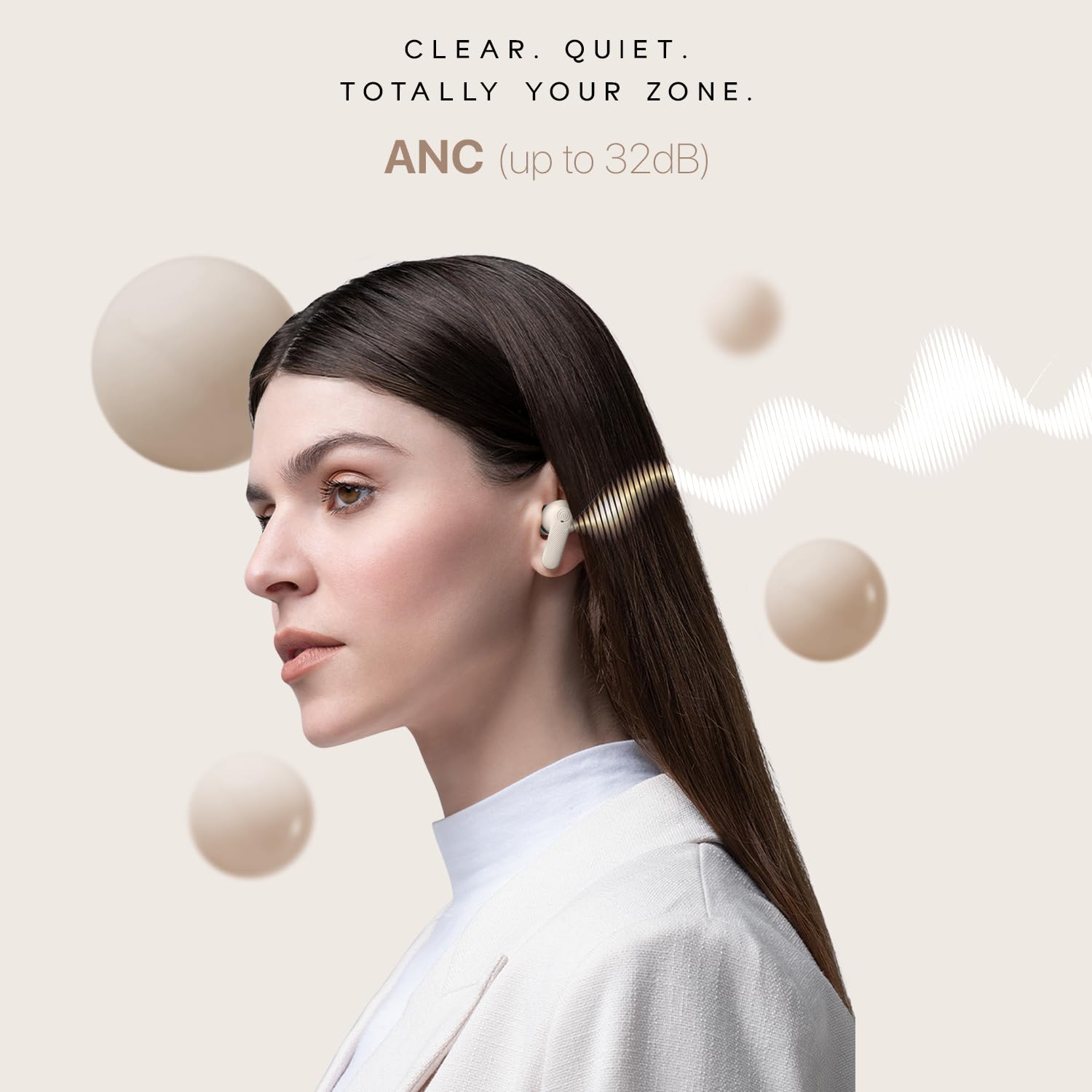
Image: A user wearing Noise Buds X2, illustrating the effectiveness of Active Noise Cancellation (ANC) up to 32dB.
Dual EQ Modes
Switch between "Tru Bass" and "Tru Balance" sound profiles to match your audio preference. Refer to the quick start guide for the specific touch gesture to activate this feature.

Image: Noise Buds X2 earbuds and case, highlighting the Dual EQ modes for customized sound profiles.
Low Latency Mode
Activate Low Latency Mode for an optimized gaming experience with reduced audio delay. Refer to the quick start guide for the specific touch gesture to activate this feature.

Image: Noise Buds X2 earbuds paired with a phone displaying a racing game, demonstrating the low latency mode for gaming.
Voice Assistant
Activate your device's voice assistant (Google Assistant or Siri) by pressing and holding either earbud for 2 seconds.
Maintenance
Cleaning
- Regularly clean the earbuds and charging case with a soft, dry, lint-free cloth.
- Remove any earwax or debris from the ear tips and speaker mesh using a small, clean brush or cotton swab.
- Do not use abrasive cleaners, alcohol, or chemical solvents.
Storage
- When not in use, always store the earbuds in their charging case to protect them and keep them charged.
- Store the device in a cool, dry place, away from extreme temperatures and direct sunlight.
Battery Care
- Avoid fully depleting the battery frequently. Charge the earbuds and case regularly.
- If storing for an extended period, ensure the battery is at least 50% charged.

Image: The Noise Buds X2 charging case with water droplets, highlighting its IPX5 water-resistant rating.
Troubleshooting
If you encounter issues with your Noise Buds X2, refer to the following common solutions:
| Problem | Possible Solution |
|---|---|
| Earbuds not pairing/connecting. |
|
| Only one earbud is working. |
|
| Low volume or poor sound quality. |
|
| Charging issues. |
|
| Touch controls not responding. |
|
Specifications
| Feature | Detail |
|---|---|
| Model Name | Buds X2 |
| Model Number | AUD-HDPHN-BUDS-X2-BLK |
| Noise Control | Active Noise Cancellation (up to 32dB) |
| Connectivity Technology | Wireless (Bluetooth v5.3) |
| Bluetooth Range | 10 Metres |
| Audio Driver Type | Dynamic Driver |
| Audio Driver Size | 10 Millimetres |
| Battery Life (Total) | 140 Hours (with charging case) |
| Charging Time (Instacharge) | 10 minutes for 150 minutes playtime |
| Headphones Jack | Type-C Fast Charging Jack |
| Water Resistance Level | IPX5 Water Resistant |
| Material | Polycarbonate (PC) |
| Item Weight | 50 Grams |
| Product Dimensions | 6.5 x 4.9 x 2.9 cm |
| Control Method | Voice (Google Assistant, Siri) and Touch |
| Special Features | Noise Cancellation, Dual EQ Modes, Low Latency Mode, Enhanced Call Quality, Dual Device Pairing |
Warranty and Support
Your Noise Buds X2 earbuds come with a warranty. Please refer to the included Warranty Registration Card for details on warranty coverage, terms, and conditions.
For technical support, service, or further inquiries, please contact Noise customer support through the channels provided on your warranty card or the official Noise website.
Manufacturer: Nexxbase Marketing Pvt. Ltd, Khasra No-146/25/2/1, Jail Road Badshahpur, Gurugram Haryana-122101, India.


