
Introduction
Thank you for choosing the UGREEN 8-in-1 GaN Power Strip and 100W USB-C Cable Bundle. This product is designed to provide efficient and versatile power delivery for a wide range of electronic devices. This manual provides essential information for safe and optimal use, including setup, operation, maintenance, and troubleshooting.
Please read this manual thoroughly before using the product and retain it for future reference.
Important Safety Instructions
- Read all instructions: Before using this product, read all safety instructions and warnings.
- Indoor use only: This product is intended for indoor use in dry locations. Do not expose to rain, moisture, or extreme temperatures.
- Electrical rating: Do not exceed the electrical ratings of the power strip. Overloading can cause damage or fire.
- Grounding: Ensure the power strip is plugged into a grounded outlet.
- Avoid liquids: Do not immerse the product in water or any other liquid. Do not operate with wet hands.
- Ventilation: Do not cover the power strip or block any ventilation openings.
- Children: Keep out of reach of children.
- Disassembly: Do not attempt to disassemble, repair, or modify the product. Contact UGREEN support for assistance.
- Damage: Do not use if the power strip, cable, or plug is damaged.
- Cruise Ship Use: This power strip is designed without surge protection, making it suitable for use on cruise ships where surge protectors are often prohibited.
Product Overview
The UGREEN 8-in-1 GaN Power Strip and 100W USB-C Cable Bundle provides a comprehensive charging solution. It includes a compact GaN power strip with multiple outlets and ports, along with two high-speed 100W USB-C to USB-C cables.
Package Contents:
- 1 x UGREEN 8-in-1 GaN Power Strip
- 2 x UGREEN 100W USB-C to USB-C Cables
- 1 x User Manual (this document)
Key Features:
- 8-in-1 Connectivity: 4 AC outlets, 3 USB-A ports, and 1 USB-C port for simultaneous charging of up to 8 devices.
- GaN Technology: Utilizes Gallium Nitride (GaN) for higher efficiency, lower heat generation, and a compact design.
- 100W USB-C Power Delivery: The included USB-C cables support up to 100W Power Delivery (PD) for fast charging compatible laptops, tablets, and smartphones.
- E-Marker Chip: Integrated E-marker chip in USB-C cables ensures safe and stable high-power charging.
- Durable Cables: Nylon braided exterior for enhanced durability and tangle resistance.
- Compact Design: Space-saving cube design with a 5ft extension cord, ideal for various environments.
- Safety Features: Built-in protection against overcurrent, overvoltage, and overheating.

Image: The UGREEN 8-in-1 GaN Power Strip and two 100W USB-C cables, showcasing the complete bundle.

Image: A close-up view of the UGREEN 8-in-1 GaN Power Strip, highlighting its 4 AC outlets, 3 USB-A ports, and 1 USB-C port. The 5ft power cord is also visible.

Image: A detailed view of the two UGREEN 100W USB-C to USB-C cables, featuring their braided design and UGREEN branding on the connectors.
Setup Instructions
- Unpack: Carefully remove the UGREEN 8-in-1 GaN Power Strip and the two 100W USB-C cables from their packaging.
- Placement: Place the power strip on a stable, flat surface, away from heat sources, water, and direct sunlight. Ensure adequate ventilation around the unit.
- Connect to Power: Plug the power strip's main plug into a standard, grounded AC wall outlet (100-240V, 50/60Hz).
- Connect Devices:
- For AC-powered devices, plug them into the 4 AC outlets on the power strip.
- For USB-powered devices, connect them to the USB-A ports or the USB-C port using appropriate cables. Use the included UGREEN 100W USB-C cables for devices requiring high-speed USB-C charging.
- Verify Connection: Ensure all connections are secure before powering on your devices.
Operating Instructions
Using the Power Strip:
- Once the power strip is plugged into a wall outlet, it is ready to supply power. There is no on/off switch for the entire unit; individual ports/outlets are always active when connected to power.
- Plug your AC-powered devices directly into the AC outlets.
- Plug your USB-powered devices into the USB-A or USB-C ports. The power strip intelligently detects the connected device and delivers the optimal charging current.
Using the 100W USB-C Cables:
- The included USB-C cables are designed for high-speed charging and data transfer. Connect one end to the USB-C port on the UGREEN power strip (or another compatible USB-C charger) and the other end to your USB-C device (e.g., laptop, tablet, smartphone).
- These cables support up to 100W Power Delivery (PD) and 480Mbps data transfer. Ensure your device and charger also support these specifications to achieve maximum charging speeds.
- The integrated E-marker chip ensures safe and efficient power delivery, especially for high-wattage devices.

Image: A UGREEN 100W USB-C cable connected to a MacBook Pro, illustrating fast charging capabilities. The image indicates 42% charge in 30 minutes.

Image: A comparison chart demonstrating the faster charging speeds of UGREEN 100W PD3.0 compared to 60W cables for MacBook Pro, iPad Pro, and Galaxy S24 Ultra.

Image: A close-up, cutaway view of the UGREEN USB-C connector, highlighting the internal E-marker chip responsible for safe and intelligent power delivery.
Maintenance and Care
- Cleaning: Disconnect the power strip from the wall outlet before cleaning. Use a soft, dry cloth to wipe the surface. Do not use liquid cleaners or aerosols.
- Storage: When not in use for extended periods, unplug the power strip and store it in a cool, dry place. Avoid wrapping the cables too tightly to prevent damage.
- Inspection: Periodically inspect the power strip and cables for any signs of damage, such as frayed wires, cracked casings, or loose connections. If damage is found, discontinue use and contact support.
Troubleshooting
- Q: Devices are not charging.
- A:
- Ensure the power strip is securely plugged into a live wall outlet.
- Check if the device's charging cable is properly connected to both the power strip and the device.
- Try a different port or outlet on the power strip.
- Test the device with another known working charger and cable to rule out device issues.
- Q: Devices are charging slowly.
- A:
- Ensure your device supports fast charging protocols (e.g., Power Delivery for USB-C).
- Verify that the cable you are using is rated for the desired charging speed (e.g., 100W for the included USB-C cables).
- Some devices may limit charging speed if they are too hot or if the battery is nearly full.
- The total power output of the power strip is shared among all connected devices. If many devices are connected, charging speeds for individual devices might be reduced.
- Q: The power strip feels warm during operation.
- A: It is normal for the power strip to generate some heat during operation, especially when charging multiple devices or high-power devices, due to the GaN technology's efficiency. If it becomes excessively hot or emits smoke/odor, immediately unplug it and contact support.
Specifications
| Brand | UGREEN |
| Model | 8-in-1 GaN Power Strip and 100W USB-C Cable Bundle |
| AC Outlets | 4 |
| USB-A Ports | 3 |
| USB-C Ports | 1 |
| Total USB Ports | 4 |
| USB-C Cable Power Delivery | Up to 100W |
| USB-C Cable Data Transfer | 480Mbps |
| Cable Length (Power Strip) | 5 ft |
| Color | Black |
| Compatible Devices | Google Pixel, LG, MacBook Pro, Samsung S24/S23, iPad Pro, iPhone 15 Series, and other USB/AC powered devices |
| Special Features | GaN Technology, No Surge Protection (Cruise Approved), E-marker Chip (USB-C Cables) |
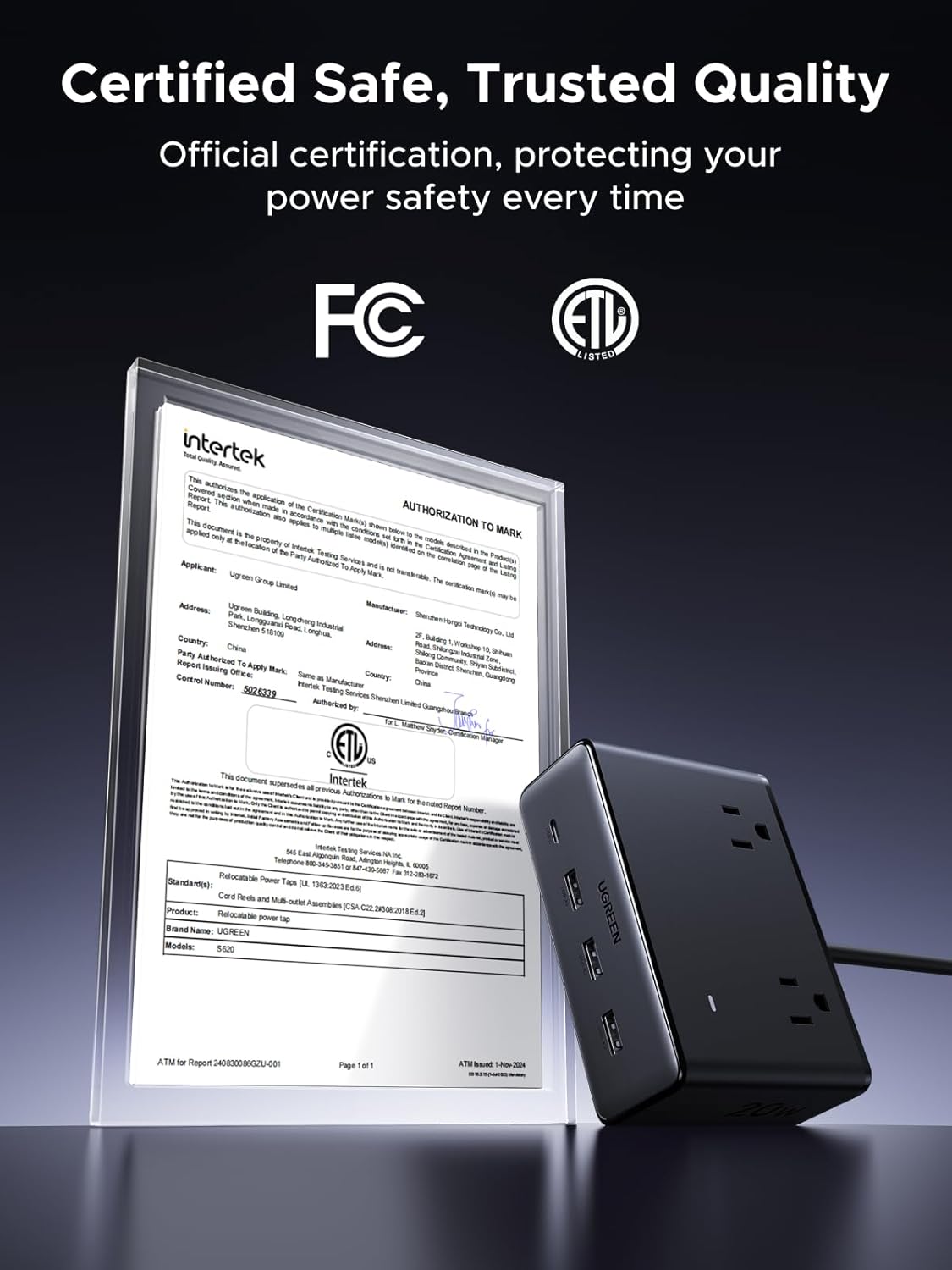
Image: Certification documents (Intertek, ETL, FC) confirming the safety and quality standards of the UGREEN power strip.

Image: An illustration comparing the internal components of a GaN-powered UGREEN power strip with a traditional power strip, highlighting the compact and efficient GaN II chip.
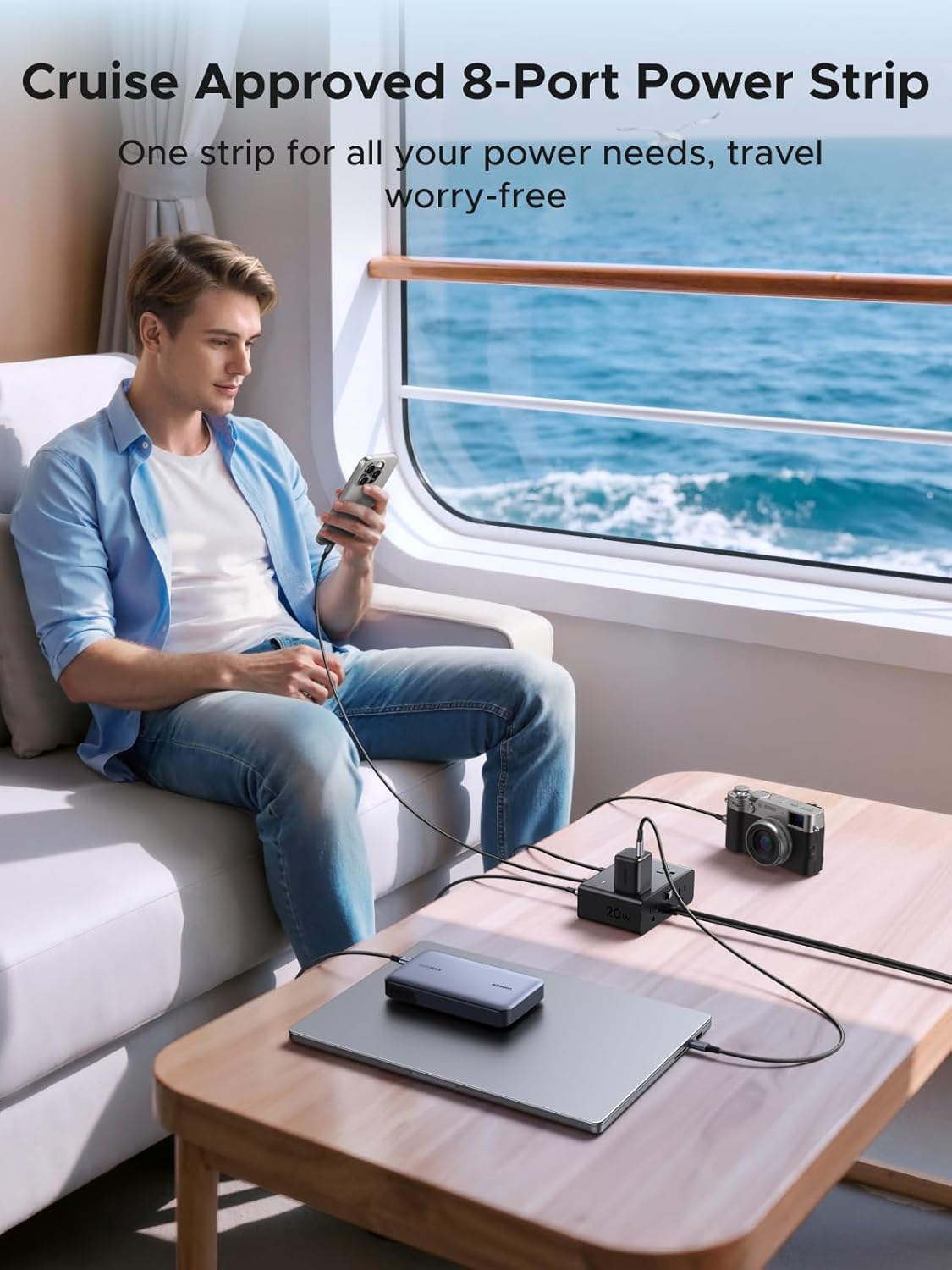
Image: A person using the UGREEN power strip to charge multiple devices (laptop, phone, camera) in a cruise ship cabin, demonstrating its travel-friendly and cruise-approved design.
Warranty and Support
UGREEN products are backed by a manufacturer's warranty. For specific warranty terms and conditions, please refer to the warranty card included with your product or visit the official UGREEN website.
If you encounter any issues or have questions regarding your UGREEN 8-in-1 GaN Power Strip and 100W USB-C Cable Bundle, please contact UGREEN customer support:
- Website: www.ugreen.com
- Email: Refer to the UGREEN website for specific support email addresses.
- Phone: Refer to the UGREEN website for specific support phone numbers.
Please have your product model and purchase information ready when contacting support.