
1. Introduction
The SureSafeGO Medical Alert System is a compact and lightweight personal safety device designed to provide peace of mind and immediate assistance for users, particularly the elderly. It features GPS tracking, automatic fall detection, and two-way communication, allowing direct contact with pre-programmed family and friends without the need for a base unit. The device is water-resistant and offers extended battery life, making it suitable for daily use in various environments.

Image: The SureSafeGO device, a black rectangular unit with an orange SOS button and an orange loop for attachment.
2. Key Features
- SOS Button: Press for immediate connection to pre-selected contacts.
- GPS Tracking: Provides accurate location information for assistance.
- Automatic Fall Detection: Automatically alerts contacts in case of a fall.
- Two-Way Communication: Talk directly through the device.
- 4-Day Battery Life: Extended usage between charges.
- Water Resistant: Suitable for use in the shower.
- Compact Design: Discreet and easy to wear.
- Home Beacon: Indicates if the user is at home.

Image: The SureSafeGO device alongside a graphic listing its key features, including SOS button, GPS tracking, and automatic fall detection.
3. Setup Guide
Setting up your SureSafeGO device involves activating the required monthly subscription and programming your emergency contacts. Detailed instructions are provided with your purchase, and the SureSafe Alarms support team is available to assist with any questions.
- Activate Subscription: An active monthly subscription is required for the device to function. Follow the instructions included in your package to activate your service.
- Charge Device: Before first use, fully charge your SureSafeGO device using the provided charging cable and plug.
- Program Contacts: Program your emergency contacts (up to 5) into the device. This can typically be done by sending specific text messages from any cell phone to the device's number. Refer to your included manual for exact commands.
- Test Functionality: Once set up, perform a test call to ensure the device is communicating correctly with your programmed contacts.

Image: Visual representation of easy setup, home beacon functionality, and water resistance.
4. Operating Instructions
Initiating an Alert:
- Manual Activation: Press and hold the prominent SOS button on the device. The device will provide a voice prompt to confirm the alert initiation.
- Automatic Fall Detection: If the device detects a fall, it will automatically initiate an alert sequence.
Alert Sequence:
- Upon activation (manual or automatic), the device will send an automatic call and text message to your first programmed emergency contact.
- If the first contact does not answer, the device will automatically call the next contact in your pre-programmed list, and continue through up to 5 contacts until an answer is received.
- Users can speak directly through the device to communicate with the answering contact.
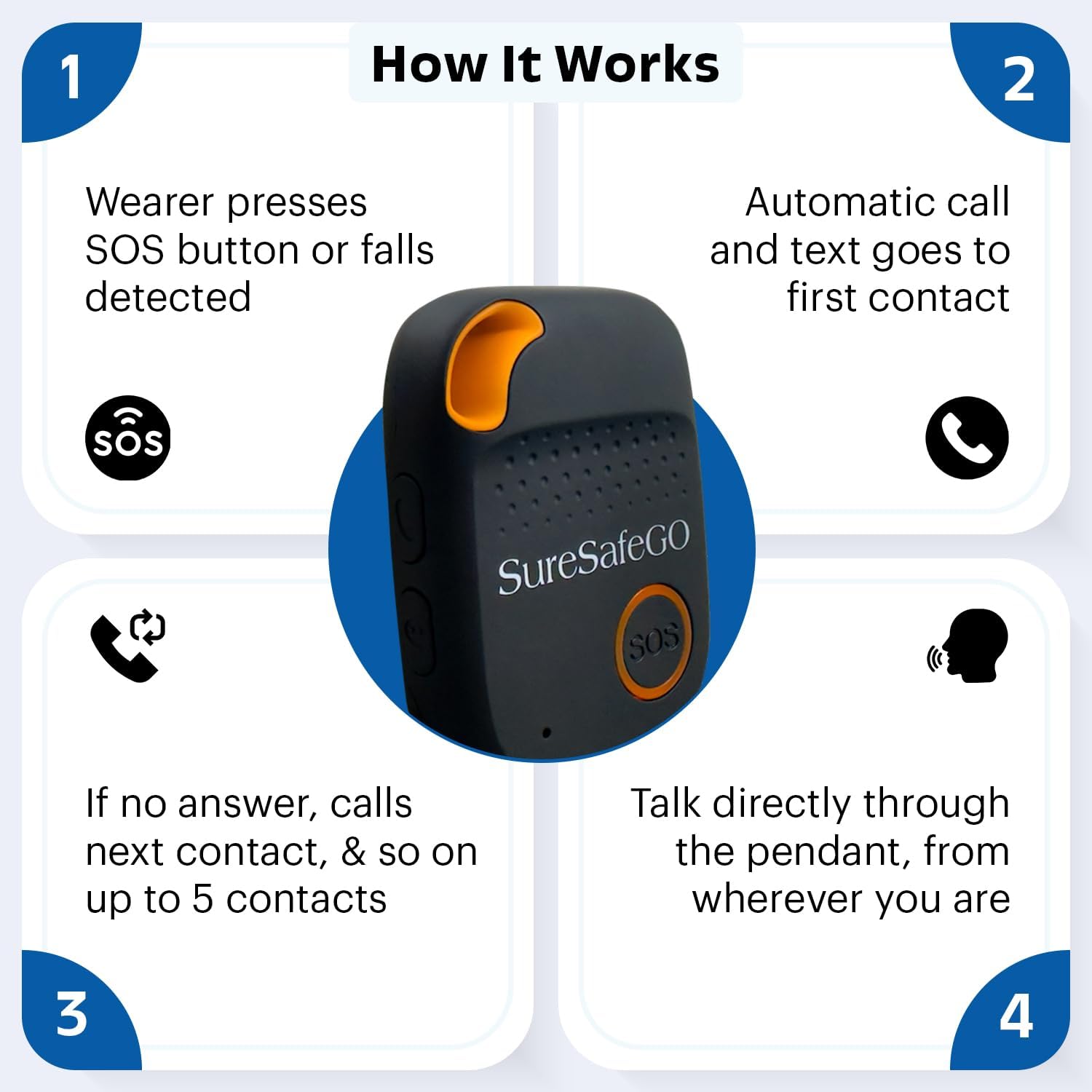
Image: A flowchart illustrating the alert process: from pressing the SOS button or detecting a fall, to contacting emergency numbers sequentially, and enabling two-way communication.
GPS Tracking and Location:
The SureSafeGO utilizes GPS technology to provide accurate location information. Your programmed contacts can use the "Find Me Function" to quickly locate the device user, whether indoors or outdoors.

Image: An elderly woman wearing the SureSafeGO pendant, highlighting its discreet design and the "Find Me Function" for quick location.
5. Maintenance
- Charging: Charge the device regularly to ensure optimal performance. The built-in rechargeable battery provides up to 4 days of usage. Use only the provided charging cable and plug.
- Cleaning: Wipe the device with a soft, damp cloth. Do not use harsh chemicals or abrasive cleaners.
- Water Resistance: While the device is water-resistant and suitable for shower use, avoid prolonged submersion or exposure to high-pressure water jets.
- Storage: Store the device in a cool, dry place when not in use.
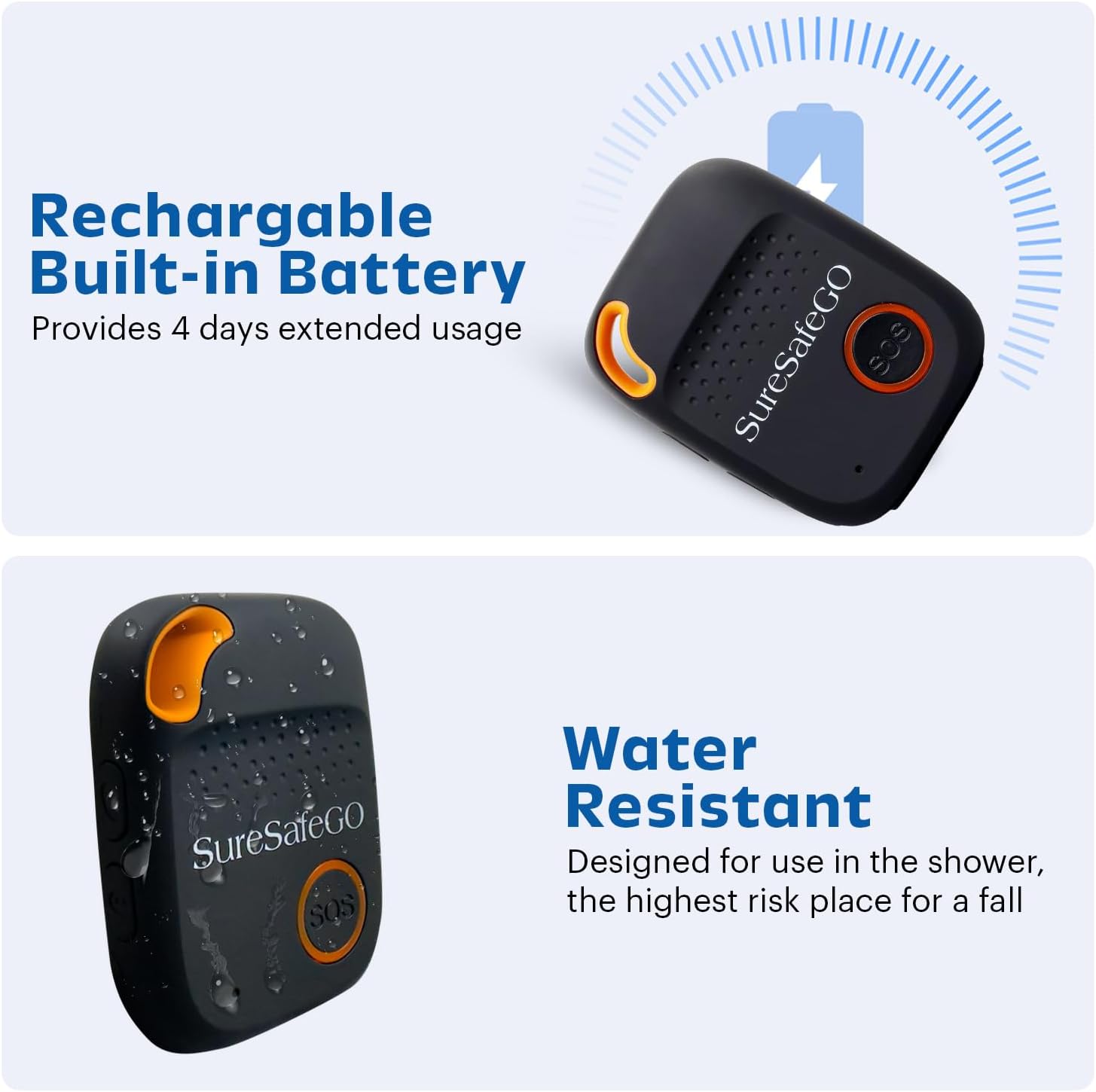
Image: Visuals demonstrating the rechargeable battery and water-resistant features of the SureSafeGO device.
6. Troubleshooting
| Problem | Possible Cause | Solution |
|---|---|---|
| Device not responding / No signal | No active subscription; Out of 4G coverage; Low battery. | Ensure subscription is active. Move to an area with better 4G coverage. Charge the device fully. |
| Contacts not receiving alerts | Incorrect contact numbers programmed; Device not activated; Low signal. | Verify programmed contact numbers. Confirm subscription activation. Check device signal strength. |
| Fall detection not working | Device not worn correctly; Specific fall type not detected. | Ensure the device is worn securely as instructed. Note that not all falls may be detected. |
| Difficulty with initial setup | Complex programming steps; Unfamiliarity with text message commands. | Refer to the detailed setup guide provided with your device. Contact SureSafe Alarms customer support for personalized assistance. |
7. Specifications
- Model: SureSafeGO
- Brand: SureSafe Alarms
- Connectivity Technology: Cellular (AT&T 4G)
- Special Features: Geo-Fence, Location History, Real Time Tracking, SOS, Speakerphone
- Battery Life: Up to 4 days
- Water Resistance: Shower water resistant
- Specific Uses: Senior Care, Personal Safety
8. Warranty and Support
30-Day Worry-Free Returns: Your SureSafeGO Medical Alert System is covered by Amazon's 30-day worry-free guarantee. If you are not fully satisfied, you may return the device and any associated subscription within 30 days for a refund.
Customer Support: For any questions regarding setup, operation, troubleshooting, or subscription services, please contact SureSafe Alarms customer support. Contact details are typically provided in your product packaging or on the SureSafe Alarms official website.
Manufacturer: SureSafe


