Introduction
This manual provides detailed instructions for the safe and effective use of your GPEESTRAC BFNO-TD200-07 Bluetooth Earphones. These earphones feature Bluetooth 5.4 connectivity, Active Noise Cancellation (ANC), a multi-function touch display on the charging case, and extended battery life. Please read this manual thoroughly before using the product and retain it for future reference.
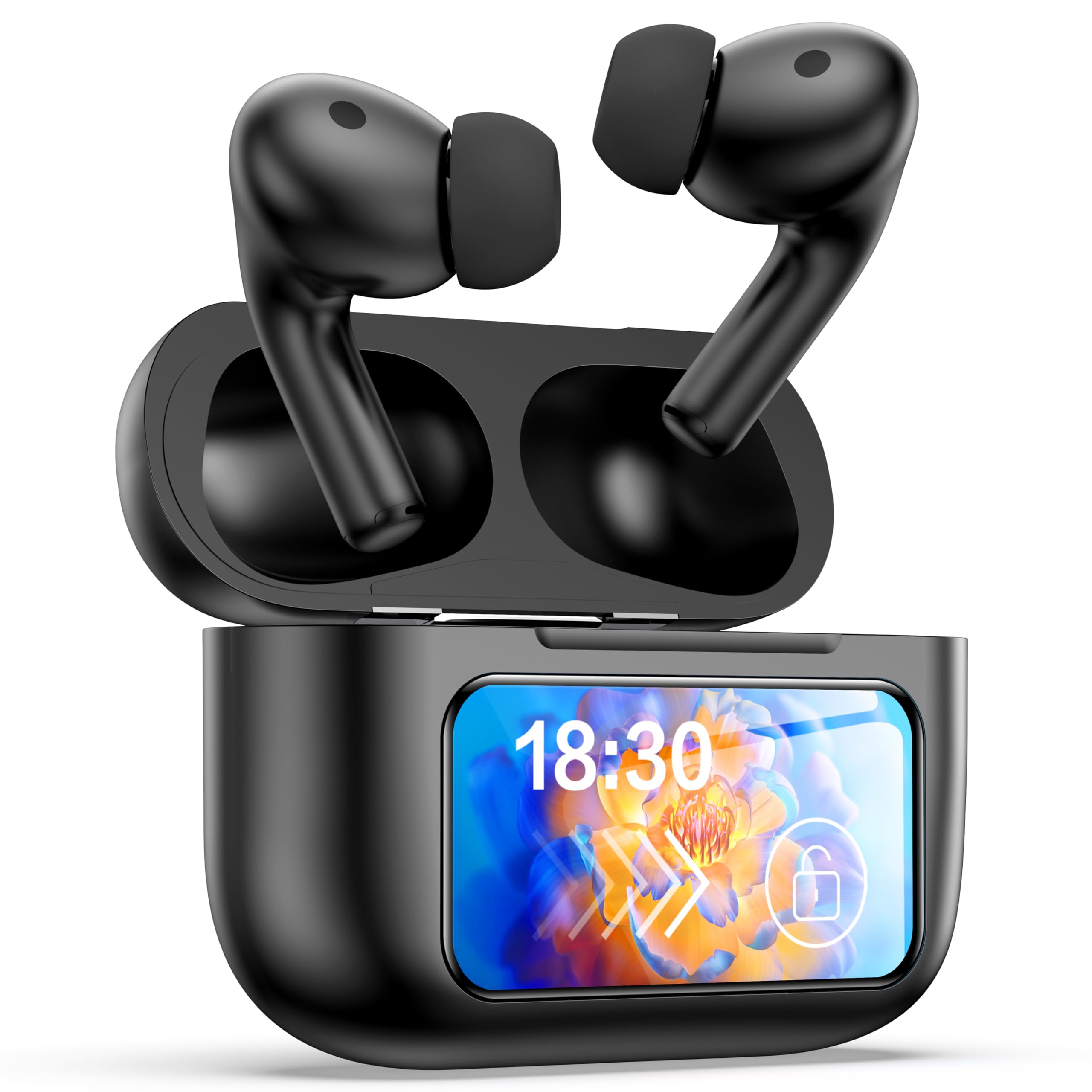
Image: The GPEESTRAC BFNO-TD200-07 Bluetooth Earphones with their charging case, showcasing the LED screen and various features.
Product Overview
The GPEESTRAC BFNO-TD200-07 consists of two wireless earbuds and a portable charging case. The charging case is equipped with a color touch display for easy control and monitoring.
Key Components:
- Earbuds: In-ear design, lightweight (approx. 3.7g each), with touch-sensitive controls.
- Charging Case: Houses the earbuds, provides charging, and features a multi-function color touch display.
- Eartips: Various sizes for a comfortable and secure fit.
- USB Type-C Charging Cable: For recharging the charging case.
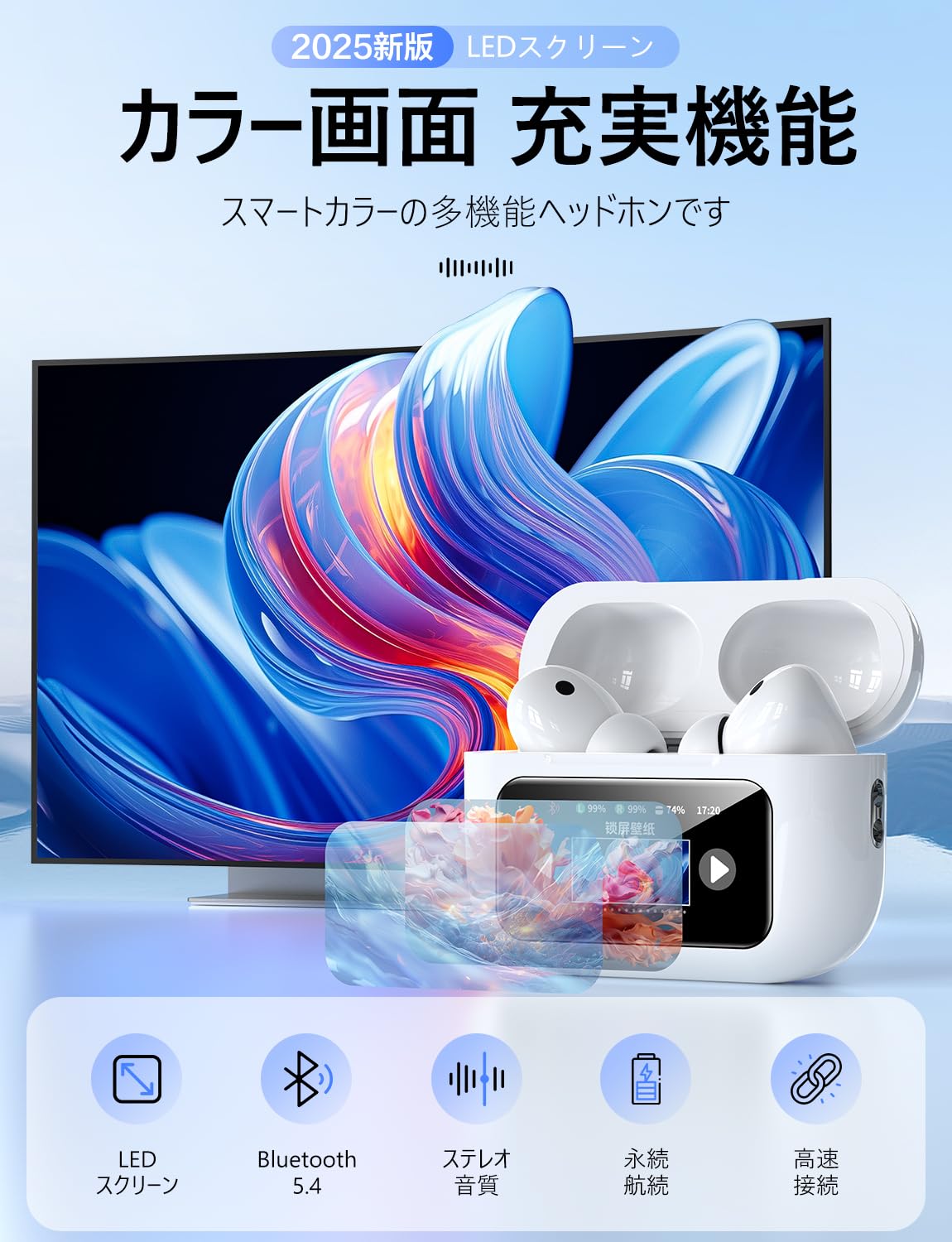
Image: A detailed view of the GPEESTRAC BFNO-TD200-07 earbuds and the charging case, highlighting their design.
Setup
1. Charging the Earphones and Case
Before first use, fully charge the charging case and earbuds. The charging case has a 1200 mAh battery capacity.
- Place the earbuds into the charging case. Ensure they are correctly seated.
- Connect the USB Type-C charging cable to the charging port on the case and to a power source.
- The touch display on the charging case will show the charging status and remaining battery level for both the case and individual earbuds.
- A full charge provides approximately 5 hours of playback for the earbuds and the case can recharge the earbuds 3-4 times, offering up to 32 hours of total playback.

Image: The charging case connected via a Type-C cable, displaying battery levels on its screen, with an earbud being worn.
2. Pairing with a Bluetooth Device
The earphones utilize Bluetooth 5.4 technology for a stable and fast connection.
- Ensure your device's Bluetooth is turned on.
- Open the lid of the charging case. The earbuds will automatically enter pairing mode (if not already paired).
- On your device, search for Bluetooth devices and select "BFNO-TD200-07" from the list.
- Once paired, the earphones will automatically connect to your device when the case lid is opened, provided Bluetooth is enabled on your device.

Image: Illustration of the Bluetooth 5.4 chip and a smartphone screen showing the earphones ready for pairing.
Operating Instructions
Active Noise Cancellation (ANC) Modes
The earphones feature a proprietary noise-canceling chip, offering a noise reduction depth of up to 36 dB, which can increase to 45 dB with properly fitted eartips. The charging case's touch display allows you to switch between modes.
- ANC Mode: Reduces ambient noise, ideal for immersive listening.
- External Sound Capture Mode (Transparency Mode): Allows you to hear your surroundings while listening to audio, enhancing safety and awareness.
- Ai Adaptive Mode: Automatically adjusts noise cancellation based on your environment.

Image: Visual representation of ANC technology and users demonstrating the use of ANC and transparency modes in different environments.
Multi-Function Touch Display and Controls
The charging case features a color touch display that provides access to various functions without needing your phone.
- Music Player Controls: Play, pause, skip tracks, adjust volume.
- ANC Mode Selection: Switch between ANC, Transparency, and Ai Adaptive modes.
- Find Earphones: Locate misplaced earbuds.
- Timer Function: Set a timer directly from the case.
- Camera Controller: Remotely trigger your smartphone camera.
- Language Switch: Change the display language.
- Voice Assistant: Activate your device's voice assistant.
The earbuds themselves have touch-sensitive areas for basic controls like play/pause, answering calls, and activating voice assistant. A multi-function button on the back of the charging case allows for restarting and resetting the device.

Image: The charging case's LED touch display showing various icons for functions such as time display, volume control, language settings, and camera control.
Audio Quality and Calls
The earphones are designed to deliver Hi-Fi sound quality with a 14mm diameter flexible diaphragm, providing clear audio from deep bass to crisp treble. They also support HD calls for up to 4 hours of talk time.

Image: A smartphone screen displaying various music equalizer modes, suggesting customizable audio experiences with the earphones.
Maintenance
Proper maintenance ensures the longevity and optimal performance of your earphones.
- Cleaning: Regularly clean the earbuds, eartips, and charging contacts with a soft, dry, lint-free cloth. Do not use abrasive materials or harsh chemicals.
- Storage: When not in use, store the earphones in their charging case to protect them from dust and damage.
- Avoid Moisture: Keep the earphones and charging case away from water and excessive humidity.
- Charging: Charge the case regularly, even if not in use, to maintain battery health.
Troubleshooting
If you encounter issues with your earphones, refer to the following common solutions:
| Problem | Possible Solution |
|---|---|
| Earbuds not pairing/connecting |
|
| No sound or low volume |
|
| Charging case not charging |
|
| ANC not effective |
|
Specifications
| Feature | Detail |
|---|---|
| Brand | GPEESTRAC |
| Model | BFNO-TD200-07 |
| Bluetooth Version | 5.4 + EDR |
| Charging Case Battery | 1200 mAh |
| Earbud Playback Time | Approx. 5 hours |
| Total Playback Time (with case) | Up to 32 hours |
| HD Talk Time | Up to 4 hours |
| Noise Reduction Depth | 36 dB (up to 45 dB with optimal eartips) |
| Driver Size | 14 mm |
| Earbud Weight | Approx. 3.7 g (each) |
| Total Weight (with case) | Approx. 64 g |
| Charging Port | USB Type-C |
Warranty and Support
For warranty information and technical support, please refer to the documentation provided with your purchase or contact GPEESTRAC customer service. Keep your proof of purchase for warranty claims.
Manufacturer: GPEESTRAC


