
AiBaoQi HT30
AiBaoQi HT30 Military Outdoor Sports Smart Watch
User Instruction Manual
Introduction
This manual provides detailed instructions for the setup, operation, and maintenance of your AiBaoQi HT30 Military Outdoor Sports Smart Watch. Designed for rugged use, the HT30 features a durable build, advanced health monitoring, and unique functionalities like a purple anti-counterfeiting identification light and a built-in compass. Please read this manual thoroughly to ensure proper use and to maximize your watch's capabilities.
What's in the Box
Upon unboxing, please verify that all the following components are present:
- Smartwatch Header (Main Unit)
- Silicone Strap (22mm, removable and replaceable)
- USB Magnetic Charging Cable
- Instruction Manual (this document)
- Packaging Box
Specifications
| Feature | Detail |
|---|---|
| Model | HT30 |
| CPU | AB5691 |
| Display | 1.7-inch IPS, 360*360 resolution |
| Bluetooth | BLE5.0 |
| Battery | 600mAh Polymer Battery |
| Charging Method | USB Magnetic Charging |
| Waterproof Level | IP68 |
| Battery Life | 5-7 days (usage dependent) |
| Charging Time | ≤ 3 hours |
| Compatible OS | Android 5.1+ or iOS 8.2+ |
| App Name | FitCloudPro |
| Dimensions | 52.8*58.6*13.6mm (circle diameter 51.5mm) |
| Weight | 65g |
| Special Features | Flashlight, Currency Detector Light, Compass, Purple Anti-Counterfeiting Identification Light, SOS Mode, Flash Mode |
Setup Guide
- Charge the Smartwatch:
Before first use, fully charge your HT30 smartwatch. Connect the USB magnetic charging cable to the charging points on the back of the watch and plug the USB end into a standard USB power adapter (not included). The watch will display a charging indicator. A full charge typically takes up to 3 hours.
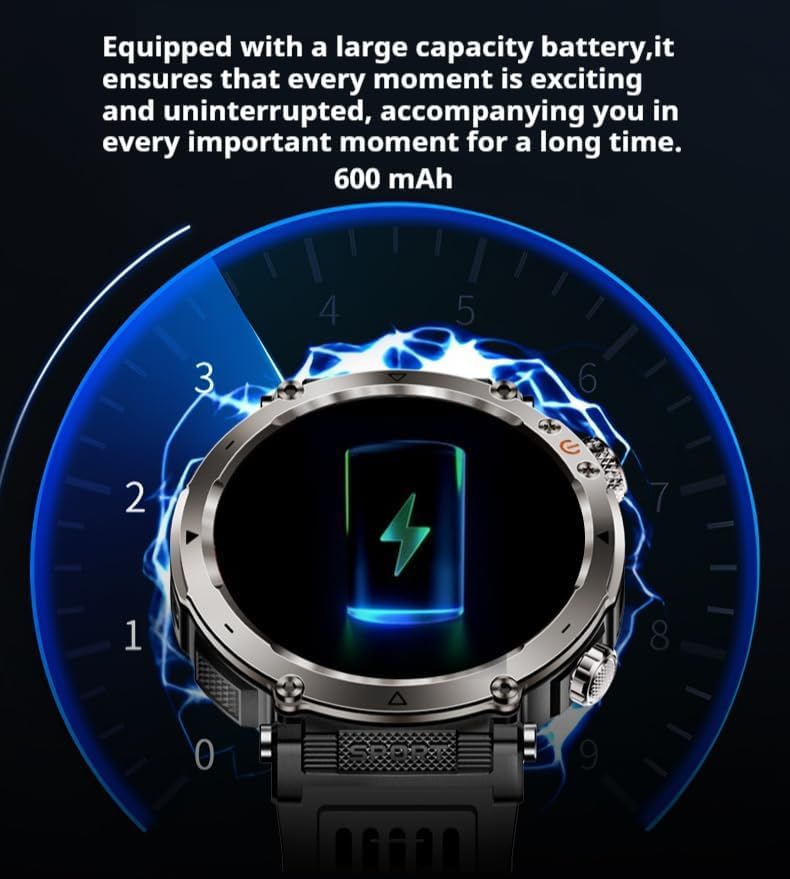
The HT30 smartwatch is equipped with a 600mAh polymer battery, ensuring extended usage. Use the provided USB magnetic charging cable to power up the device.
- Install the FitCloudPro App:
Download and install the 'FitCloudPro' application on your smartphone. The app is compatible with Android 5.1 or higher and iOS 8.2 or higher systems that support Bluetooth 5.0 BLE. You can find the app on your smartphone's respective app store (Google Play Store for Android, Apple App Store for iOS).
- Pair with Your Smartphone:
Open the FitCloudPro app on your smartphone. Ensure Bluetooth is enabled on both your watch and phone. Follow the in-app instructions to search for and connect to your HT30 smartwatch. Once connected, the watch's time and date will synchronize with your phone, and you can begin customizing settings and receiving notifications.
Operating Instructions
Basic Navigation and Functions
The HT30 smartwatch features a full-screen touch display and two physical buttons for navigation. Swipe across the screen to access different menus and functions. Press the physical buttons for specific actions like returning to the home screen or accessing quick settings.
- Built-in Dials: The watch comes with 6 built-in dials. You can also customize dials or download new ones via the FitCloudPro app.
- Basic Functions: Access features such as data, exercise tracking, exercise records, weather, information, music control, stopwatch, timer, alarm, payment code, business card, calendar, calculator, find phone, and camera remote control.
Communication Features
- Bluetooth Call: Make and receive calls directly from your watch after connecting it to your phone via Bluetooth. Access frequently used contacts and call logs.
- Voice Assistant: Utilize the integrated voice assistant for hands-free commands.
- Message and Call Reminders: Receive notifications for incoming calls, SMS, WeChat, QQ, WhatsApp, Line, Facebook, Facebook Messenger, Kaokao, Twitter, and Skype directly on your watch.
Health Management
The HT30 includes a professional health monitoring chip to help you track your well-being.
- Exercise Monitoring: Track your daily activity, including steps.
- Sleep Monitoring: Analyze your sleep patterns.
- Heart Rate Detection: Monitor your heart rate throughout the day.
- Blood Pressure Detection: Measure your blood pressure.
- Breathing Exercise: Guided breathing exercises for relaxation.
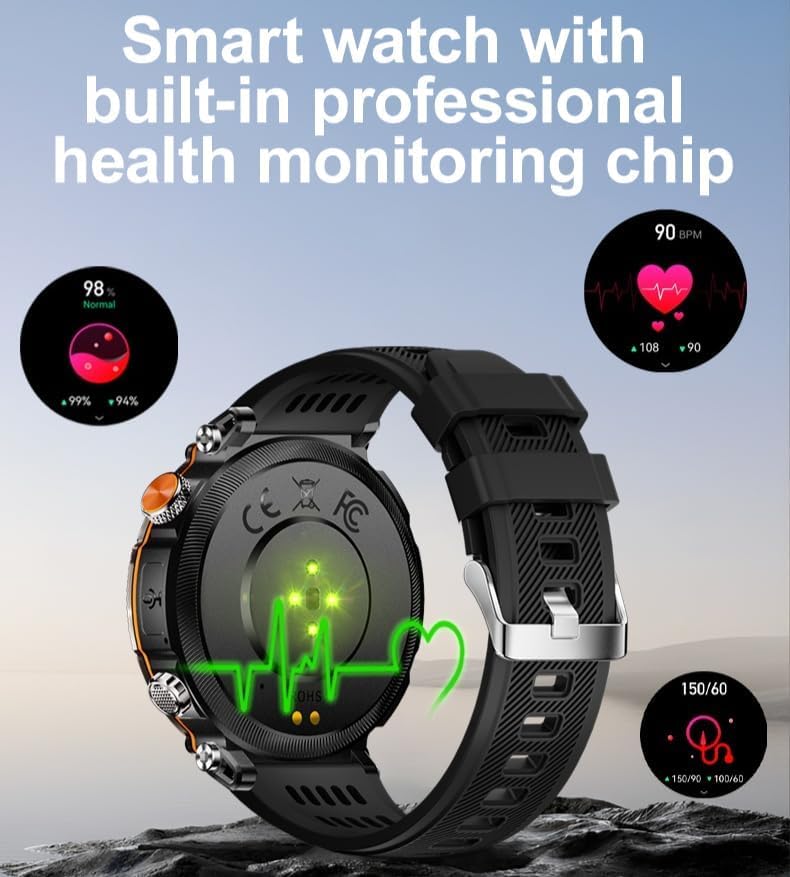
The HT30 smartwatch features a built-in professional health monitoring chip, providing accurate readings for heart rate and blood pressure, aiding in comprehensive health management.
Exercise Modes
The watch supports 9 built-in exercise modes. The FitCloudPro app offers a wider range of sports modes for more detailed tracking.
Special Features
- Purple Light Anti-Counterfeiting Identification Light:
Located on the side of the watch, this unique feature can be used for various identification purposes, including antique appraisal, honey wax jade verification, currency anti-counterfeiting recognition, and fungal detection.

The HT30's purple light anti-counterfeiting identification feature offers versatile utility for various verification needs.
- Flashlight:
The watch includes a built-in flashlight function for illumination in low-light conditions.
- Compass:
A digital compass is integrated for navigation and orientation.
- SOS Mode and Flash Mode:
The watch supports an SOS emergency mode and a flashing mode for signaling.
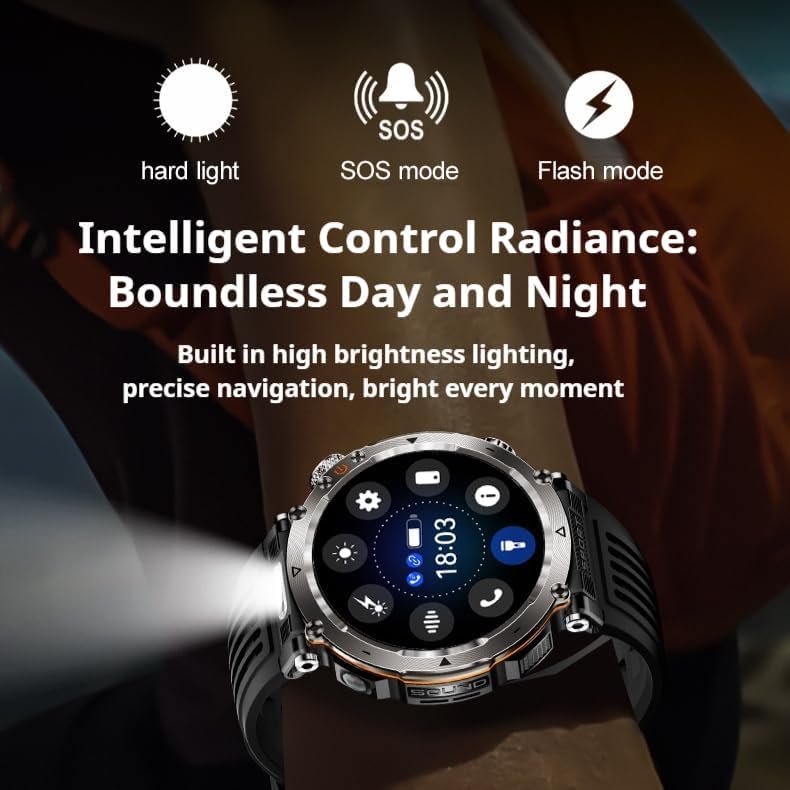
The HT30 offers intelligent control over its radiance, including hard light, SOS mode, and flash mode, ensuring visibility and utility day and night.
Maintenance and Care
- Water Resistance (IP68):
The HT30 smartwatch is IP68 waterproof, meaning it is resistant to dust and can withstand immersion in water up to 1.5 meters for 30 minutes. It is suitable for swimming in pools and handling unexpected splashes. However, it is not recommended for hot water baths, saunas, or diving, as steam and high pressure can compromise the seal.
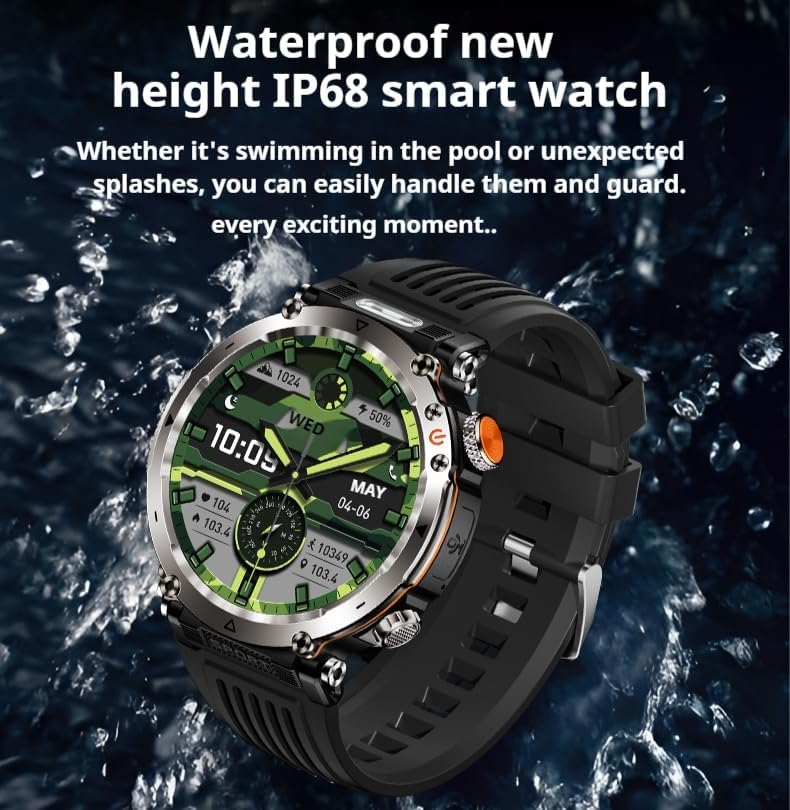
The HT30's IP68 waterproof rating ensures durability against water exposure, making it suitable for various activities including swimming.
- Cleaning:
Wipe the watch and strap regularly with a soft, damp cloth. Avoid using harsh chemicals or abrasive materials that could damage the finish.
- Storage:
When not in use for extended periods, store the watch in a cool, dry place away from direct sunlight and extreme temperatures.
Troubleshooting
| Problem | Possible Cause / Solution |
|---|---|
| Watch does not turn on | Battery may be depleted. Connect to charger and allow it to charge for at least 10-15 minutes before attempting to power on. |
| Unable to pair with phone |
|
| Inaccurate health data |
|
| Notifications not received |
|
Warranty and Support
For warranty information and technical support, please refer to the documentation provided at the point of purchase or contact AiBaoQi customer service through their official website or the FitCloudPro app's support section. Keep your purchase receipt as proof of purchase.
Ask a question about this manual
Ask about setup, troubleshooting, compatibility, parts, safety, or missing instructions. Manuals+ will review the question and use this page’s manual context to help answer it.