
1. Introduction
Thank you for choosing the TELE System 40-inch Full HD LED Frameless Smart TV. This manual provides essential information for setting up, operating, and maintaining your new television. Please read these instructions carefully before using the product to ensure safe and optimal performance. Keep this manual for future reference.
Safety Information
- Do not expose the TV to rain or moisture to prevent fire or electric shock.
- Do not open the TV casing. Refer all servicing to qualified personnel.
- Ensure proper ventilation around the TV. Do not block ventilation openings.
- Place the TV on a stable, level surface to prevent it from falling.
- Unplug the power cord during lightning storms or when unused for long periods.
2. What's in the Box
Carefully unpack your TELE System Smart TV and check that all the following items are included:
- TELE System 40-inch Full HD LED Frameless Smart TV
- Standard Remote Control
- Easy Remote Control (with large buttons)
- Power Cable
- User Guide (this manual)
- Warranty Information
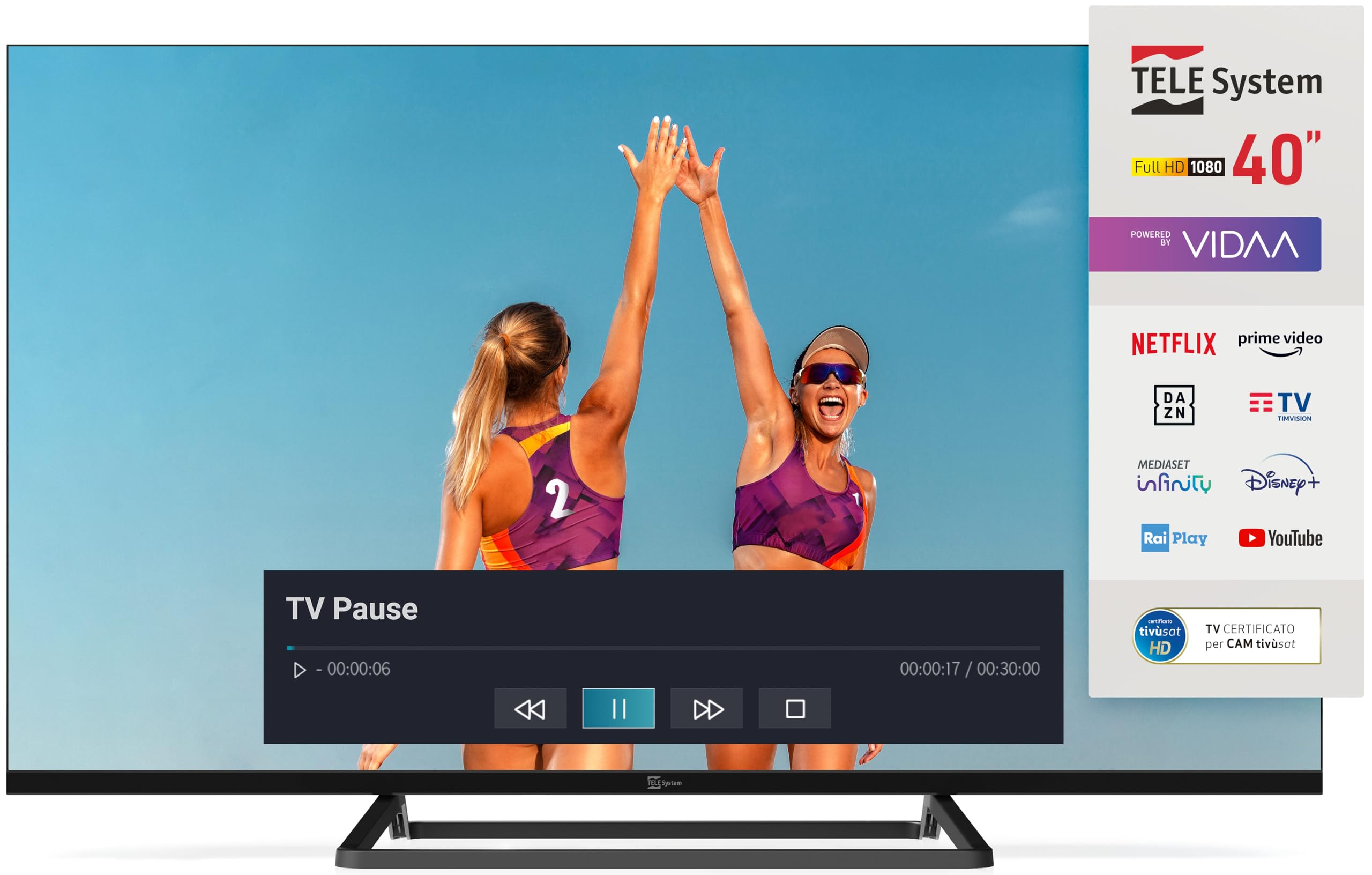
Image: The TELE System 40-inch Smart TV, showcasing its frameless design and the VIDAA smart interface. Both the standard and 'Easy' remote controls are visible at the bottom.
3. Setup
3.1 Physical Installation
Place the TV on a flat, stable surface or mount it on a wall using a compatible VESA wall mount (sold separately). Ensure adequate space for ventilation around the TV.
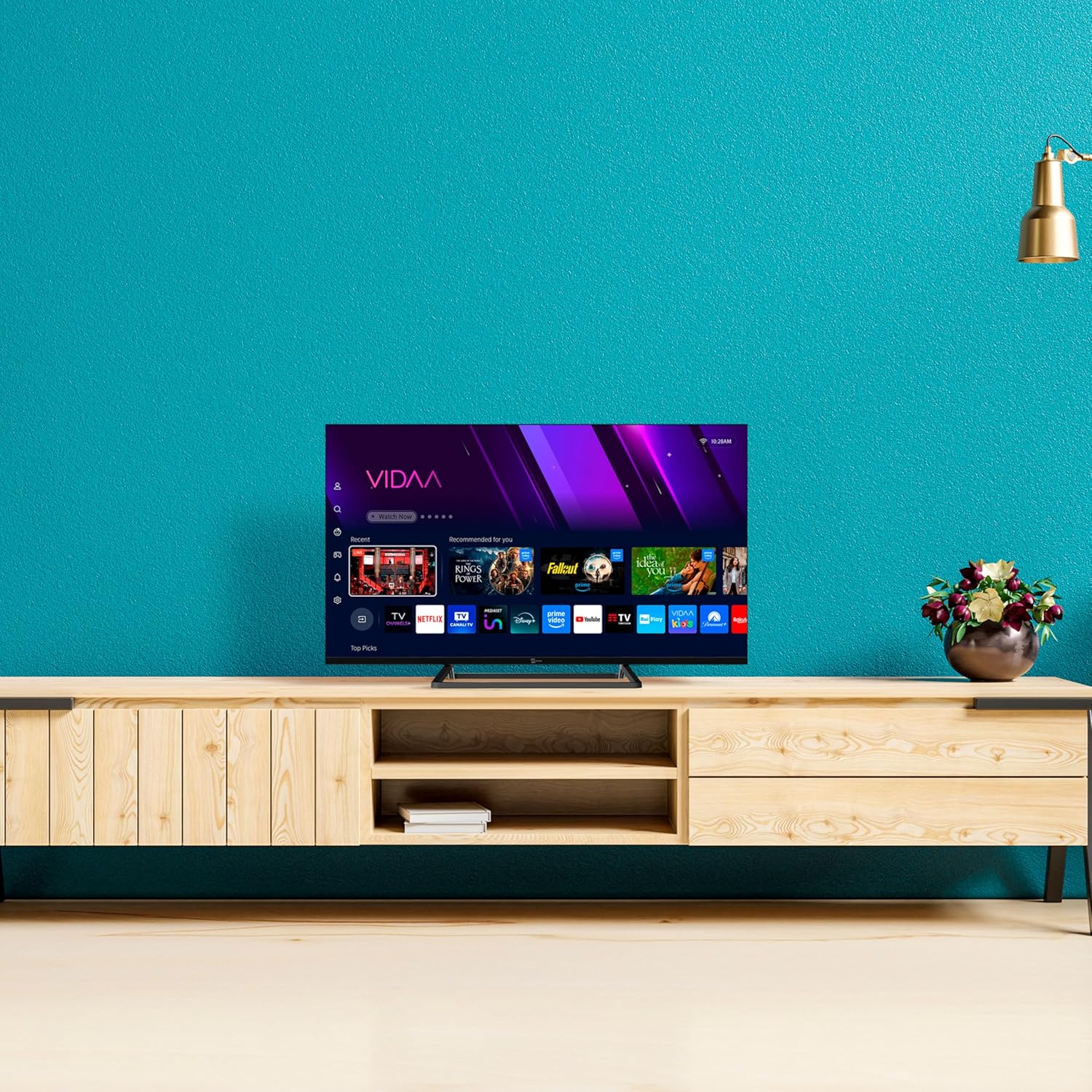
Image: The TELE System 40-inch Smart TV positioned on a media console, illustrating a typical home setup.
3.2 Connecting Cables
- Power: Connect the supplied power cable to the TV's power input and then to a wall outlet.
- Antenna/Satellite: Connect your terrestrial antenna or satellite dish cable to the appropriate input on the TV (DVB-T2/S2).
- External Devices: Use HDMI ports for connecting devices like Blu-ray players, game consoles, or set-top boxes.
- Network: For wired internet, connect an Ethernet cable to the LAN port. For wireless, ensure your Wi-Fi network is available during initial setup.
3.3 First Time Setup
Upon first power-on, the TV will guide you through the initial setup process:
- Language Selection: Choose your preferred language.
- Network Connection: Connect to your Wi-Fi network or confirm the wired connection.
- Channel Scan: The TV will automatically scan for available DVB-T2 (terrestrial) and DVB-S2 (satellite, tivùsat compatible) channels.
- VIDAA Account: Follow on-screen prompts to set up or log in to your VIDAA account to access smart features.
4. Operating the TV
4.1 Remote Controls
Your TV comes with two remote controls: a standard remote for full functionality and an 'Easy' remote with larger buttons for simplified use.

Image: The two included remote controls: a standard feature-rich remote on the left and a simplified 'Easy' remote with larger buttons on the right.
4.2 Basic TV Functions
- Power: Press the Power button on either remote to turn the TV on or off.
- Volume: Use the VOL +/- buttons to adjust the volume.
- Channels: Use the CH +/- buttons or number pad to change channels.
- Source: Press the Source button to select input sources (HDMI, AV, TV).
4.3 Smart TV Features (VIDAA Platform)
The TELE System Smart TV is powered by the VIDAA platform, offering a wide range of streaming services and interactive features.
- Streaming Apps: Access popular apps like Netflix, Prime Video, YouTube, Disney+, DAZN, Rai Play, TIMvision, and Mediaset Infinity directly from the home screen.
- HbbTV: Utilize HbbTV 2.0.2 for interactive content, catch-up TV, and the 'restart' function for live programs.
- Media Player: Connect a USB external hard drive to the USB 2.0 port to play your favorite photos, videos, and music.
- TV PAUSE Function: Connect a USB memory device to enable the 'TV PAUSE' function, allowing you to pause live TV and resume viewing at your convenience.

Image: A visual representation of various streaming applications available on the TELE System Smart TV, such as Netflix, Prime Video, and Disney+.
4.4 Hotel Mode
This TV features a Hotel Mode with Web Privacy, ideal for multi-user installations. This function automatically deletes user private data every time the TV is switched off, ensuring privacy for guests.
5. Maintenance
Cleaning the TV
- Always unplug the TV from the power outlet before cleaning.
- Use a soft, dry cloth to wipe the screen and cabinet.
- For stubborn marks, lightly dampen the cloth with water or a mild, non-abrasive screen cleaner. Do not spray cleaner directly onto the screen.
- Avoid using harsh chemicals, abrasive pads, or solvents as they can damage the TV's surface.
6. Troubleshooting
If you encounter issues with your TV, refer to the following common problems and solutions:
| Problem | Possible Solution |
|---|---|
| No power | Ensure the power cable is securely connected to the TV and the wall outlet. Check if the outlet is working. |
| No picture/No signal | Verify the correct input source is selected. Check antenna/satellite/HDMI cable connections. Perform a channel scan. |
| No sound | Check volume level and mute status. Ensure external audio devices are correctly connected and selected. |
| Cannot connect to Wi-Fi | Ensure your router is on and within range. Re-enter the Wi-Fi password. Restart the TV and router. |
| Remote control not working | Check and replace batteries. Ensure there are no obstructions between the remote and the TV's IR sensor. |
7. Specifications
Key technical specifications for the TELE System TS40 FLFHD SMV14 Smart TV:
- Screen Size: 40 Inches
- Display Technology: LED
- Resolution: 1080p (Full HD)
- Refresh Rate: 60 Hz
- Aspect Ratio: 16:9
- Connectivity Technology: Ethernet, Wi-Fi
- Special Features: HbbTV, HDR10 HLG, VIDAA platform, TV PAUSE function, Dual Remote Controls, tivùsat compatibility, Hotel Mode
- Product Dimensions: 12P x 99L x 57H cm (approx. 12 x 99 x 57 cm)
- Weight: 7.5 kg
- Energy Efficiency Rating: E
8. Warranty and Support
Warranty Information
Your TELE System Smart TV is covered by a manufacturer's warranty. Please refer to the separate warranty document included in the box for detailed terms and conditions, including the warranty period and coverage.
Customer Support
For technical assistance, troubleshooting beyond this manual, or warranty claims, please contact TELE System customer support. Contact details can typically be found on the TELE System official website or in your warranty documentation.
When contacting support, please have your TV model number (TS40 FLFHD SMV14) and serial number ready.


