1. Introduction
The iGPSPORT BSC200S is an advanced GPS bike computer designed to enhance your cycling experience with precise navigation, comprehensive data tracking, and smart connectivity. This manual provides detailed instructions on setting up, operating, and maintaining your device to ensure optimal performance.
2. Package Contents
Please verify that all items are present in your package:
- 1 x iGPSPORT BSC200S Bike Computer
- 1 x Standard Bike Mount
- 2 x Rubber Bands
- 1 x Quick Start Manual
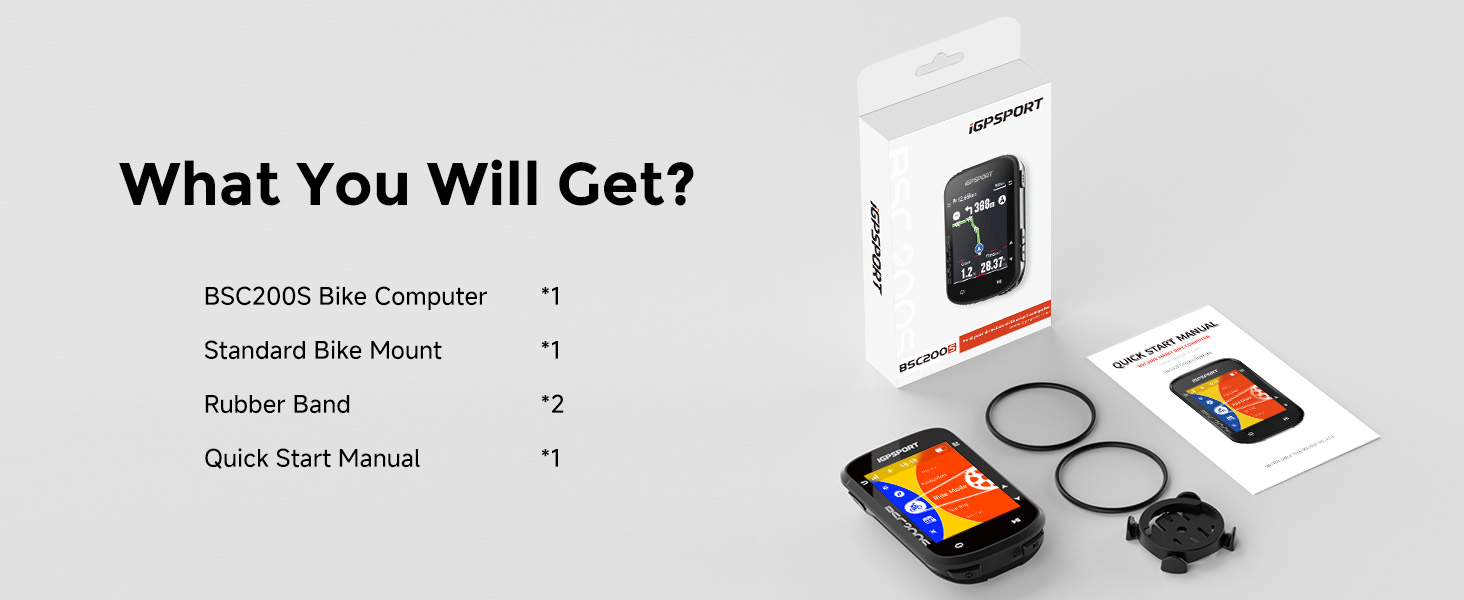
Figure 2.1: Included components of the iGPSPORT BSC200S package.
3. Product Overview
3.1 Device Layout
The BSC200S features a compact and streamlined design, weighing approximately 67 grams. It is equipped with a 2.4-inch transflective color display for clear visibility even in direct sunlight.

Figure 3.1: Front view of the iGPSPORT BSC200S device.
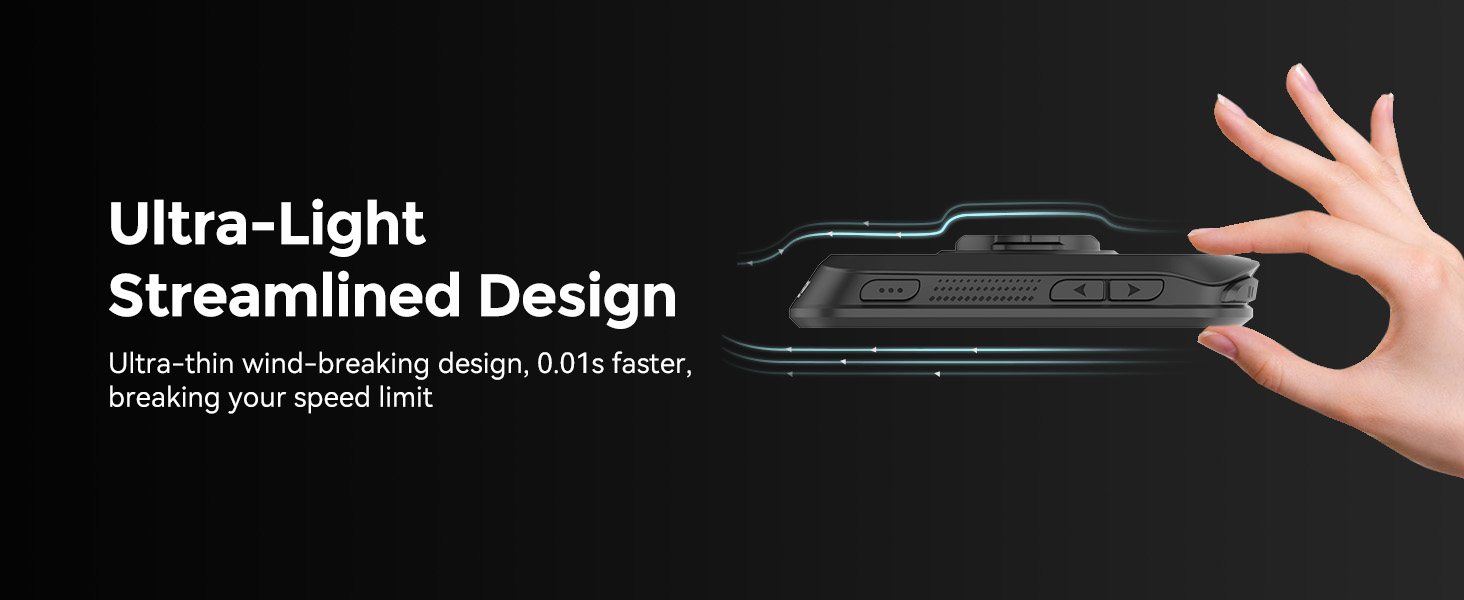
Figure 3.2: Ultra-light streamlined design of the BSC200S.
3.2 Display Features
The 2.4-inch color display utilizes transflective technology, which means the screen becomes clearer under brighter sunlight, improving readability during outdoor rides. The user interface supports 9 customizable color themes and can display over 100 types of riding data.
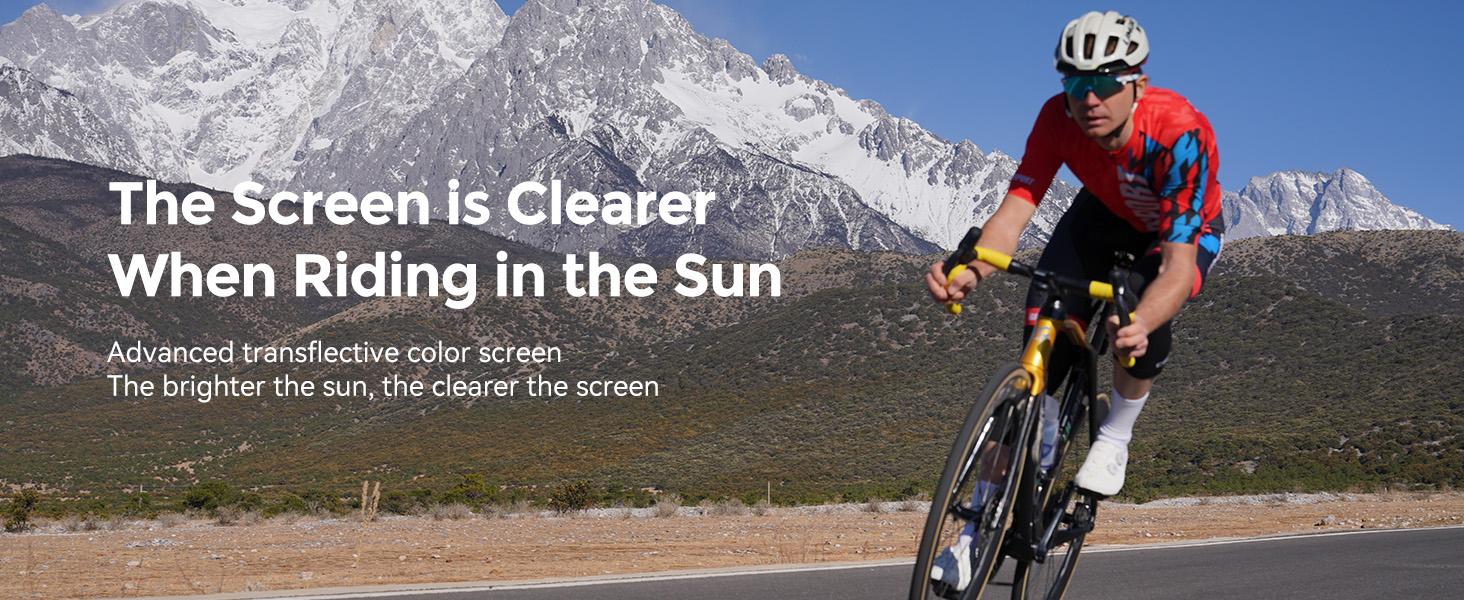
Figure 3.3: Screen clarity in sunlight.
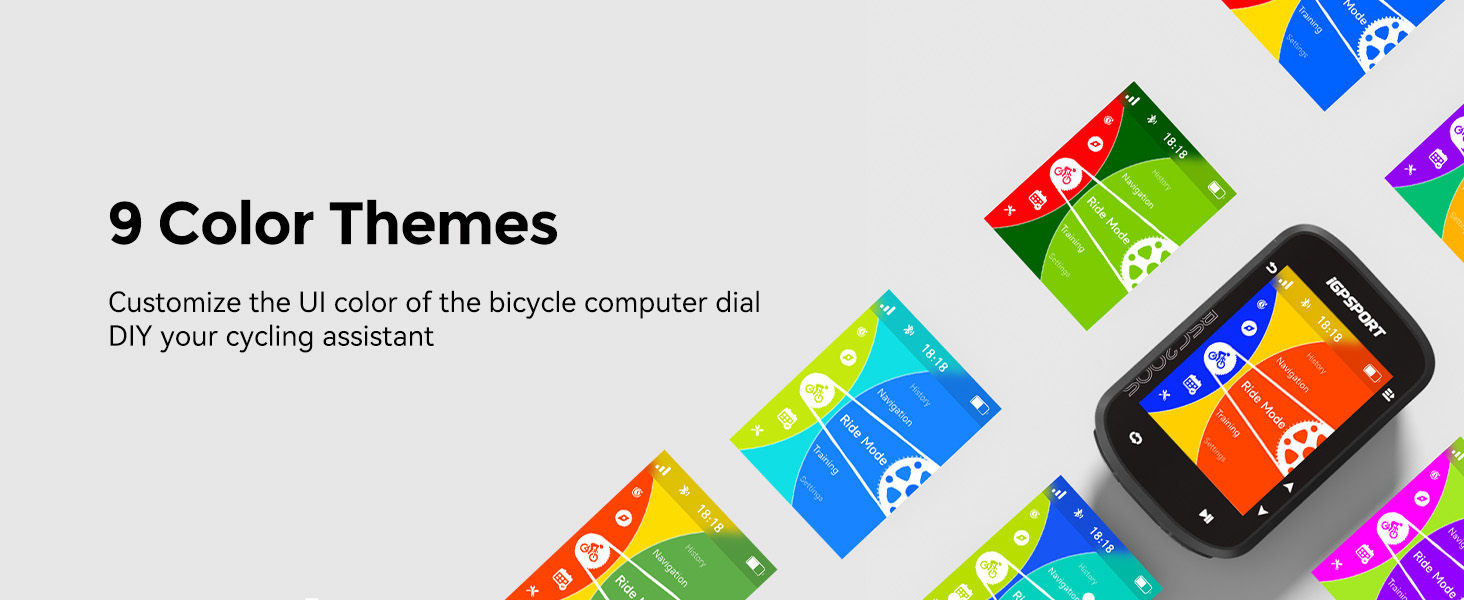
Figure 3.4: Customizable 9-color themes.
4. Setup
4.1 Charging the Device
Before first use, fully charge your BSC200S. The device features a Type-C charging port and takes approximately 1.5 hours to fully charge. A full charge provides up to 25 hours of battery life.
4.2 Mounting the Device
Follow these steps to securely mount your BSC200S to your bicycle handlebar:
- Stack the two provided base pieces together.
- Place the stacked base on your bike handlebar in the desired position.
- Use the two rubber bands to firmly bind the base to the handlebar.
- Adjust the angle of the mount for optimal viewing.
- Align the BSC200S with the mount and twist to lock it into place.
- Ensure the device is securely installed before riding.
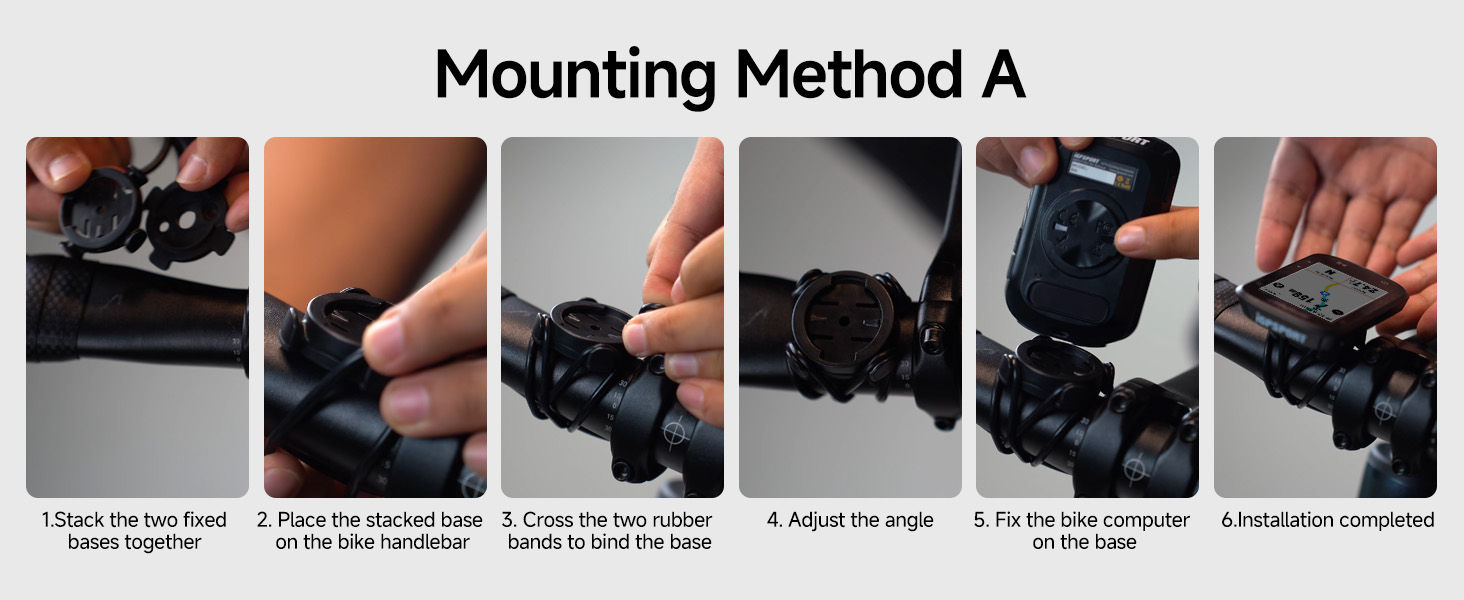
Figure 4.1: Mounting Method A for the BSC200S.
4.3 Initial Pairing and Setup
Upon first power-on, the device will guide you through initial setup, including language selection and basic settings. For full functionality, download the official iGPSPORT app on your smartphone and pair the device via Bluetooth. This app allows for advanced settings, data synchronization, and route management.
5. Operating
5.1 Basic Functions
Refer to the quick start manual for specific button functions. Generally, the device features buttons for power on/off, start/pause recording, lap marking, and navigation through menus.
5.2 Route Navigation
The BSC200S supports advanced route navigation features:
- Route Creation: Create custom routes directly within the official iGPSPORT app.
- Third-Party Import: Import routes from popular platforms such as Strava, Ride with GPS, and Komoot.
- One-Touch Navigation: Save frequently visited locations in the iGPSPORT app and use the "one-touch navigation" feature to quickly send routes to your BSC200S.
- Navigation Aids: The device provides turn reminders, yaw reminders, and yaw direction guidance.
- Return to Start: Utilize the "Back to Start" navigation function to easily return to your starting point.
- Riding Record Navigation: Navigate based on previously recorded rides.

Figure 5.1: Accurate route navigation with personalized color options.

Figure 5.2: One-touch navigation for easy travel.
5.3 Smart Notifications
When paired with your smartphone, the BSC200S can display instant reminders for incoming calls, SMS messages, and notifications from various applications, ensuring you stay connected without needing to check your phone.

Figure 5.3: Smart notification display on the BSC200S.
5.4 Data Recording and Management
The device records over 100 types of riding data, including speed, distance, grade, cadence, calories, time, temperature, and FTP. It can store up to 400 hours of riding data. The iGPSPORT app allows for customization of the page display modules.

Figure 5.4: Displaying 100+ riding data points.
5.5 Continue Last Ride Function
If you need to pause your ride, the BSC200S supports a "continue last ride" function, preventing data interruption and allowing you to resume your activity seamlessly.

Figure 5.5: Motion detection and continue riding feature.
5.6 Training Mode
The device supports an advanced training mode, allowing connection to cycling platforms for structured workouts and performance analysis.
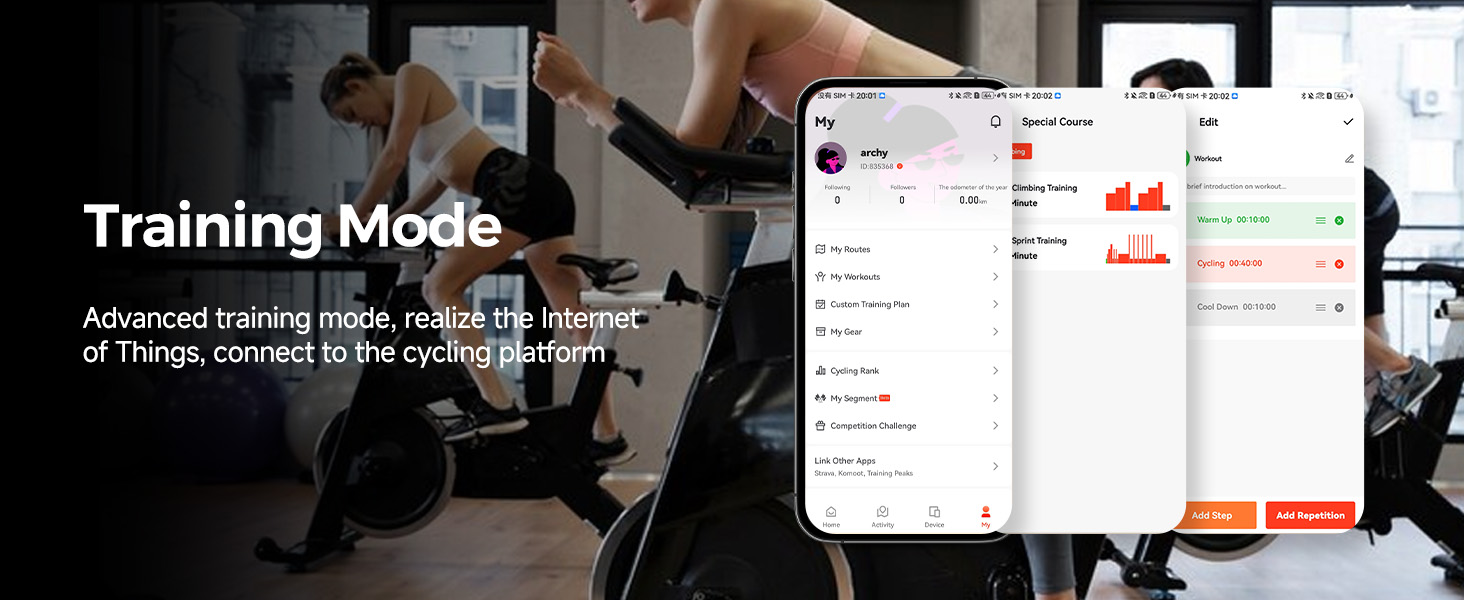
Figure 5.6: Training mode interface within the iGPSPORT app.
6. Connectivity
6.1 App Compatibility
The BSC200S is highly compatible with various cycling applications. Beyond the official iGPSPORT app, you can sync your riding data with platforms like Strava, Komoot, and even integrate with Insta360 for video linkage.

Figure 6.1: Wide range of app compatibility.

Figure 6.2: Compatibility with Insta360, Komoot, and Strava.
6.2 Sensor Compatibility
The BSC200S supports both Bluetooth and ANT+ dual protocols, allowing seamless connection with a wide range of external sensors:
- Speed Sensor
- Cadence Sensor
- Heart Rate Monitor
- Power Meter
- Electronic Shifting
- Smart Trainer

Figure 6.3: Wide riding devices compatibility.
6.3 Smart Light and Radar Integration
The BSC200S can connect with iGPSPORT front lights to control lighting and check power levels. It also connects with iGPSPORT radar lights to monitor nearby vehicles, enhancing safety during your rides.
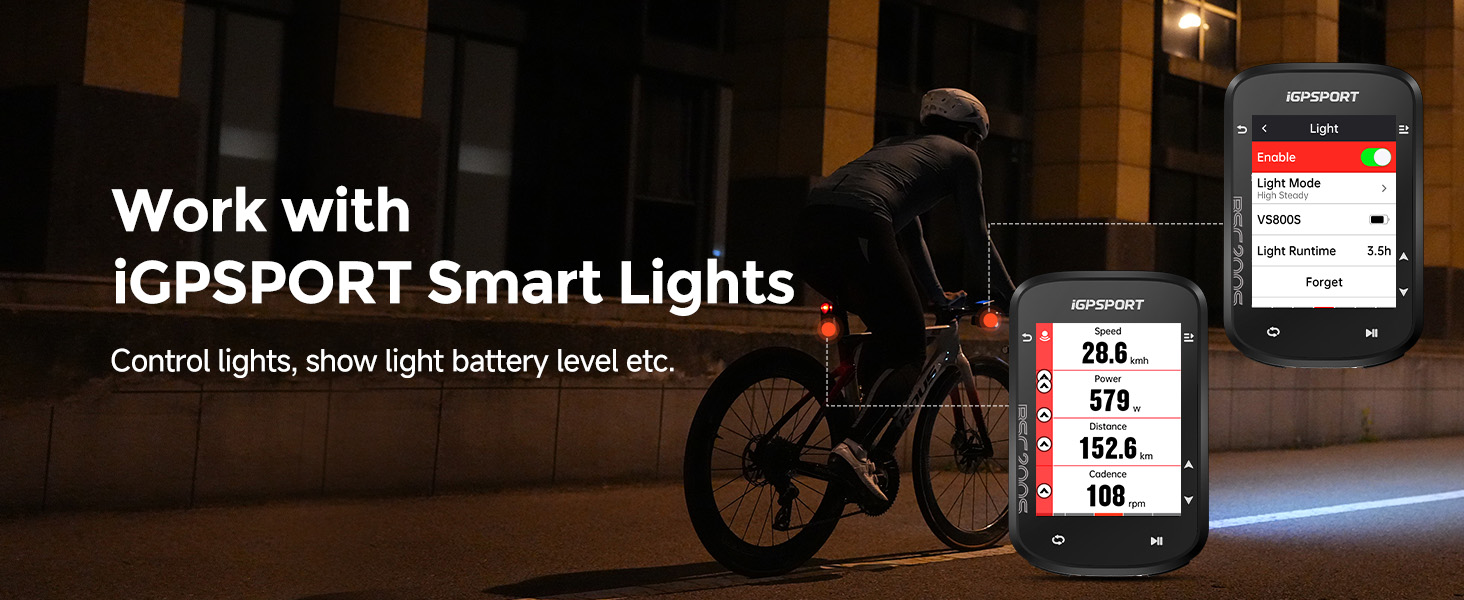
Figure 6.4: Working with iGPSPORT Smart Lights.
7. Maintenance
7.1 Cleaning
To clean your BSC200S, wipe it with a soft, damp cloth. Avoid using harsh chemicals or abrasive materials, as these can damage the device or its screen. Ensure the charging port cover is securely closed before cleaning.
7.2 Waterproofing
The BSC200S is IPX7 waterproof, meaning it can withstand immersion in up to 1 meter of water for 30 minutes. This protects it from rain and splashes during rides. However, it is not designed for prolonged underwater use.
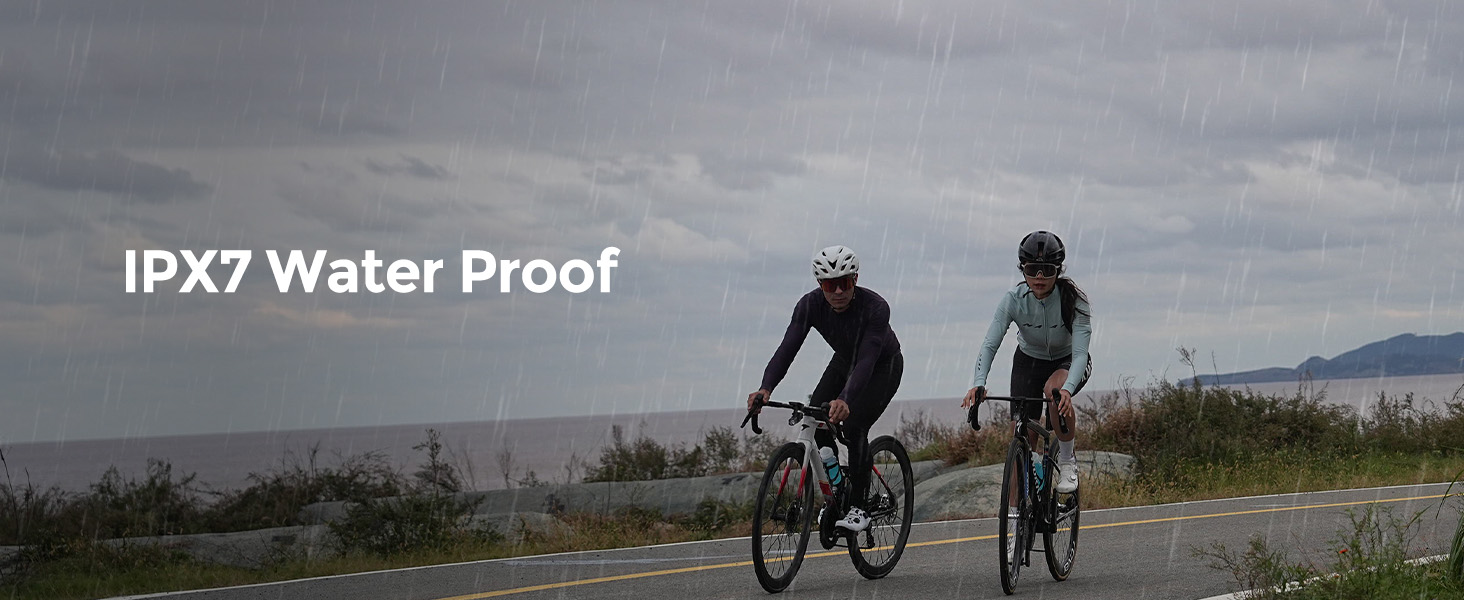
Figure 7.1: IPX7 Waterproofing.
7.3 Storage
When not in use for extended periods, store the device in a cool, dry place away from direct sunlight and extreme temperatures. It is recommended to charge the device to about 50% before long-term storage to preserve battery health.
8. Troubleshooting
This section addresses common issues you might encounter with your BSC200S.
8.1 Device Not Powering On
- Ensure the device is fully charged. Connect it to a power source using the provided Type-C cable.
- Press and hold the power button for several seconds.
8.2 GPS Signal Acquisition Issues
- Ensure you are in an open outdoor area with a clear view of the sky.
- Allow a few minutes for the device to acquire a signal.
- Ensure the device's firmware is up to date via the iGPSPORT app.
8.3 Sensor Connectivity Problems
- Ensure sensors are properly installed and have fresh batteries.
- Check that Bluetooth/ANT+ is enabled on the BSC200S.
- Try re-pairing the sensors through the device settings or the iGPSPORT app.
- Ensure no other devices are interfering with the sensor signal.
8.4 Data Sync Issues with App
- Ensure Bluetooth is enabled on your smartphone and the BSC200S.
- Make sure the iGPSPORT app is updated to the latest version.
- Restart both the device and the app.
- Check your internet connection for data upload to cloud platforms.
9. Specifications
| Feature | Specification |
|---|---|
| Model Number | BSC200S |
| Dimensions | 5.31 x 1.42 x 8.2 cm |
| Weight | 67 g |
| Display Size | 2.4 Inches |
| Display Type | Color Display (Transflective) |
| Battery Life | Up to 25 Hours |
| Charging Port | Type-C |
| Waterproof Rating | IPX7 |
| Connectivity | Bluetooth, ANT+ |
| Data Storage | Up to 400 Hours |
| Supported Sensors | Speed, Cadence, Heart Rate, Power Meter |
10. Warranty and Support
iGPSPORT products come with a standard manufacturer's warranty. For detailed warranty information, please refer to the warranty card included in your package or visit the official iGPSPORT website. If you encounter any issues or have questions not covered in this manual, please contact iGPSPORT customer service. Our team is dedicated to providing support and will respond to your inquiries within 24 hours.
Contact Information: Please refer to the official iGPSPORT website or your purchase documentation for the most current customer service contact details.