
eppfun LS003
eppfun Open Ear Sport Headphones User Manual
Model: LS003
1. Introduction
The eppfun Open Ear Sport Headphones are designed for active individuals, offering a unique audio experience through bone conduction technology. This allows you to enjoy music while remaining aware of your surroundings, enhancing safety during outdoor activities. Featuring IPX8 waterproofing and a built-in 32GB MP3 player, these headphones are suitable for a wide range of sports, including swimming.
This manual provides essential information on how to set up, operate, and maintain your headphones to ensure optimal performance and longevity.

Image 1.1: Overview of the eppfun Open Ear Sport Headphones, showcasing their design and water-resistant coating.
2. Key Features
- Open Ear Design: Transmits sound through bone conduction, allowing situational awareness.
- Bluetooth 5.4 Connectivity: Ensures stable and fast wireless connection with Android, iOS, and tablet devices.
- Built-in 32GB MP3 Memory: Store over 3000 high-quality songs and audiobooks for offline listening, especially useful for swimming where Bluetooth is not supported underwater. Supports MP3/WMA/OGG APE/FLAC/WAV/M4A formats.
- IPX8 Waterproof Rating: Fully resistant to sweat, dust, and submersion, making them ideal for swimming and intense workouts.
- Long Battery Life: Up to 12 hours of continuous music playback and calls on a single 2-hour charge, with a standby time of up to 12 days.
- Button Control: Intuitive button controls for managing playback and calls.
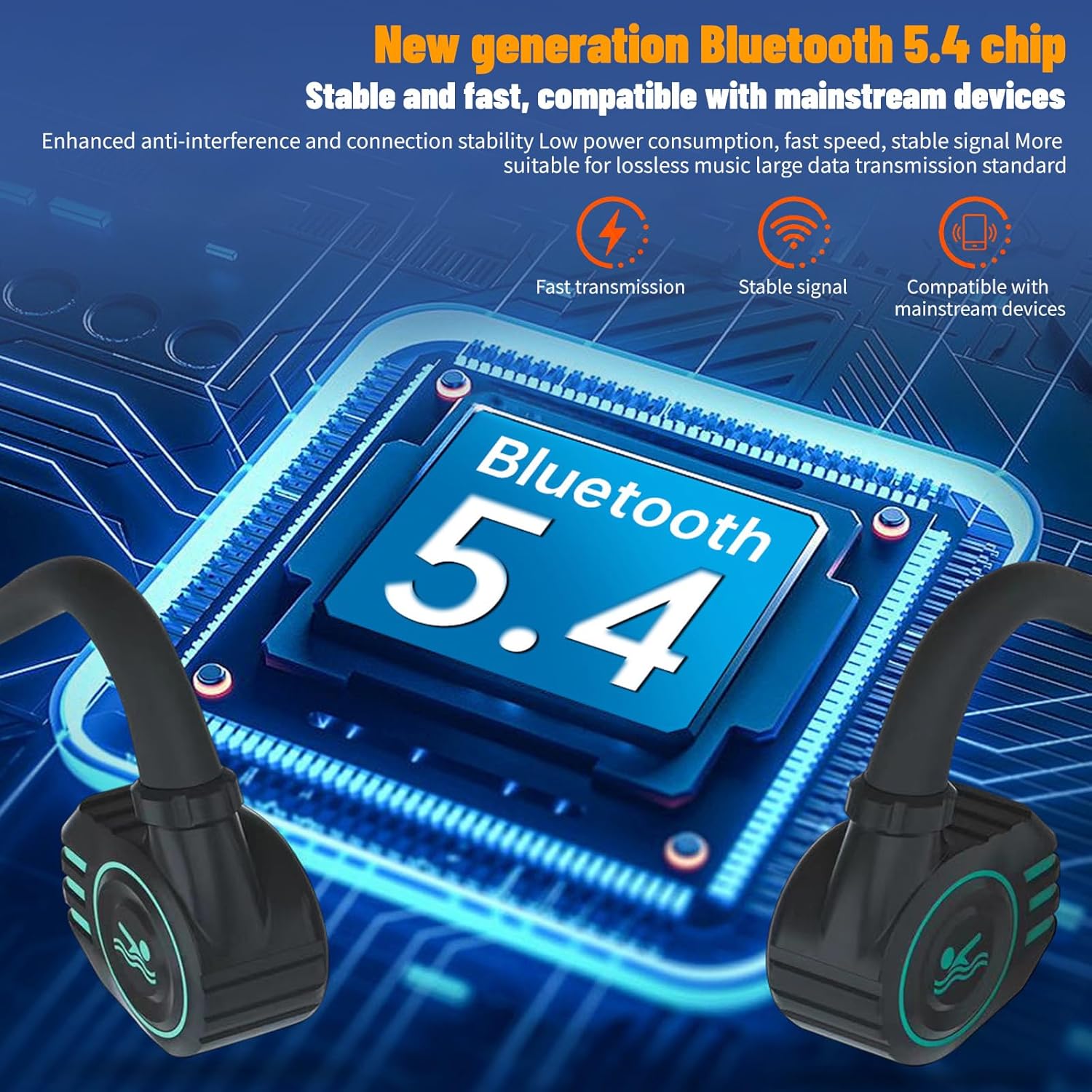
Image 2.1: Illustration of the advanced Bluetooth 5.4 chip, highlighting its stable and fast connection capabilities.
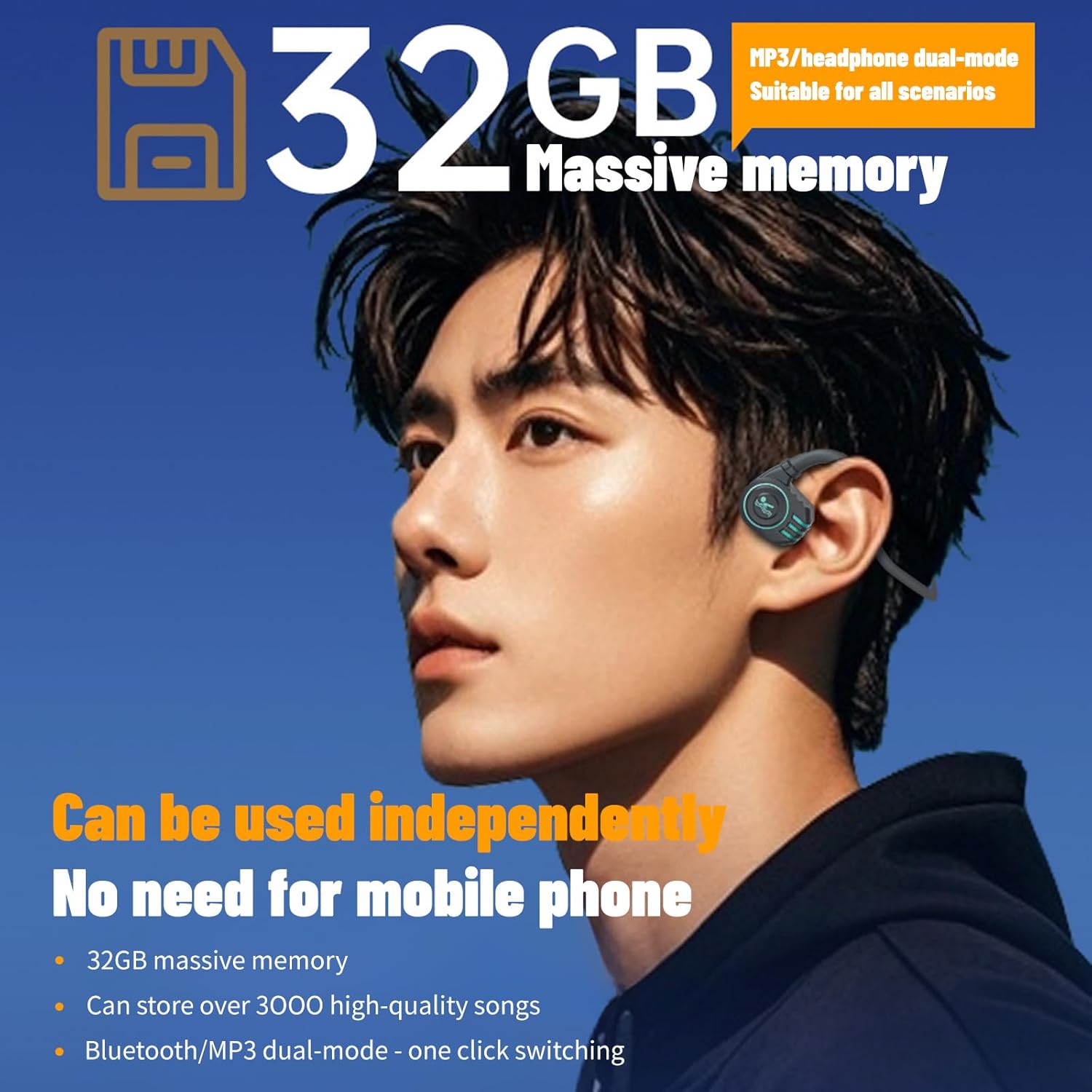
Image 2.2: The headphones feature a built-in 32GB memory, allowing independent use without a mobile phone.

Image 2.3: The headphones offer up to 12 hours of continuous playback, ensuring long-lasting use.
3. What's in the Box
Upon opening your eppfun Open Ear Sport Headphones package, you should find the following items:
- eppfun Open Ear Sport Headphones (Model: LS003)
- Charging Cable
4. Setup
4.1 Charging the Headphones
Before first use, fully charge your headphones. Use the provided charging cable to connect the headphones to a USB power source (e.g., computer USB port, wall adapter). The charging indicator light will show the charging status. A full charge takes approximately 2 hours.
4.2 Bluetooth Pairing
- Ensure the headphones are powered off.
- Press and hold the power button until the indicator light flashes red and blue alternately, indicating pairing mode.
- On your device (smartphone, tablet), enable Bluetooth and search for available devices.
- Select "eppfun LS003" (or similar name) from the list of devices.
- Once connected, the indicator light will turn solid blue or flash slowly.
4.3 Transferring Music to MP3 Memory
To use the built-in 32GB MP3 player, connect the headphones to your computer using the charging cable. The headphones will appear as a removable disk drive. Drag and drop your audio files (MP3, WMA, OGG APE, FLAC, WAV, M4A) into the headphone's storage folder. Safely eject the device from your computer after transferring files.
5. Operating Instructions
5.1 Power On/Off
- Power On: Press and hold the power button for 3 seconds.
- Power Off: Press and hold the power button for 5 seconds.
5.2 Music Playback
- Play/Pause: Press the Multi-function Button (MFB) once.
- Next Track: Press and hold the Volume Up button.
- Previous Track: Press and hold the Volume Down button.
- Volume Up: Short press the Volume Up button.
- Volume Down: Short press the Volume Down button.
5.3 Call Management
- Answer/End Call: Press the MFB once.
- Reject Call: Press and hold the MFB for 2 seconds.
5.4 Switching Between Bluetooth and MP3 Mode
The headphones support a dual-mode function. To switch between Bluetooth streaming and playing from the internal 32GB MP3 memory, locate the dedicated mode switch button (refer to the product diagram if available) and press it once. The headphones will indicate the current mode via voice prompt or indicator light.
Note: Bluetooth connectivity is not supported underwater. For swimming, please ensure you are in MP3 mode.

Image 5.1: The headphones are designed for aquatic environments, featuring 32GB memory and dual Bluetooth/MP3 modes for versatile use.
6. Maintenance
6.1 Cleaning
Due to their IPX8 waterproof rating, the headphones can be rinsed with fresh water after use, especially after swimming in chlorinated or saltwater. Use a soft, damp cloth to wipe down the surface. Do not use harsh chemicals or abrasive cleaners.

Image 6.1: The headphones boast Super 8 level deep waterproofing, making them resilient against sweat and rain.
6.2 Storage
Store the headphones in a cool, dry place away from direct sunlight and extreme temperatures. Avoid placing heavy objects on them.
6.3 Battery Care
To prolong battery life, avoid fully discharging the headphones frequently. Charge them regularly, even if not in use for extended periods.
7. Troubleshooting
7.1 No Power
- Ensure the headphones are fully charged.
- Check the charging cable and power source for proper connection.
7.2 Cannot Pair via Bluetooth
- Make sure the headphones are in pairing mode (indicator light flashing red and blue).
- Ensure your device's Bluetooth is enabled and within 10 meters of the headphones.
- Forget/remove the headphones from your device's Bluetooth list and try pairing again.
- Restart both the headphones and your device.
7.3 No Sound or Low Volume
- Adjust the volume on both the headphones and your connected device.
- Ensure the headphones are properly connected via Bluetooth or are in MP3 mode if playing from internal memory.
- If in MP3 mode, ensure audio files are correctly transferred and supported.
- For bone conduction, ensure the transducers are placed correctly on your cheekbones.
7.4 Bluetooth Disconnects Frequently
- Ensure there are no significant obstacles between the headphones and your device.
- Keep the distance between the headphones and your device within the 10-meter Bluetooth range.
- Avoid areas with strong Wi-Fi or other wireless interference.
8. Specifications
| Feature | Detail |
|---|---|
| Model Name | Cutemeet 60 (LS003) |
| Connectivity Technology | Wireless (Bluetooth 5.4) |
| Bluetooth Range | Up to 10 meters |
| Audio Driver Type | Bone Conduction Driver |
| Internal Memory | 32GB |
| Water Resistance Level | IPX8 Waterproof |
| Battery Capacity | 250mAh (1 x 9V battery included) |
| Charging Time | Approx. 2 hours |
| Music Playback Time | Up to 12 hours |
| Standby Time | Up to 12 days |
| Control Type | Button Control |
| Material | Plastic |
| Item Weight | 150 Grams (5.3 ounces) |
| Color | Black |
| Ear Placement | Open Ear |
| Impedance | 32 Ohm |

Image 8.1: Internal structure of the bone conduction driver, designed for high-fidelity sound quality.

Image 8.2: The headphones are versatile for a full range of sports activities, including swimming, cycling, and general fitness.

Image 8.3: The open-ear bone conduction design ensures a secure and comfortable fit, promoting ear health.
9. Warranty and Support
Specific warranty details for the eppfun Open Ear Sport Headphones (Model LS003) are not provided in this document. For information regarding warranty coverage, technical support, or service inquiries, please refer to the official eppfun website or contact their customer support directly.
You can often find support resources, FAQs, and contact information on the manufacturer's official product page or support section.