Introduction
This manual provides detailed instructions for the safe and efficient operation of your LINK BITS 8-inch Bluetooth Speaker, model SA8056T. Please read this guide thoroughly before using the product and retain it for future reference.
Product Features
- 10W Power Output: Experience clear and powerful audio with the 8-inch speaker's 10W high-definition output.
- Extended Playtime: The speaker features a built-in 1200 mAh battery, providing 5 to 8 hours of music playback on a single DC 5V charge.
- TWS Functionality: True Wireless Stereo (TWS) allows automatic pairing of two speakers for expanded sound coverage up to 180 degrees and enhanced audio performance.
- Microphone Input: A dedicated microphone input (Mic) enables karaoke, presentations, or voice communication.
- Integrated Design: Features an integrated display, decorative RGB LED lighting, and a main volume control for convenient operation.
- Multiple Playback Modes: Supports Bluetooth, TF card, USB, and FM radio playback.
Package Contents
Please check the package for the following items:
- LINK BITS 8-inch Bluetooth Speaker (SA8056T)
- Wired Microphone
- USB Charging Cable
- Audio Cable
- User Manual
Product Overview
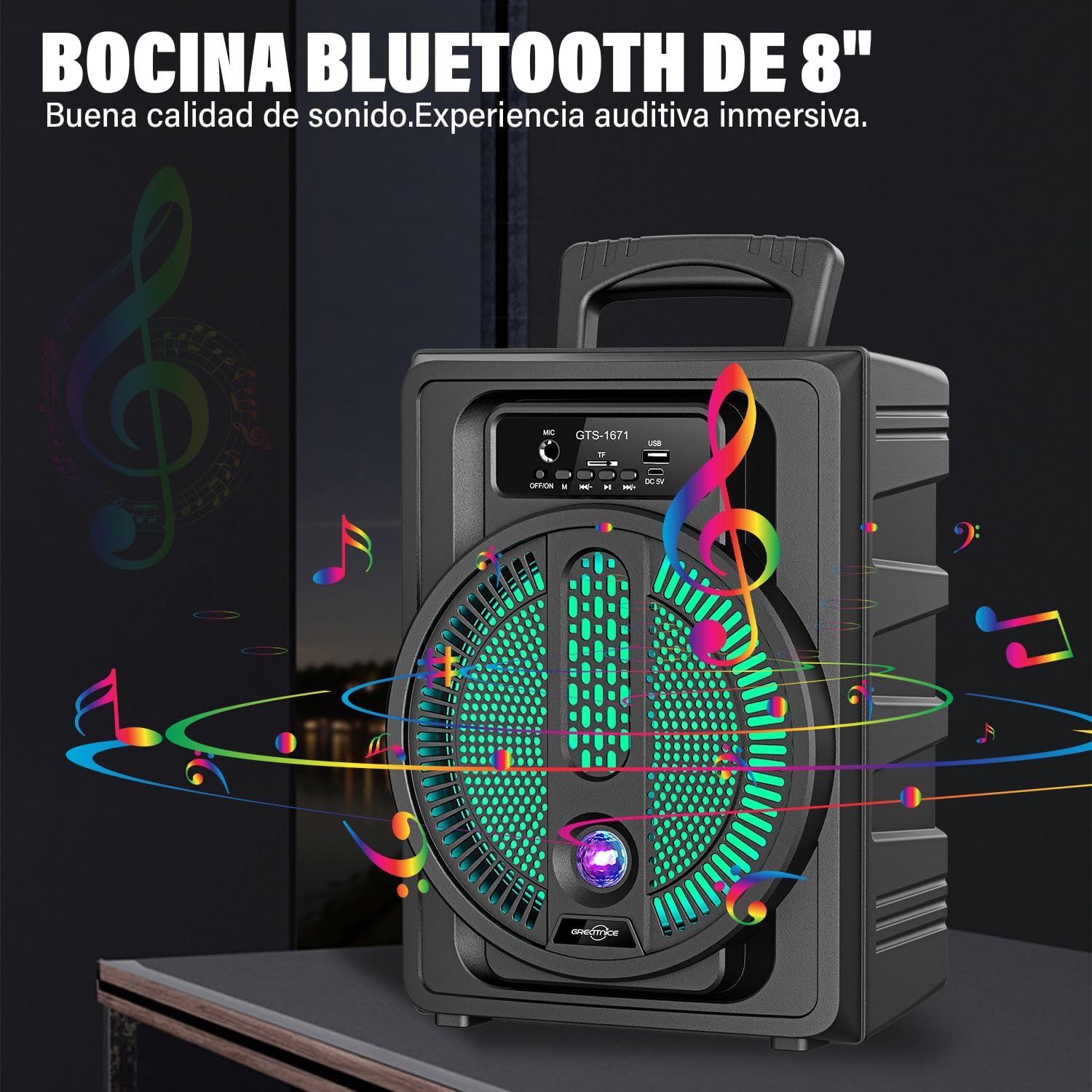
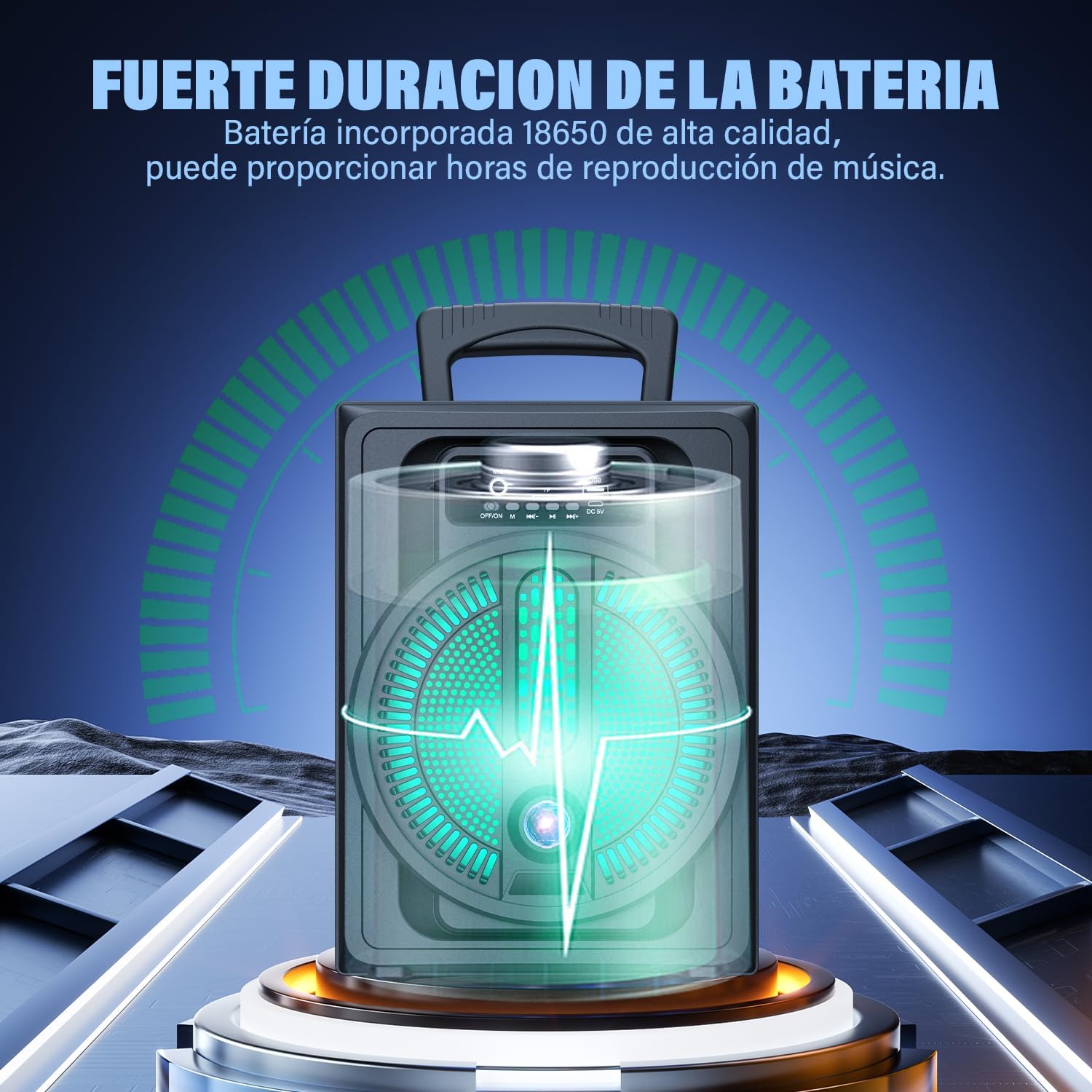


Connectivity and Usage Overview


Setup
1. Charging the Speaker
Before first use, fully charge the speaker. Connect the provided USB charging cable to the speaker's DC 5V charging port and a compatible USB power adapter (not included). The charging indicator will illuminate during charging and turn off when fully charged.
2. Powering On/Off
Press and hold the power button on the control panel to turn the speaker ON or OFF.
Operating Instructions
1. Bluetooth Pairing
- Turn on the speaker. It will automatically enter Bluetooth pairing mode, indicated by a flashing LED light.
- Enable Bluetooth on your smartphone, tablet, or other device.
- Search for "SA8056T" in the list of available Bluetooth devices and select it to pair.
- Once paired, the speaker will emit a confirmation tone, and the LED light will stop flashing.
2. TWS (True Wireless Stereo) Pairing
To use two SA8056T speakers in TWS mode:
- Ensure both speakers are turned on and not connected to any Bluetooth device.
- On one of the speakers, double-press the 'Mode' button (or the button indicated for TWS pairing in the quick start guide) until you hear a confirmation tone. This speaker will become the primary unit.
- The two speakers will automatically connect to each other.
- Once connected, pair your device to the primary speaker via Bluetooth as described above. Audio will now play through both speakers in stereo.
3. Using the Microphone
Connect the wired microphone to the 'MIC' input port on the speaker's control panel. Adjust the microphone volume using the dedicated knob if available, or the main volume control.
4. Media Playback (USB/TF/FM)
- USB/TF Card: Insert a USB flash drive or TF (MicroSD) card into the respective port. The speaker will automatically switch to USB/TF mode and begin playing audio files.
- FM Radio: Press the 'Mode' button to switch to FM radio mode. Use the playback control buttons to scan for stations.
5. RGB LED Lighting
The speaker features decorative RGB LED lighting. Use the dedicated light mode button (if available) or cycle through modes by short-pressing the 'Mode' button until the desired light effect is achieved. The lights can also be turned off if preferred.
Demonstration Video: 8-inch Bluetooth Speaker
Maintenance
- Cleaning: Use a soft, dry cloth to clean the speaker's exterior. Do not use abrasive cleaners or solvents.
- Storage: Store the speaker in a cool, dry place away from direct sunlight and extreme temperatures.
- Battery Care: To prolong battery life, avoid fully discharging the battery frequently. Charge it regularly, even if not in use for extended periods.
Troubleshooting
| Problem | Possible Cause | Solution |
|---|---|---|
| No power | Battery is low or depleted. | Charge the speaker using the provided USB cable. |
| No sound | Volume is too low; device not paired; incorrect mode. | Increase volume; re-pair Bluetooth; switch to correct input mode (BT, USB, TF, FM). |
| Bluetooth pairing fails | Speaker is too far from device; other devices connected; speaker in another mode. | Ensure speaker is within range; disconnect from other devices; switch speaker to Bluetooth mode. |
| TWS pairing fails | Speakers are already paired to a device; incorrect pairing procedure. | Ensure both speakers are unpaired from any device. Follow TWS pairing instructions carefully. |
Specifications
| Feature | Detail |
|---|---|
| Brand | LINK BITS |
| Model | SA8056T |
| Output Wattage | 10 Watts |
| Power Source | Electric Cable (DC 5V) |
| Battery Capacity | 1200 mAh (5-8 hours playtime) |
| Number of Channels | 1 |
| Audio Input | Microphone Input |
| Connectivity Technology | Bluetooth, USB |
| Bluetooth Version | 5.0 |
| Compatible Devices | Android, Microphone, Computer, Smartphone |
| Color | Black |
| Product Dimensions (L x W x H) | 22 x 16 x 30 cm (8.66 x 6.3 x 11.8 inches) |
| Item Weight | 1.66 kg (3.66 lbs) |
| First Available Date | November 21, 2024 |
Warranty and Support
For warranty information and customer support, please refer to the contact details provided on the product packaging or the official LINK BITS website. Keep your purchase receipt as proof of purchase for any warranty claims.


