
Claymore V600+
Claymore Portable Fan V600+ & Tripod Stand
Instruction Manual
Product Overview
The Claymore Portable Fan V600+ is designed for versatile use, providing powerful yet quiet airflow for both indoor and outdoor environments. Coupled with the Claymore Tripod Stand, it offers enhanced stability and adjustable height for various applications. This manual provides essential information for the safe and efficient operation of your device.

Image: The Claymore Portable Fan V600+ showcasing its design and highlighting its strong, quiet airflow capabilities.
What's in the Box
Upon unboxing, please verify that all components listed below are present and in good condition.
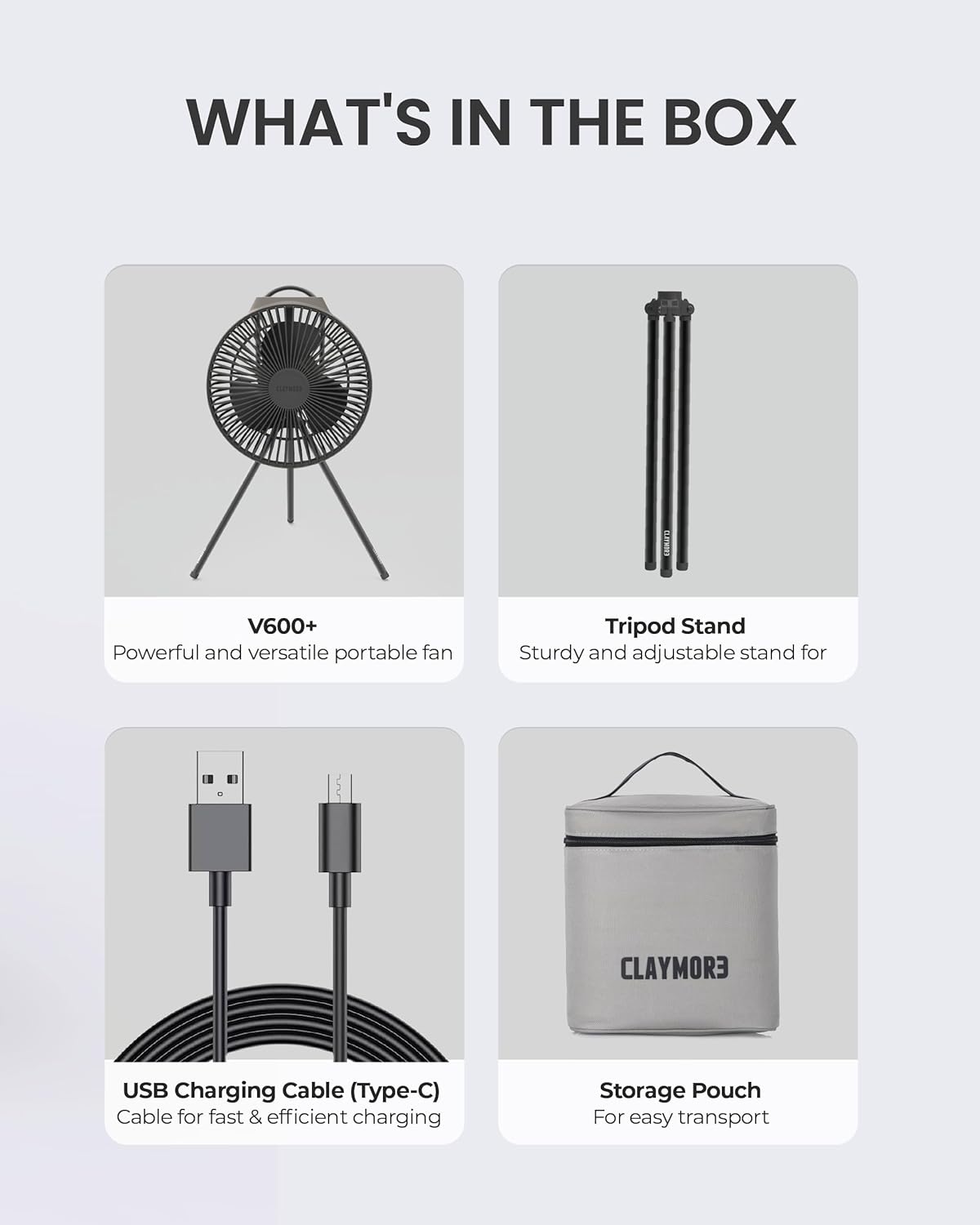
Image: A visual representation of the package contents, including the V600+ fan, tripod stand, USB-C charging cable, and a storage pouch.
- Claymore Portable Fan V600+
- Claymore Tripod Stand
- USB-C Charging Cable
- Storage Case for Fan
Product Features
The Claymore V600+ fan and tripod stand are equipped with several features designed for convenience and performance.

Image: Icons illustrating key features of the fan, such as its 3 wide blades, integrated handle, adjustable angle, timer function, USB Type-C rechargeability, and 4-speed levels.
- Powerful Airflow: Equipped with 3 wide blades for efficient air circulation.
- Adjustable Speeds: Features 4 distinct speed levels to suit various cooling needs.
- Quiet Operation: Ultra-quiet BLDC motor ensures minimal noise.
- Long-Lasting Battery: 7,800mAh Li-ion battery provides up to 32 hours of use.
- USB-C Charging: Convenient and fast charging via USB-C.
- Integrated Handle: For easy portability and hanging.
- Adjustable Angle: Fan head can be tilted to direct airflow.
- Timer Function: Allows for timed operation.
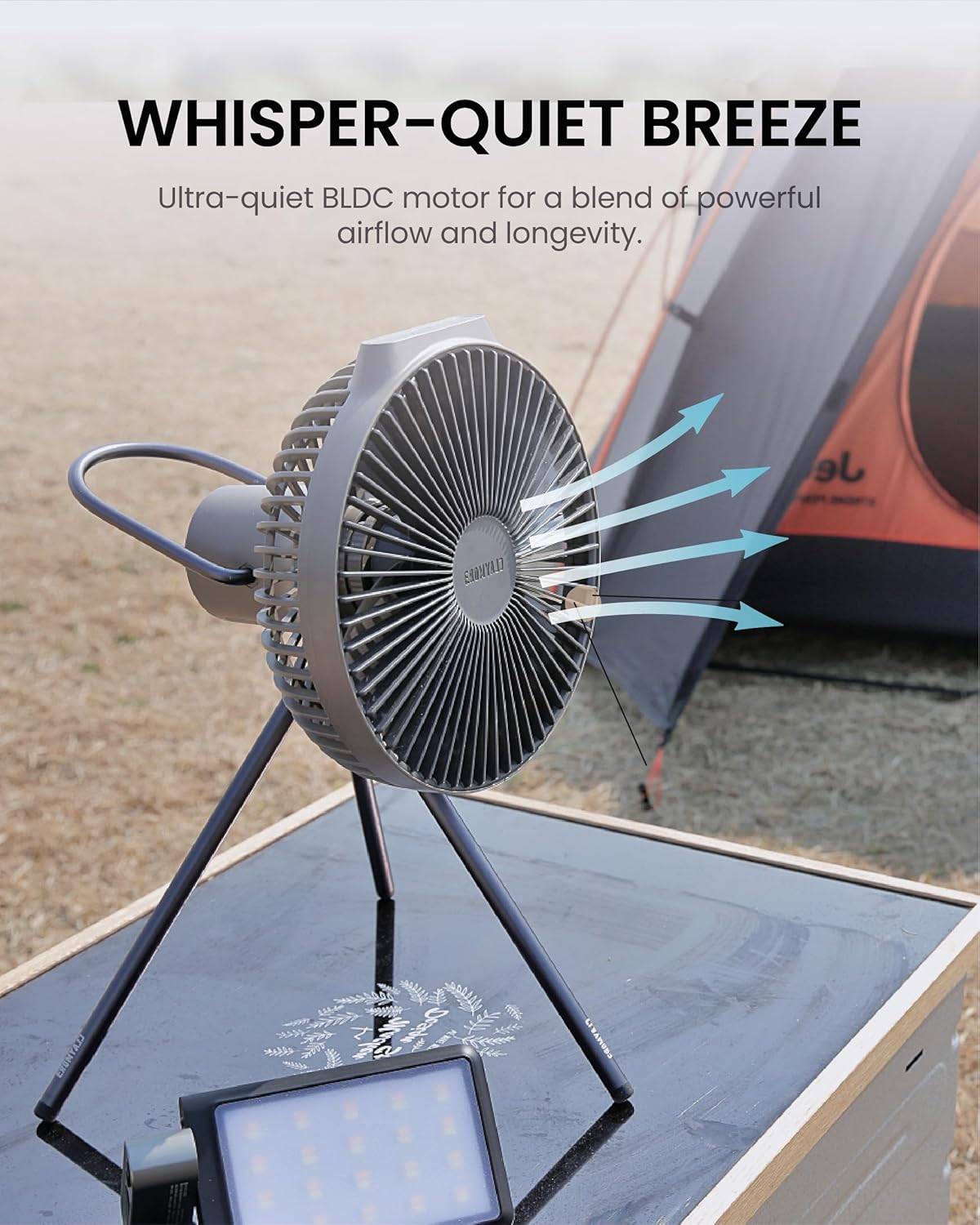
Image: The Claymore V600+ fan in an outdoor setting, illustrating its quiet operation and effective airflow, suitable for camping or outdoor activities.
Tripod Stand Features
The Claymore Tripod Stand is designed for stability and versatility, compatible with various Claymore devices.
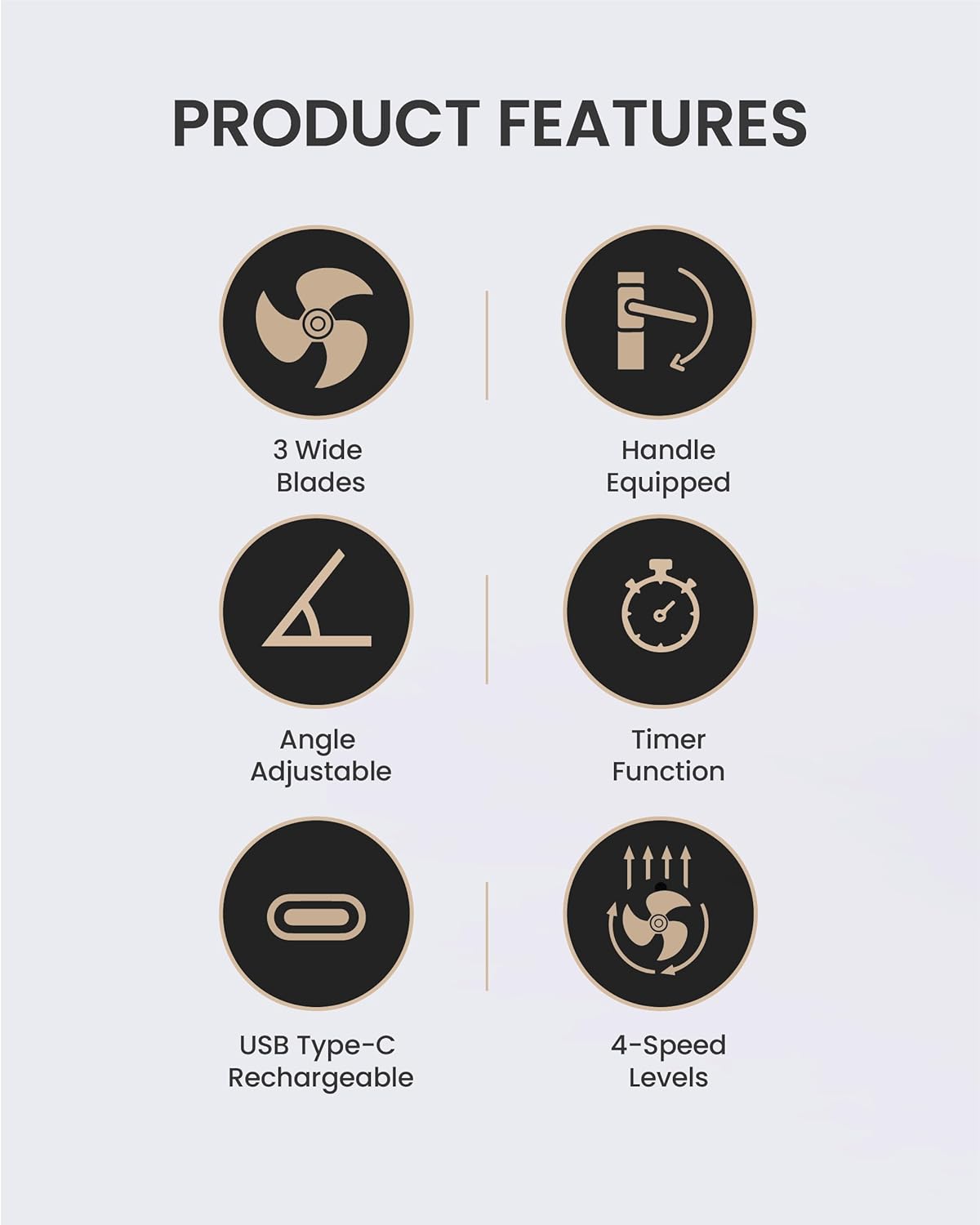
Image: The Claymore Multi Tripod Stand shown fully extended, highlighting its robust design for outdoor use.
- Adjustable Height: 5-step height adjustment from 19 inches (49cm) to 75 inches (190cm).
- Ground-Fixing Capabilities: Ensures stability in windy conditions.
- Lightweight Aluminum: Weighs just 2.3 lbs (1.05 kg) for easy transport.
- 360° Ball Head: Provides versatile angles for mounted devices.
- Universal Compatibility: Features a 1/4-inch mount, compatible with Claymore headlights, area lights, fans, cameras, and action cameras.

Image: Icons detailing the tripod stand's features, including versatile height adjustment, stability in wind, full 360-degree rotation, ultra-lightweight design, and seamless compatibility with various devices.

Image: A close-up view of the tripod stand's 1/4-inch universal tripod screw head mount, emphasizing its aluminum construction and available color options.
Setup
1. Charging the Fan
- Locate the USB-C charging port on the fan.
- Connect the provided USB-C cable to the fan and a compatible USB power adapter (not included).
- The charging indicator lights will illuminate to show charging status. A full charge typically takes approximately 4-5 hours.
- Disconnect the cable once fully charged.
2. Assembling the Tripod Stand
- Unfold the tripod legs until they are fully extended and stable.
- Extend the telescopic sections of the stand to your desired height. Secure each section by twisting the locking collars clockwise until tight.
- Attach the Claymore V600+ fan to the 1/4-inch screw mount on the tripod stand. Ensure it is securely fastened.
- For added stability outdoors, utilize the ground-fixing capabilities by pushing the tripod feet firmly into soft ground if available.
Operating Instructions
Power On/Off and Speed Adjustment
- Power On: Press the power button located on the fan to turn it on. It will start at the lowest speed setting.
- Adjust Speed: Press the power button repeatedly to cycle through the 4 speed levels.
- Power Off: Continue pressing the power button until the fan turns off, or press and hold the power button for 2 seconds.
Timer Function
- While the fan is operating, press the timer button (if available, refer to fan's specific controls) to set a desired operating duration.
- The fan will automatically turn off after the set time.
Adjusting Fan Angle
- Gently tilt the fan head up or down to direct the airflow as needed. The fan is designed with an adjustable angle mechanism.
Maintenance
Cleaning the Fan
- Ensure the fan is powered off and unplugged before cleaning.
- Use a soft, dry cloth to wipe down the exterior of the fan and the blades.
- Do not use abrasive cleaners, solvents, or immerse the fan in water.
Battery Care and Storage
- For optimal battery life, avoid fully discharging the battery frequently.
- Store the fan in a cool, dry place, away from direct sunlight and extreme temperatures.
- If storing for extended periods, charge the battery to approximately 50% every 3-6 months to prevent deep discharge.
- Use the provided storage case for protection during transport and storage.
Troubleshooting
| Problem | Possible Cause | Solution |
|---|---|---|
| Fan does not turn on. | Battery is depleted. | Charge the fan using the USB-C cable. |
| Fan stops unexpectedly. | Battery is low or timer function activated. | Recharge the battery. Check if the timer was set. |
| Reduced airflow. | Fan blades are dirty or obstructed. | Clean the fan blades and ensure no obstructions. |
| Tripod stand is unstable. | Legs not fully extended or locking collars loose. | Ensure legs are fully extended and all locking collars are tightened. Use ground-fixing if on soft terrain. |
Specifications

Image: A detailed diagram outlining the dimensions and specifications of the Claymore Tripod Stand, including its minimum and maximum height and width measurements.
| Feature | Detail |
|---|---|
| Model | Claymore Portable Fan V600+ |
| Power Source | Battery Powered (7,800mAh Li-ion) |
| Voltage | 5 Volts |
| Number of Power Levels | 4 |
| Max Usage Time | Up to 32 hours |
| Charging Port | USB-C |
| Tripod Stand Material | Lightweight Aluminum |
| Tripod Height Adjustment | 19in (49cm) to 75in (190cm) |
| Tripod Weight | 2.3 lbs (1.05 kg) |
| Tripod Mount | 1/4-inch screw |
Safety Information
- Do not operate the fan with a damaged cord or plug.
- Keep fingers, hair, and loose clothing away from the fan blades during operation.
- Do not block the air intake or exhaust openings.
- Avoid exposing the fan or battery to extreme temperatures, direct sunlight, or moisture.
- This product is not a toy. Keep out of reach of children.
- Use only the specified charging cable and power source.
Warranty and Support
Claymore products are manufactured with high-quality standards. For warranty information, technical support, or service inquiries, please visit the official Claymore store or contact their customer service.
Official Claymore Store: Claymore Store on Amazon
Related documentsV600+


Ask a question about this manual
Ask about setup, troubleshooting, compatibility, parts, safety, or missing instructions. Manuals+ will review the question and use this page’s manual context to help answer it.