1. Introduction
The DUNAGA Automatic Home Insect Trap is designed to effectively control indoor flying insects such as flies, gnats, and mosquitoes. This device utilizes a combination of UV light attraction, heat simulation, and a powerful fan to draw insects onto a replaceable sticky glue board. It offers both manual and automatic operating modes for user convenience. This manual provides essential information for the safe and efficient use of your insect trap.

Image 1.1: The DUNAGA Automatic Home Insect Trap, showcasing its design and the blue UV light used to attract insects.
2. Product Overview
2.1 Key Features
- Dual Operating Modes: Manual and Automatic modes with smart wavelength changes.
- Light-Activated Sensor: Automatic mode turns on in darkness and off in bright conditions.
- Heat Simulation: Emits heat to mimic human body temperature, enhancing mosquito attraction.
- UV Light Attraction: Utilizes 365-395nm wavelength UV light to attract various flying insects.
- Powerful Fan: A 3500rpm fan draws insects into the trap.
- Physical Control: Chemical-free, non-toxic, and odorless method of insect control.
- Easy Maintenance: Features replaceable sticky glue boards for simple disposal of caught insects.
2.2 Components
- Main Insect Trap Unit
- USB Power Adapter
- USB Cable
- 10 Sticky Glue Boards (initial supply)

Image 2.1: Exploded diagram illustrating the internal components of the insect trap, including the UV light, fan, and the removable tray for sticky glue boards.
3. Setup Instructions
- Unpack: Carefully remove all components from the packaging.
- Insert Glue Board: Locate the bottom tray of the insect trap. Press the button to release and open the tray. Remove the protective layer from one sticky glue board and place it securely into the tray. Close the tray until it clicks into place.
- Position the Trap: Place the trap in an area where flying insects are frequently observed, such as kitchens, living rooms, or near houseplants. Ensure it is placed on a stable, flat surface. For optimal performance, position the trap away from strong light sources during nighttime operation.
- Connect Power: Connect the USB cable to the trap and then to the provided USB power adapter. Plug the adapter into a standard electrical outlet. The trap can also be powered via a laptop, power bank, or any PC USB port.

Image 3.1: Visual instructions for inserting and replacing the sticky glue boards in the trap's bottom tray.
4. Operating Instructions
The DUNAGA Automatic Home Insect Trap features two operating modes: Manual and Automatic.

Image 4.1: Top view of the insect trap highlighting the Manual and Automatic mode buttons.
4.1 Manual Mode
- Press the Manual button once to activate Manual Mode. The device will begin operating continuously.
- In Manual Mode, the device will cycle through 7 different wavelengths every 15 minutes to attract a wider range of insects.
- Press the Manual button again to turn off the smart wavelength change mode, if desired.
4.2 Automatic Mode
- Press the Auto button once to activate Automatic Mode.
- In Automatic Mode, the device utilizes an intelligent light-sensing system. It will automatically turn on when it is dark and turn off when it is bright.
- Similar to Manual Mode, the device will cycle through 7 different wavelengths every 15 minutes to optimize insect attraction.
- Press the Auto button again to turn off the smart wavelength change mode, if desired.
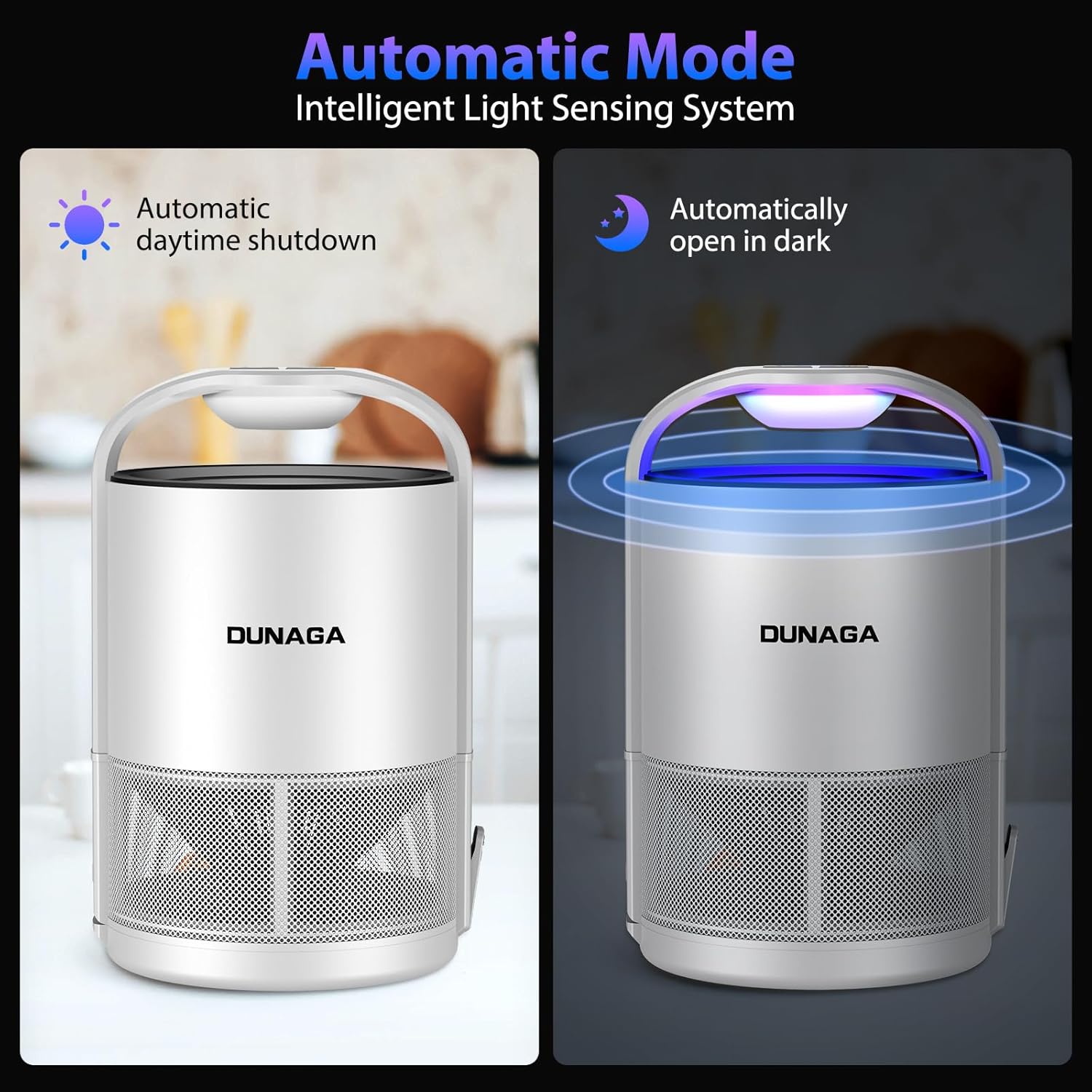
Image 4.2: Illustration of the Automatic Mode, demonstrating how the trap powers off during the day and activates at night.
4.3 Wavelength and Heat Simulation
The trap emits UV light in the 365-395nm wavelength range, which is highly attractive to many flying insects. Additionally, it simulates human body temperature to further enhance the attraction of mosquitoes, improving trapping efficiency.
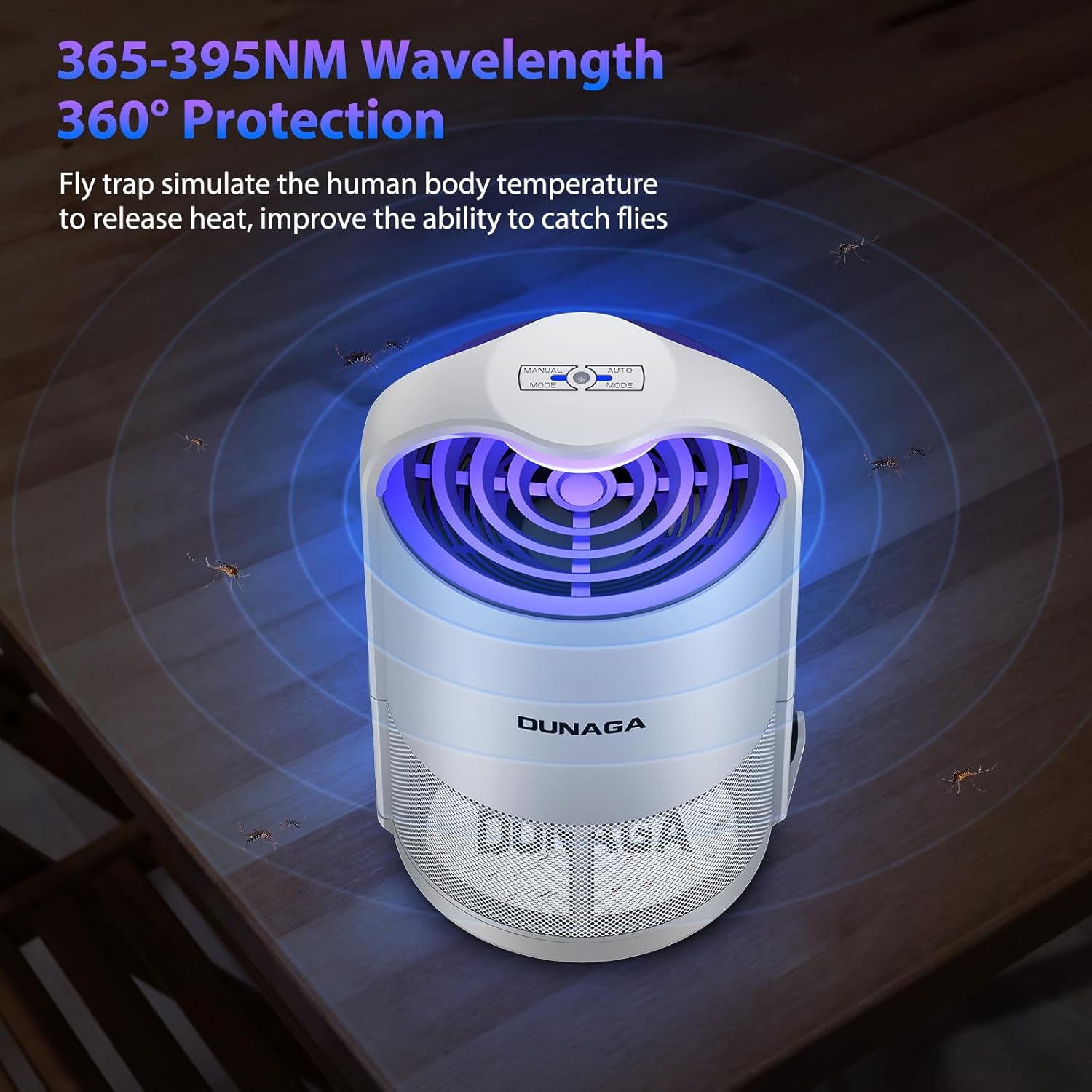
Image 4.3: The trap's UV light and heat simulation working to attract insects from all directions.
5. Maintenance
5.1 Replacing Sticky Glue Boards
The sticky glue boards should be replaced regularly, or when they are full of insects, to maintain optimal trapping performance.
- Power Off: Disconnect the trap from the power source before performing any maintenance.
- Open Tray: Press the button on the side of the trap to release and open the bottom tray.
- Remove Old Board: Carefully remove the old, insect-laden sticky glue board.
- Dispose: Dispose of the old glue board in a trash receptacle.
- Insert New Board: Remove the protective layer from a new sticky glue board and place it securely into the tray.
- Close Tray: Close the tray firmly until it clicks into place.
- Reconnect Power: Plug the trap back into the power source.
5.2 Cleaning the Unit
- Ensure the device is unplugged before cleaning.
- Wipe the exterior of the trap with a soft, dry cloth.
- Do not use water or any liquid cleaners directly on the unit.
- Avoid obstructing the fan or light components during cleaning.
6. Troubleshooting
| Problem | Possible Cause | Solution |
|---|---|---|
| Trap is not turning on. | No power supply. | Ensure the USB cable and adapter are securely connected and plugged into a working outlet. Try a different outlet or USB power source. |
| Trap is not catching insects effectively. | Sticky board is full or lost adhesion. | Replace the sticky glue board with a new one. |
| Trap is placed in an area with too much ambient light (in Auto Mode). | Move the trap to a darker location, especially at night, or switch to Manual Mode for continuous operation. | |
| Trap is placed too far from insect activity. | Relocate the trap closer to areas where insects are observed. | |
| Fan is not spinning. | Obstruction or power issue. | Disconnect power, check for any visible obstructions in the fan area. Reconnect power. If the issue persists, contact customer support. |
7. Specifications
| Feature | Specification |
|---|---|
| Model Number | Zap T360 Pro |
| Brand | DUNAGA |
| Color | B-Auto White |
| Product Dimensions | 2"L x 2"W x 2"H (5.3 inches diameter, 8.5 inches height) |
| Item Weight | 1.34 pounds |
| Light Wavelength | 365-395nm UV light |
| Fan Speed | 3500rpm |
| Power Source | USB (Adapter included) |
| Number of Pieces | 1 (trap unit) |

Image 7.1: Product dimensions and a visual representation of the trap's multi-insect effectiveness.
8. Safety Information
- This device is for indoor use only. Do not use outdoors.
- Keep out of reach of children and pets.
- Do not place the trap near water or in damp environments.
- Do not insert fingers or foreign objects into the fan or light area.
- Disconnect power before cleaning or replacing glue boards.
- Do not attempt to modify or repair the device. Contact customer support for assistance.
- The sticky glue boards are not edible. In case of ingestion, seek medical attention.
9. Warranty and Support
DUNAGA provides a standard manufacturer's warranty for this product. For specific warranty details, please refer to the product packaging or contact DUNAGA customer support directly. If you encounter any issues or have questions regarding your Automatic Home Insect Trap, please reach out to our support team via the contact information provided with your purchase or on the official DUNAGA website.


