Introduction
Welcome to the user manual for your EZON T007A11 Heart Rate Monitor Watch and Chest Strap. This manual provides essential information for setting up, operating, maintaining, and troubleshooting your device. Please read it carefully to ensure proper use and to maximize the benefits of your heart rate monitor.
What's in the Box
- 1 x Heart rate watch
- 1 x Chest strap
Product Overview
The EZON T007A11 is a comprehensive heart rate monitoring system designed for various sports and fitness activities. It consists of a digital watch and a comfortable chest strap, working together to provide real-time heart rate data, calorie expenditure, and other useful metrics.

The EZON T007A11 Heart Rate Monitor Watch and Chest Strap. The watch features a digital display with buttons for Light, Mode, ST/STP, and Reset. The chest strap includes a sensor for heart rate detection.
Setup
Battery Installation/Activation
The watch requires a CR2032 button cell battery. Upon first use, you may need to activate the watch by removing a plastic tab covering the battery. This typically involves carefully unscrewing the four small Phillips head screws on the back cover of the watch, removing the cover, extracting the plastic tab, and then securely re-fastening the cover. Ensure the O-ring seal is properly seated to maintain water resistance.
Attaching the Chest Strap
- Moisten the electrode areas on the back of the chest strap with water or electrode gel. This ensures good conductivity for accurate heart rate detection.
- Position the chest strap directly below your pectoral muscles, ensuring the sensor is centered on your chest.
- Adjust the strap for a snug, comfortable fit. It should be tight enough not to slip during activity but not so tight as to cause discomfort.

A person wearing the EZON heart rate monitor chest strap during a cycling activity. The strap is positioned across the chest, and the watch is visible on the wrist, displaying heart rate data.
Operating Instructions
Basic Watch Functions
The watch features several buttons to navigate its functions:
- LIGHT: Press to activate the backlight for improved visibility in low light conditions.
- MODE: Press to cycle through different display modes, such as time, stopwatch, and heart rate monitoring.
- ST/STP: Used to start and stop functions like the stopwatch or exercise timer.
- RESET: Used to reset values or settings, often in conjunction with other buttons.
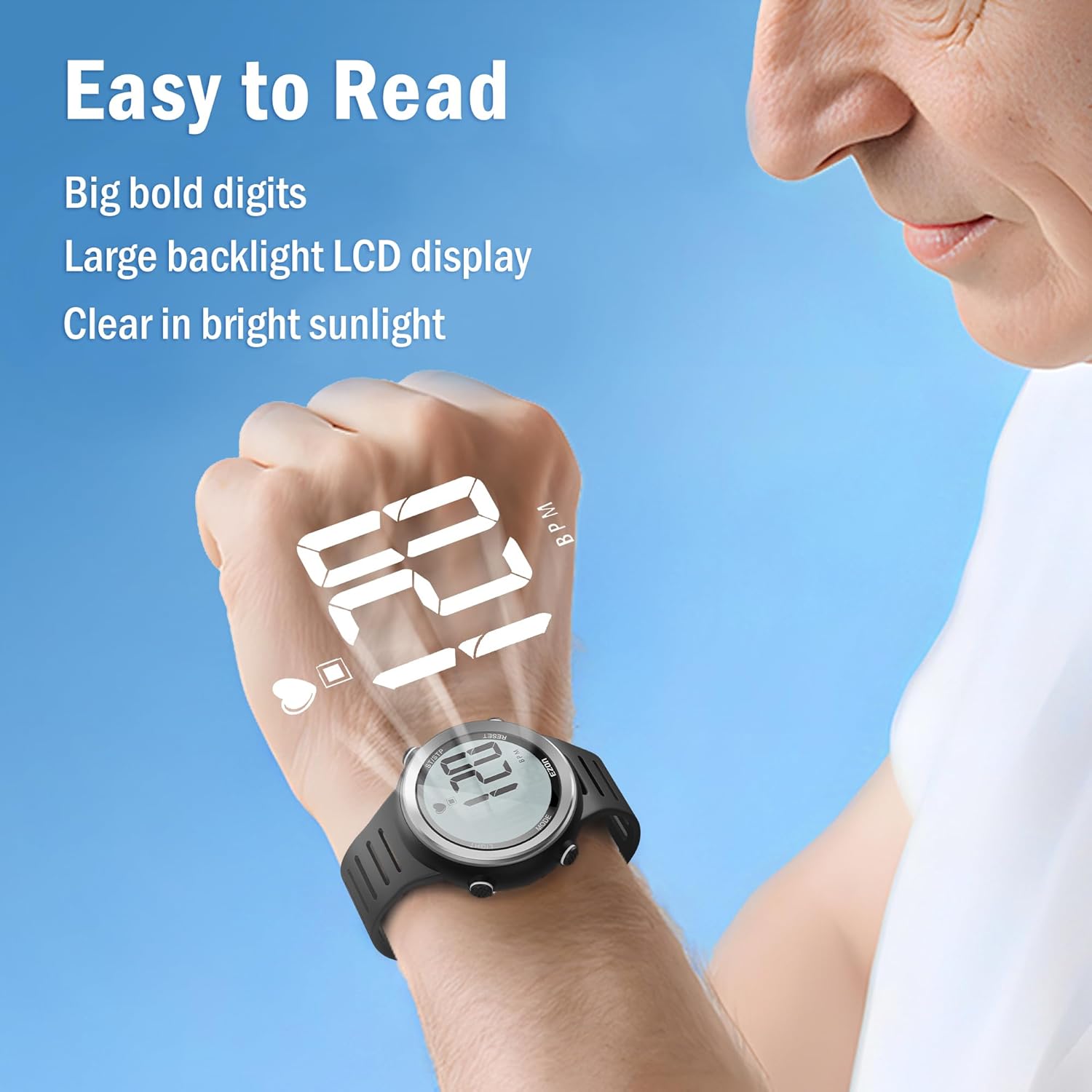
Close-up view of the EZON heart rate monitor watch display, showing large, clear digits for easy readability. The display is backlit, making it visible in various lighting conditions.
Heart Rate Monitoring
Once the chest strap is properly worn and activated, and the watch is in heart rate mode, your real-time heart rate will be displayed on the watch face. The device utilizes coded heart rate transmission to minimize interference from other electronic devices, ensuring a more reliable reading.
Heart Rate Zone Alarm
The watch allows you to set manual heart rate target zones based on your fitness goals. If your heart rate falls outside these predefined zones during exercise, the watch will provide both audio and visual alarms. This feature helps you maintain optimal exercise intensity and avoid overexertion or insufficient effort.
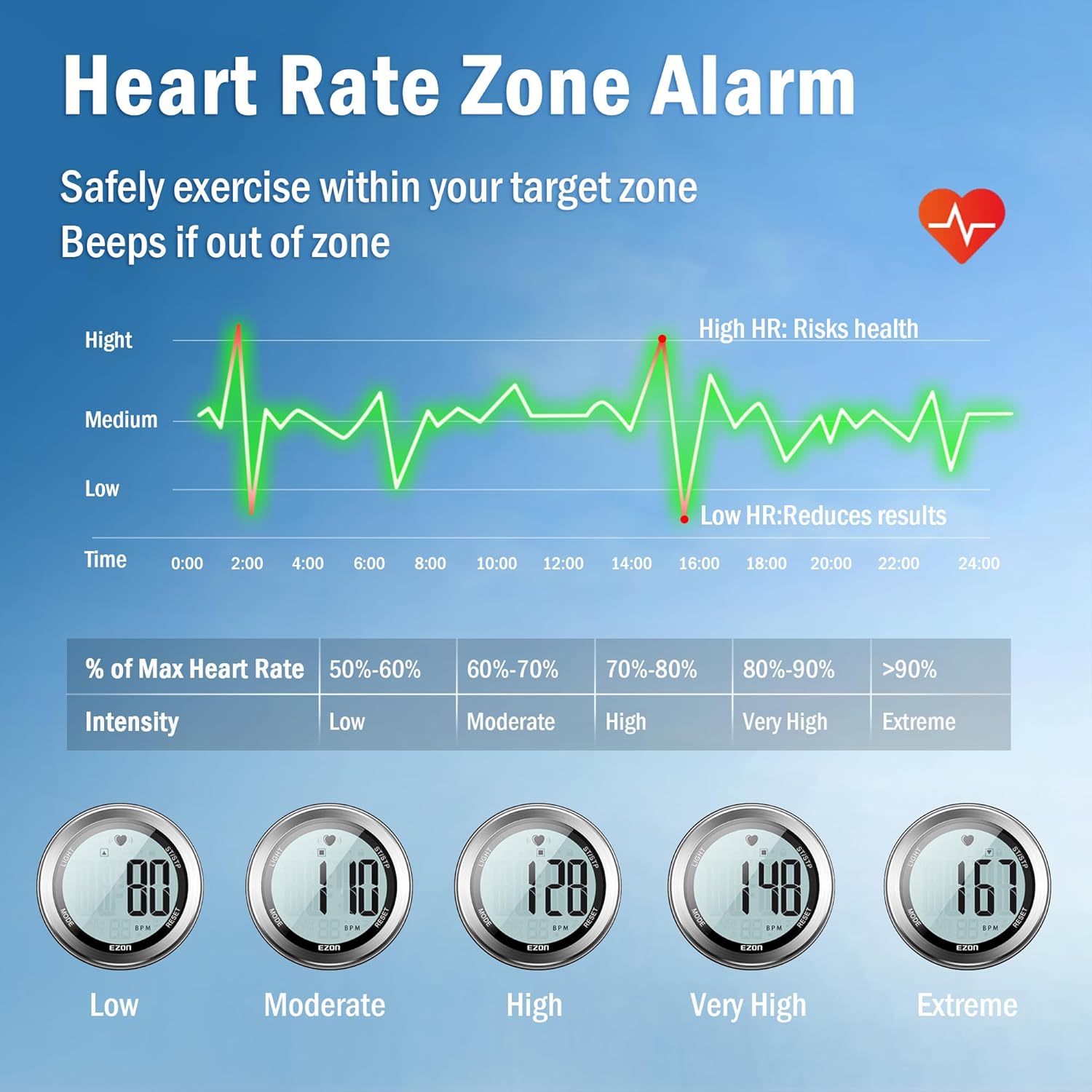
A graphic illustrating heart rate zones (Low, Moderate, High, Very High, Extreme) based on percentage of maximum heart rate, with corresponding heart rate values displayed on watch faces. This feature helps users safely exercise within their target zone.
Calories Burned Tracking
The device calculates calories burned during your workout based on your personal data. For the most precise calorie expenditure tracking, ensure your personal profile (including age, weight, and gender) is accurately set within the watch's settings.
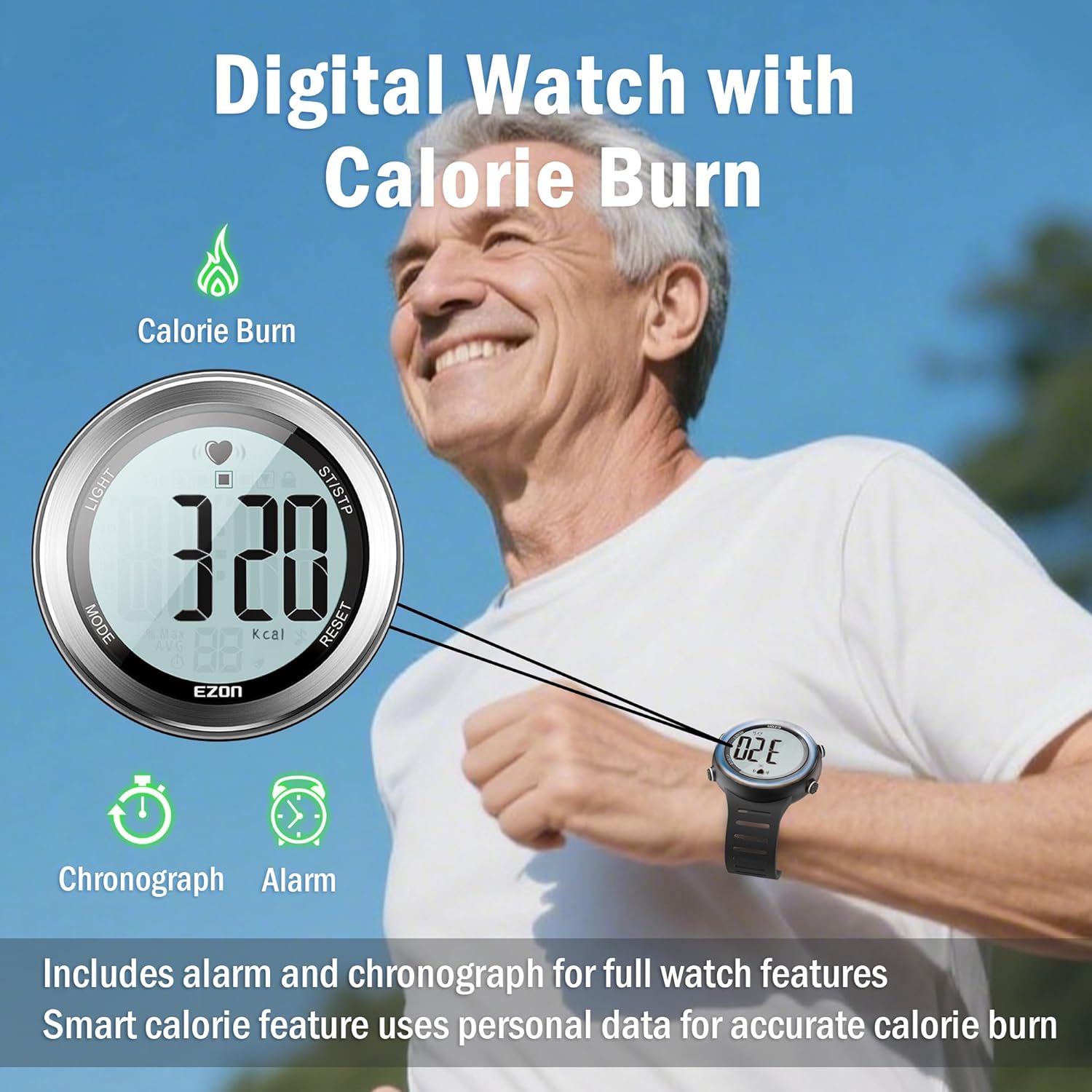
A man smiling while wearing the EZON heart rate monitor watch, which displays '320 kcal', indicating the calorie burn tracking feature. The watch also includes chronograph and alarm functions.
Stopwatch and Hourly Chime
Utilize the integrated stopwatch function for timing your workouts, laps, or any other activity requiring precise time measurement. The hourly chime feature provides an audible alert at the top of each hour, which can be enabled or disabled in the watch settings.
Maintenance
Cleaning
- After each use, wipe the watch and chest strap with a soft, damp cloth.
- Do not use abrasive cleaners, solvents, or strong chemicals, as these can damage the materials.
- Ensure the chest strap electrodes are clean and dry before storage to prevent corrosion and maintain functionality.
Battery Replacement
When the battery indicator appears on the watch display or if the watch functions become erratic, it is time to replace the CR2032 button cell battery. Carefully unscrew the back cover of the watch, remove the old battery, and insert a new one with the positive (+) side facing up. Ensure the O-ring seal is properly seated in its groove before re-securing the back cover. This is crucial for maintaining the watch's water resistance.
Storage
Store the device in a cool, dry place away from direct sunlight, extreme temperatures, and high humidity. Prolonged exposure to these conditions can shorten the lifespan of the device and its battery.
Troubleshooting
No Heart Rate Reading
- Ensure the chest strap electrodes are moistened and positioned correctly on your chest.
- Check if the chest strap battery is active or needs replacement.
- Verify the watch is in heart rate monitoring mode.
- Ensure there are no strong electromagnetic interferences nearby that could disrupt the signal.
Inaccurate Heart Rate Readings
- Confirm the chest strap is snug but comfortable. A loose strap can cause inconsistent or inaccurate readings.
- Re-moisten the electrodes if they have dried out during exercise.
- Check for any skin irritation or excessive hair under the electrodes, which can affect contact.
Watch Display is Blank or Faint
- Replace the CR2032 battery.
- Ensure the battery is inserted with the correct polarity (+ side up).
Water Resistance Concerns
The device is rated 5ATM/50M/164FT water resistant, making it suitable for showering, washing hands, and light water activities. It is not suitable for diving, snorkeling, or prolonged submersion. Always ensure the battery cover is securely fastened and the O-ring seal is intact to maintain its water resistance.

Hands under running water, demonstrating the EZON watch's daily water resistance. Note that it is not intended for swimming or diving.
Specifications
- Model: T007A11
- Water Resistance: 5ATM / 50M / 164FT (Not for diving)
- Battery Type: CR2032 (Button Cell)
- Display Type: Digital LCD with Backlight
- Features: Real-time Heart Rate Monitor, Heart Rate Zone Alarm (Audio/Visual), Calories Burned Tracking, Stopwatch, Hourly Chime, Alarm
- Operating System: Proprietary OS
- GPS: No GPS
- Item Weight: Approximately 3.84 ounces (Watch and Chest Strap combined)
- Manufacturer: EZON
Warranty and Support
For detailed warranty information and customer support, please refer to the official EZON website or contact your retailer directly. It is recommended to keep your purchase receipt as proof of purchase for any warranty claims.
For further assistance or to explore other EZON products, please visit the official EZON store on Amazon: EZON Official Store


