
LAMTTO Wireless Carplay Adapter
LAMTTO 3-in-1 Magic Video AI Box User Manual
Model: Wireless Carplay Adapter
Brand: LAMTTO
Introduction
The LAMTTO 3-in-1 Magic Video AI Box is designed to enhance your in-car entertainment and connectivity. This device upgrades your OEM wired CarPlay system to wireless functionality, allowing seamless access to navigation, music, and built-in video streaming applications directly on your car's touchscreen. It also supports media playback from a USB drive, offering versatile entertainment options for any journey.

The LAMTTO 3-in-1 Magic Video AI Box with its included USB-C to USB-A and USB-C to USB-C cables.
What's in the Box
- Ai Box x 1
- TYPE-C to USB cable (250MM) x 1
- TYPE-C to TYPE-C cable (250MM) x 1
- Tool x 1
- Instruction manual x 1

An overview of the items included in the LAMTTO 3-in-1 Magic Video AI Box package.
Compatibility
Before purchasing and using the LAMTTO 3-in-1 Magic Video AI Box, please ensure your vehicle meets the following requirements:
- Your car must support OEM wired CarPlay.
- Your car's infotainment system must have a touchscreen.
- The device does NOT support OEM wireless CarPlay cars.
- Compatible Phones: iPhone 6+ & iOS 10+
To verify CarPlay compatibility, visit the official Apple Website and search for 'CarPlay available models'.
Visual guide to car compatibility, emphasizing the requirement for OEM wired CarPlay with a touchscreen.
Setup Instructions
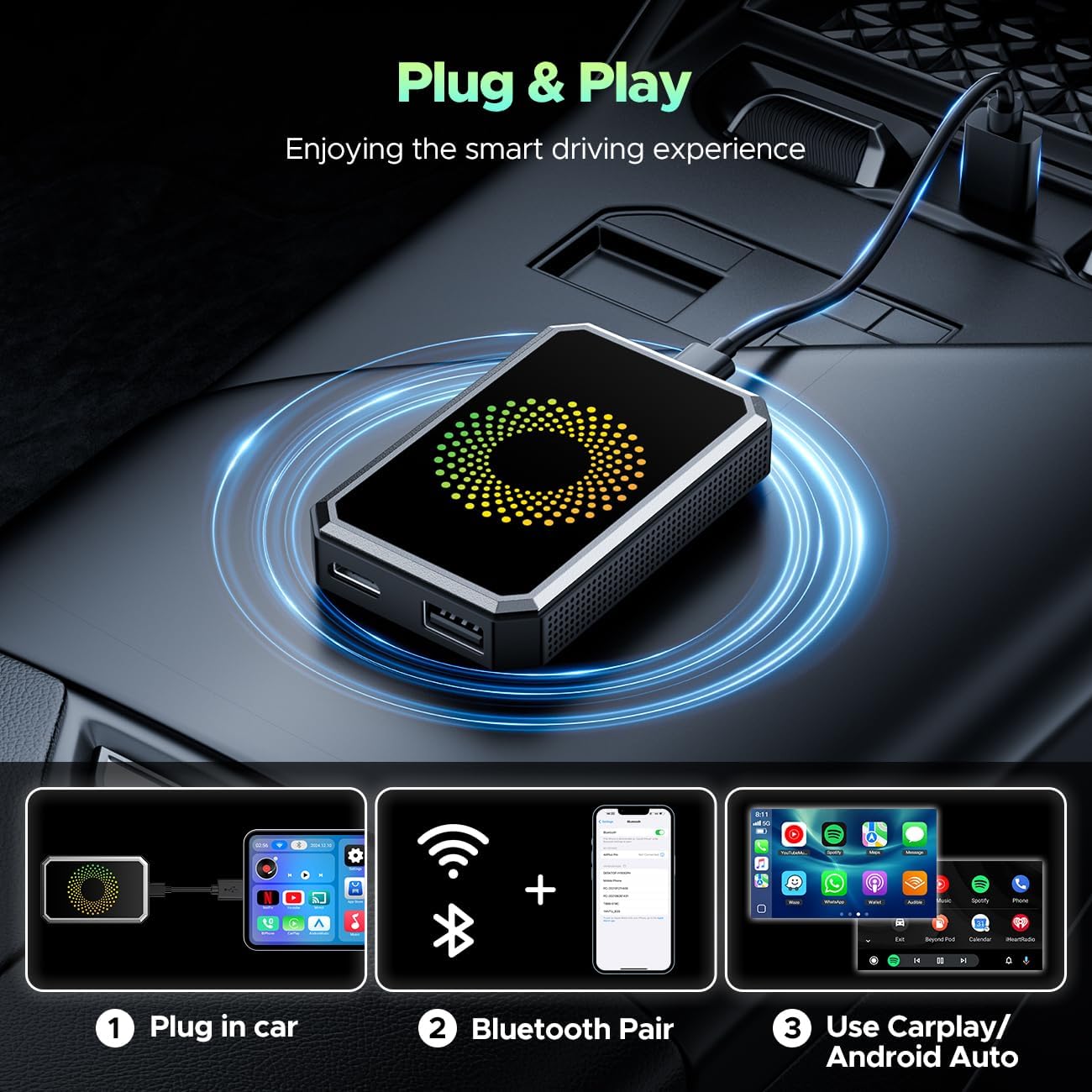
The LAMTTO 3-in-1 Magic Video AI Box is designed for a simple, 3-step plug-and-play setup:
- Plug into Car: Connect the AI Box to your car's USB port that supports wired CarPlay.
- Bluetooth Pair: On your phone, turn on Bluetooth and Wi-Fi. Then, pair your phone with the AI Box via Bluetooth.
- Use CarPlay/Android Auto: Once connected, the device will automatically launch the CarPlay or Android Auto interface on your car's screen.
A visual representation of the quick and easy setup process.
Video Guide: CarPlay Connection
This video demonstrates the step-by-step process of connecting your iPhone to the LAMTTO AI Box for CarPlay functionality.
Operating Instructions
Wireless Apple CarPlay & Android Auto
Transform your wired CarPlay into a wireless experience. Once connected, you can effortlessly access navigation apps like Waze and Apple Maps, stream music from Spotify, and utilize voice control for calls and music playback, all hands-free. The device also supports wireless Android Auto for compatible devices.

An overview of the 3-in-1 Magic Box's core functionalities.
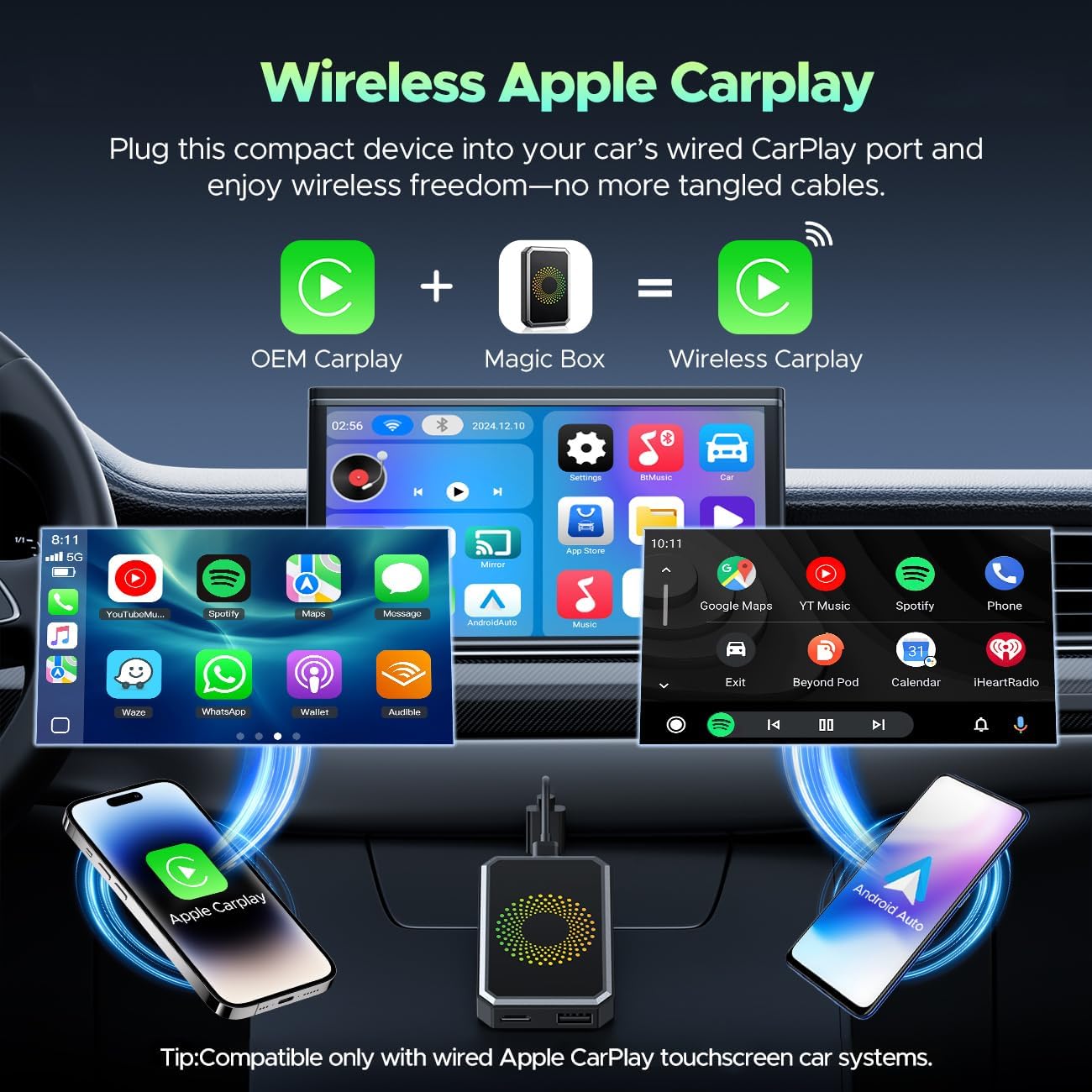
Illustrates how the Magic Box converts wired CarPlay to wireless, showing both Apple CarPlay and Android Auto interfaces.
Built-in Video Applications
Turn your car into a personal entertainment hub. The AI Box comes with pre-installed video applications such as Netflix, YouTube, TikTok, Disney+, and Prime Video. To use these apps, simply connect the device to your phone's mobile hotspot. The dual Wi-Fi (2.4G & 5G) ensures seamless switching between video streaming and CarPlay/Android Auto without disconnection.

The car's display showing popular streaming services available through the AI Box.
Video Guide: Built-in Video Apps
This video provides a guide on how to access and use the built-in video applications on your car's screen.
USB Drive Media Playback
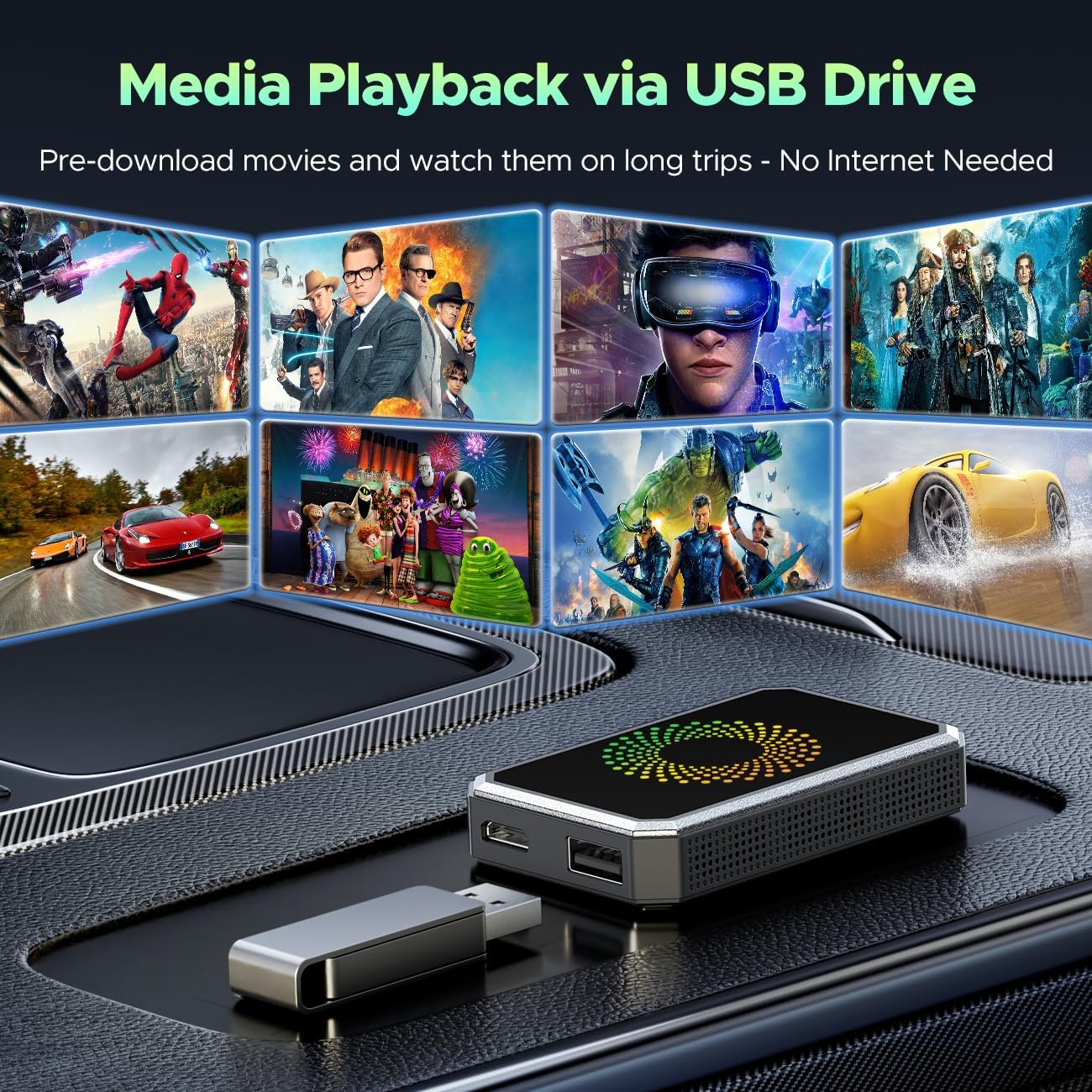
Enjoy your favorite offline movies and music by plugging a USB drive directly into the AI Box. This feature is ideal for long trips or areas with limited signal, ensuring continuous entertainment.

The AI Box supports media playback directly from a USB drive.
Video Guide: USB Media Playback
This video illustrates how to play media files directly from a USB drive using the AI Box.
Control Options
The AI Box offers multiple ways to control your car's infotainment system:
- Touch Screen Control: Directly interact with the car's touchscreen.
- Steering Wheel Control: Use your vehicle's existing steering wheel buttons.
- OEM Knob Control: Utilize the original equipment manufacturer's control knob.
- Voice Assistant: Use voice commands for hands-free operation.

Various methods for controlling the AI Box interface in your vehicle.
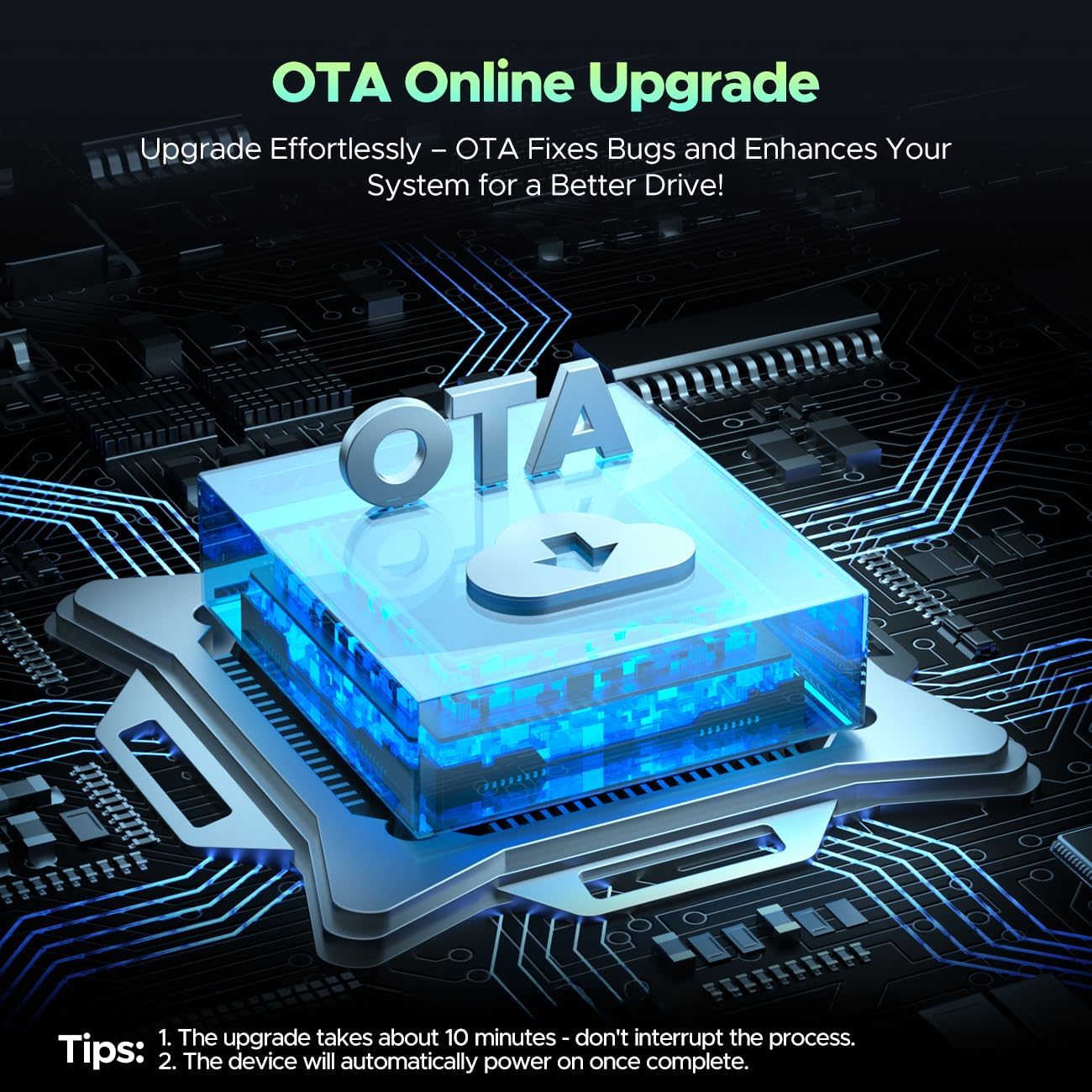
Maintenance: OTA Online Upgrade
Keep your system running smoothly with Over-The-Air (OTA) online upgrades. These updates fix bugs, enhance performance, and improve compatibility.
The OTA upgrade process ensures your device remains up-to-date.
Troubleshooting Tips
General Usage
- Ensure your car supports OEM wired CarPlay and has a touchscreen.
- The AI Box is not compatible with cars that have OEM wireless CarPlay.
- A Wi-Fi connection or mobile hotspot is required to use the built-in video apps.
- The built-in video apps only support Netflix, YouTube, TikTok, Prime Video, and Disney+. Other apps cannot be downloaded.
- Avoid opening multiple apps while streaming videos to prevent playback delays.
OTA Update Issues
- Before starting an OTA upgrade, ensure the device is connected to Wi-Fi or your phone's hotspot.
- The OTA upgrade typically takes about 10 minutes and restarts automatically upon completion.
- During the OTA update, do not turn off your vehicle or unplug the USB cable, as this may cause the product to stop working.
- If the OTA update fails, try using a different USB cable or switching to another USB port on your car's infotainment system.
Specifications
| Brand | LAMTTO |
| Model Name | Magic AI Box Video Player for Streaming Netflix/YouTube/TikTok |
| Item Model Number | Wireless Carplay Adapter |
| Package Dimensions | 4.84 x 3.7 x 0.94 inches |
| Item Weight | 3.87 ounces (0.11 Kilograms) |
| Color | Black |
| Connectivity Technology | Bluetooth, Wi-Fi, USB, HDMI |
| Connector Type | USB Type C |
| Supported Internet Services | Netflix/Youtube/TikTok/Disney+/ Prime Video |
| Country of Origin | China |
Warranty and Support
Your satisfaction is our priority. LAMTTO offers a hassle-free return and exchange policy within the first 3 months of purchase. Additionally, the product comes with a 1-year warranty for added peace of mind. Our dedicated support team is committed to responding to inquiries within 24 hours.
Ask a question about this manual
Ask about setup, troubleshooting, compatibility, parts, safety, or missing instructions. Manuals+ will review the question and use this page’s manual context to help answer it.