
1. Introduction
This manual provides instructions for the proper use and care of your Promethean ActivPanel 7 Pen-B stylus. This stylus is specifically designed for seamless interaction with Promethean ActivPanel V7 series interactive displays, including both V7 Nickel and V7 Titanium models. It is important to note that this pen is not compatible with earlier generation ActivPanel models such as AP6, AP5, AP4, AP3, or AP2 series.
2. Product Overview
The Promethean ActivPanel 7 Pen-B is a passive stylus constructed from durable plastic and rubber materials, designed for comfortable and precise input on compatible ActivPanel displays. It does not require batteries for operation.
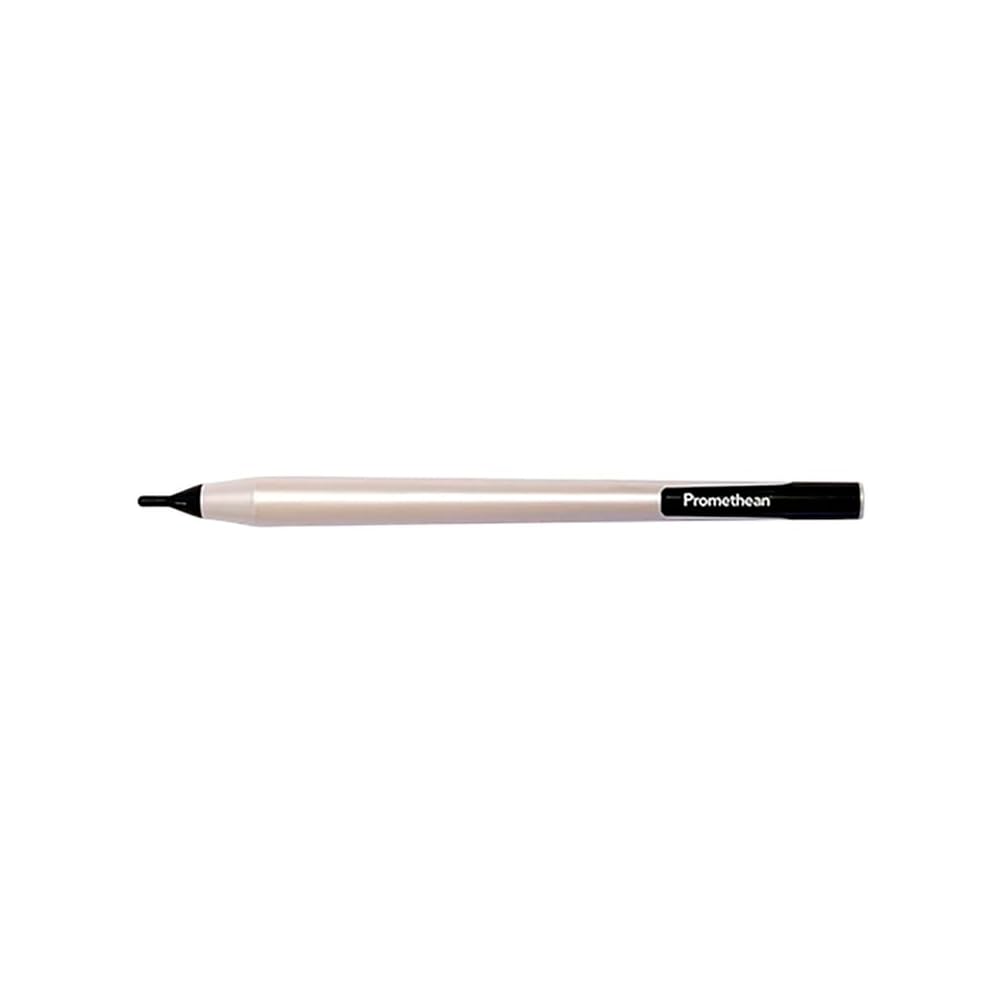
Image: The Promethean ActivPanel 7 Pen-B stylus, packaged in clear plastic. The label shows 'APT-PEN-B' and quantity information.

Image: The Promethean ActivPanel 7 Pen-B stylus in its packaging, displaying a barcode with the UPC 0850068175222.
3. Setup
The ActivPanel 7 Pen-B stylus requires no initial setup or battery installation. It is a passive device ready for immediate use with compatible Promethean ActivPanel V7 series displays.
- Unpack the Stylus: Carefully remove the stylus from its packaging.
- Verify Compatibility: Ensure your interactive display is a Promethean ActivPanel V7 Nickel or V7 Titanium model. This stylus is not compatible with other ActivPanel generations.
- Begin Use: The stylus is now ready to be used with your ActivPanel.
4. Operating Instructions
Using the ActivPanel 7 Pen-B stylus is intuitive and designed to replicate the experience of writing or drawing on a traditional whiteboard.
- Writing and Drawing: Hold the stylus as you would a regular pen. Touch the tip of the stylus to the ActivPanel surface to write, draw, or select items.
- Navigation: Use the stylus to tap on icons, open applications, and navigate menus on the ActivPanel interface.
- Precision Input: The fine tip of the stylus allows for precise input, making it ideal for detailed work, annotations, and handwriting recognition features of the ActivPanel.
5. Maintenance
Proper care will extend the life and maintain the performance of your ActivPanel 7 Pen-B stylus.
- Cleaning: Wipe the stylus regularly with a soft, dry, lint-free cloth. For stubborn marks, a slightly damp cloth with water can be used, followed by immediate drying. Avoid harsh chemicals or abrasive cleaners.
- Storage: Store the stylus in a safe place when not in use to prevent damage. Avoid placing heavy objects on it or exposing it to extreme temperatures.
- Avoid Drops: While durable, repeated drops can damage the stylus tip or internal components. Handle with care.
6. Troubleshooting
If you encounter issues with your ActivPanel 7 Pen-B stylus, refer to the following common solutions:
- Stylus Not Responding:
- Ensure the ActivPanel is powered on and functioning correctly.
- Verify that your ActivPanel is a V7 Nickel or V7 Titanium model. This stylus is not compatible with other ActivPanel series.
- Check the ActivPanel's settings to ensure touch and pen input are enabled.
- Inaccurate Input:
- Ensure the ActivPanel screen is clean and free of smudges or debris that might interfere with touch detection.
- If the ActivPanel supports calibration, perform a recalibration to improve accuracy. Refer to your ActivPanel's user manual for calibration instructions.
- Physical Damage: If the stylus tip is bent or broken, it may need to be replaced. Contact Promethean support for replacement options.
7. Specifications
| Model Number | AP7-PEN-B |
| Brand | Promethean |
| Color | White and Black |
| Material | Plastic, Rubber |
| Compatible Devices | ActivPanel V7 Nickel, ActivPanel V7 Titanium |
| Item Dimensions (L x W x H) | 0.56 x 7.68 x 0.56 inches |
| Batteries Required | No |
| UPC | 850068175222 |
8. Warranty Information
For detailed warranty information regarding your Promethean ActivPanel 7 Pen-B stylus, please refer to the official Promethean website or contact Promethean customer support directly. Warranty terms and conditions may vary by region and purchase date.
9. Support
If you require further assistance or have questions not covered in this manual, please visit the official Promethean support website or contact their customer service team.
Promethean Official Website: www.prometheanworld.com

