
1. Introduction
The carori 9-in-1 Electric Pressure Cooker is a versatile kitchen appliance designed to simplify your cooking process. It combines the functions of a pressure cooker, rice cooker, slow cooker, yogurt maker, sauté pan, steamer, baker, sterilizer, and food warmer into one compact unit. With its 6-quart capacity, it is ideal for preparing meals for families and gatherings, capable of serving up to 6 people or preparing up to 24 bowls of rice.
This manual provides detailed instructions to help you safely and effectively use your new electric pressure cooker. Please read it thoroughly before first use and keep it for future reference.

Front view of the carori 9-in-1 Electric Pressure Cooker with its control panel and included accessories.
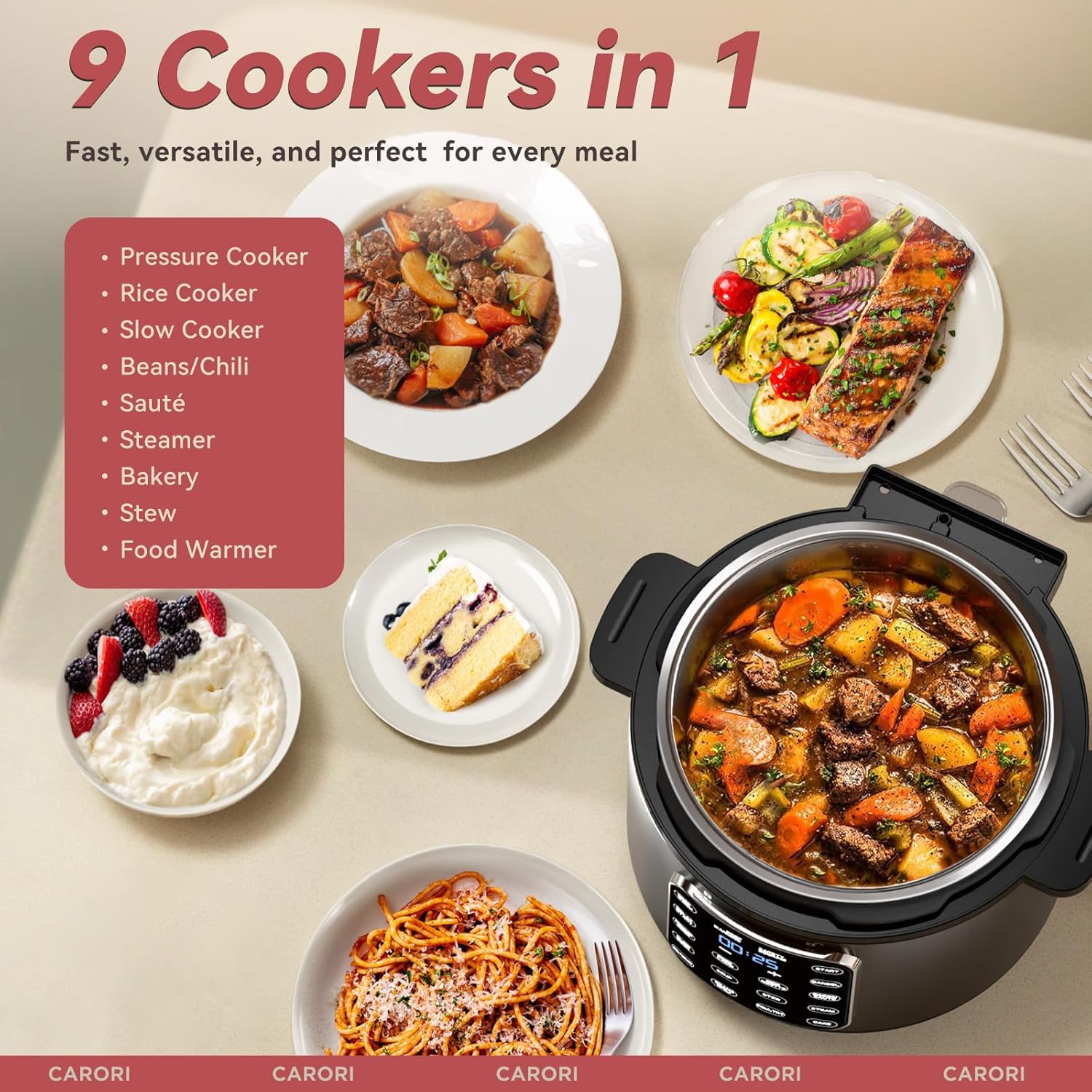
Visual representation of the 9 cooking functions offered by the appliance, including pressure cook, rice cook, slow cook, and more.
2. Safety Information
Your safety is paramount. The carori Electric Pressure Cooker is equipped with over 16 built-in safety features to ensure worry-free operation. Always adhere to the following safety guidelines:
- Steam Release Button: Use caution when releasing steam. Always keep hands and face clear of the steam release valve.
- Lid Safety Lock: Ensure the lid is properly locked before starting any pressure cooking program. The cooker will not operate if the lid is not securely fastened.
- Overheat Protection: The appliance features automatic shut-off to prevent overheating.
- Pressure Limit Safeguards: Designed to maintain safe pressure levels during operation.
- Anti-Clog Cover: Regularly inspect and clean the anti-clog cover to ensure proper steam release.
- Float Valve: Do not attempt to open the lid until the float valve has dropped, indicating that all pressure has been released.
- Placement: Always place the cooker on a stable, level, heat-resistant surface away from edges.
- Power Cord: Do not allow the power cord to hang over the edge of a table or counter, or touch hot surfaces.

Detailed view of the lid's safety features, including the steam release button and important warnings.
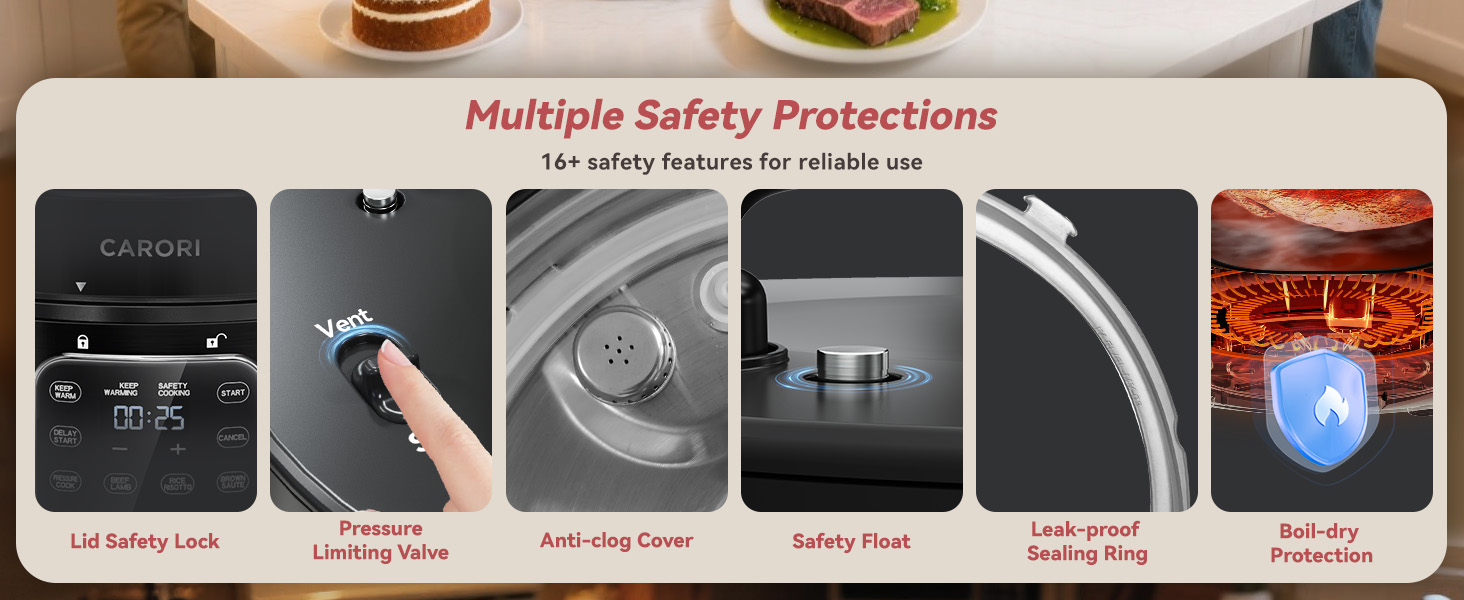
An overview of the 16+ safety features integrated into the pressure cooker design.
3. What's in the Box
Upon unboxing your carori 9-in-1 Electric Pressure Cooker, you will find the following components:
- 1 x Electric Pressure Cooker Unit
- 1 x Stainless Steel Inner Pot
- 1 x Condensation Cup
- 1 x Steaming Rack
- 1 x Measuring Cup
- 1 x Rice Spoon
- 1 x Recipe Book
- 1 x User Manual (this document)
- 1 x Power Cord

All items included in the product package, clearly labeled for identification.
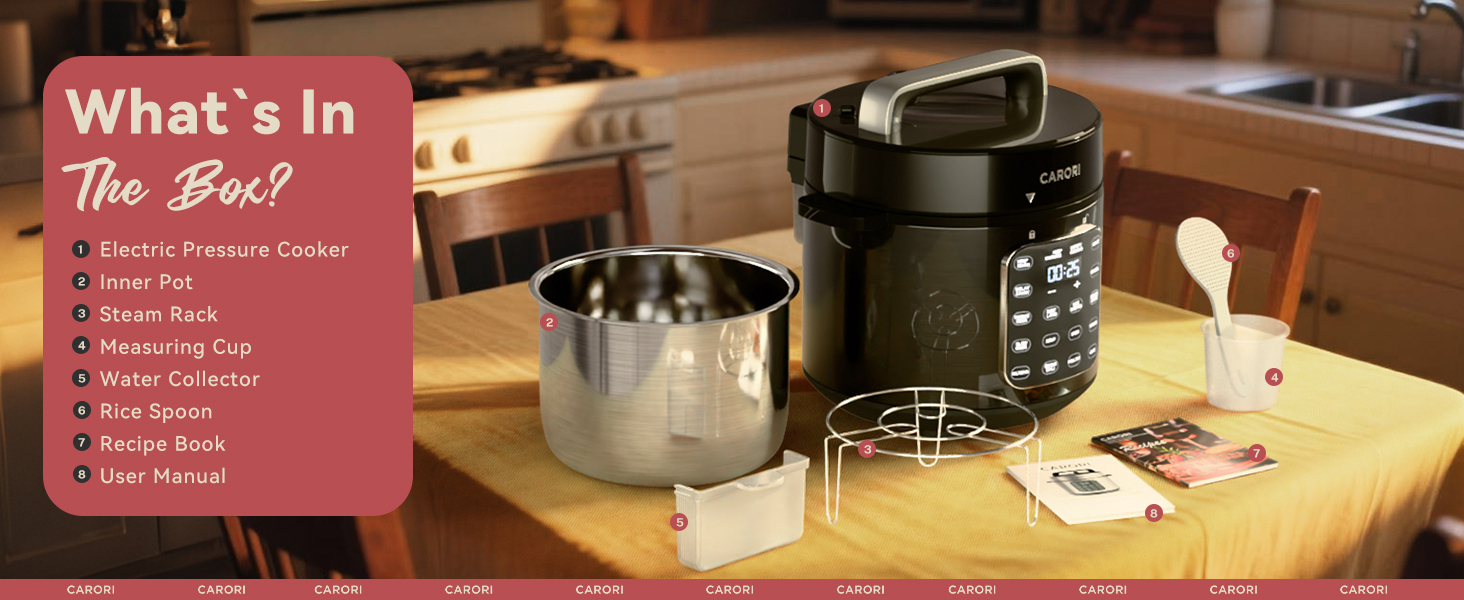
A comprehensive visual guide to the contents of your carori pressure cooker package.
4. Setup
Before using your pressure cooker for the first time, follow these steps:
- Unpack: Carefully remove all components from the packaging.
- Clean: Wash the stainless steel inner pot, lid, and accessories (steaming rack, measuring cup, rice spoon) with warm, soapy water. Rinse thoroughly and dry completely. The inner pot and lid are dishwasher-safe.
- Placement: Place the main cooker unit on a stable, level, and heat-resistant surface. Ensure there is adequate space around the unit for ventilation.
- Condensation Cup: Attach the condensation cup to the designated slot at the back of the cooker.
- Inner Pot: Place the cleaned stainless steel inner pot inside the cooker base. Ensure it sits flat and securely.
- Lid: Align the lid with the cooker base, ensuring the arrow on the lid points to the unlock symbol on the base. Rotate the lid clockwise until the arrow aligns with the lock symbol, indicating it is securely closed.
- Power Connection: Plug the power cord into the cooker's power inlet, then plug the other end into a grounded electrical outlet (120 Volts).
5. Operating Instructions
The carori Electric Pressure Cooker features an intuitive IMD touchscreen for easy operation. It offers 12 pre-set cooking programs and manual control options.
5.1 Control Panel Overview

Detailed view of the IMD touchscreen control panel, highlighting its responsive touch buttons for various cooking programs.
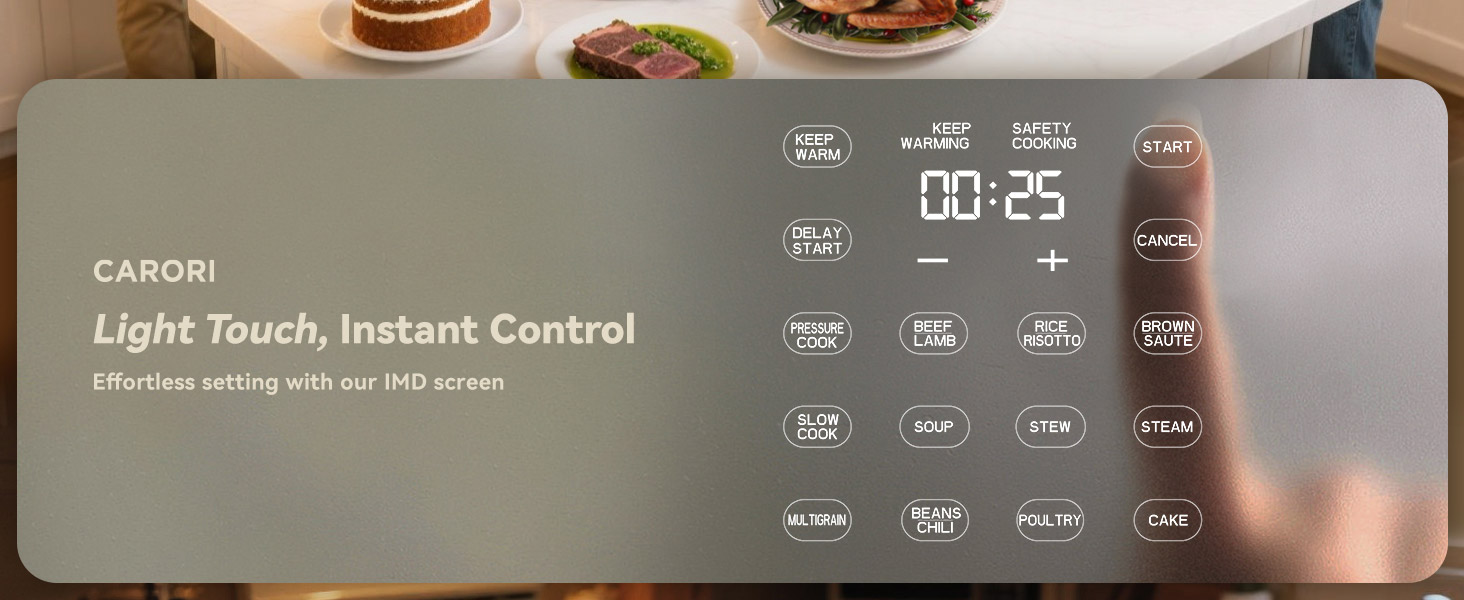
The IMD touchscreen provides effortless and instant control over your cooking settings.
5.2 Basic Operation
- Add Ingredients: Place your ingredients into the stainless steel inner pot. Do not exceed the MAX fill line.
- Secure Lid: Close and lock the lid securely. Ensure the steam release handle is set to 'Seal' for pressure cooking.
- Select Program: Press the desired cooking program button on the IMD touchscreen (e.g., Pressure Cook, Rice, Slow Cook). The display will show the default cooking time.
- Adjust Time (Optional): Use the '+' and '-' buttons to adjust the cooking time if needed.
- Start Cooking: Press the 'Start' button to begin the cooking cycle. The cooker will preheat, then begin the cooking process.
- Pressure Release: Once cooking is complete, the cooker will beep. You can either allow for natural pressure release (NPR) or perform a quick pressure release (QPR) by carefully turning the steam release handle to 'Vent'. Always use a utensil to avoid direct contact with steam.
- Open Lid: Once the float valve has dropped, indicating all pressure is released, twist the lid counter-clockwise to unlock and open.
5.3 Cooking Programs
The cooker offers 12 pre-set programs for various dishes:
- Pressure Cook: For general pressure cooking.
- Beef/Lamb: Optimized for cooking beef and lamb.
- Rice/Risotto: Perfect for fluffy rice and creamy risotto.
- Brown/Sauté: For browning meats or sautéing vegetables before pressure cooking.
- Slow Cook: For slow-cooked meals, locking in nutrients and flavors.
- Soup: Ideal for various soup recipes.
- Stew: For hearty stews.
- Steam: For steaming vegetables, fish, and more.
- Multigrain: For cooking various grains.
- Beans/Chili: Specifically for beans and chili recipes.
- Poultry: For cooking chicken and other poultry.
- Cake: For baking cakes and desserts.

Examples of dishes prepared using the Pressure Cook, Beef/Lamb, Rice/Risotto, and Brown/Sauté functions.

Examples of dishes prepared using the Slow Cook, Soup, Stew, and Steam functions.

Examples of dishes prepared using the Multigrain, Beans/Chili, Poultry, and Cake functions.
5.4 Delay Start Function
The 24-hour delay timer allows you to schedule your cooking up to 24 hours in advance. This is convenient for preparing fresh breakfasts or ready-to-serve dinners.
- Select your desired cooking program and adjust the cooking time.
- Press the 'Delay Start' button.
- Use the '+' and '-' buttons to set the desired delay time (in hours).
- Press 'Start'. The cooker will begin cooking after the set delay time has elapsed.
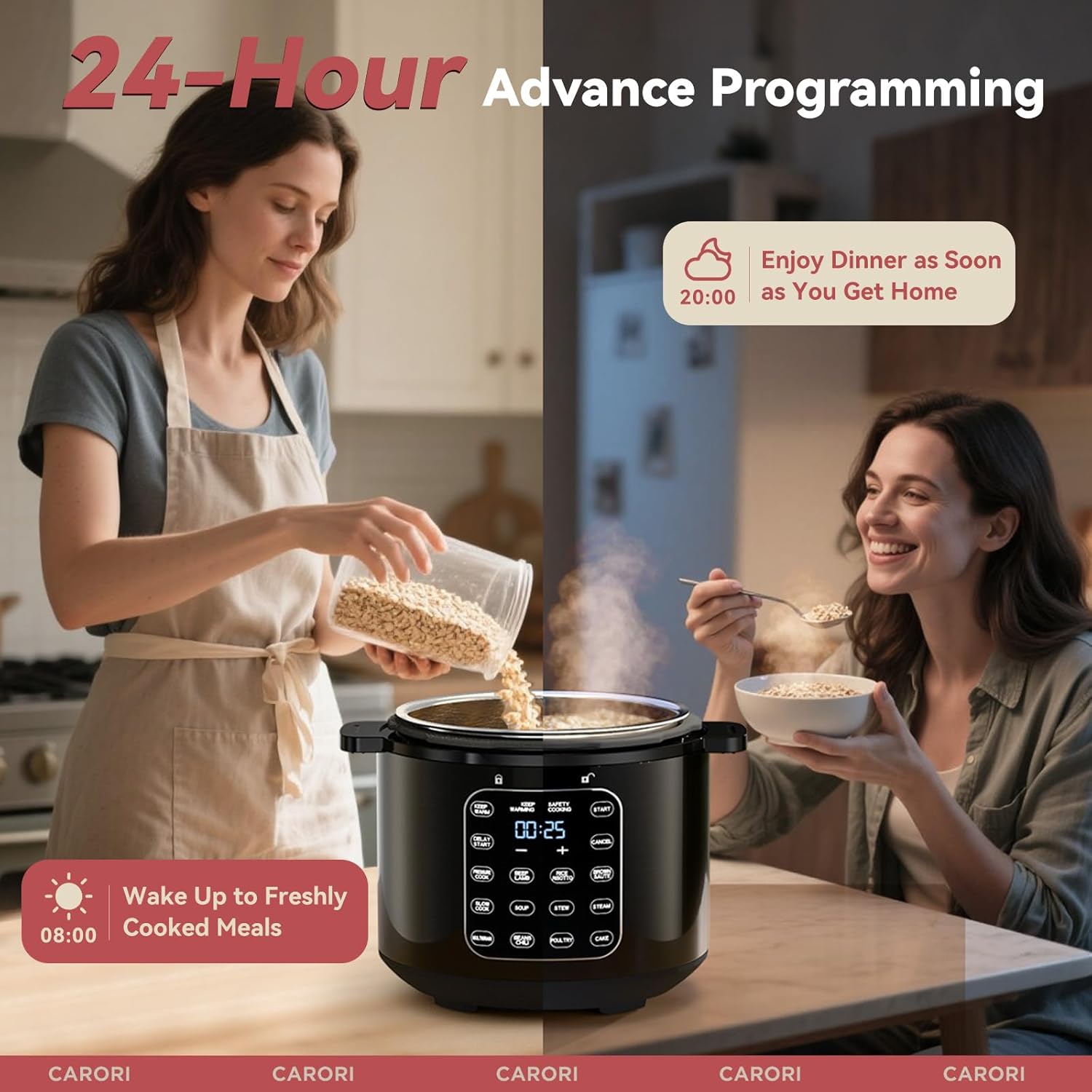
Illustrates the convenience of the 24-hour delay timer for scheduling meals.
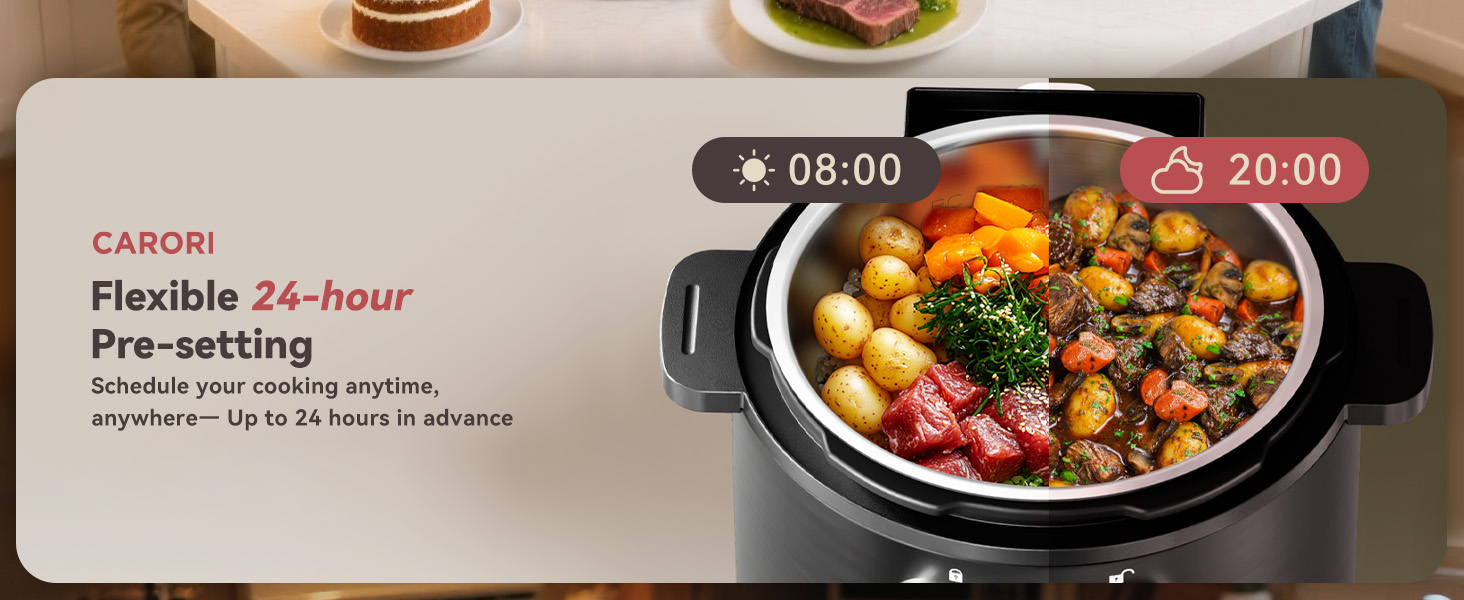
Schedule your cooking up to 24 hours in advance for fresh meals anytime.
6. Cleaning and Maintenance
Proper cleaning and maintenance will extend the life of your carori Electric Pressure Cooker.
6.1 Daily Cleaning
- Inner Pot: The stainless steel inner pot is dishwasher-safe. For hand washing, use warm, soapy water and a non-abrasive sponge. Rinse thoroughly and dry completely.
- Lid: The lid is also dishwasher-safe. For hand washing, remove the sealing ring and anti-clog shield. Wash the lid, sealing ring, and anti-clog shield with warm, soapy water. Ensure all parts are dry before reassembling.
- Condensation Cup: Empty and wash the condensation cup after each use.
- Steaming Rack & Accessories: These are dishwasher-safe. Hand wash with warm, soapy water if preferred.

The inner pot, lid, and steam rack are designed for effortless cleaning and are dishwasher-safe.
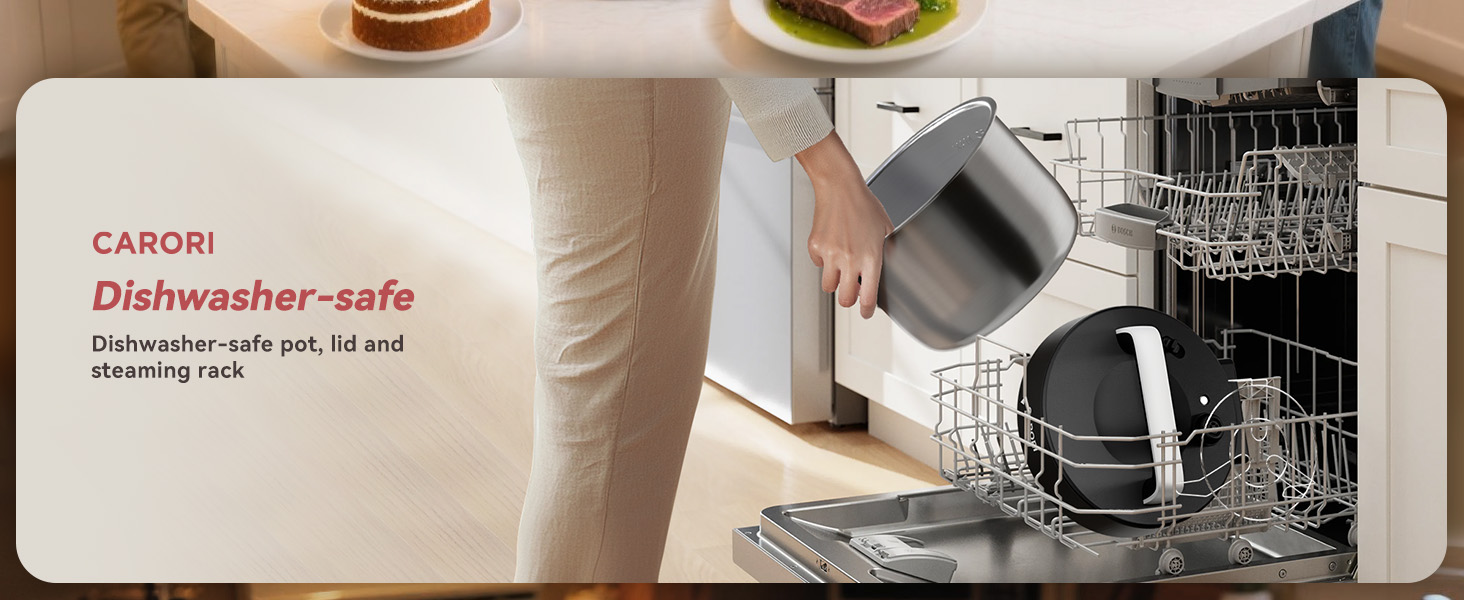
The inner pot, lid, and steaming rack are all dishwasher-safe for convenient cleanup.
6.2 Exterior Cleaning
- Wipe the fingerprint-resistant stainless steel exterior of the cooker base with a damp cloth.
- Do not immerse the cooker base in water or any other liquid.
- Ensure the cooker is unplugged and completely cool before cleaning.

The high-quality stainless steel inner pot is durable, scratch-resistant, and easy to clean.
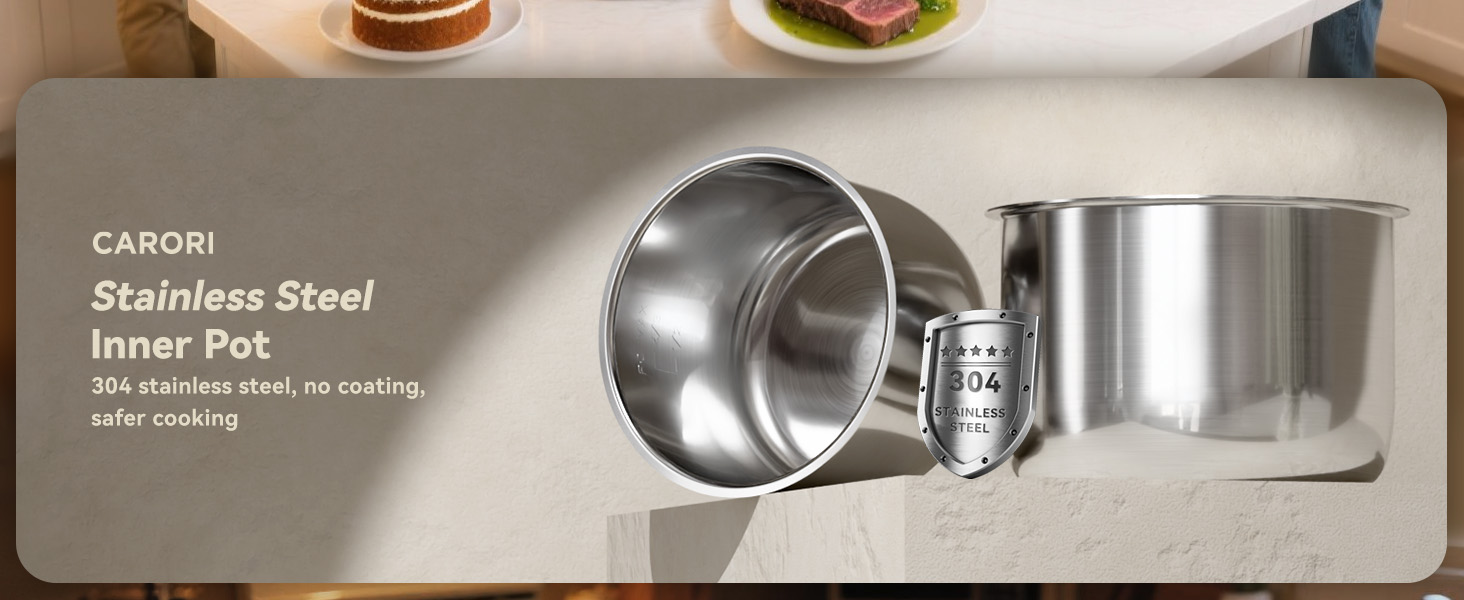
The inner pot is made from 304 stainless steel, ensuring durability and a non-coated surface for safer cooking.
7. Troubleshooting
If you encounter any issues with your carori Electric Pressure Cooker, refer to the following common troubleshooting tips:
| Problem | Possible Cause | Solution |
|---|---|---|
| Cooker not turning on | Not plugged in; power outlet issue; power cord damage. | Ensure power cord is securely plugged into cooker and a working outlet. Check for power outages. |
| Lid not sealing/locking | Sealing ring not properly installed; food debris on rim; lid not aligned. | Check sealing ring placement; clean rim and lid; ensure lid is aligned and rotated to the lock symbol. |
| Steam leaking from lid | Sealing ring damaged or dirty; steam release handle not set to 'Seal'; overfilling. | Inspect and clean/replace sealing ring; ensure handle is on 'Seal'; do not overfill the pot. |
| Food not cooking properly | Insufficient liquid; incorrect program/time; power fluctuation. | Ensure minimum liquid requirements are met; verify program and time settings; check power supply. |
| Float valve not rising | Insufficient liquid; lid not sealed properly. | Add more liquid; ensure lid is securely locked and sealing ring is in place. |
If the problem persists after attempting these solutions, please contact carori customer support for assistance.
8. Specifications
- Brand: carori
- Model Number: HPC-610-SUB
- Capacity: 6 Quarts
- Material: Stainless steel (Inner Pot)
- Color: Black
- Product Dimensions: 12.83"D x 12.83"W x 14.49"H
- Special Features: Dishwasher Safe (Pot, Lid, Rack), IMD Touch Screen, Keep Warm Setting, Locking Lid, Programmable
- Wattage: 1000 watts
- Voltage: 120 Volts
- Control Method: Touch
- Operation Mode: Automatic
- Item Weight: 14.22 pounds
- UPC: 199284048713

The 6-quart capacity is perfect for family meals, serving up to 6 people.

The spacious 6-quart capacity is ideal for preparing meals for the entire family.
9. Warranty and Support
Specific warranty details for the carori 9-in-1 Electric Pressure Cooker are not provided within this document. For information regarding warranty coverage, product registration, or technical support, please refer to the warranty card included in your product packaging or visit the official carori website. You may also contact carori customer service directly through their contact channels for assistance.
Online Support: Visit the official carori website for FAQs, product updates, and additional resources.
Customer Service: Refer to your product packaging or the carori website for contact information (phone, email).