Introduction
This user manual provides detailed instructions for the setup, operation, and maintenance of your yobola Wireless Earbuds (Model LY27203168). Please read this manual thoroughly before using the product to ensure optimal performance and longevity.

Figure 1: yobola Wireless Earbuds and Charging Case.
What's in the Box
Upon opening the product packaging, verify that all the following items are included:
- Wireless Earbuds (Left and Right)
- Charging Case
- USB-C Charging Cable
- User Manual (This document)

Figure 2: Included components: earbuds, charging case, and USB-C cable.
Setup
1. Charging the Earbuds and Case
Before first use, fully charge the earbuds and the charging case. The charging case provides up to 20 additional hours of playtime, extending the total battery life to 25 hours.
- Place both earbuds into the charging case. Ensure they are properly seated in their respective slots.
- Connect the USB-C charging cable to the charging port on the bottom of the case.
- Connect the other end of the USB-C cable to a compatible USB power source (e.g., computer USB port, wall adapter).
- The indicator light on the charging case will illuminate to show charging status. Once fully charged, the light may change color or turn off.
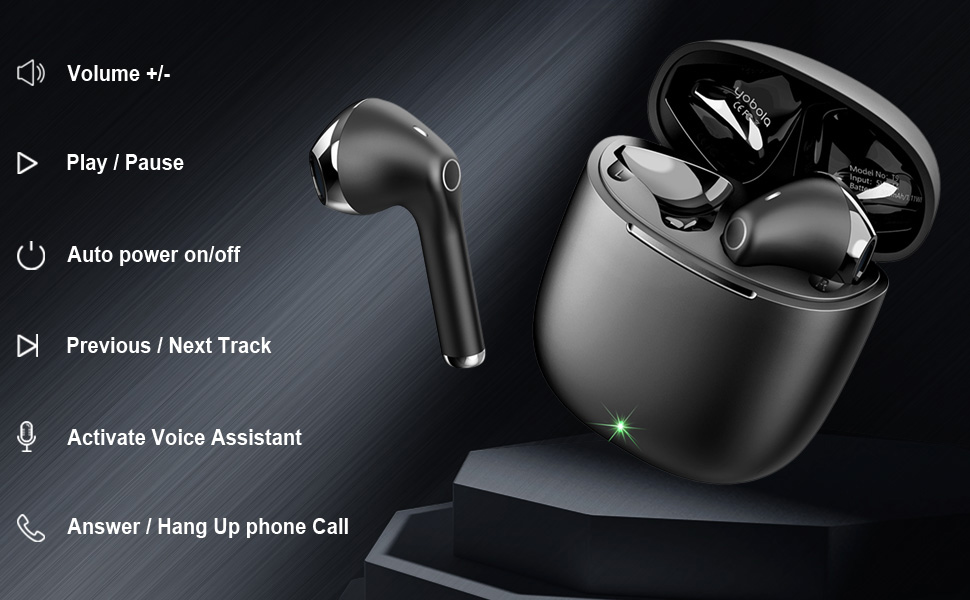
Figure 3: Charging the earbuds and case using the provided USB-C cable.
2. Pairing with Your Device
The yobola Wireless Earbuds feature seamless one-step pairing for convenience.
- Ensure the earbuds are charged and inside the charging case.
- Open the lid of the charging case. The earbuds will automatically enter pairing mode.
- On your device (smartphone, tablet, laptop), navigate to the Bluetooth settings.
- Search for available Bluetooth devices. Select "T9" from the list.
- Once connected, a confirmation sound will play through the earbuds.
After the initial pairing, the earbuds will automatically connect to the last paired device when removed from the charging case, provided Bluetooth is enabled on the device.
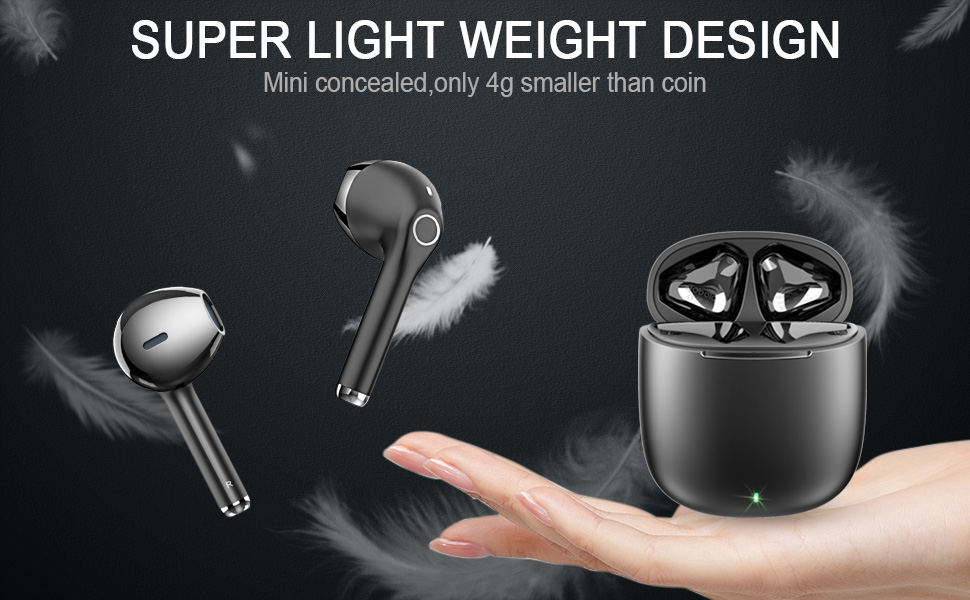
Figure 4: Automatic pairing process with a mobile device.
Operating Instructions
Touch Controls
The earbuds feature intuitive touch controls for various functions. The touch sensitive area is located on the outer surface of each earbud.
| Action | Function |
|---|---|
| Single Tap (Left/Right Earbud) | Play/Pause Music, Answer/End Call |
| Double Tap (Left Earbud) | Previous Track |
| Double Tap (Right Earbud) | Next Track |
| Triple Tap (Left Earbud) | Volume Down |
| Triple Tap (Right Earbud) | Volume Up |
| Long Press (2 seconds) | Activate Voice Assistant (Siri, Google Assistant, etc.) |
| Long Press (3 seconds) during incoming call | Reject Call |
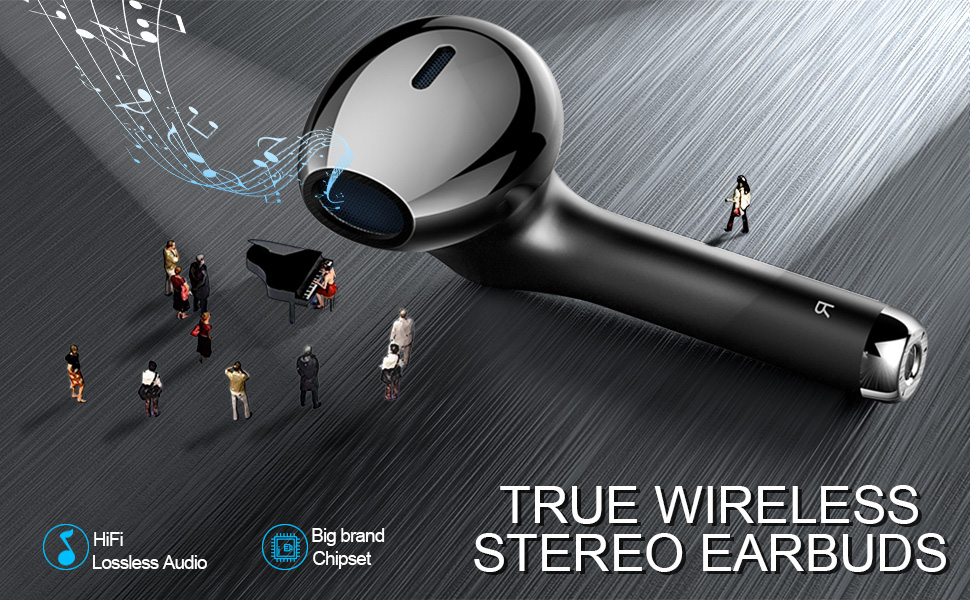
Figure 5: Visual guide to earbud touch controls.
Call Management
The earbuds are equipped with HD microphones for clear call quality. Use the touch controls as described above to manage incoming and outgoing calls.
Audio Quality
The yobola Wireless Earbuds deliver sound with strong bass, clear mids, and bright treble. They are designed to reduce background noise, providing an immersive musical experience. While they offer sound isolation, they do not feature active noise cancellation.

Figure 6: Earbuds designed for superior music quality with strong bass and clear audio.
Key Features
Water Resistance (IPX5)
The earbuds are rated IPX5 water resistant, meaning they can withstand light rain, accidental splashes, and sweat. This makes them suitable for workouts and outdoor activities. Please note that they are not designed for submersion in water.

Figure 7: IPX5 water resistance protects against sweat and splashes.
Comfort and Design
Weighing only 4g per earbud, the yobola Wireless Earbuds are designed for ergonomic comfort, providing a lightweight and secure fit that allows for extended wear without discomfort.

Figure 8: Ergonomic design ensures a comfortable and barely-there feel.
Wide Compatibility
These earbuds offer wide compatibility with various operating systems and devices, including iOS, Mac OS, Android, and Windows. They seamlessly connect to smartphones, tablets, and laptops from brands like Samsung, iPhone, iPad, Google Pixel, OnePlus, and Motorola.

Figure 9: Compatible with a wide range of devices across different operating systems.
Maintenance
Cleaning
Regular cleaning helps maintain sound quality and hygiene. Use a soft, dry, lint-free cloth to wipe the earbuds and charging case. For stubborn dirt, slightly dampen the cloth with water. Do not use abrasive materials or harsh chemicals.
Storage
When not in use, store the earbuds in their charging case to protect them from dust, moisture, and physical damage. Store the case in a cool, dry place away from direct sunlight and extreme temperatures.
Troubleshooting
If you encounter any issues with your yobola Wireless Earbuds, refer to the following common troubleshooting steps:
- Earbuds not pairing: Ensure both earbuds are charged and removed from the case. Turn off and on your device's Bluetooth. Forget "T9" from your device's Bluetooth list and attempt to re-pair.
- Only one earbud working: Place both earbuds back into the charging case, close the lid, wait a few seconds, then open the lid and remove them. This often re-syncs them.
- No sound: Check the volume level on both your device and the earbuds. Ensure the earbuds are properly connected to your device via Bluetooth.
- Charging issues: Verify the USB-C cable is securely connected to both the case and the power source. Try a different USB-C cable or power adapter.
For persistent issues, please refer to the support section or contact customer service.
Specifications
| Model Name: | LY27203168 |
| Connectivity Technology: | Wireless (Bluetooth) |
| Noise Control: | Sound Isolation |
| Water Resistance Level: | IPX5 (Splashproof, Sweatproof) |
| Battery Life: | 5 Hours (Earbuds), 25 Hours (with Charging Case) |
| Charging Interface: | USB-C |
| Control Method: | Touch |
| Audio Driver Type: | Dynamic Driver |
| Frequency Range: | 20-20000Hz |
| Impedance: | 32 Ohm |
| Material: | Polycarbonate (PC), Acrylonitrile Butadiene Styrene (ABS) |
| Item Weight: | 2.89 ounces |
| Product Dimensions: | 0.67 x 0.67 x 1.57 inches |
Official Product Video
Video: Learn more about the yobola T9 wireless earbuds from the seller.
Warranty and Support
yobola products typically come with a 12-month warranty from the date of purchase. For warranty claims, technical support, or any product-related inquiries, please contact yobola customer service through the retailer's platform or the official yobola website.
Please retain your proof of purchase for warranty validation.


