
1. Introduction
This manual provides essential information for the safe and effective use of the KEYENCE LR-ZH500CP Laser Sensor. Please read this manual thoroughly before operating the device and keep it for future reference. This sensor is designed for industrial applications requiring precise detection.
2. Product Overview
The KEYENCE LR-ZH500CP is a high-performance laser sensor manufactured by KEYENCE JAPAN and assembled in CHINA. It is engineered for reliable detection in various industrial environments.
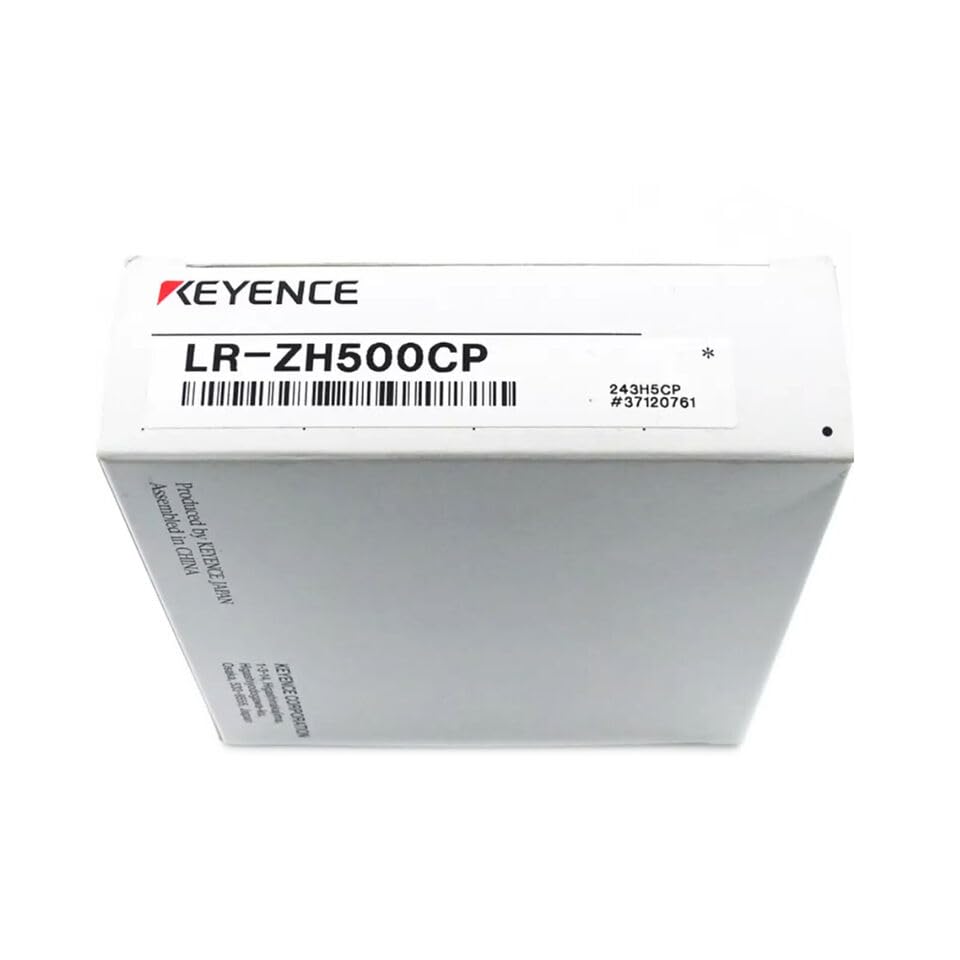
Figure 2.1: Product Packaging
This image displays the product packaging for the KEYENCE LR-ZH500CP Laser Sensor. The box clearly shows the 'KEYENCE' brand logo and the model number 'LR-ZH500CP'. Additional text on the box indicates 'Produced by KEYENCE JAPAN' and 'Assembled in CHINA', along with a part number '243H5CP #37120761'.
Key Features:
- High-precision laser detection.
- Robust design for industrial use.
- Reliable performance for various applications.
3. Setup
Proper setup is crucial for the optimal performance of your LR-ZH500CP sensor. Follow these general guidelines:
- Mounting: Securely mount the sensor in the desired position using appropriate brackets and fasteners. Ensure the sensing surface is clear of obstructions.
- Wiring: Connect the sensor according to the wiring diagram provided with the product documentation. Ensure all connections are secure and correctly polarized to prevent damage.
- Power Supply: Connect the sensor to a stable power supply within the specified voltage range. Verify the power source meets the sensor's requirements before applying power.
- Initial Inspection: Before powering on, visually inspect all connections and the sensor for any signs of damage or improper installation.
4. Operating Instructions
Once the sensor is properly installed and powered, you can begin operation:
- Power On: Apply power to the sensor. Observe any indicator lights for proper power-up.
- Alignment: If applicable, align the sensor with the target object. Many laser sensors have indicator lights or displays to assist with alignment.
- Sensitivity Adjustment: Adjust the sensitivity or detection range as needed for your specific application. Refer to the detailed product manual for specific adjustment procedures.
- Testing: Perform test detections with your target objects to ensure the sensor is functioning correctly and reliably.
5. Maintenance
Regular maintenance helps ensure the longevity and accuracy of your LR-ZH500CP sensor:
- Cleaning: Periodically clean the sensing surface and lens with a soft, lint-free cloth. Avoid abrasive cleaners or solvents that could damage the sensor.
- Inspection: Regularly inspect the sensor and its wiring for any signs of wear, damage, or loose connections.
- Environmental Conditions: Ensure the sensor operates within its specified environmental conditions (temperature, humidity) to prevent premature failure.
6. Troubleshooting
If you encounter issues with your LR-ZH500CP sensor, consider the following common troubleshooting steps:
| Problem | Possible Cause | Solution |
|---|---|---|
| Sensor not powering on | No power, incorrect wiring, faulty power supply | Check power connections, verify power supply voltage, inspect wiring for breaks. |
| Inconsistent detection | Dirty lens, improper alignment, unstable target, ambient light interference | Clean lens, re-align sensor, stabilize target, shield from strong ambient light. |
| Sensor output always ON/OFF | Incorrect sensitivity setting, sensor damaged | Adjust sensitivity, test with known good sensor if possible. |
If the problem persists after attempting these solutions, please contact the manufacturer or your supplier for further assistance.
7. Specifications
The following specifications are provided for the KEYENCE LR-ZH500CP Laser Sensor:
- Model: LR-ZH500CP
- ASIN: B0DN6QS8H2
- Manufacturer: qrcamule
- Date First Available: November 15, 2024
- Product Type: Laser Sensor
8. Warranty and Support
For information regarding the warranty period and terms for your KEYENCE LR-ZH500CP Laser Sensor, please refer to the documentation provided at the time of purchase or contact the seller directly. The manufacturer is qrcamule.
For technical support or service inquiries, please reach out to your authorized distributor or the manufacturer's support channels.