
1. Introduction
This manual provides detailed instructions for the proper use and maintenance of your INFURTURE Wearable Bluetooth Speaker BH127AG. Please read this manual thoroughly before using the product to ensure optimal performance and longevity. Keep this manual for future reference.
2. Product Overview
2.1 Package Contents
- INFURTURE Wearable Bluetooth Speaker BH127AG
- Power Cable (USB-C)
- User Manual
2.2 Speaker Components and Controls
Familiarize yourself with the speaker's layout and controls as shown below:

Image: Front view of the INFURTURE Wearable Bluetooth Speaker BH127AG, highlighting the speaker grille, main control buttons, and integrated flashlight.

Image: Detailed diagram illustrating the function of each button: Volume Down/Previous Track (-), Multi-Function Button (MFB) for Power/Play/Pause/Call, Volume Up/Next Track (+), USB-C charging port, and Flashlight control button.
- (-) Button: Volume Down / Previous Track
- MFB (Multi-Function Button): Power On/Off, Play/Pause, Answer/End Call, Activate Voice Assistant
- (+) Button: Volume Up / Next Track
- Flashlight Button: Control Flashlight modes
- USB-C Port: For charging the speaker
- Clip: For attaching the speaker to clothing or gear
3. Setup
3.1 Charging the Speaker
Before first use, fully charge the speaker. Use the provided USB-C cable to connect the speaker to a compatible USB power source (e.g., computer USB port, wall adapter).
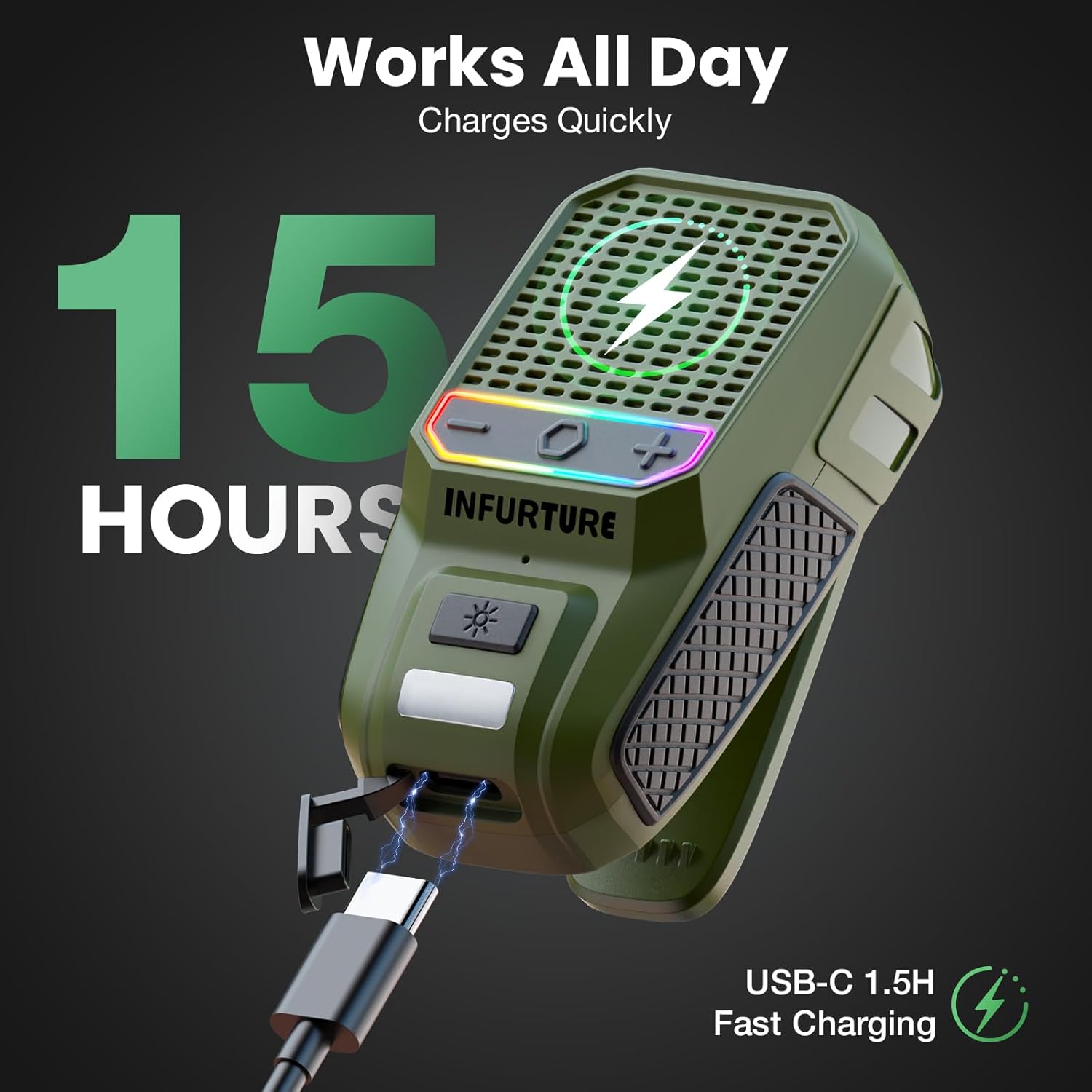
Image: The INFURTURE speaker connected to a USB-C charging cable, illustrating the charging process. A full charge provides approximately 15 hours of playtime.
- A full charge takes approximately 1.5 hours.
- The speaker provides over 15 hours of playtime (up to 18 hours at 80% volume).
- The LED indicator will show charging status (e.g., red for charging, off for fully charged).
3.2 Bluetooth Pairing
- Power On: Press and hold the MFB button for 2-3 seconds until you hear an audible prompt and the LED indicator flashes, indicating it's in pairing mode.
- Activate Bluetooth: On your device (smartphone, tablet, laptop), enable Bluetooth.
- Select Speaker: In your device's Bluetooth settings, search for available devices and select "INFURTURE BH127AG" (or similar name).
- Confirm Connection: Once paired, the speaker will provide an audible confirmation, and the LED indicator will change (e.g., solid blue).
- Reconnect: The speaker will automatically attempt to reconnect to the last paired device when powered on.
4. Operating Instructions
4.1 Power On/Off
- Power On: Press and hold the MFB button for 2-3 seconds.
- Power Off: Press and hold the MFB button for 2-3 seconds.
4.2 Music Playback
- Play/Pause: Short press the MFB button.
- Volume Up: Short press the (+) button.
- Volume Down: Short press the (-) button.
- Next Track: Long press the (+) button.
- Previous Track: Long press the (-) button.
4.3 Call Management
The speaker features a built-in noise-canceling microphone for clear hands-free calls.
- Answer Call: Short press the MFB button when a call comes in.
- End Call: Short press the MFB button during a call.
- Reject Call: Long press the MFB button when a call comes in.
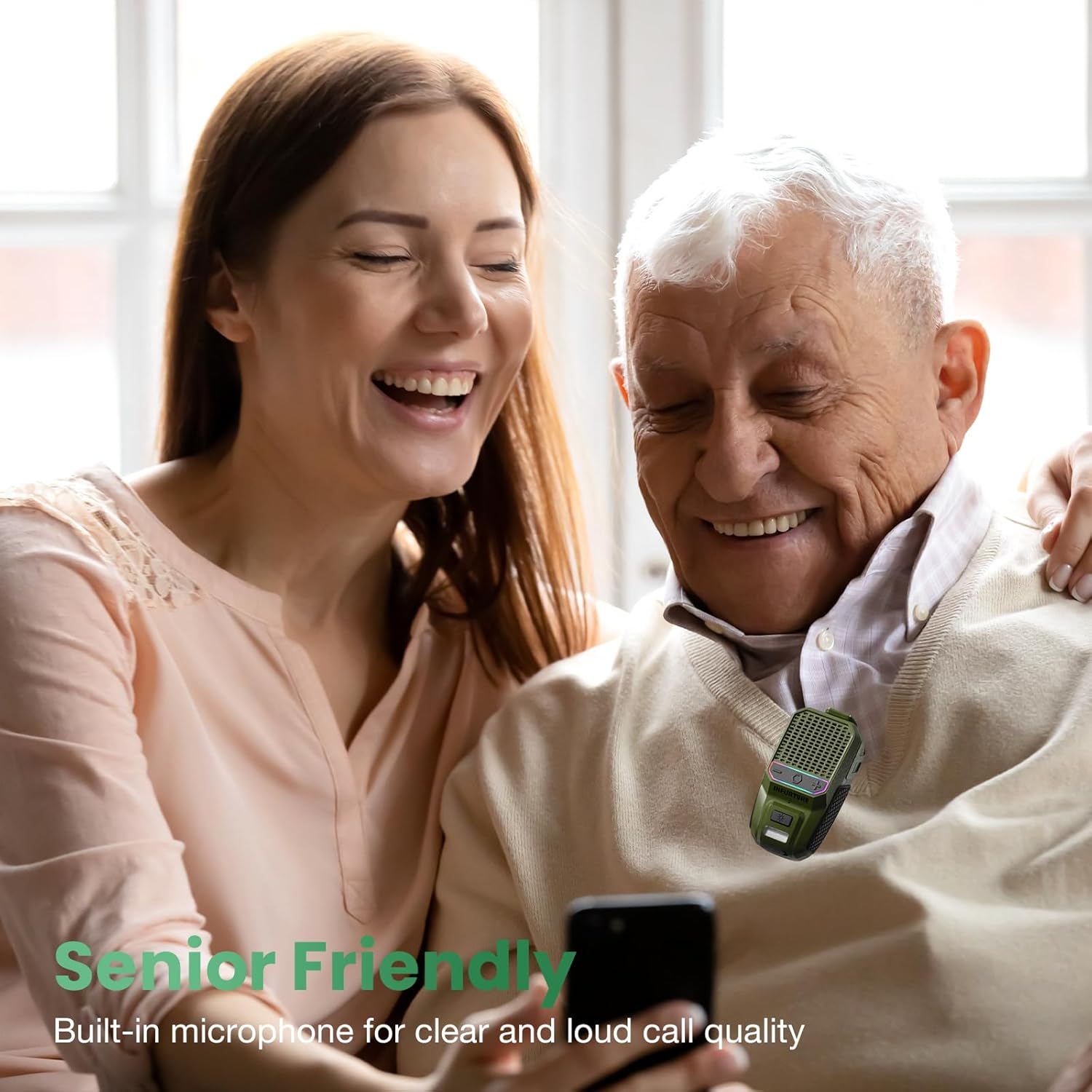
Image: A man and woman enjoying audio from the speaker, demonstrating its use for clear calls and audio playback in social settings.
4.4 Voice Assistant Activation
Activate your device's voice assistant (Siri, Google Assistant, Alexa) directly from the speaker.
- Activate Voice Assistant: Double-tap the MFB button.

Image: A person using the speaker while working, illustrating the convenience of activating a voice assistant for hands-free control of music or calls.
4.5 Flashlight Operation
The speaker includes a 2-level LED flashlight for illumination.
- Turn On/Off Flashlight: Short press the Flashlight button.
- Change Brightness Level: Short press the Flashlight button again to cycle through brightness levels.
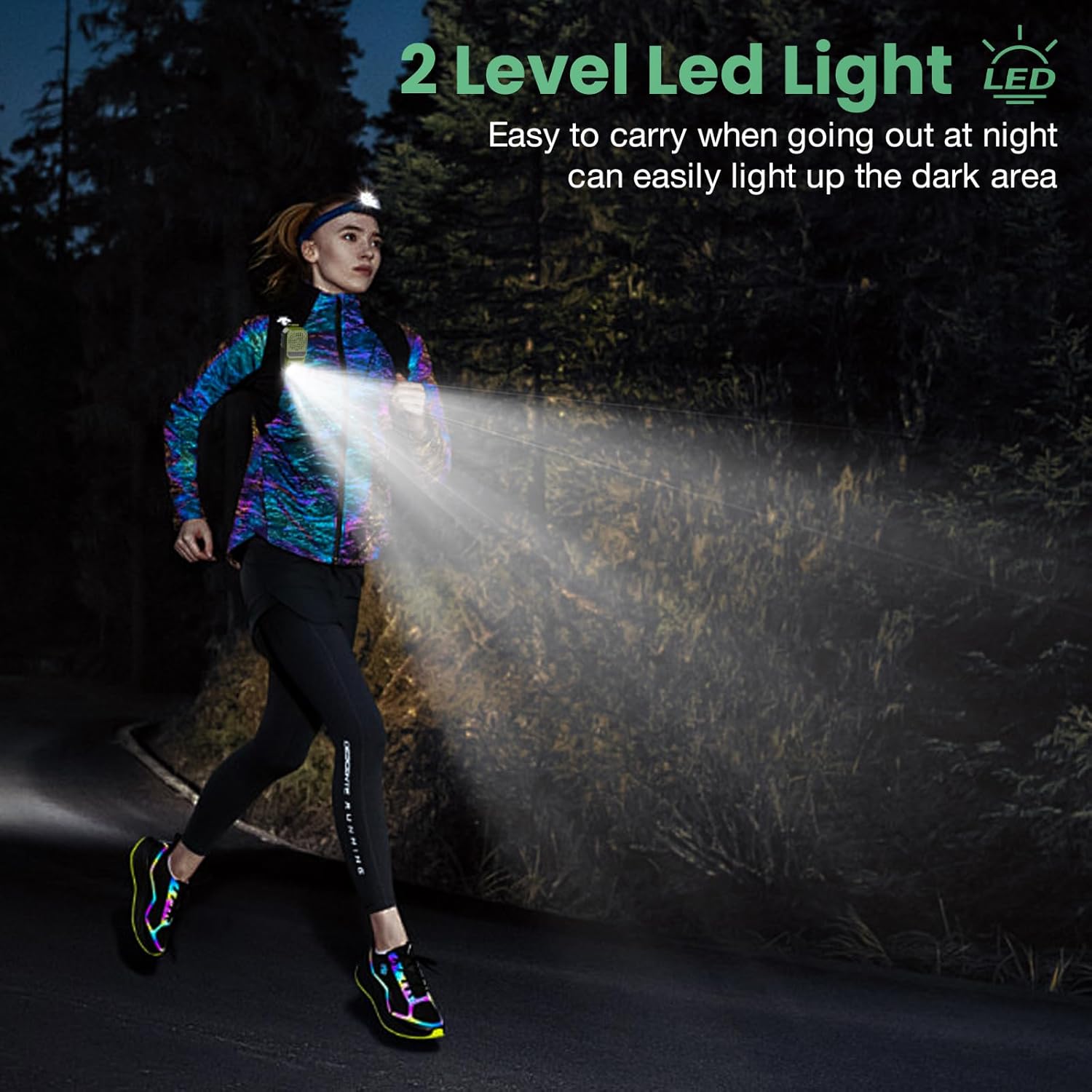
Image: A person running outdoors at night, demonstrating the speaker's integrated flashlight providing illumination for safety and visibility.

Image: A detailed view of the speaker's 80-lumen LED work light, highlighting its capability to provide reliable lighting for various tasks. The flashlight offers 6-10 hours of battery life when in use.
4.6 RGB Light Modes
The speaker features a 2-mode RGB light for visual enhancement.
- Switch RGB Modes: Long press the Flashlight button for 2-3 seconds to cycle between the two RGB light modes.

Image: Two INFURTURE speakers showcasing their multi-color RGB light feature, which can be adjusted to enhance the listening experience.
4.7 Wearing the Speaker
The speaker is designed with a reinforced anti-slip clip for secure attachment.
- Attach the clip to shirts, backpacks, belts, or other gear for hands-free audio.
- Ensure the speaker is securely fastened to prevent accidental drops.
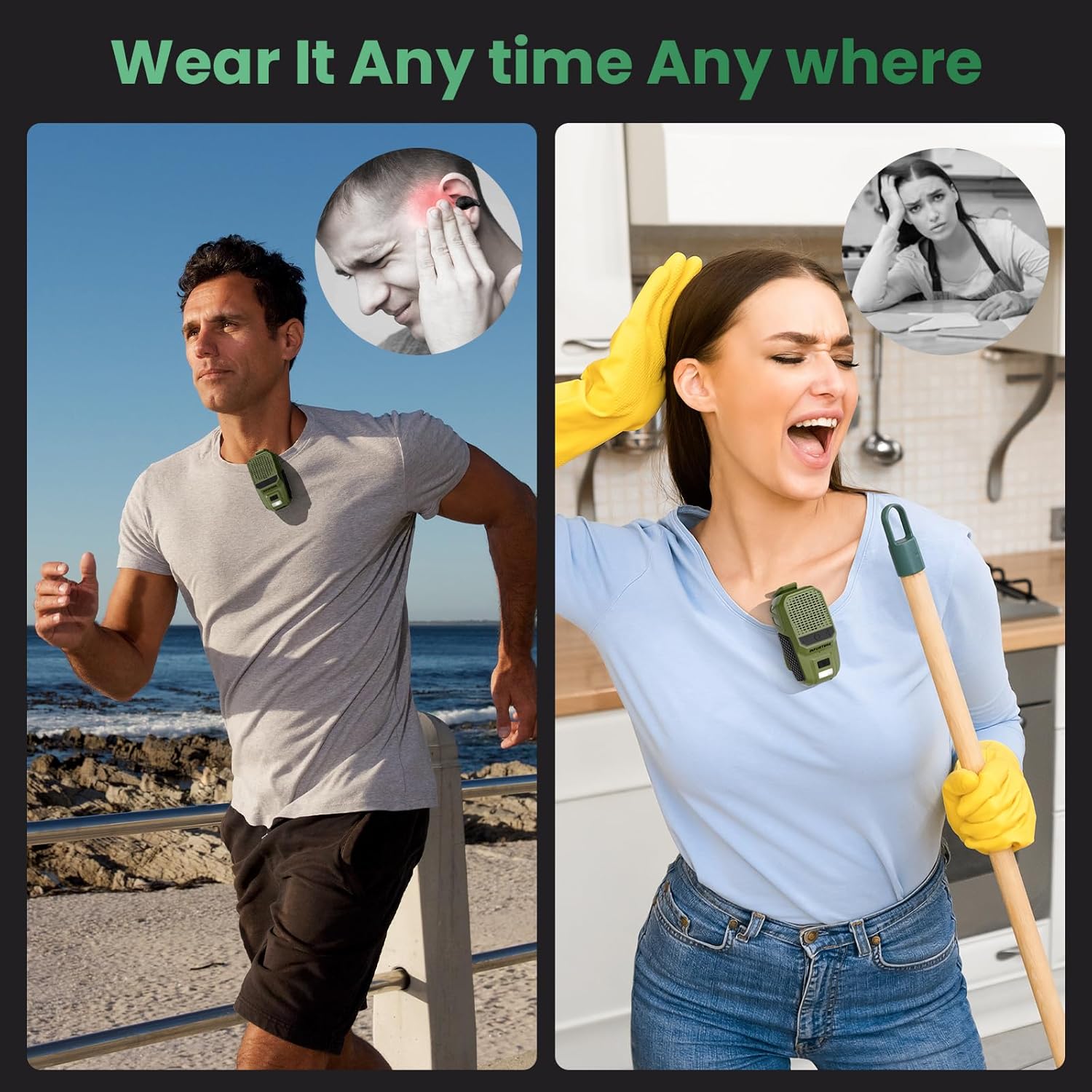
Image: Examples of the speaker being worn by individuals engaged in various activities, demonstrating its versatility and secure clip-on design for hands-free use.
5. Maintenance
To ensure the longevity and optimal performance of your speaker, follow these maintenance guidelines:
- Cleaning: Wipe the speaker with a soft, dry cloth. Do not use abrasive cleaners or solvents.
- Water Resistance: The speaker is IPX6 waterproof and dustproof, meaning it can withstand strong jets of water and dust ingress. However, it is not designed for submersion. Ensure the USB-C port cover is securely closed when exposed to water or dust.

Image: The INFURTURE speaker being splashed with water, visually representing its IPX6 waterproof and dustproof capabilities, suitable for outdoor use.
6. Troubleshooting
If you encounter issues with your speaker, refer to the following common problems and solutions:
- Speaker does not power on:
- Ensure the speaker is charged. Connect it to a power source using the USB-C cable.
- Press and hold the MFB button for 2-3 seconds to power on.
- Cannot pair with device:
- Ensure the speaker is in pairing mode (LED flashing).
- Make sure Bluetooth is enabled on your device and it is within range (up to 10 meters).
- Forget the speaker from your device's Bluetooth list and attempt to pair again.
- Restart both the speaker and your device.
- No sound or low volume:
- Increase the volume on both the speaker and your connected device.
- Ensure the speaker is properly paired and connected to your device.
- Check if the audio source is playing correctly.
- Flashlight not working:
- Ensure the speaker has sufficient battery charge.
- Short press the Flashlight button to activate.
7. Specifications
| Feature | Specification |
|---|---|
| Model Name | BH127AG |
| Brand | INFURTURE |
| Connectivity Technology | Bluetooth 5.4 |
| Wireless Communication Range | Up to 10 meters (33 feet) |
| Speaker Type | Built-In |
| Speaker Maximum Output Power | 10 Watts |
| Audio Output Mode | Stereo |
| Frequency Response | 20 KHz |
| Special Features | Built-in Microphone, Dustproof, LED Light, Portable, Waterproof (IPX6), RGB Light |
| Compatible Devices | Laptop, MP3 Player, Smartphone, Tablet |
| Power Source | Battery Powered |
| Battery Life (Playtime) | 15+ hours (18H at 80% volume) |
| Charging Time | Approx. 1.5 hours (USB-C) |
| Flashlight Output | 80 Lumens |
| Item Weight | 0.09 Kilograms (3.2 ounces) |
| Product Dimensions | 1.97"D x 1.18"W x 3"H |
| Control Method | Voice, Button |
8. Warranty and Support
8.1 Limited Warranty
The INFURTURE Wearable Bluetooth Speaker BH127AG comes with a limited warranty. Please refer to the warranty card included in your package or contact INFURTURE customer support for details regarding warranty coverage and terms.
8.2 Customer Support
For any questions, technical assistance, or warranty claims, please contact INFURTURE customer support through the retailer where you purchased the product or visit the official INFURTURE website for contact information.


