
1. Product Overview
The YJLSDZ Car AHD 720P/1080P 360° Panoramic System Reversing Camera Set provides a comprehensive view around your vehicle, enhancing safety and parking assistance. This system integrates with compatible Android Auto radio units to offer a seamless 360-degree panoramic display with high-definition video quality.

Figure 1.1: Overview of the YJLSDZ 360 Panoramic Camera System components, including multiple cameras and connection cables.
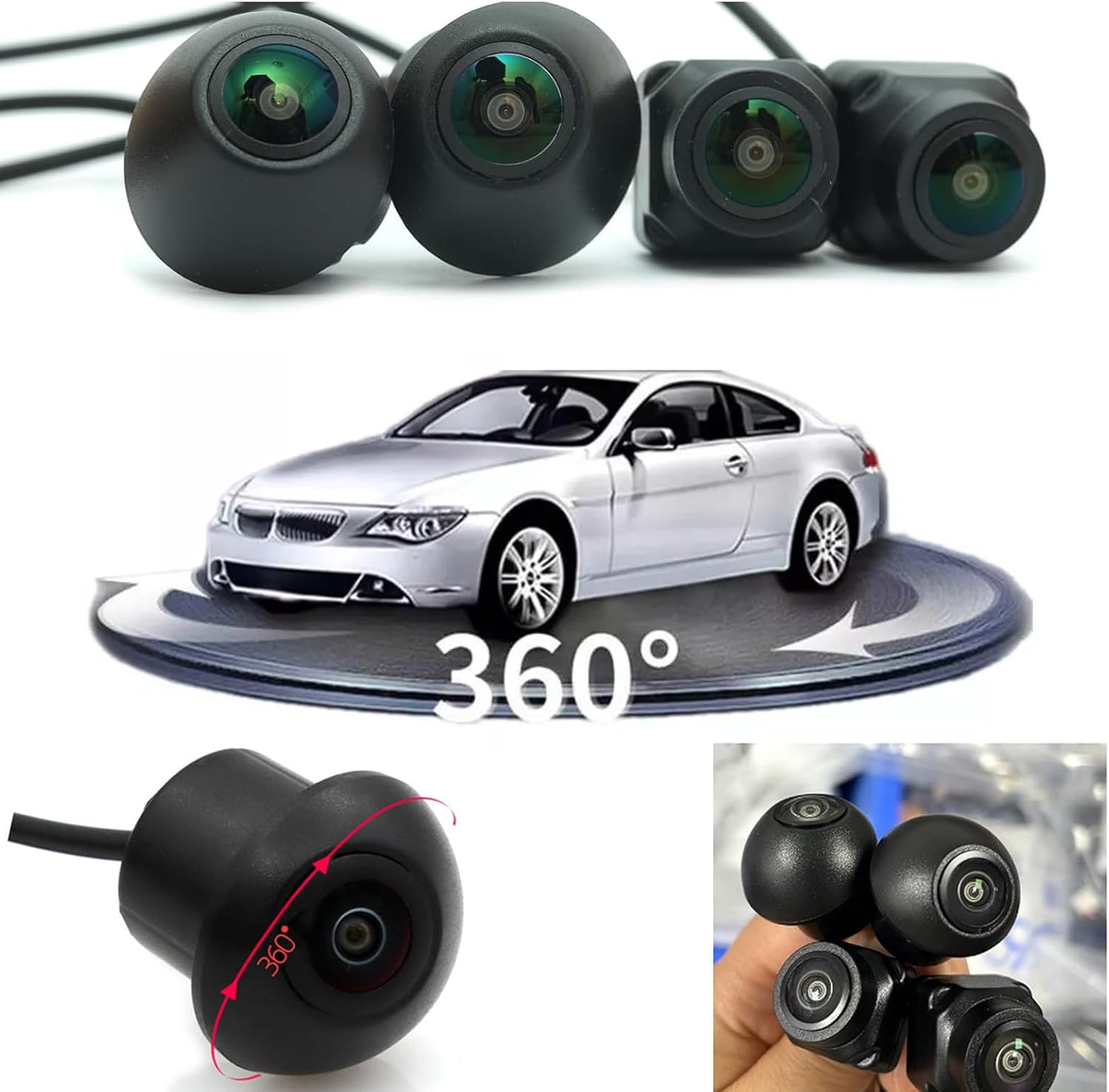
Figure 1.2: Visual representation of the 360-degree panoramic view provided by the camera system around a vehicle.

Figure 1.3: Diagram illustrating the multi-layered lens structure designed for improved clarity, color correction, and reduced astigmatism.
2. Important Compatibility Information
Before installation, it is crucial to verify your car's compatibility with this system. This camera set is designed for use with Android-equipped car radios.
- Android Auto Radio Compatibility: Ensure your car radio is an Android display unit.
- 360 App Support: Your Android display must support the download or have a built-in "360 App" for the panoramic view functionality. Without this app, the cameras may not be recognized or function correctly.
- 12-Pin Socket: The Android head unit must have a 12-pin socket on the back for connection.
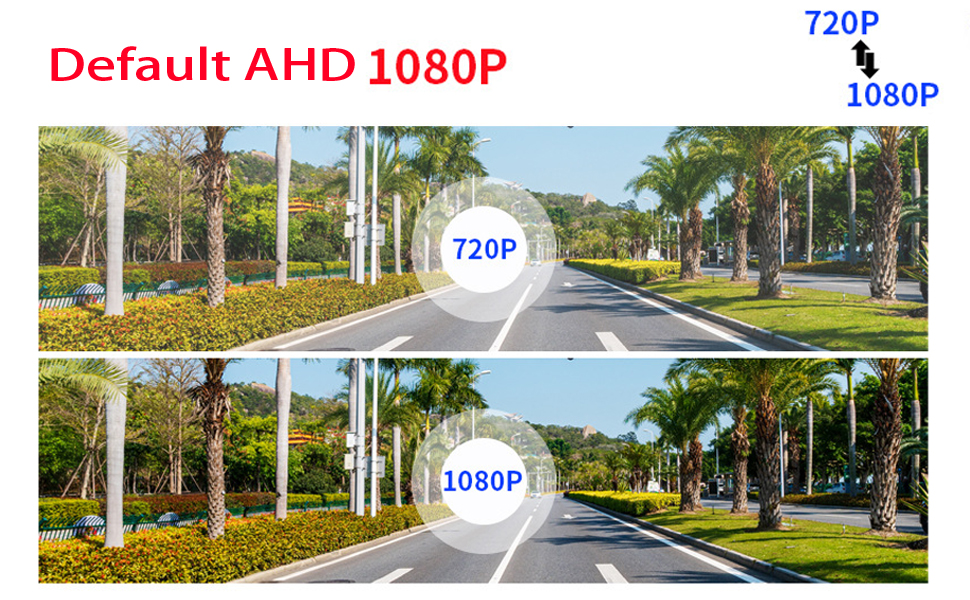
Figure 2.1: An Android car radio interface showing the "360 view" application icon and an illustration of the required 12-pin socket on the head unit's rear panel.
3. Setup and Installation
This section provides detailed instructions for installing your YJLSDZ 360° Panoramic Camera System.
3.1 Package Contents
- Camera (Front, Rear, Left, Right)
- Mounting Hardware
- Connection Cables
3.2 Camera Placement and Dimensions
Proper placement of each camera is essential for an accurate 360° panoramic view. Refer to the diagrams below for recommended locations and camera dimensions.

Figure 3.1: Dimensions for the Left, Right, Front, and Back cameras. Left/Right cameras are approximately 30mm x 30mm (1.18in x 1.18in). Front camera is 43mm x 21mm (1.69in x 0.82in). Back camera is 40mm x 23mm (1.57in x 0.9in).

Figure 3.2: Recommended camera placement on a vehicle for front, rear, left, and right views to achieve a 360-degree panoramic display.
3.3 Wiring Connections
Connect the cameras and control unit to your Android Auto radio as shown in the wiring diagram. Ensure all connections are secure.
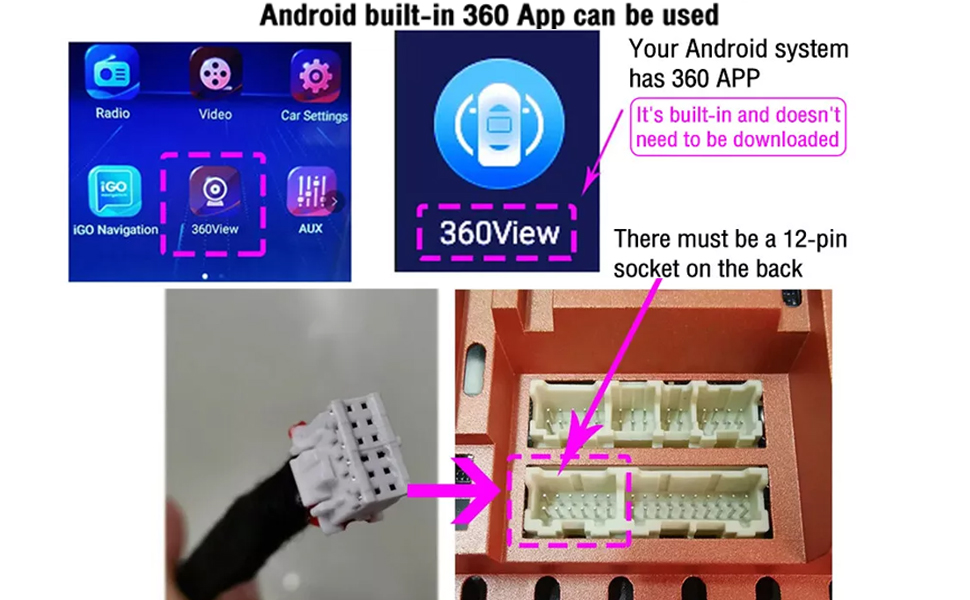
Figure 3.3: Detailed wiring diagram showing connections for the front, rear, left, and right view cameras to the main unit and Android navigation screen. Includes trigger lines for each camera.
3.4 System Configuration
After physical installation, configure your Android Auto radio to recognize the camera system and set the desired video resolution.
- Access your car radio's settings: Go to Car Settings > Factory Settings > HD Reverse Settings.
- Select the appropriate AHD resolution: Choose between AHD 720P or AHD 1080P based on your preference and system compatibility. The system defaults to AHD 1080P.
- Verify 360 App recognition: Ensure the "360 view" app is visible and functional on your Android display.
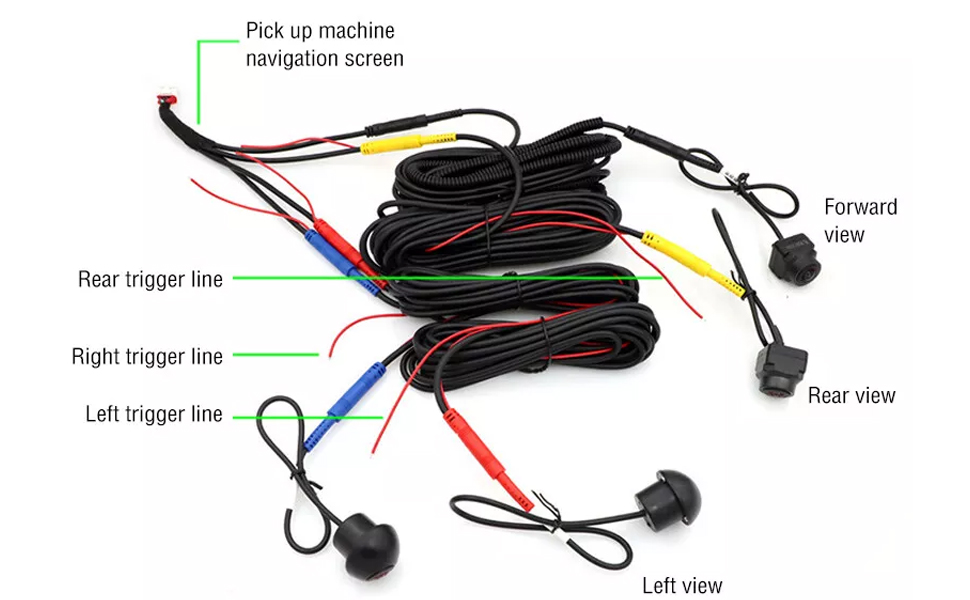
Figure 3.4: Screenshot illustrating the menu path to select AHD 720P or AHD 1080P resolution within the car radio's settings.
4. Operating Instructions
Once installed and configured, the YJLSDZ 360° Panoramic System provides enhanced visibility for driving and parking.
- Accessing the View: Open the "360 view" application on your Android Auto radio to display the panoramic camera feed.
- Parking Assistance: The system automatically activates relevant cameras (e.g., rear camera when reversing, side cameras when turning) to assist with parking and maneuvering in tight spaces.
- Eliminate Blind Spots: The 360° view helps to eliminate blind spots around your vehicle, improving overall safety.
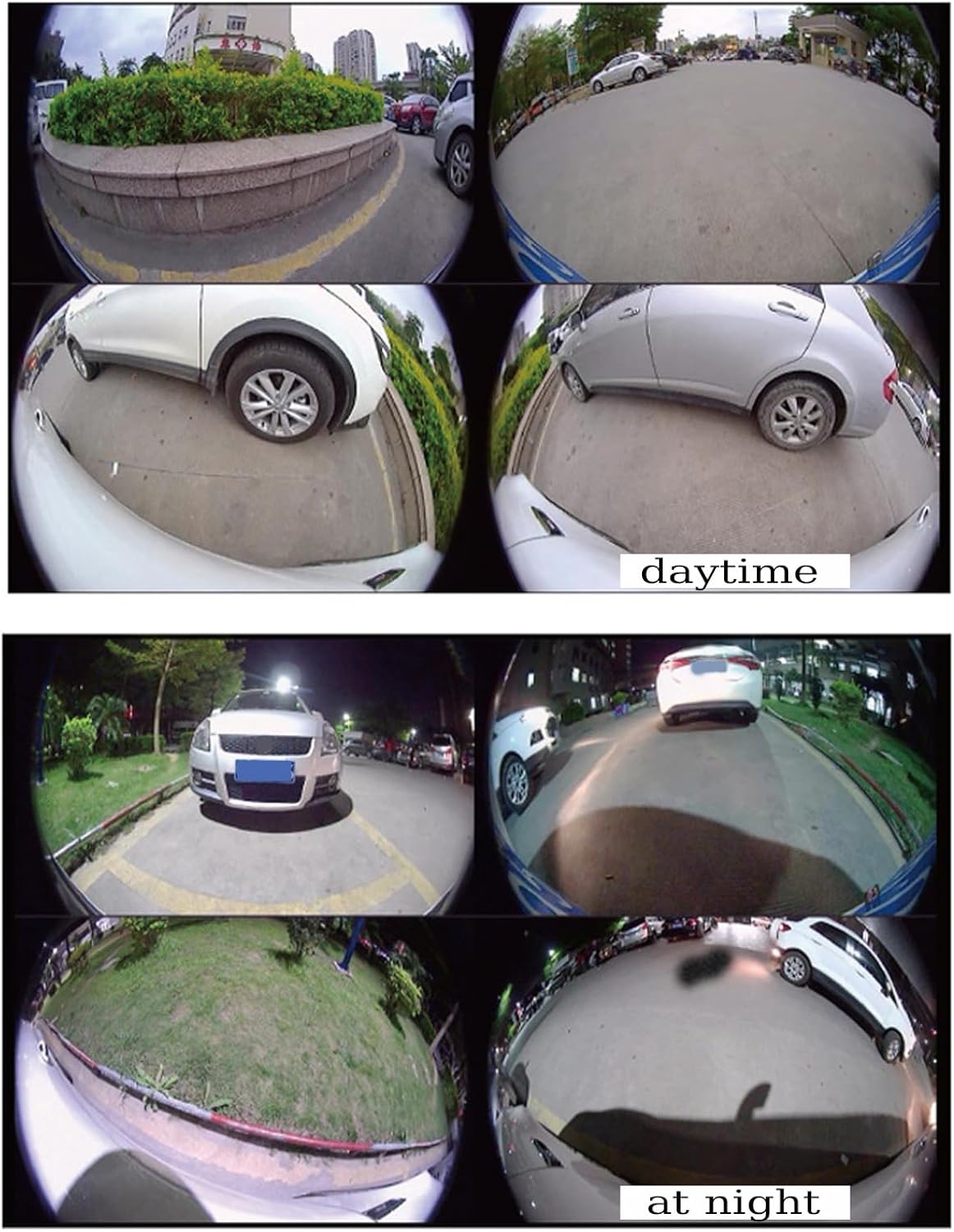
Figure 4.1: Examples of the panoramic camera view during daytime and nighttime conditions, demonstrating visibility in various lighting.
5. Maintenance
To ensure optimal performance and longevity of your camera system, follow these maintenance guidelines:
- Regular Cleaning: Keep camera lenses clean from dirt, dust, and debris. Use a soft, damp cloth to gently wipe the lenses. Avoid abrasive cleaners.
- Waterproof Design: The cameras are designed to be waterproof and durable, withstanding various weather conditions. However, avoid high-pressure washing directly onto the camera lenses.
- Cable Inspection: Periodically check all connection cables for any signs of wear, damage, or loose connections.
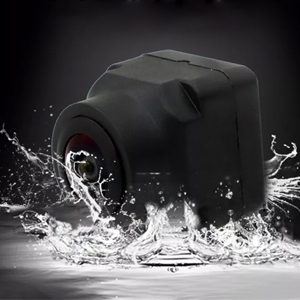
Figure 5.1: Image highlighting the waterproof design of the camera, suitable for outdoor vehicle use.
6. Troubleshooting
If you encounter issues with your YJLSDZ 360° Panoramic Camera System, refer to the following troubleshooting steps:
- Cameras Not Displaying:
- Ensure your car radio is an Android display and supports the "360 App" download or has it built-in.
- Verify all wiring connections are secure and correctly plugged into the 12-pin socket on the Android head unit.
- Check the "HD Reverse Settings" in your car radio to ensure AHD 720P or AHD 1080P is selected.
- Restart your Android Auto radio system.
- Poor Image Quality:
- Clean the camera lenses.
- Ensure AHD 1080P is selected in the system settings for the highest resolution.
- Check for any obstructions blocking the camera's view.
- Intermittent Signal:
- Inspect all cables for damage or loose connections.
- Ensure the power supply to the camera system is stable (12 Volts).
7. Specifications
| Feature | Detail |
|---|---|
| Brand | YJLSDZ |
| Product Dimensions (Control Box) | 0.5"L x 0.1"W x 0.2"H |
| Compatible Devices | Android Auto Radio with 360 App support |
| Installation Type | Vehicle Mount |
| Voltage | 12 Volts |
| Optical Sensor Technology | CMOS |
| Lens Type | Fixed Wide Angle |
| Real Angle of View | 360 Degrees (Panoramic System) |
| Connector Type | AHD |
| Video Capture Resolution | 720P / 1080P (Selectable) |
| Video Capture Format | H.264 |
8. Warranty and Support
This product comes with a 1-month warranty from the date of purchase. For technical support, troubleshooting assistance, or warranty claims, please contact your retailer or the manufacturer directly.