Introduction
This manual provides instructions for the DTKID 2-Piece Kids Watch Set, model 8563B. It covers setup, operation, maintenance, and troubleshooting to ensure proper use and longevity of the watches. Please read this manual thoroughly before using the product.
Product Overview
The DTKID 2-Piece Kids Watch Set includes two watches: one digital watch and one analog watch. Both watches are designed for children and feature durable materials and water resistance.

Image: The DTKID 2-Piece Kids Watch Set, featuring a blue digital watch and a green analog watch side-by-side.
Key Features:
- Digital Watch: 7-color backlight, 30M water resistance, stopwatch, alarm, 12/24 hour display, date and time.
- Analog Watch: Easy-to-read dial with hour, minute, and second hands, 30M water resistance.
- Durable acrylic dial mirror and soft rubber band.
Setup and Initial Configuration
Digital Watch Setup:
- Identify Buttons:

Image: A diagram illustrating the functions of the four buttons on the digital watch: Light (top left), Mode (bottom left), Start (top right), and Reset (bottom right).
- LIGHT Button: Activates backlight and changes backlight color.
- MODE Button: Cycles through display modes (Time, Alarm, Stopwatch).
- START Button: Used for starting/stopping functions and adjusting values.
- RESET Button: Used for resetting functions and selecting values.
- Setting Time and Date:
- From the normal time display, press the MODE button three times to enter time setting mode. The seconds will flash.
- Press the RESET button to zero out the seconds.
- Press the START button to move to the next setting (hours).
- Press the RESET button to adjust the flashing value (hours, minutes, month, date, day of week).
- Continue pressing START to cycle through settings and RESET to adjust.
- Once all settings are correct, press the MODE button to return to normal time display.
- 12/24 Hour Format: In time setting mode, when the hour is flashing, press the RESET button to toggle between 12-hour (A/P indicator) and 24-hour formats.
Analog Watch Setup:
- Setting Time:
- Pull the crown (small knob on the side) outwards.
- Rotate the crown to move the hour and minute hands to the correct time.
- Push the crown back in to start the watch.
Operating Instructions
Digital Watch Functions:
- Backlight: Press the LIGHT button to illuminate the display.

Image: The digital watch displaying its 7-color backlight feature, showing different colors like red, green, blue, and purple.
- To change backlight color: Press and hold the LIGHT button for 3 seconds. The color will cycle through the available options. Release the button when the desired color is displayed.
- Alarm Function:
- From normal time display, press MODE twice to enter alarm setting mode. The hour digits will flash.
- Press RESET to adjust the hour.
- Press START to move to the minute setting.
- Press RESET to adjust the minutes.
- Press MODE to exit alarm setting.
- To turn the alarm ON/OFF: In alarm mode, press START to toggle the alarm symbol (bell icon) on or off.
- To activate/deactivate hourly chime: In alarm mode, press RESET to toggle the chime symbol on or off.
- Stopwatch Function:
- From normal time display, press MODE once to enter stopwatch mode.
- Press START to begin timing.
- Press START again to pause timing.
- Press START again to resume timing.
- While paused, press RESET to reset the stopwatch to zero.
- Press MODE to return to normal time display.
Analog Watch Functions:
- Backlight: Press the button on the top right side of the watch to illuminate the dial.

Image: The analog watch displaying its 7-color backlight feature, showing different colors illuminating the watch face.
- To change backlight color: Press and hold the backlight button for 3 seconds. The color will cycle through the available options. Release the button when the desired color is displayed.
Care and Maintenance
- Cleaning: Wipe the watch with a soft, dry cloth. For stubborn dirt, a slightly damp cloth can be used. Avoid harsh chemicals or abrasive cleaners.
- Water Resistance: Both watches are 3ATM (30 meters) water resistant. This means they are suitable for daily use, such as hand washing, face washing, and rain exposure.Important: Do not press any buttons underwater. Avoid using the watch in extreme cold or high temperature and pressure environments (e.g., hot showers, saunas, diving).

Image: A visual representation of the watch's 30M water resistance, showing it suitable for activities like hand-washing, face-washing, and exposure to rain.
- Battery Replacement: When the display dims or the watch stops functioning, the battery may need replacement. This should ideally be performed by a qualified watch technician to maintain water resistance.
- Storage: Store the watch in a cool, dry place away from direct sunlight and extreme temperatures.
Troubleshooting
| Problem | Possible Cause | Solution |
|---|---|---|
| Watch not displaying time / Digital display is dim. | Low battery. | Replace the battery. |
| Time is incorrect. | Time not set correctly or accidentally reset. | Refer to the "Setting Time and Date" section to reset the time. |
| Water inside the watch. | Buttons pressed underwater or exposed to high pressure/temperature water. | Stop using the watch immediately. Take it to a professional for inspection and repair. Avoid pressing buttons underwater. |
| Backlight not working. | Low battery or internal fault. | Replace battery. If problem persists, contact customer support. |
Specifications
| Feature | Description |
|---|---|
| Model Number | 8563B |
| Water Resistance | 3ATM (30 meters) |
| Dial Material | Acrylic |
| Band Material | Rubber |
| Backlight | 7-color LED (Digital & Analog) |
| Functions (Digital) | Time, Date, Day, Alarm, Stopwatch, 12/24H Format |
| Case Thickness (Digital) | 1.6 cm / 0.63 in |
| Max Fit Wrist (Digital) | 21.5 cm / 8.46 in |
| Min Fit Wrist (Digital) | 16 cm / 6.3 in |
| Product Weight (Digital) | 29g / 1.02oz |
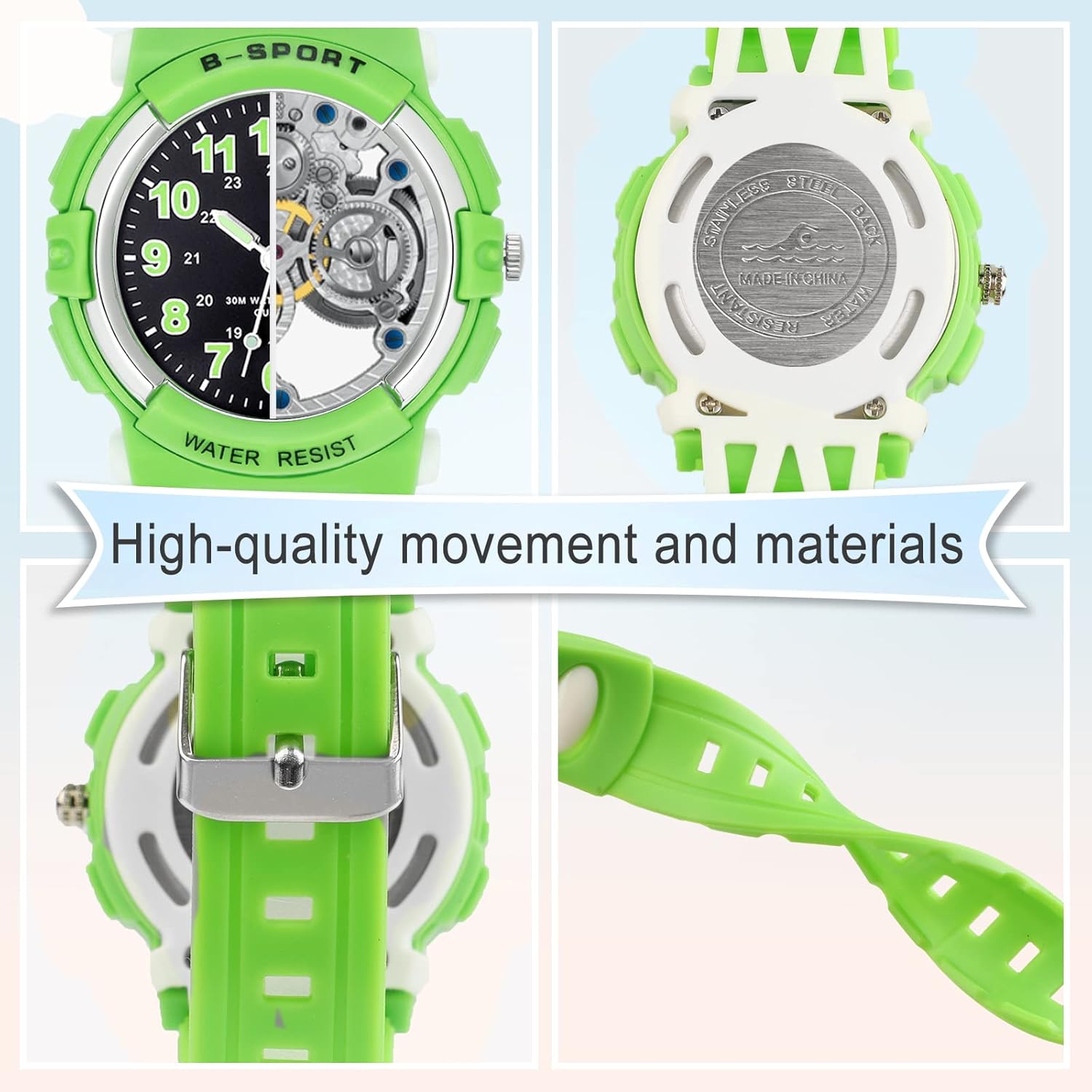
Image: A diagram illustrating the dimensions and weight of the DTKID digital watch, including case thickness, maximum and minimum wrist fit, and product weight.
Warranty Information
DTKID products are manufactured with attention to quality. For specific warranty details, please refer to the documentation included with your purchase or contact DTKID customer support. The warranty typically covers manufacturing defects under normal use conditions.
Please retain your proof of purchase for any warranty claims.
Customer Support
If you encounter any issues or have questions not covered in this manual, please contact DTKID customer support through the retailer where the product was purchased or visit the official DTKID store page for contact information.
DTKID Store: Visit the DTKID Store on Amazon