
1. Introduction
Thank you for choosing the LuminFan 60-Inch Fortress Ceiling Fan. This manual provides detailed instructions for the safe installation, operation, and maintenance of your new ceiling fan. Please read this manual thoroughly before installation and retain it for future reference.
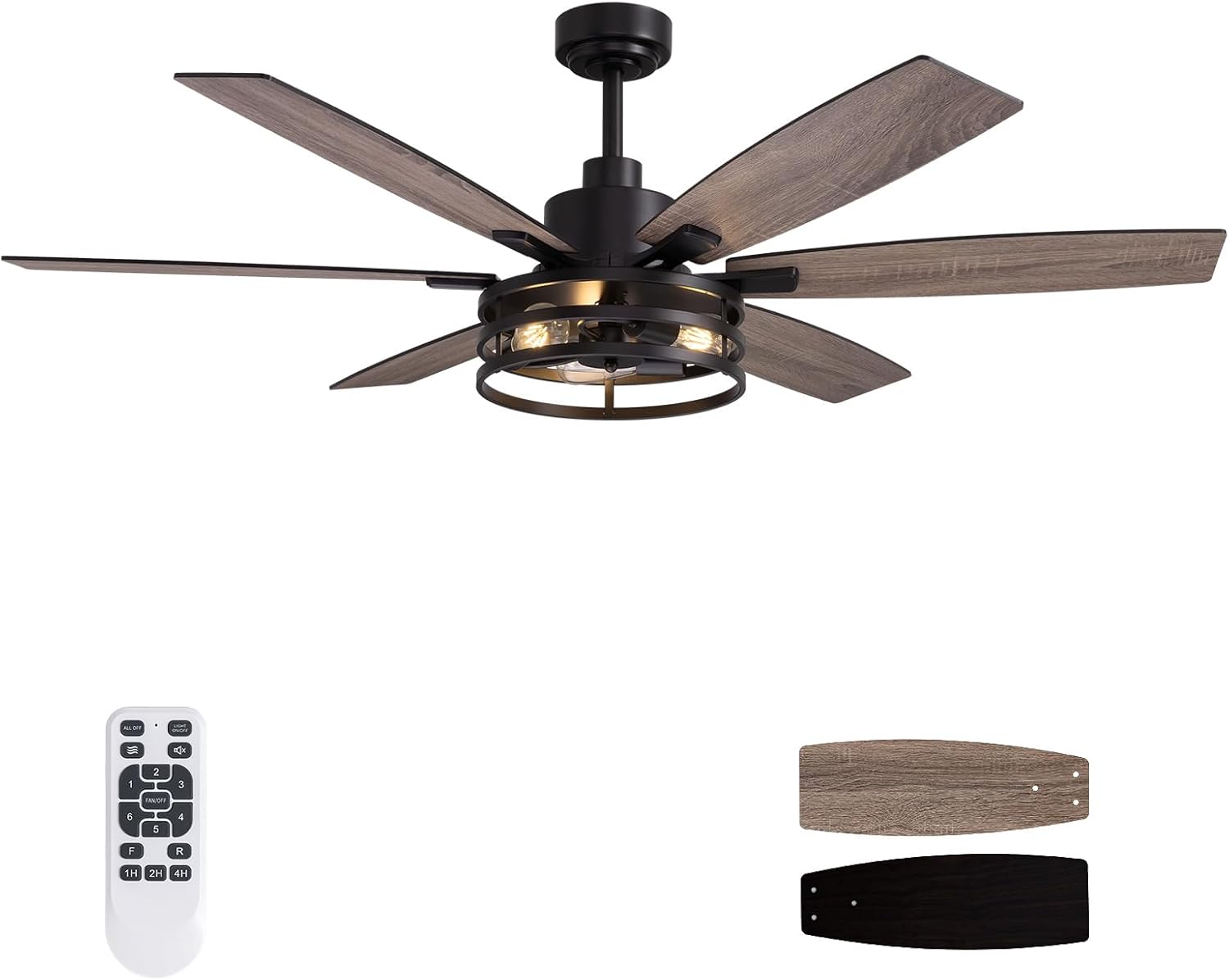
Image 1.1: Overview of the LuminFan 60-inch Fortress Ceiling Fan, including the remote control and reversible fan blades.
2. Safety Information
Always follow basic safety precautions when installing and operating this appliance to reduce the risk of fire, electric shock, and personal injury.
- Read all instructions carefully before beginning installation.
- Ensure the power is turned off at the circuit breaker before installation or servicing.
- All wiring must be in accordance with national and local electrical codes. If you are unfamiliar with wiring, consult a qualified electrician.
- The mounting structure must be capable of supporting the weight of the fan (approximately 17.42 lbs).
- Do not operate the fan with damaged wiring or if any components are missing.
- Keep hands, hair, and clothing clear of the fan blades during operation.
- This fan is suitable for indoor use and covered outdoor areas such as patios, gazebos, and balconies. Avoid direct exposure to rain.
3. Package Contents
Verify that all components listed below are present and undamaged before proceeding with installation.
- Ceiling Fan Motor Assembly
- Fan Blades (6 pieces, dual-color: walnut and black wood grain)
- Light Kit (Industrial Caged design)
- Remote Control
- Mounting Hardware (including downrods)
- Instruction Manual

Image 3.1: Detail of the industrial caged light kit, showing the three E26 bulb sockets.
4. Setup & Installation
The LuminFan ceiling fan features a pre-assembled design for simplified installation. Follow these steps for proper setup.
4.1 Mounting Options
This fan supports both standard downrod mount and angled ceiling mount (up to 15 degrees).

Image 4.1: Fan dimensions and available mounting configurations.
4.2 Blade Installation
The fan includes six reversible blades with walnut and black wood grain finishes. Choose your preferred side and attach the blades securely to the motor assembly using the provided hardware.
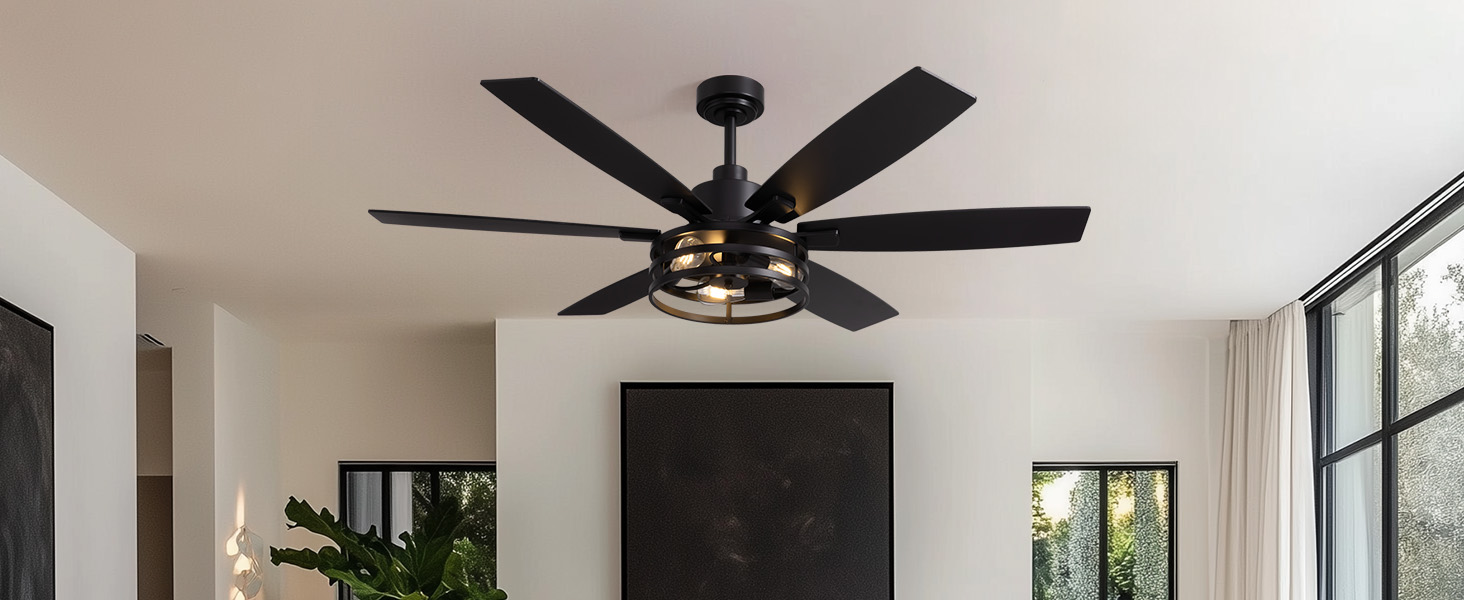
Image 4.2: Dual-finish fan blades (walnut and black) for customizable aesthetics.
4.3 Light Bulb Installation
The light kit requires three E26 medium base bulbs (not included). Ensure the total wattage does not exceed 60 watts per bulb. Install bulbs before attaching the caged light cover.
5. Operating Instructions
Your LuminFan ceiling fan is controlled via the included remote control, offering comprehensive functionality.
5.1 Remote Control Functions
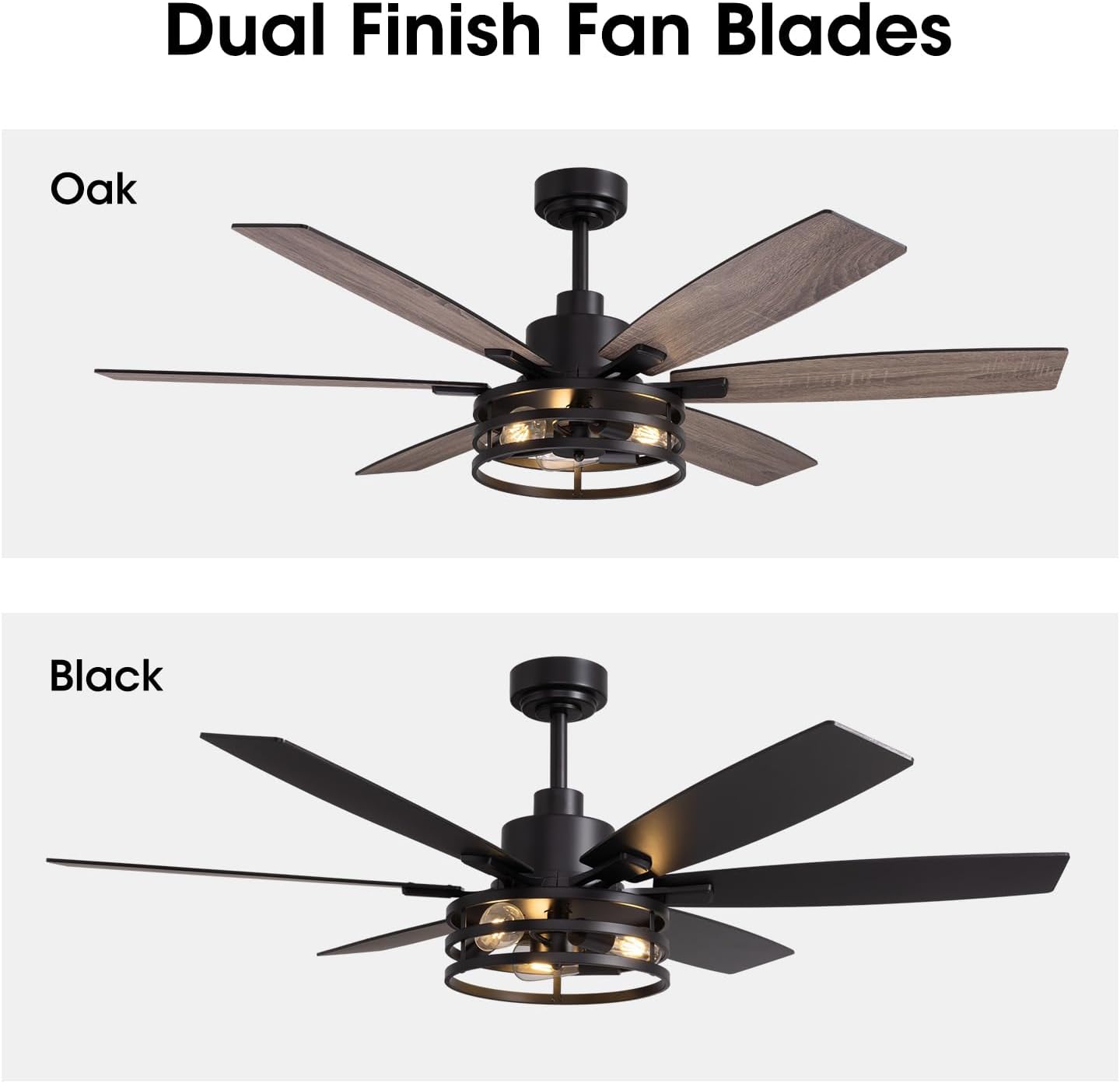
Image 5.1: The remote control for your LuminFan ceiling fan.
- Fan Speed Control: Select from 6 distinct wind speeds (buttons 1-6).
- Light Control: Turn the light on or off independently of the fan.
- Timer Function: Set the fan to turn off automatically after 1, 2, or 4 hours.
- Reversible DC Motor: Change the fan's direction (forward for summer downdraft, reverse for winter updraft) directly from the remote. This feature helps circulate warm air in winter, improving heating efficiency.

Image 5.2: Illustration of seasonal airflow modes (summer downdraft, winter updraft).
5.2 Quiet Operation
The fan's DC motor is designed for quiet operation, producing less than 35dB of noise, making it suitable for bedrooms and living rooms where minimal disturbance is desired.

Image 5.3: The fan operates quietly, below 35 decibels.
6. Maintenance
Regular maintenance ensures optimal performance and extends the lifespan of your ceiling fan.
- Cleaning: Periodically clean the fan blades and motor housing with a soft, damp cloth. Do not use abrasive cleaners or solvents.
- Tighten Fasteners: Check all screws and fasteners annually to ensure they are secure.
- Bulb Replacement: Ensure power is off before replacing light bulbs. Use E26 medium base bulbs, not exceeding 60 watts each.
7. Troubleshooting
Refer to the following table for common issues and their solutions.
| Problem | Possible Cause | Solution |
|---|---|---|
| Fan does not start | No power to the fan; loose wiring; remote control battery low. | Check circuit breaker. Ensure all wiring connections are secure. Replace remote control batteries. |
| Light does not work | Bulb loose or burnt out; incorrect bulb type; wiring issue. | Tighten or replace bulbs. Ensure E26 medium base bulbs are used. Check light kit wiring. |
| Fan wobbles | Loose blades or mounting hardware; unbalanced blades. | Ensure all blade screws and mounting hardware are tight. Use a balancing kit if necessary. |
| Fan makes excessive noise | Loose screws; motor issue; blades hitting an obstruction. | Check all screws. Ensure no obstructions are near the blades. If noise persists, contact support. |
| Remote control not responding | Low battery; remote not paired; obstruction. | Replace remote batteries. Ensure clear line of sight to the fan receiver. Refer to remote pairing instructions if available (not provided in JSON). |
| Annoying beep with every button push | Default remote setting. | Some remotes have a mute function. Consult specific remote instructions. Note that some models may reset this setting upon power cycle. |
8. Specifications
| Feature | Detail |
|---|---|
| Brand | LuminFan |
| Model Number | FS-8837D-60-01 |
| Size | 60 Inch |
| Color | Fortress (Black Matte finish with reversible walnut/black blades) |
| Material | Metal, Wood |
| Style | Industrial |
| Indoor/Outdoor Usage | Indoor, Covered Outdoor (Patio, Gazebo, Balcony) |
| Motor Type | DC Motor (Reversible, Quiet, Energy Efficient) |
| Control Method | Remote Control |
| Light Kit | Included, Industrial Caged design |
| Bulb Base | E26 Medium (Bulbs not included) |
| Max Wattage (per bulb) | 60 watts |
| Voltage | 120 Volts (AC) |
| Noise Level | Less than 35dB |
| Installation Type | Downrod Mount, Semi Flush Mount (Angled up to 15°) |
| Item Weight | 17.42 Pounds |
| Product Dimensions | 46 x 46 x 14 inches (Fan body dimensions, 60-inch blade span) |
9. Warranty & Support
For warranty information or technical support, please contact LuminFan customer service. Details regarding specific warranty periods and terms are typically provided with your purchase documentation.
You can also visit the official LuminFan store for more product information and support resources: LuminFan Store on Amazon.