
Introduction
Welcome to your Project E Beauty SERA device. This manual provides essential information for the safe and effective use of your 3-in-1 body contouring device. The SERA device integrates vacuum therapy, Electrical Muscle Stimulation (EMS), and red light therapy to assist in body sculpting, toning, and skin improvement.
Please read this manual thoroughly before first use and retain it for future reference.
Important Safety Information
To ensure safe operation and prevent injury or damage, please observe the following precautions:
- Read all instructions before using the device.
- Do not use the device on broken, irritated, or infected skin.
- Consult a physician before use if you have any medical conditions, including but not limited to heart conditions, epilepsy, cancer, or if you are pregnant.
- Keep the device dry and do not immerse it in water.
- Keep out of reach of children.
- Do not use the device near sensitive areas such as eyes, thyroid gland, or open wounds.
- Remove all jewelry and metal items before use.
- Use only with the provided power adapter and accessories.
Package Contents
Verify that all items are present in your package:
- Project E Beauty SERA Vacuum Body Contour Device
- Large Contour Cup (for body)
- Small Contour Cup (for face and delicate areas)
- HydraFirm Body Gel (50ml)
- Power Adapter
- User Manual
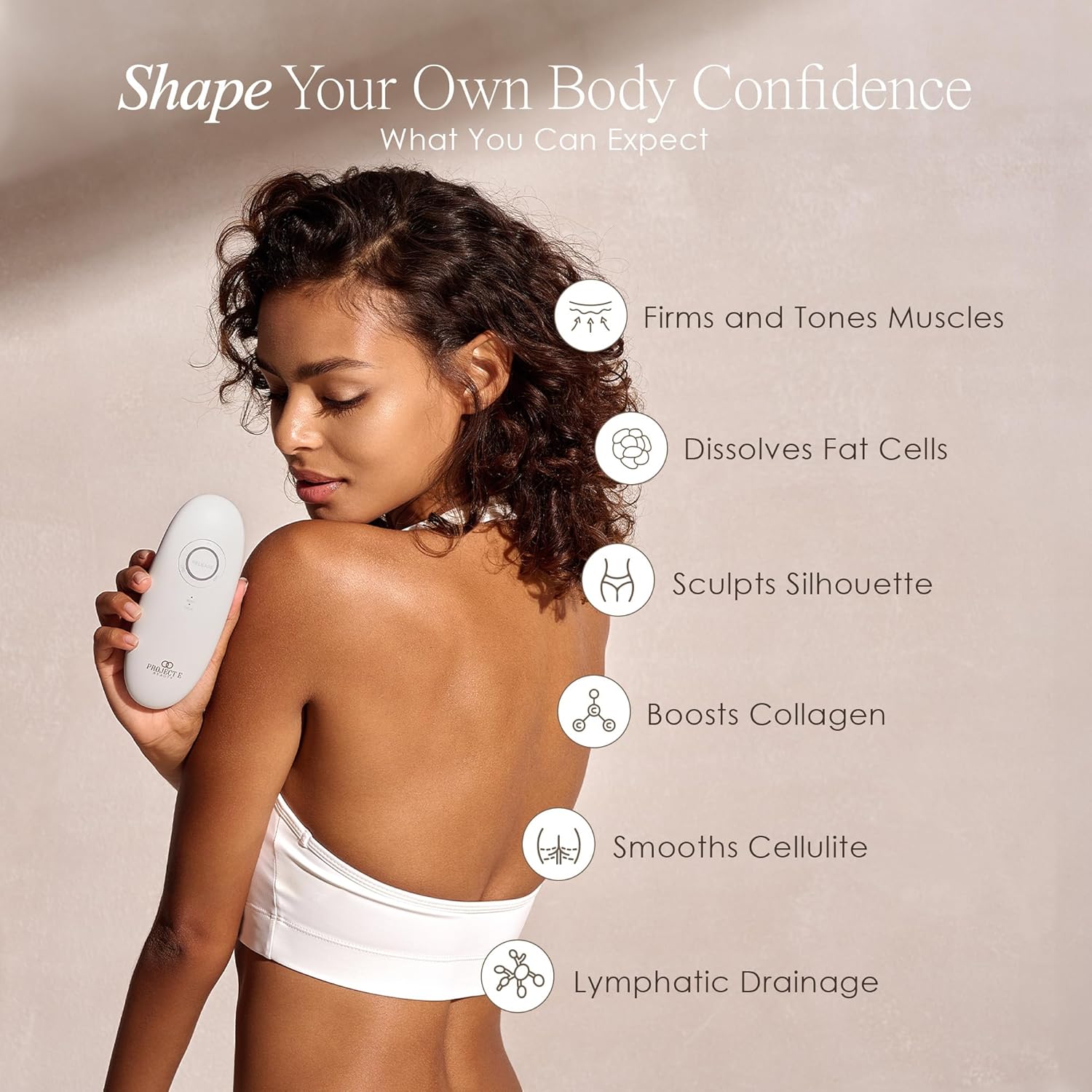
Image: The SERA device along with its two interchangeable contour cups.
Device Overview
Familiarize yourself with the components and controls of your SERA device:
- Power Button: Turns the device on/off and adjusts intensity levels.
- Release Button: Releases the vacuum suction.
- Lipo Mode Indicator: Activates vacuum therapy.
- EMS Mode Indicator: Activates Electrical Muscle Stimulation.
- Body/Face Indicator: Selects the treatment area mode.
- Red Light Therapy: Integrated into the treatment head.

Image: Detailed view of the SERA device's control panel.

Image: The SERA device with a contour cup, highlighting the red light therapy elements.
Setup
Before your first treatment, follow these steps:
- Charge the Device: Connect the power adapter to the device and a power outlet. Charge until the battery indicator shows full.
- Attach Contour Cup: Select the appropriate contour cup (large for body, small for face) and securely attach it to the device head by twisting until it clicks into place.
- Prepare Skin: Ensure the treatment area is clean and dry.
- Apply Conductive Gel: Apply a generous amount of Project E Beauty HydraFirm Body Gel to the treatment area. This gel is essential for smooth gliding and effective conductivity of EMS and red light therapy.
Video: An unboxing and initial setup guide for the SERA device, demonstrating how to prepare the device and apply the HydraFirm Body Gel.

Image: The SERA device shown with both the large and small contour cups, illustrating the interchangeable design.

Image: Application of HydraFirm Body Gel to the skin, a necessary step before using the SERA device.
Operation
General Usage Guidelines
- Always apply a conductive gel to the skin before treatment.
- Move the device slowly and continuously over the treatment area.
- Do not hold the device stationary on one spot for extended periods.
- Adjust intensity levels to a comfortable setting.
Body Treatment
For body areas such as arms, abdomen, thighs, and buttocks:
- Ensure the large contour cup is attached.
- Press the Power button to turn on the device. The 'Body' indicator should light up.
- Press the 'Lipo' button to activate vacuum therapy and red light. Press again to cycle through intensity levels.
- Alternatively, press the 'EMS' button to activate Electrical Muscle Stimulation and red light. Press again to cycle through intensity levels.
- Place the device on the gel-applied skin. The auto-pulse technology will create suction for approximately 3 seconds, then release. Move the device to the next area and repeat.
- Treat each body area for 5-10 minutes.

Image: Demonstrating the use of the SERA device on a body area, specifically the thigh.
Video: A demonstration of the SERA device being used for total body toning, showcasing various body applications.
Face Treatment
For facial areas, jawline, and neck:
- Ensure the small contour cup is attached.
- Press the Power button to turn on the device. Press the Body/Face button until the 'Face' indicator lights up.
- Press the 'EMS' button to activate Electrical Muscle Stimulation and red light. Vacuum therapy is not recommended for facial use. Press again to cycle through intensity levels.
- Gently glide the device over the gel-applied facial contours, moving upwards and outwards.
- Treat each facial area for 2-3 minutes.

Image: Close-up of the SERA device with the small cup being used on the face for targeted treatment.
Video: A comprehensive overview of the SERA device, including its use for both body and face with vacuum, EMS, and red light functions.
Auto Pulse Technology
The SERA device features advanced 'suction and release' auto-pulse technology. When in Lipo mode, simply place the suction cup on the treatment area. It will automatically create suction for approximately 3 seconds and then release. This ensures a consistent and effective treatment without manual intervention.

Image: A visual representation of the auto-pulse technology, showing the suction and release cycle.
Maintenance
Care and Cleaning
- After each use, turn off the device and disconnect it from the power source.
- Remove the contour cup and wash it with mild soap and water. Rinse thoroughly and allow to air dry completely.
- Wipe the main body of the device with a soft, damp cloth. Do not use abrasive cleaners or immerse the device in water.
- Ensure the device is completely dry before storing.
Storage
- Store the device in a cool, dry place, away from direct sunlight and extreme temperatures.
- Keep the device and its accessories in their original packaging or a protective case to prevent damage.
Troubleshooting
If you encounter any issues with your SERA device, refer to the table below for common problems and solutions:
| Problem | Possible Cause | Solution |
|---|---|---|
| Device does not turn on | Low battery or not charged | Charge the device fully. |
| No suction or weak suction | Improperly attached cup, insufficient gel, or air leakage | Ensure cup is securely attached. Apply more conductive gel. Check for proper contact with skin. |
| No EMS sensation | Insufficient gel, low intensity, or poor skin contact | Apply more conductive gel. Increase EMS intensity. Ensure full contact of electrodes with skin. |
| Red light not visible | Device not powered on or mode not selected | Turn on the device and select Lipo or EMS mode. |
If the problem persists, please contact Project E Beauty customer support.
Product Specifications
- Model: SERA
- Manufacturer: Project E Beauty
- ASIN: B0DN5J9TXZ
- Package Dimensions: 9.09 x 4.02 x 3.66 inches
- Weight: 1.17 Pounds
- Technologies: Vacuum Therapy, EMS, Red Light Therapy
Warranty Information and Customer Support
Project E Beauty products are manufactured to the highest quality standards. For specific warranty details, please refer to the warranty card included in your package or visit the official Project E Beauty website.
For technical support, troubleshooting assistance, or any inquiries regarding your SERA device, please contact Project E Beauty customer support through their official channels.