Introduction
Thank you for choosing the Xiaomi 33W Power Bank with Integrated Cable. This portable power bank is designed to provide efficient and fast charging for your mobile devices on the go. Featuring a 10,000 mAh capacity, 33W MAX high power output, two-way fast charging, and a convenient built-in USB cable, it offers a reliable power solution in a compact, easy-to-grip design. Please read this manual carefully before use to ensure proper operation and maintenance.
Safety Information
- Do not disassemble, impact, or puncture the device.
- Keep the power bank away from heat sources, direct sunlight, and flammable materials.
- Do not expose the device to water or other liquids.
- Use only certified chargers and cables for charging the power bank and your devices.
- Keep out of reach of children.
- Dispose of the power bank according to local regulations. Do not dispose of it with household waste.
- Avoid extreme temperatures (below 0°C or above 45°C).
Product Overview
Familiarize yourself with the components of your Xiaomi 33W Power Bank.

Figure 1: Front view of the Xiaomi 33W Power Bank, showing its compact design and integrated cable.
- Integrated USB-C Cable: Conveniently built-in for direct charging of compatible devices.
- USB-A Output Port: For charging devices using a standard USB-A cable.
- USB-C Input/Output Port: For charging the power bank itself or charging devices with a USB-C to USB-C cable.
- Power Button: To check battery level or initiate charging.
- LED Indicators: Four LED lights indicating the remaining battery capacity.
Setup
Charging the Power Bank
Before first use, fully charge your power bank. It is recommended to use a 33W or higher power adapter for optimal charging speed.
- Connect a USB-C charging cable (not included, or use the integrated cable if it can be used for input) to the USB-C input/output port of the power bank.
- Connect the other end of the cable to a compatible USB power adapter.
- The LED indicators will light up to show the charging progress. All four LEDs will be solid when fully charged.

Figure 2: Illustration of the power bank's internal 5000mAh x2 battery cells, highlighting its large capacity for reliable charging.
Operating Instructions
Charging Your Devices
The power bank supports fast charging and can charge multiple devices simultaneously.
- Using the Integrated Cable: Pull out the built-in USB-C cable and connect it directly to your USB-C compatible device.
- Using USB-A Port: Connect your device's charging cable to the USB-A output port on the power bank.
- Using USB-C Port: Connect your device's USB-C to USB-C charging cable to the USB-C input/output port on the power bank.
- The power bank will automatically begin charging your device. If not, press the power button once.

Figure 3: The power bank simultaneously charging a smartphone, smartwatch, and earbuds, demonstrating its multi-device charging capability.
Checking Battery Level
Press the power button once to check the remaining battery level. The LED indicators will light up:
- 1 LED: 0-25%
- 2 LEDs: 25-50%
- 3 LEDs: 50-75%
- 4 LEDs: 75-100%

Figure 4: Visual representation of the 33W MAX fast charging capability, showing charging times for various Xiaomi devices.
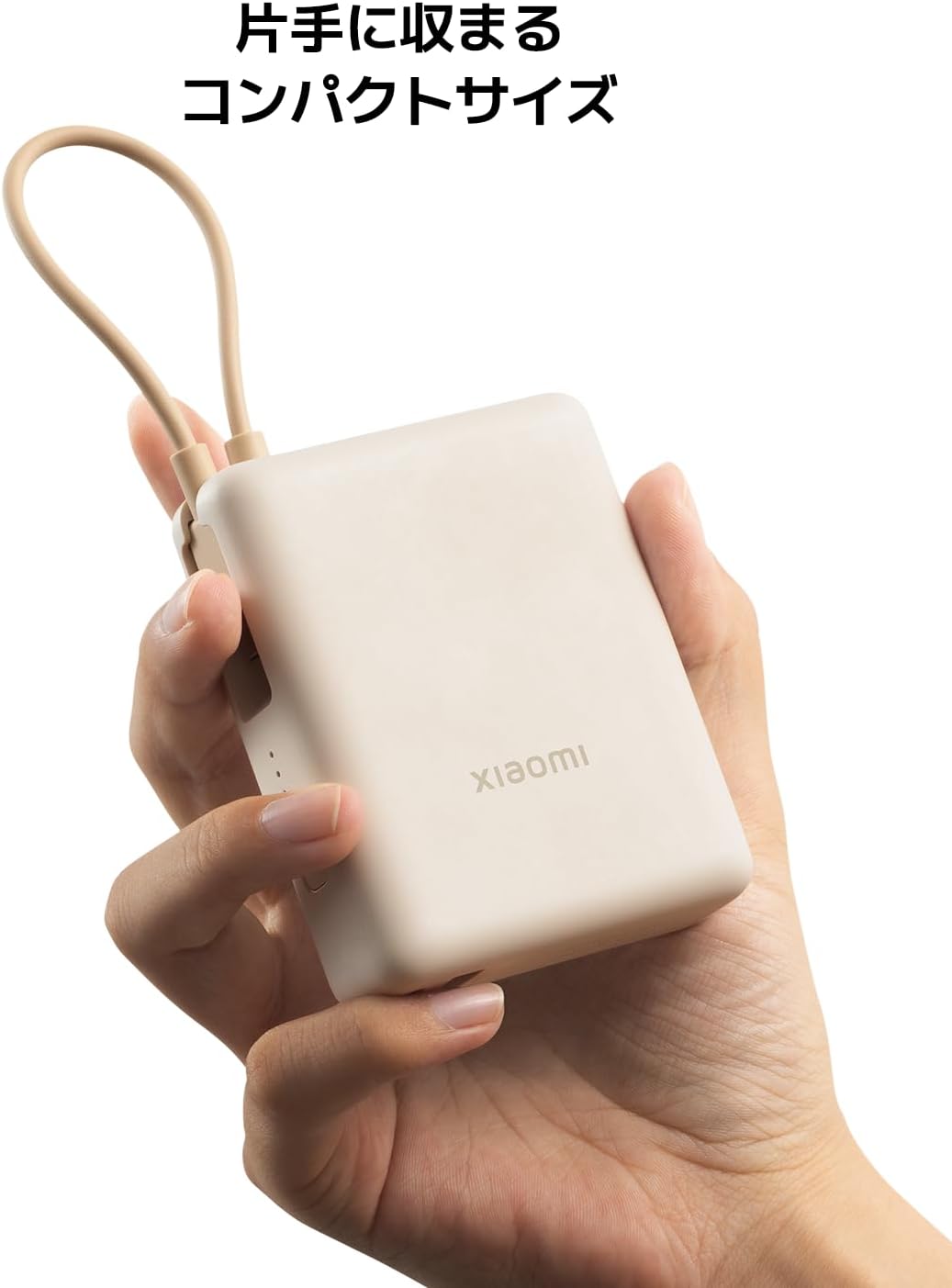
Figure 5: The power bank held in a hand, illustrating its compact and easy-to-grip design.
Maintenance
- Clean the power bank with a soft, dry cloth. Do not use abrasive cleaners or solvents.
- Store the power bank in a cool, dry place when not in use.
- Avoid dropping or subjecting the power bank to strong impacts.
- If the power bank will not be used for an extended period, charge it to about 50% every three months to prolong battery life.
Troubleshooting
| Problem | Possible Cause | Solution |
|---|---|---|
| Power bank not charging | Cable not connected properly; faulty cable/adapter; power bank fully discharged. | Ensure connections are secure. Try a different cable and adapter. Allow a few minutes for the power bank to respond if deeply discharged. |
| Device not charging from power bank | Power bank is discharged; cable not connected properly; device not compatible; power button not pressed. | Charge the power bank. Ensure connections are secure. Press the power button. Verify device compatibility. Try a different cable. |
| Slow charging | Using a low-power adapter/cable; device does not support fast charging; multiple devices charging simultaneously. | Use a 33W or higher power adapter and a fast-charging cable. Ensure your device supports fast charging. Charging multiple devices may reduce individual charging speeds. |
Specifications
- Model Number: BHR9333GL
- Product Dimensions: 8.09 x 6.59 x 2.6 cm
- Item Weight: 230 g
- Battery Capacity: 10,000 mAh (5000mAh x2)
- Max Output Power: 33W
- Special Features: Fast Charging, Integrated Cable
- Connector Type: USB-C (integrated), USB-A, USB-C (port)
- Color: Tan
- Date First Available: 3 February 2025
Warranty and Support
This Xiaomi product is covered by a limited warranty. For detailed warranty terms and conditions, please refer to the warranty card included with your purchase or visit the official Xiaomi website. If you encounter any issues or require technical assistance, please contact Xiaomi customer support through their official channels.
For more information, visit the Xiaomi Store on Amazon.