
Introduction
Thank you for choosing the TRANSFORMERS TF-T13 Wireless Ear Hanging Earbuds. This manual provides essential information for setting up, operating, and maintaining your earbuds to ensure optimal performance and longevity. Please read this manual thoroughly before using the product.
Package Contents
Verify that all items are present in your package:
- TRANSFORMERS TF-T13 Wireless Earbuds (Left and Right)
- Charging Case
- USB Charging Cable
- User Manual

Image: The TRANSFORMERS TF-T13 earbuds, charging case, USB cable, and user manual as included in the package.
Setup
1. Charging the Earbuds and Case
Before first use, fully charge the earbuds and the charging case.
- Place the earbuds into the charging case, ensuring they are correctly seated.
- Connect the USB charging cable to the charging port on the case and to a compatible USB power source.
- The indicator lights on the case will show the charging status. Once fully charged, the lights will indicate completion or turn off.
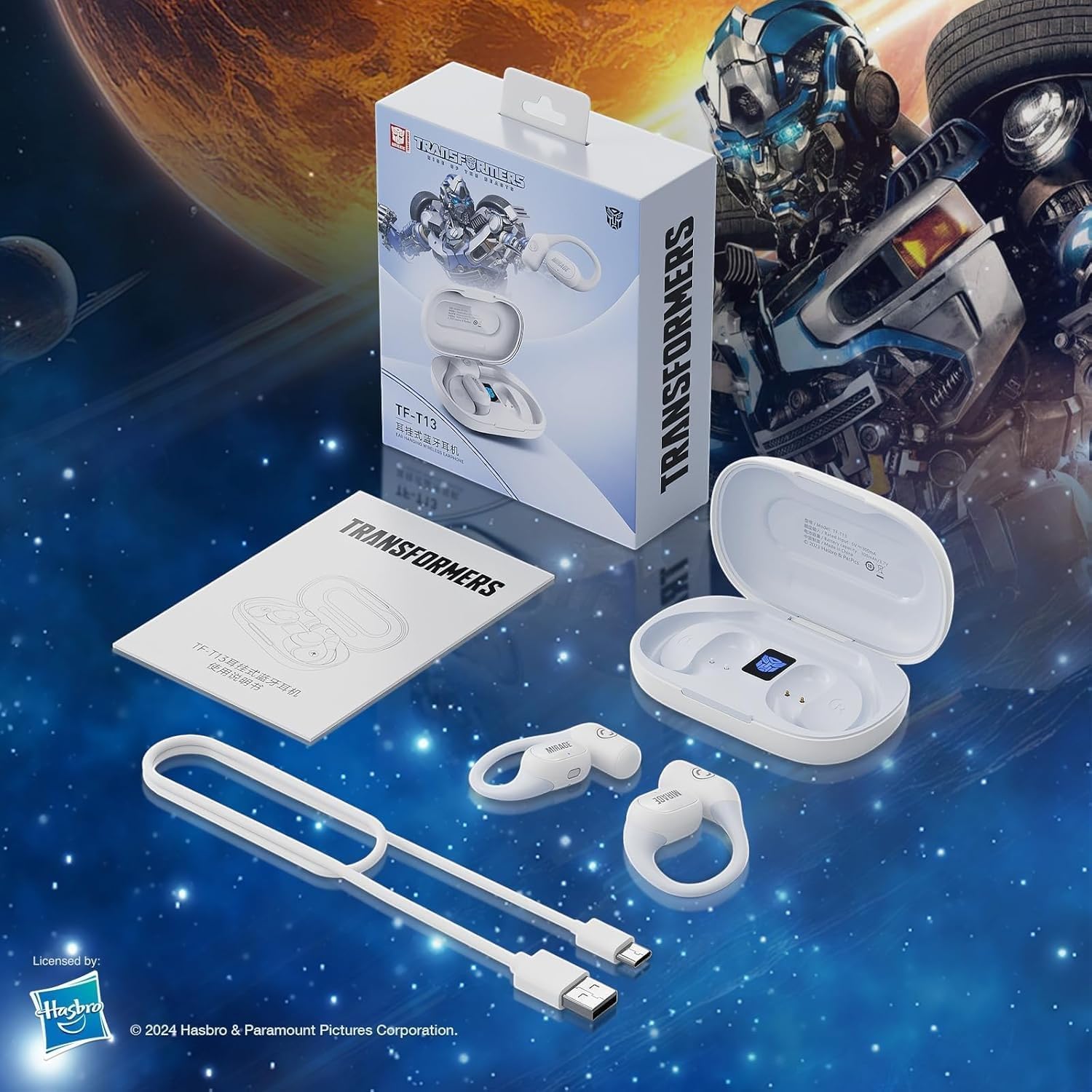
Image: The charging case displaying battery levels and charging status for the earbuds. A full charge provides approximately 6 hours of single use and up to 60 hours with the charging case.
2. Pairing with a Device
Follow these steps to pair your earbuds with a Bluetooth-enabled device:
- Ensure the earbuds are charged and placed inside the charging case.
- Open the charging case. The earbuds will automatically enter pairing mode, indicated by a flashing light on the earbuds.
- On your device (smartphone, tablet, etc.), go to Bluetooth settings and turn Bluetooth on.
- Search for available devices and select "TF-T13" from the list.
- Once connected, a voice prompt will confirm successful pairing, and the indicator lights on the earbuds will stop flashing.
3. Wearing the Earbuds
The TF-T13 earbuds feature an ear-hanging design for a secure and comfortable fit.
- Identify the left (L) and right (R) earbuds.
- Gently hook the earbud over your ear, ensuring the speaker portion is positioned comfortably over your ear canal.
- Adjust the ear hook for a snug and stable fit. The non-intrusive design and skin-friendly silicone earhook ensure comfort during extended wear.
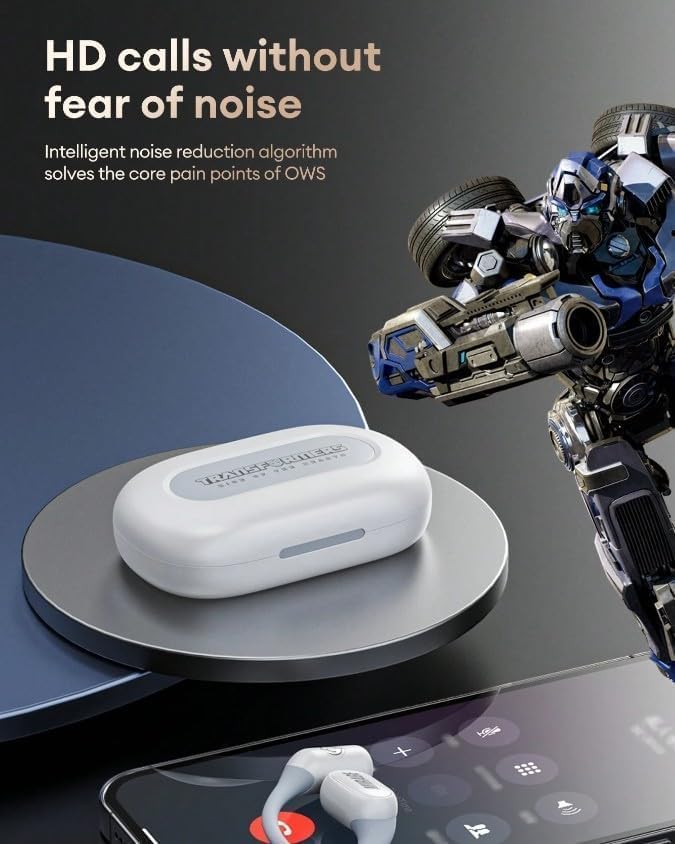
Image: An earbud being worn, demonstrating the open-ear, non-intrusive design with a skin-friendly silicone earhook for comfort and stability.
Operating the Earbuds
Basic Controls
The TF-T13 earbuds feature touch controls for various functions:
- Play/Pause: Single tap on either earbud.
- Next Track: Double tap on the right earbud.
- Previous Track: Double tap on the left earbud.
- Volume Up: Triple tap on the right earbud.
- Volume Down: Triple tap on the left earbud.
- Activate Voice Assistant: Press and hold for 2 seconds on either earbud.
Making and Receiving Calls
The built-in microphone and open-style design ensure clear communication during calls.
- Answer Call: Single tap on either earbud.
- End Call: Single tap on either earbud during a call.
- Reject Call: Press and hold for 2 seconds on either earbud.
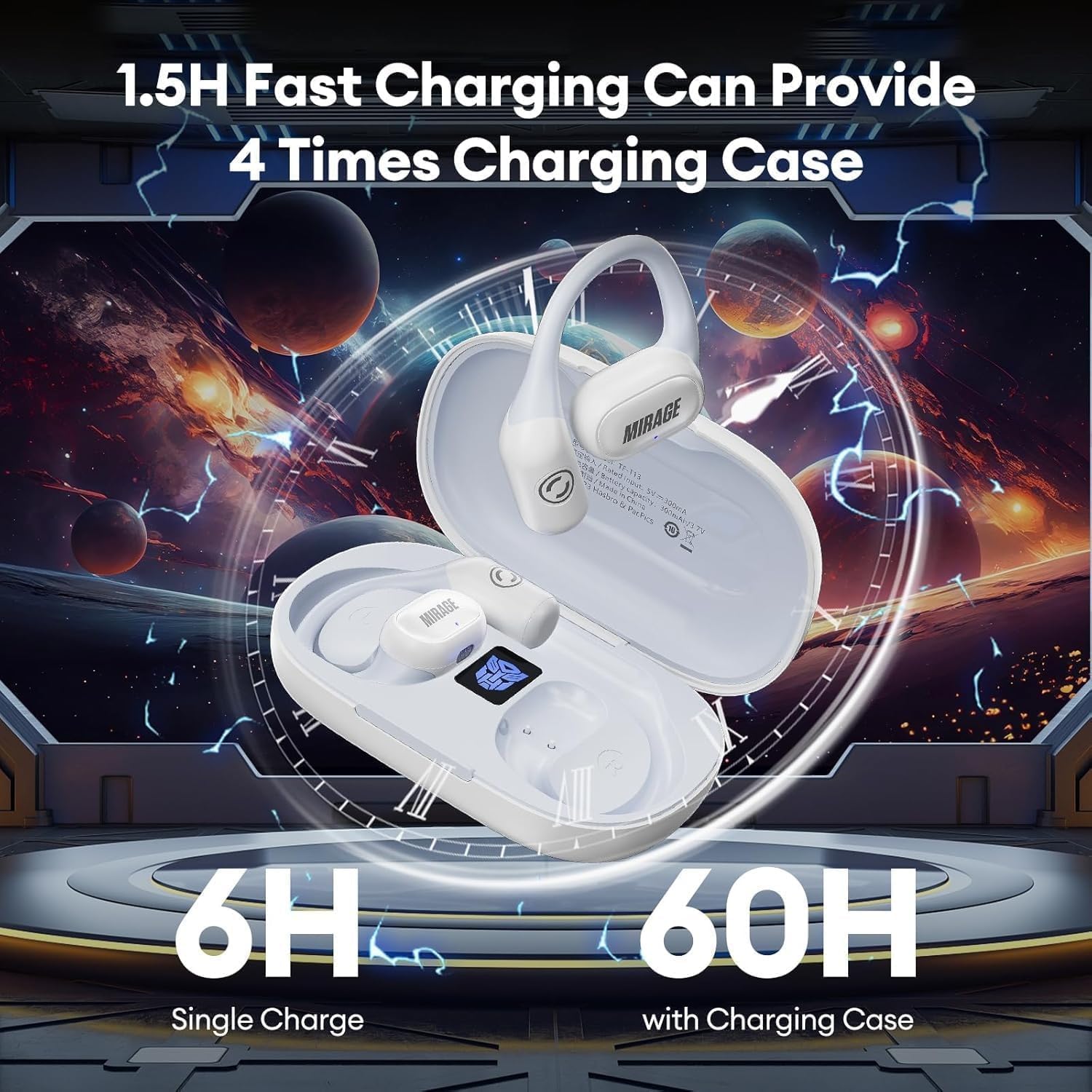
Image: The TF-T13 earbuds shown with a smartphone, illustrating their capability for high-definition calls with intelligent noise reduction.
Low Latency Mode for Gaming/Video
The TF-T13 earbuds feature low latency technology for synchronized audio during gaming or video playback.
- Activate Low Latency Mode: (Specific gesture, e.g., Quadruple tap on right earbud - Refer to product packaging or quick start guide for exact gesture if not specified here.)
- This mode minimizes audio delay, providing a more immersive experience for gaming and video content.

Image: The TF-T13 earbuds depicted in a gaming scenario, highlighting their high-speed and stable transmission for an immersive gaming experience.
Maintenance
Cleaning
To maintain optimal performance and hygiene:
- Wipe the earbuds and charging case with a soft, dry, lint-free cloth.
- Do not use abrasive cleaners, alcohol, or chemical solvents.
- Ensure charging contacts are clean and free of debris.
Storage
When not in use, store the earbuds in their charging case to protect them from dust and damage.
- Store in a cool, dry place, away from extreme temperatures and direct sunlight.
- Avoid dropping or subjecting the earbuds and case to strong impacts.
Troubleshooting
If you encounter issues with your TF-T13 earbuds, refer to the following common solutions:
| Problem | Solution |
|---|---|
| Earbuds not pairing | Ensure earbuds are charged. Turn off and on your device's Bluetooth. Forget "TF-T13" from your device's Bluetooth list and re-pair. |
| No sound from one earbud | Place both earbuds back in the case, close it, then open again. Check device's audio balance settings. |
| Charging issue | Check the charging cable and power adapter. Ensure charging contacts on earbuds and case are clean. |
| Poor sound quality | Ensure earbuds are properly seated in your ears. Move closer to your connected device to avoid interference. |
Specifications
Key technical specifications for the TRANSFORMERS TF-T13 Wireless Ear Hanging Earbuds:
| Feature | Detail |
|---|---|
| Model Name | TF-T13 |
| Connectivity Technology | Wireless (Bluetooth 5.4) |
| Sound Quality | HiFi Sound with Dual 16.2mm Drivers |
| Ear Placement | On Ear / Ear Hanging |
| Noise Control | Passive Noise Cancelling Technology, Intelligent Noise Reduction Algorithm for calls |
| Microphone | Built-in for hands-free calling |
| Latency | Low Latency Technology (optimized for gaming/sports) |
| Battery Life (Single Charge) | Approx. 6 hours |
| Battery Life (with Charging Case) | Approx. 60 hours (4 times charging from case) |
| Charging Time | Approx. 1.5 hours for full charge |
| Color | White (as per product variant) |

Image: An exploded view illustrating the dual 16.2mm drivers and components responsible for the HiFi sound quality and Bluetooth 5.4 connectivity.
Warranty and Support
Warranty Information
The TRANSFORMERS TF-T13 Wireless Ear Hanging Earbuds come with a 6-month warranty from the date of purchase. This warranty covers manufacturing defects and workmanship under normal use. It does not cover damage caused by misuse, accidents, unauthorized modifications, or normal wear and tear.
Customer Support
For technical assistance, warranty claims, or any questions regarding your TRANSFORMERS TF-T13 earbuds, please contact your retailer or the manufacturer's customer support channel. Refer to your purchase documentation for specific contact details.


