
Introduction
Welcome to the user manual for your new TECNO Spark Go 1 smartphone. This device is designed to provide a seamless and efficient mobile experience, featuring a vibrant 120Hz display, a long-lasting 5000mAh battery with 15W fast charging, and immersive dual DTS stereo speakers. This manual will guide you through the setup, operation, maintenance, and troubleshooting of your device to ensure optimal performance.
What's in the Box
Please check the contents of your product package. If any items are missing or damaged, contact your retailer.
- TECNO Spark Go 1 Smartphone
- USB Type-C Charging Cable
- Power Adapter (15W)
- SIM Ejector Tool
- Quick Start Guide
- Warranty Card
Setup
1. Insert SIM Card and SD Card
Locate the SIM card tray on the side of your device. Use the provided SIM ejector tool to open the tray. Insert your Nano-SIM card(s) and an optional microSD card into the designated slots. Ensure the cards are correctly oriented as shown in the diagram on the tray. Close the tray securely.
2. Charge the Device
Before first use, fully charge your TECNO Spark Go 1. Connect the USB Type-C cable to the phone's charging port and the other end to the 15W power adapter. Plug the adapter into a power outlet. The charging indicator will appear on the screen. For optimal battery life, avoid completely draining the battery frequently.

Image: The TECNO Spark Go 1 features a 5000mAh battery and supports 15W Type-C fast charging for quick power-ups.
3. Power On/Off
To power on, press and hold the Power button until the TECNO logo appears. To power off, press and hold the Power button, then select 'Power off' from the options on the screen.
4. Initial Setup
Upon first power-on, follow the on-screen instructions to complete the initial setup. This includes selecting your language, connecting to a Wi-Fi network, setting up your Google account, and configuring security features like fingerprint or face unlock.
Operating Instructions
Basic Navigation
- Touch: Tap an icon to open an app or select an item.
- Swipe: Slide your finger across the screen to scroll, switch screens, or access quick settings.
- Pinch: Use two fingers to zoom in or out on photos and web pages.
Making Calls
Open the Phone app, enter the number using the dial pad, and tap the call icon. To answer an incoming call, swipe up on the screen. To reject, swipe down.
Sending Messages
Open the Messages app, tap the 'Start chat' icon, enter the recipient's number or select from contacts, type your message, and tap send.
Connecting to Wi-Fi
Go to Settings > Network & internet > Wi-Fi. Turn on Wi-Fi, select your desired network, and enter the password if required.
Camera Usage
Open the Camera app. Tap the shutter button to take a photo. Swipe left or right to switch between modes like Video, Portrait, and more. The 13MP main camera with HDR ensures clear and vibrant images.

Image: The TECNO Spark Go 1 features a 13MP main camera, designed for capturing clear and detailed photos.
Audio Features
The TECNO Spark Go 1 is equipped with dual DTS stereo speakers, providing a rich and immersive audio experience. Adjust volume using the volume buttons on the side of the device.
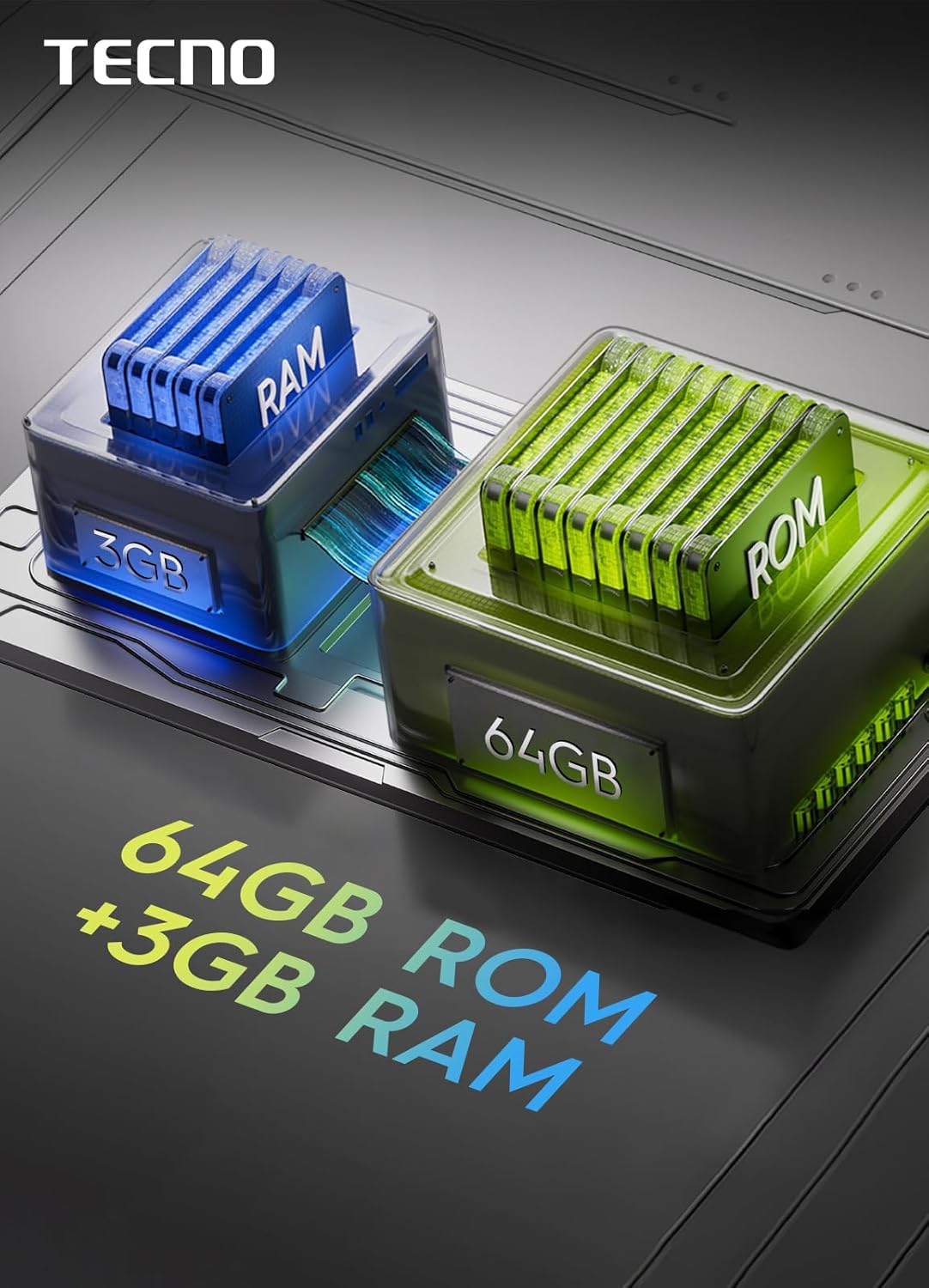
Image: Experience enhanced sound with the TECNO Spark Go 1's dual DTS speakers, offering full-scene big volume.
Display Features
Enjoy smooth visuals and responsive interaction with the 6.67-inch display featuring a 120Hz refresh rate. This smart refresh rate optimizes power efficiency while providing fluid scrolling and animations.

Image: The TECNO Spark Go 1 features a 6.67-inch display with a 120Hz refresh rate for smooth visuals.
4.5G Network Connectivity
The device supports 4.5G Lightning Network, offering significantly faster download speeds compared to 4G, up to 300 Mbps. This ensures quick browsing, streaming, and downloads.
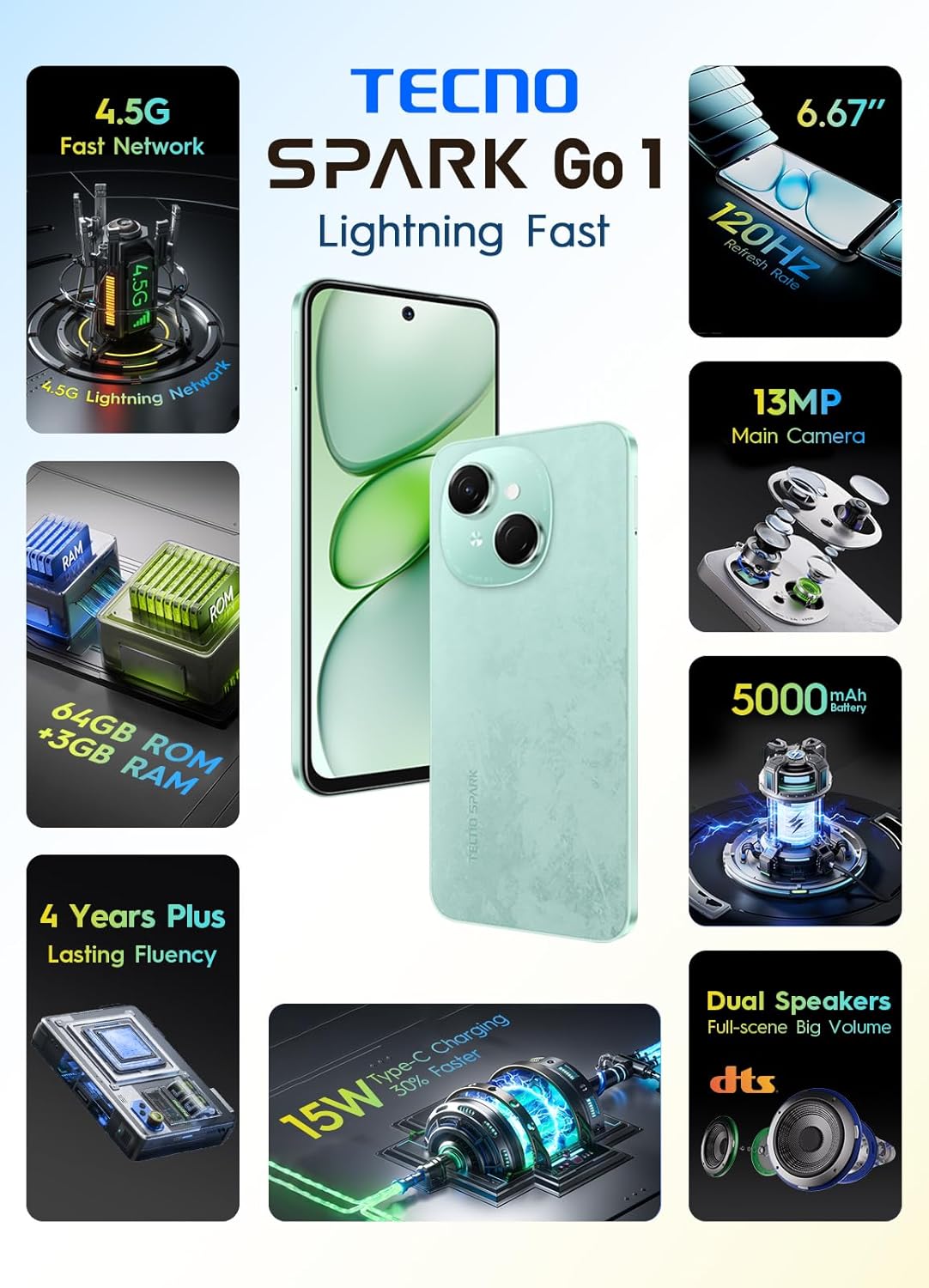
Image: The TECNO Spark Go 1 supports 4.5G fast network for high-speed connectivity.
Features Overview
- 4.5G Lightning Network: Experience speeds up to 100% faster than 4G, with download rates reaching 300 Mbps.
- 13MP Main Camera: Capture stunning photos with the 13-megapixel HDR camera, delivering vivid and lifelike images.
- No Lag Performance: Enjoy consistently smooth performance, designed for lasting fluency.
- 5000mAh Battery with 15W Type-C Fast Charging: A large capacity battery ensures extended usage, complemented by rapid Type-C charging.
- 120Hz Smart Refresh Rate Display: The display intelligently adjusts its refresh rate for optimal visuals and power efficiency in every scenario.
- Dual DTS Speakers: Delivers up to 300% louder sound for an immersive listening experience.
- AI Active Noise Cancellation: Enhances call quality and audio experience.
- Splash and Dust Resistance: Provides added durability against everyday elements.

Image: The TECNO Spark Go 1 comes with 64GB of internal storage (ROM) and 3GB of RAM for efficient multitasking and storage.
Maintenance
Cleaning Your Device
Use a soft, lint-free cloth to clean the screen and body of your phone. Avoid using harsh chemicals or abrasive materials, which can damage the surface. The device has splash and dust resistance, but it is not waterproof; avoid submerging it in liquids.
Software Updates
Regularly check for and install software updates to ensure your device has the latest features, security patches, and performance improvements. Go to Settings > System > System update.
Battery Care
To prolong battery life, avoid exposing your phone to extreme temperatures. It is recommended to keep the battery charge between 20% and 80% for daily use. Use only the original charger and cable provided with your device.
Troubleshooting
| Problem | Solution |
|---|---|
| Device does not turn on | Ensure the battery is charged. Press and hold the Power button for at least 10 seconds to force a restart. |
| Cannot charge the device | Check if the charger and cable are properly connected. Try a different power outlet. Ensure the charging port is clean and free of debris. |
| Poor network signal | Check if your SIM card is correctly inserted. Move to an area with better network coverage. Restart the device. |
| Apps are crashing or freezing | Clear the cache of the problematic app (Settings > Apps > [App Name] > Storage > Clear cache). Restart the device. If the issue persists, consider uninstalling and reinstalling the app. |
| Device is slow or unresponsive | Close unnecessary background apps. Clear temporary files and cache. If performance issues continue, consider a factory reset (back up your data first). |
Factory Reset
If your device experiences persistent issues, a factory reset may resolve them. Warning: This will erase all data on your phone. Back up important data before proceeding. Go to Settings > System > Reset options > Erase all data (factory reset) and follow the on-screen instructions.
Specifications
| Feature | Detail |
|---|---|
| Manufacturer | TECNO |
| Model Number | KL4 |
| Product Dimensions | 16.5 x 7.7 x 0.83 cm |
| Weight | 189 grams |
| Operating System | Android 14 |
| RAM | 3 GB |
| CPU Model | MediaTek Companios 800T |
| Storage Capacity | 64 GB |
| Display Resolution | 720 x 1280 |
| Refresh Rate | 120 Hz |
| Wireless Carrier | Unlocked |
| Cellular Technology | 4G (4.5G Lightning Network) |
| Battery Capacity | 5000 mAh |
| Charging | 15W Type-C Fast Charging |
Warranty and Support
Your TECNO Spark Go 1 smartphone comes with a standard manufacturer's warranty. Please refer to the warranty card included in your package for specific terms and conditions, including coverage duration and service procedures.
For further assistance, technical support, or to explore other TECNO products, please visit the official TECNO store or contact their customer service. You can find more information at the TECNO Brand Store.


