
1. Introduction
This manual provides essential instructions for the safe and effective operation of your PARIS RHÔNE 2K UHD WiFi Video Baby Monitor. Please read this manual thoroughly before use and retain it for future reference.
Key Features:
- 2K UHD Camera & 4X Zoom: High-quality 2K HD camera with a 5" HD LCD screen for clear real-time video and audio. Supports simultaneous monitoring via monitor and mobile app. Mobile app supports up to 2K display, monitor up to 720P. Includes 4X zoom and SD card storage (up to 256GB).
- Flexible Monitoring Options: Connect via mobile app (WiFi) or use the secure AES-128 encrypted non-WiFi monitor. App supports up to three simultaneous online viewers.
- Smart Detection and Auto Tracking: Features motion, sound, and crying detection with instant notifications. Camera offers 300° horizontal swivel and 115° vertical tilt for wide coverage.
- Colorful Night Light & Lullabies: Customizable RGB night light with three modes and soothing lullabies (up to 14 songs via app) to aid sleep.
- Power-Saving Screen & Long Transmission: Display with high-capacity rechargeable battery (up to 7 days standby). Connects to camera up to 1000 feet away.
2. What's in the Box
- Baby Monitor (Parent Unit)
- Baby Camera (Baby Unit)
- Power Adapters
- Mounting Kit
- User Manual
3. Product Overview
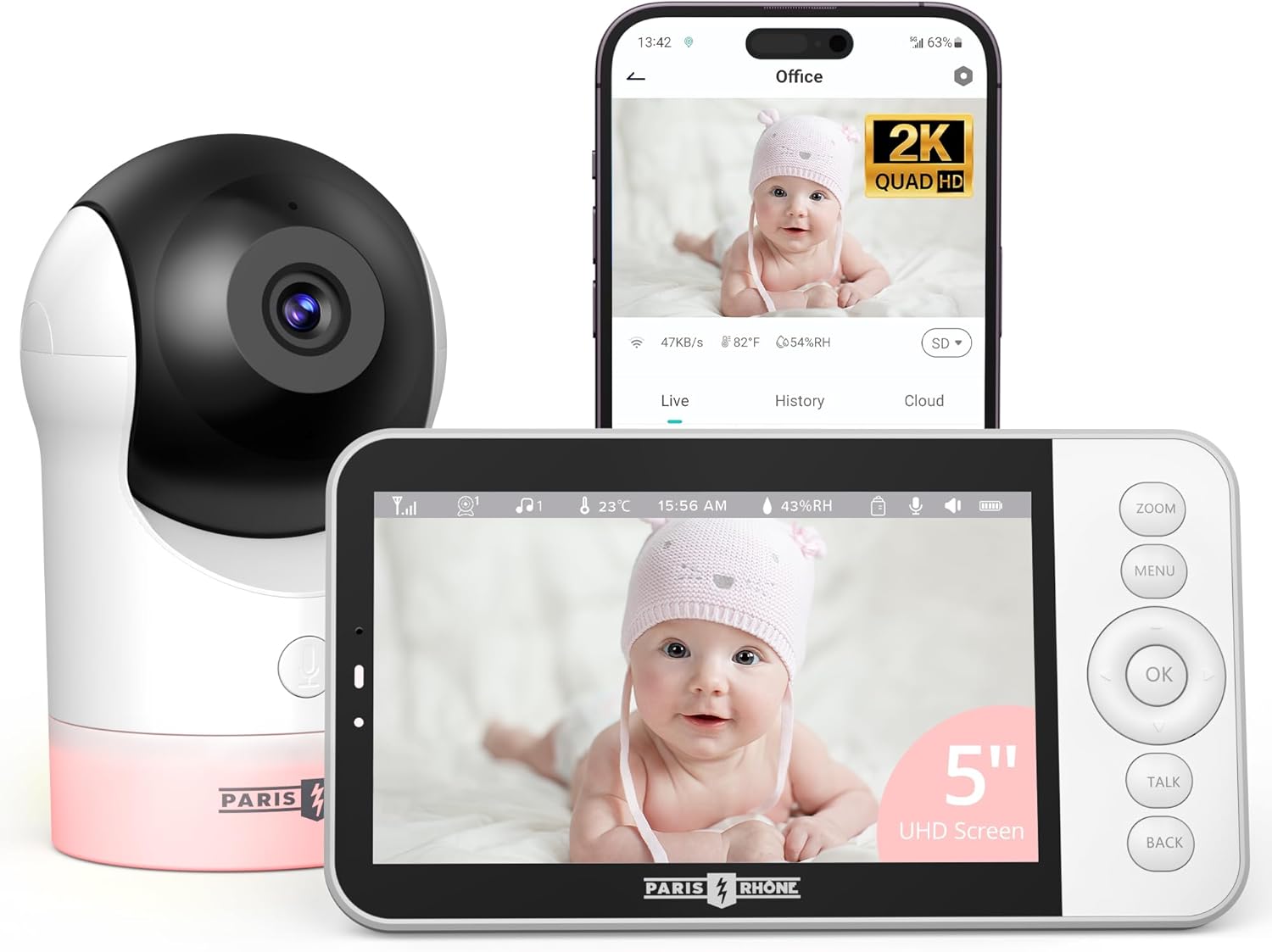 Figure 1: The PARIS RHÔNE Video Baby Monitor system, featuring a 2K UHD camera and a 5-inch HD LCD monitor.
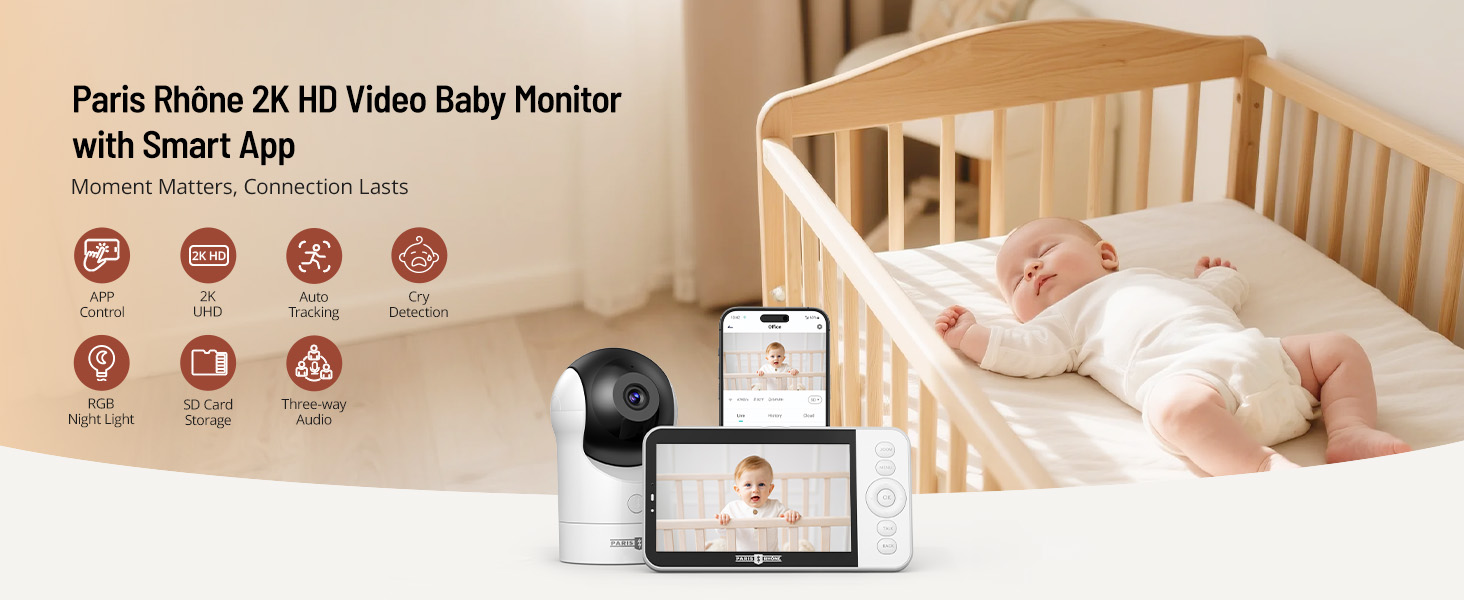 Figure 2: Overview of the baby monitor camera and parent unit.
4. Setup Instructions
- Power On: Connect the camera and monitor to power outlets using the provided adapters. The devices will power on automatically.
- Initial Pairing: The camera and monitor are pre-paired at the factory. If re-pairing is needed, refer to the 'Troubleshooting' section.
- Mobile App Connection:
- Download the dedicated mobile app (e.g., CloudEdge) from your device's app store.
- Follow the in-app instructions to connect the camera to your home WiFi network.
- Once connected, you can view the live feed and control camera functions from your smartphone.
- Placement: Position the camera in a location that provides a clear view of your baby, ensuring it is out of reach of children. The camera can be placed on a flat surface or mounted to a wall using the included kit.
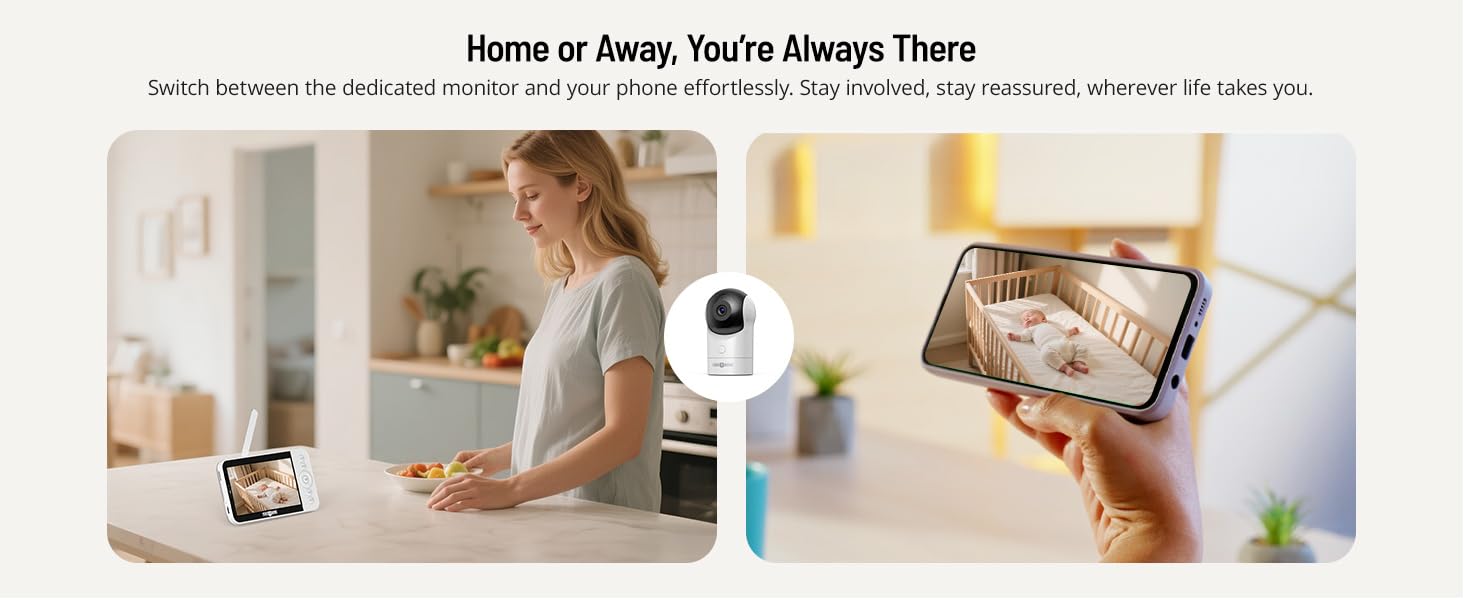 Figure 3: Simultaneous monitoring via the dedicated monitor and the mobile application.
5. Operating Instructions
5.1 Camera Control (Pan, Tilt, Zoom)
Use the directional buttons on the parent unit or the controls within the mobile app to adjust the camera's view. The camera supports 300° horizontal pan and 115° vertical tilt. Use the zoom function for a closer look (up to 4X digital zoom).
 Figure 4: The camera offers a wide field of view with 300° horizontal pan and 115° vertical tilt.
5.2 Smart Detection & AI Tracking
The monitor is equipped with motion, sound, and crying detection. When activity is detected, you will receive instant notifications on your parent unit and mobile phone. The AI tracking feature can automatically follow your baby's movements within the camera's field of view.
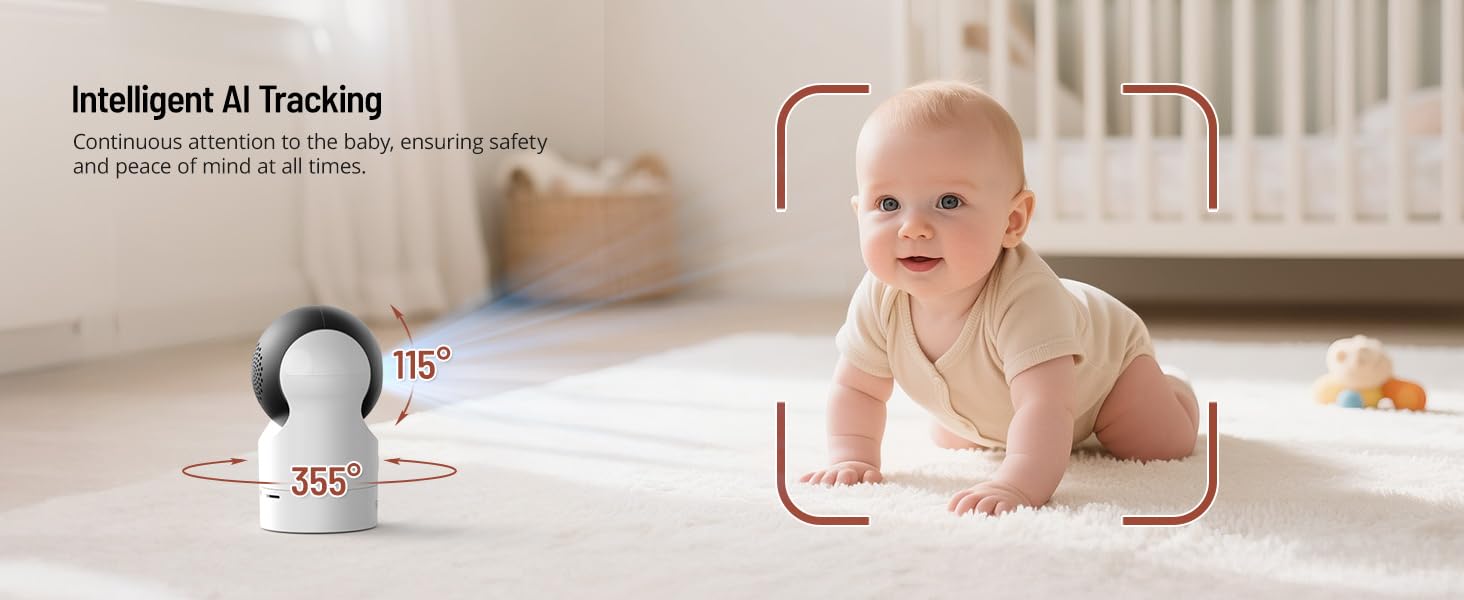 Figure 5: The AI tracking feature automatically follows your baby's movements.
5.3 Two-Way Audio
Press and hold the 'Talk' button on the parent unit or use the intercom function in the mobile app to speak to your baby. This allows for comforting communication from another room.
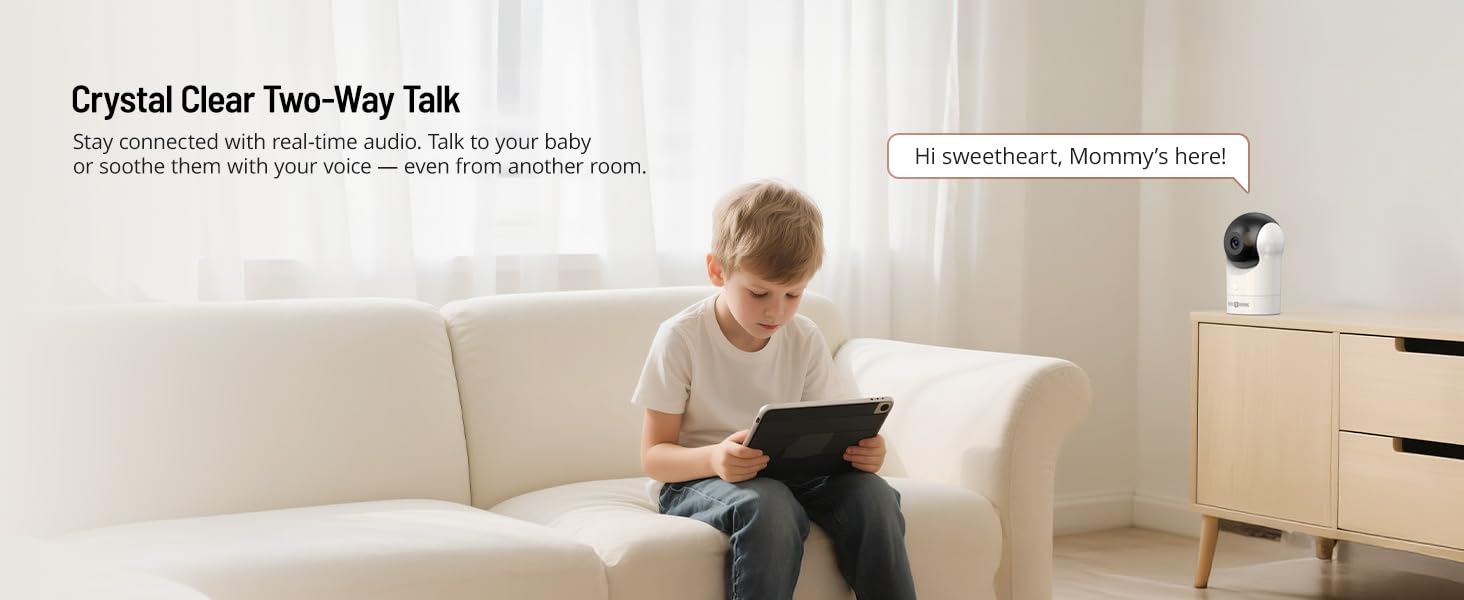 Figure 6: Engage in real-time two-way communication with your baby through the monitor or app.
5.4 Night Light & Lullabies
Access the menu on the parent unit or app to control the customizable RGB night light. Choose from three light modes. You can also select and play from a variety of soothing lullabies to help your baby sleep (up to 14 songs available via the app).
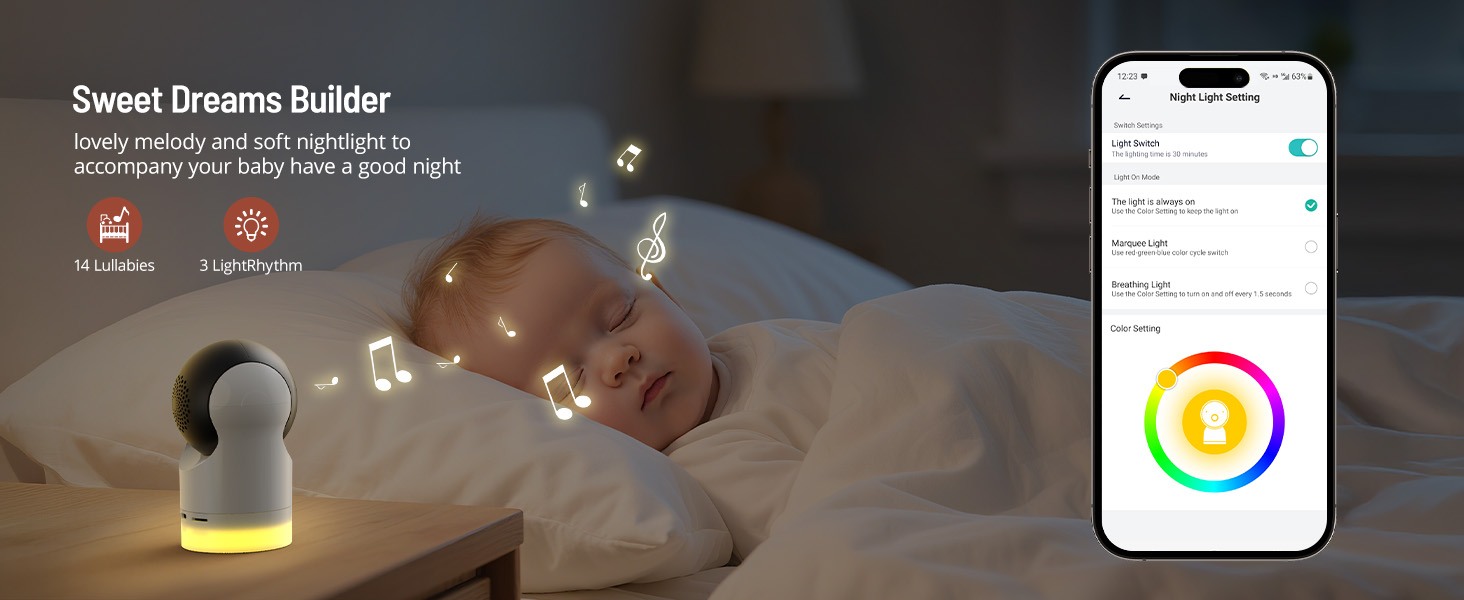 Figure 7: Customize the RGB night light with three modes and play soothing lullabies.
5.5 Night Vision
The camera automatically switches to 2K HD infrared night vision in low-light conditions, providing a clear view of your baby without disturbing their sleep.
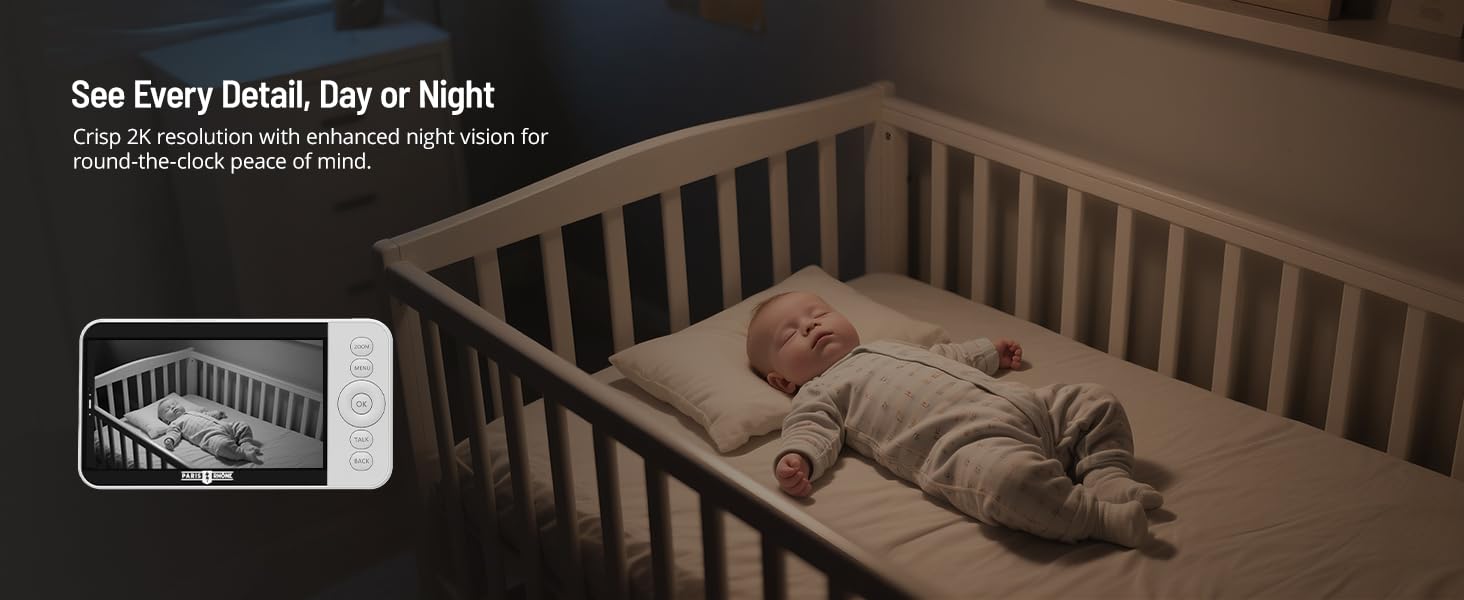 Figure 8: Clear 2K resolution night vision for monitoring in low-light conditions.
5.6 Feeding Reminder
Set up to 6 adjustable feeding reminders through the monitor's menu or the mobile app to help maintain your baby's feeding schedule.
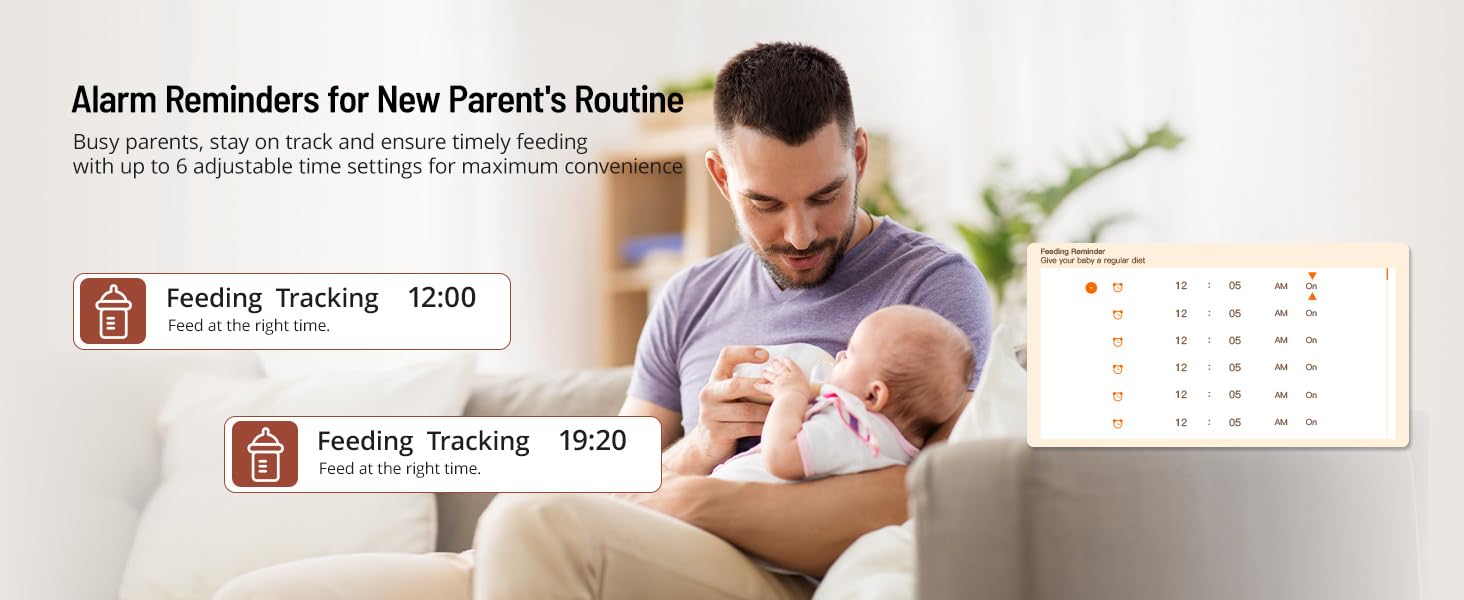 Figure 9: Set up to 6 adjustable feeding reminders to maintain your baby's schedule.
5.7 Temperature and Humidity Monitoring
The monitor displays real-time temperature and humidity readings of your baby's room, helping you ensure a comfortable environment.
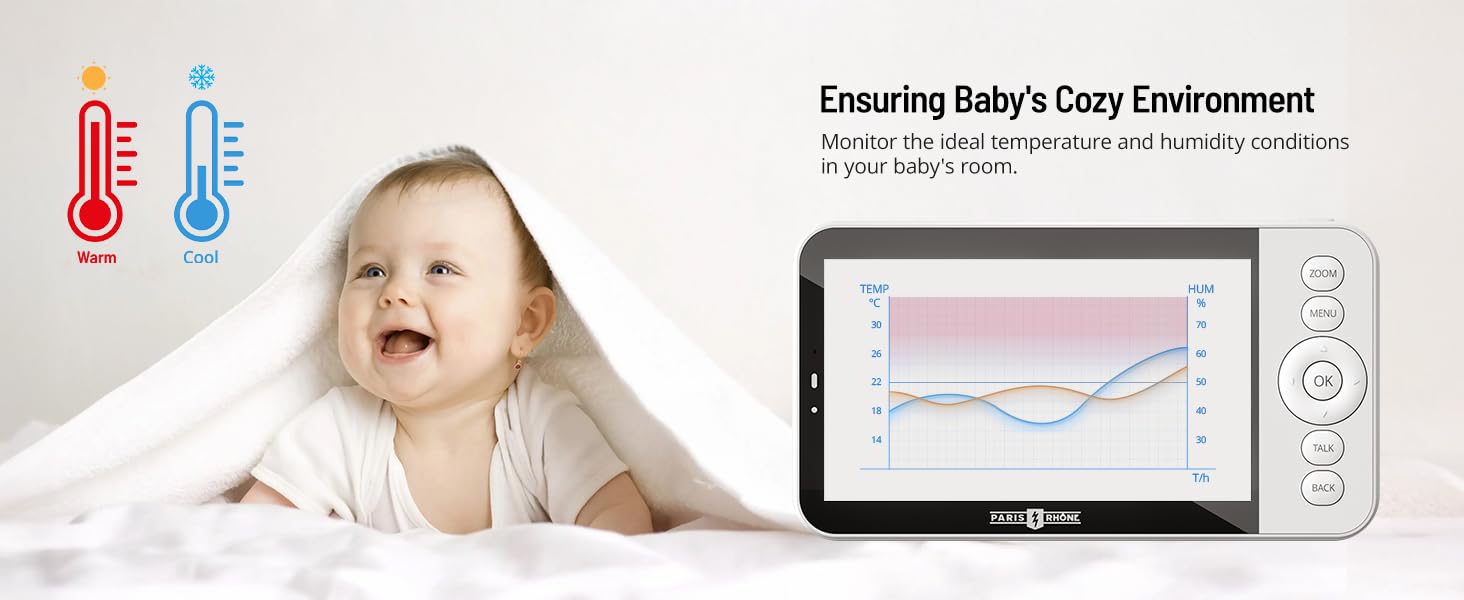 Figure 10: Monitor the room's temperature and humidity for your baby's comfort.
6. Media Features
The monitor supports both SD card storage (up to 256GB) and cloud storage for saving videos and screenshots. Access these recordings anytime via the mobile app.
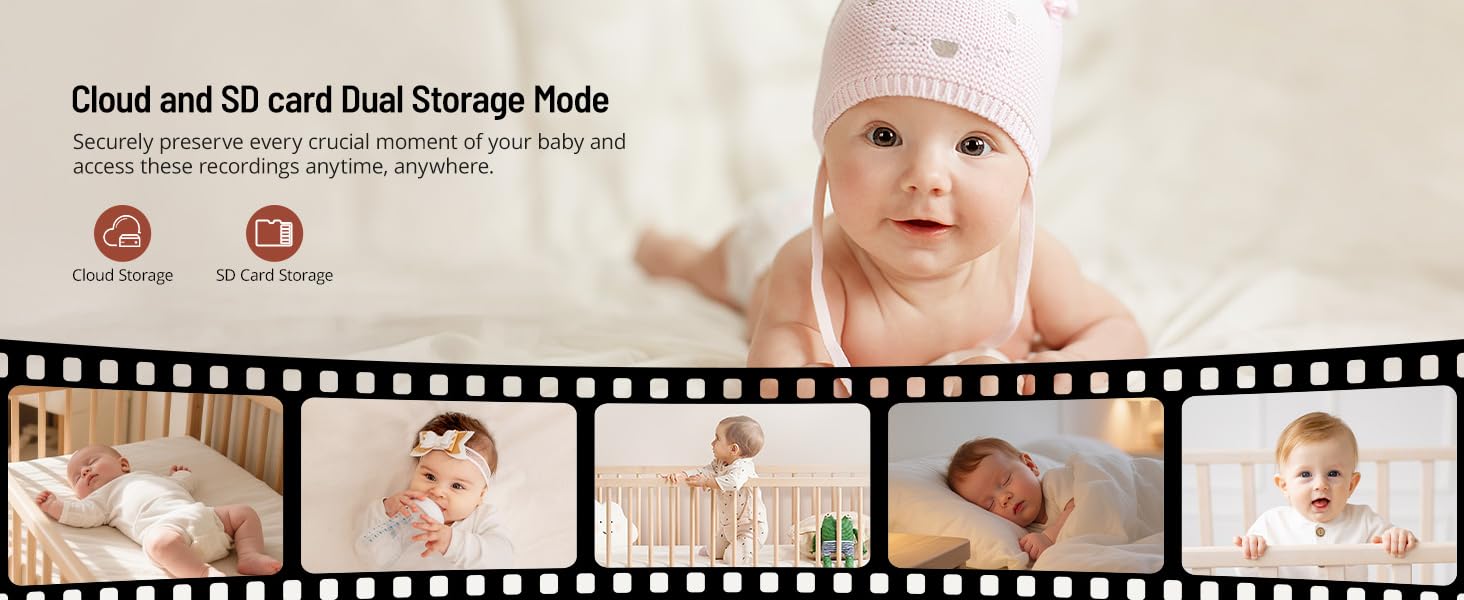 Figure 11: Securely store video recordings and screenshots using an SD card or cloud service.
7. Safety and Privacy
The monitor utilizes AES-128 encryption for a secure connection, especially in non-WiFi mode. All app access and recordings are logged to protect your family's privacy. Ensure the camera is placed securely and out of reach.
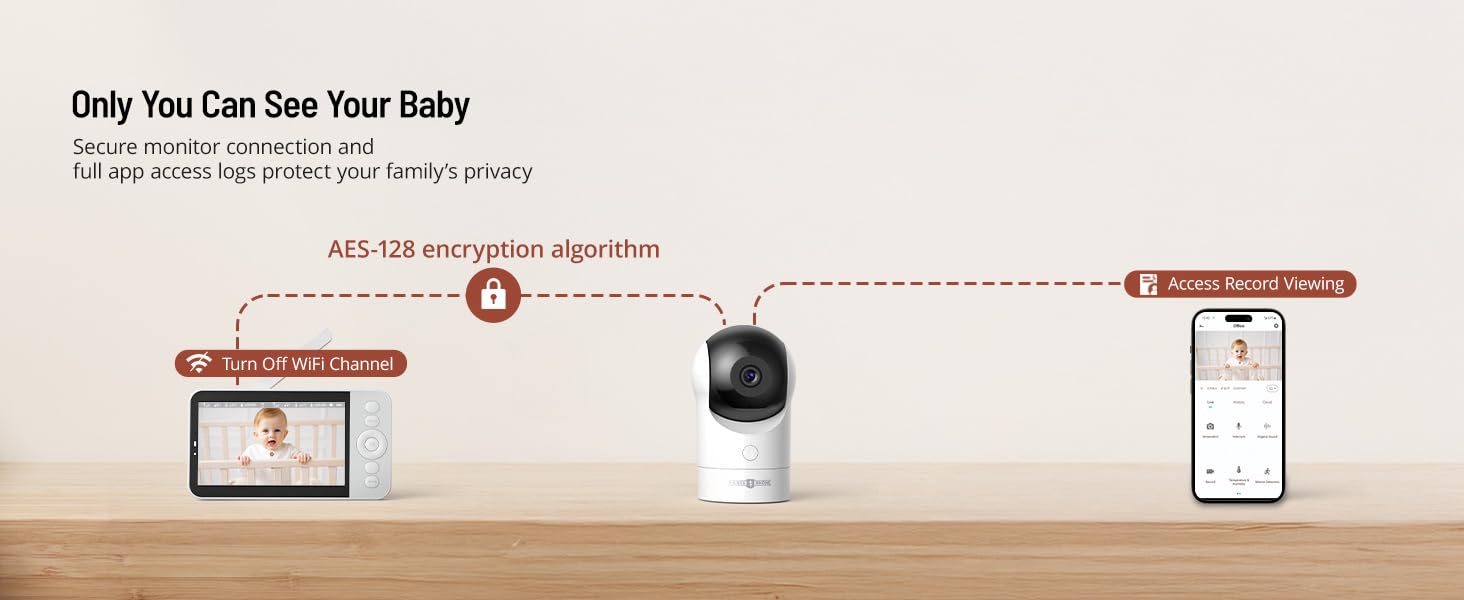 Figure 12: AES-128 encryption and secure access logs ensure your family's privacy.
8. Maintenance
- Clean the camera lens and monitor screen with a soft, dry cloth.
- Do not use abrasive cleaners or solvents.
- Keep the devices away from water and moisture.
- Ensure proper ventilation for both units.
9. Troubleshooting
- No Picture/Sound: Ensure both units are powered on and within range. Check power connections.
- Poor Signal: Move the parent unit closer to the baby unit. Avoid obstructions like thick walls or other electronic devices.
- Interference: Keep the monitor away from other electronic devices (e.g., microwaves, cordless phones) that may cause interference.
- Camera Not Connecting to App: Verify your WiFi network is 2.4GHz. Ensure correct WiFi password. Reset the camera and try pairing again.
- Monitor Disconnecting: Check battery level of the parent unit. Ensure it is within the 1000ft transmission range.
10. Specifications
| Feature | Specification |
|---|---|
| Model Name | PE-BBM002 |
| Screen Size | 5 Inches |
| Video Capture Resolution | 1920p (2K UHD via App, 720P via Monitor) |
| Connectivity Technology | Wireless (Wi-Fi for App) |
| Connectivity Protocol | Wi-Fi |
| Power Source | Electric Cable |
| Special Features | 2-Way Audio, HD Resolution, Motion Sensor, Night Vision, PTZ Technology, Cry Detection, AI Tracking, RGB Night Light |
| Max Transmission Range | Up to 1000 feet |
| SD Card Storage | Up to 256GB (via mobile app) |
| Item Dimensions (L x W x H) | 3.11 x 2.95 x 5.12 inches |
| Item Weight | 1.68 pounds |
11. Warranty and Support
For warranty information or technical support, please refer to the warranty card included with your product or visit the official PARIS RHÔNE website. You may also contact customer service directly for assistance.
