
Introduction
This manual provides essential information for the safe and efficient use of your DOOGEE Blade 10 Power Rugged Smartphone. Please read it thoroughly before operating your device to ensure optimal performance and longevity.

Package Contents
Upon opening your DOOGEE Blade 10 Power package, please verify that all the following items are included:
- 1 x DOOGEE Blade 10 Power Rugged Phone
- 1 x Power Adapter
- 1 x USB Cable (Type-C)
- 1 x Screen-printed Protective Film (Pre-applied)
- 1 x Thickened Protective Film
- 1 x Packing Box
- 1 x User Manual

Setup
SIM Card and TF Card Installation
The DOOGEE Blade 10 Power supports dual SIM cards and one TF (microSD) card simultaneously. Locate the SIM card tray on the side of the device. Use the provided SIM ejector tool to open the tray. Carefully place your Nano-SIM cards and TF card into their respective slots, ensuring correct orientation. Close the tray securely.
Initial Charging and Power On
Before first use, it is recommended to fully charge your device. Connect the provided USB Type-C cable to the phone's charging port and the power adapter to a wall outlet. The phone supports 18W fast charging. Once sufficiently charged, press and hold the power button located on the side of the device until the DOOGEE logo appears to power it on.

Operating Your Device
Display Features
The device features a 6.6-inch HD+ Notch-less Punch Display with a 90Hz refresh rate, providing a clear and smooth visual experience. This display is suitable for various multimedia content and general navigation.
Camera Functions
Equipped with a 50MP AI main camera and an 8MP front camera, the DOOGEE Blade 10 Power allows for capturing photos and videos. The AI features assist in optimizing image quality for various scenes.

Performance and Storage
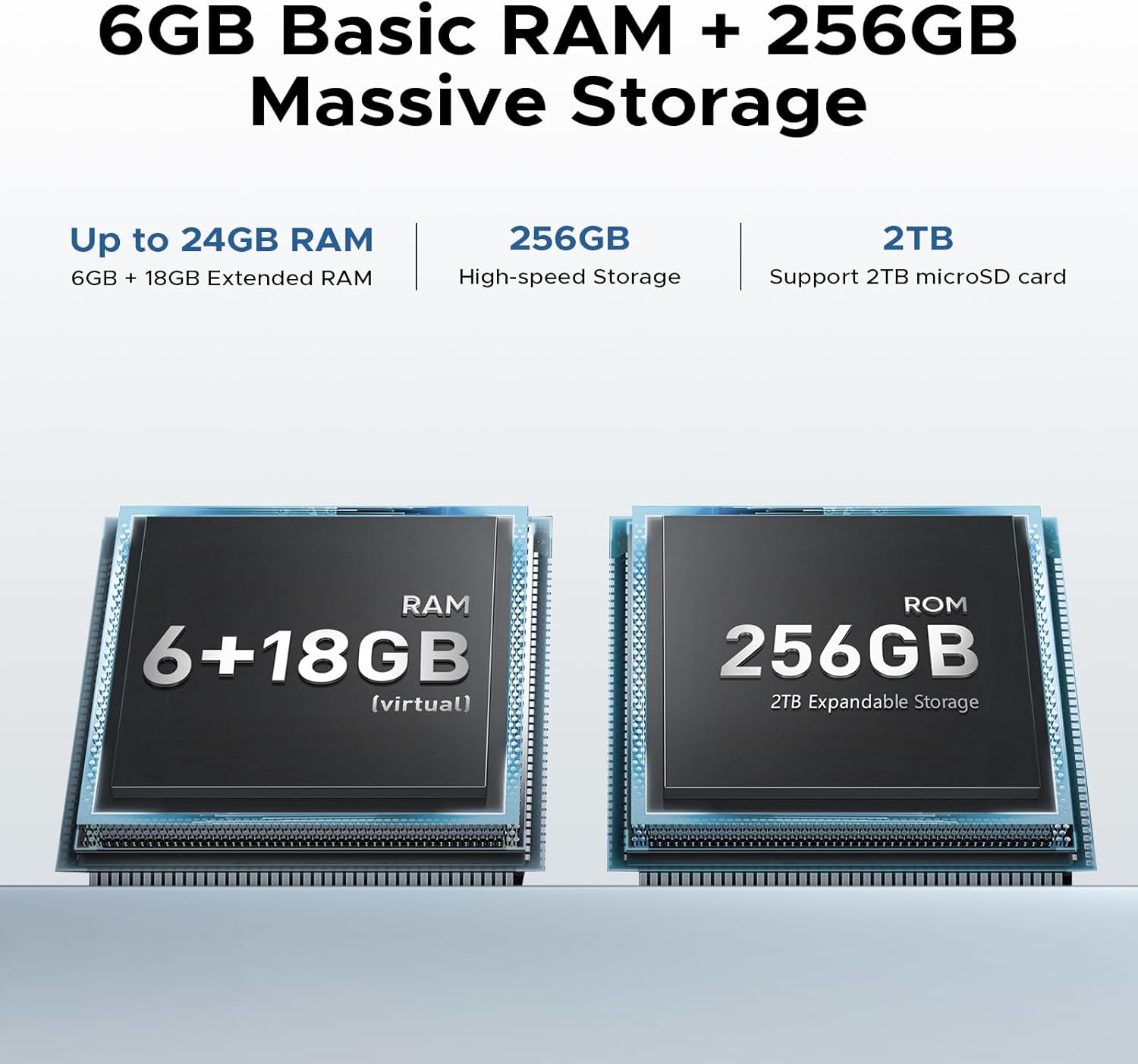
The smartphone is powered by a T615 Octa-core processor. It includes 24GB of RAM (6GB base + 18GB virtual) and 256GB of internal storage, expandable up to 2TB via a TF card. The device operates on Android 14, offering an updated user experience.


Battery Management
The 10300mAh battery provides extended usage times: up to 1,100 hours standby, 62 hours talk time, 18 hours web browsing, and 10 hours gaming. The device also supports OTG reverse charging, allowing it to act as a power bank for other devices.
Connectivity
The DOOGEE Blade 10 Power supports 4G dual SIM functionality. It includes NFC for contactless payments and data transfer, and an accurate navigation system with GPS, GLONASS, Beidou, and Galileo support.
Glove Mode
This feature enhances touch screen sensitivity, allowing the device to be operated effectively while wearing gloves. Activate Glove Mode in the settings menu for use in cold or industrial environments.
Durability Features
The DOOGEE Blade 10 Power is designed for resilience, meeting IP68/IP69K and MIL-STD-810H standards. This means it is:
- Waterproof: Withstands submersion up to 1.5 meters for 30 minutes.
- Dustproof: Fully protected against dust ingress.
- Shockproof: Built to endure drops and impacts.
It is also designed to function in extreme temperatures ranging from -40°C (-40°F) to 70°C (158°F).

Security Features
Your device offers multiple security options to protect your data and privacy:
- Side Fingerprint Recognition: A fingerprint sensor integrated into the side power button allows for quick and secure unlocking.
- Face Recognition: Utilize the front camera for convenient face unlock functionality.
Maintenance
To maintain your DOOGEE Blade 10 Power in optimal condition, follow these guidelines:
- Cleaning: Use a soft, damp cloth to clean the device. Avoid harsh chemicals or abrasive materials.
- Environmental Conditions: While rugged, avoid prolonged exposure to extreme temperatures outside its operating range.
- Charging: Use only the provided charger and cable to prevent damage to the battery and device.
- Storage: Store the device in a cool, dry place when not in use for extended periods.
Troubleshooting
If you encounter issues with your device, refer to the following common solutions:
- Device Not Powering On: Ensure the battery is charged. Connect the charger and attempt to power on after a few minutes.
- Charging Issues: Verify the charging cable and adapter are securely connected and undamaged. Try a different power outlet.
- Network Connectivity Problems: Check if SIM cards are correctly inserted. Ensure mobile data is enabled in settings. Restart the device.
- Slow Performance: Close unnecessary background applications. Clear cache regularly. Consider a factory reset if issues persist (back up data first).
- Touchscreen Unresponsive: Restart the device. If the issue persists, contact customer support.
Specifications
| Feature | Specification |
|---|---|
| Brand | DOOGEE |
| Model Name | Blade10 Power |
| Operating System | Android 14 |
| Processor | T615 Octa-core |
| RAM Memory | 24 GB (6GB base + 18GB virtual) |
| Storage Capacity | 256 GB (Expandable up to 2TB via TF card) |
| Screen Size | 6.6 Inches |
| Resolution | HD+ |
| Refresh Rate | 90 Hz |
| Main Camera | 50 MP |
| Front Camera | 8 MP |
| Battery Capacity | 10300 mAh |
| Charging | 18W Fast Charging, OTG Reverse Charging |
| Durability Ratings | IP68, IP69K, MIL-STD-810H |
| Connectivity | 4G, NFC, GPS (GLONASS, Beidou, Galileo) |
| Dimensions | 8.31 x 1.79 x 17.85 cm |
| Weight | 422 g |
Warranty and Support
DOOGEE provides comprehensive support for your Blade 10 Power Rugged Smartphone:
- Money Back Guarantee: Enjoy a 30-day money-back guarantee and free returns.
- Limited Warranty: The device comes with a 2-year limited warranty covering manufacturing defects.
- Customer Support: Access 24/7 one-on-one online support for any queries or assistance.
For further information or to contact support, please visit the official DOOGEE website or refer to the contact details provided in your warranty card.


