
Introduction
This manual provides detailed instructions for the proper use and maintenance of your TTArtisan 75mm F2 Z-Mount Full Frame STM Auto Focus Prime Photography Lens. Please read this manual thoroughly before using the lens to ensure optimal performance and longevity.
Product Features
- F2.0 Aperture: The wide F2.0 aperture allows for excellent low-light performance and creates a shallow depth of field, producing beautiful background blur (bokeh).
- STM + Lead Screw Stepper Motor: Equipped with a Stepper Motor (STM) and a lead-screw type stepper motor, this lens supports precise and quiet autofocus, including eye, animal, and vehicle detection, for capturing moving subjects with ease.
- Outstanding Optical Design: Features a 7-group, 10-element optical structure, including 4 high-refractive elements and 1 extra-low dispersion element. This design minimizes chromatic aberration and distortion, ensuring high sharpness and accurate color reproduction.
- Clicked Aperture Ring: The aperture ring provides tactile feedback with distinct clicks, allowing for precise and intuitive adjustment of the f-stop.
- Firmware Update Interface: A convenient Type-C interface is integrated into the rear lens cap for easy firmware updates, ensuring your lens remains up-to-date with the latest performance enhancements.
- Lightweight and Durable Design: Constructed with an all-metal body, the lens offers enhanced durability while maintaining a lightweight profile, ideal for portability.
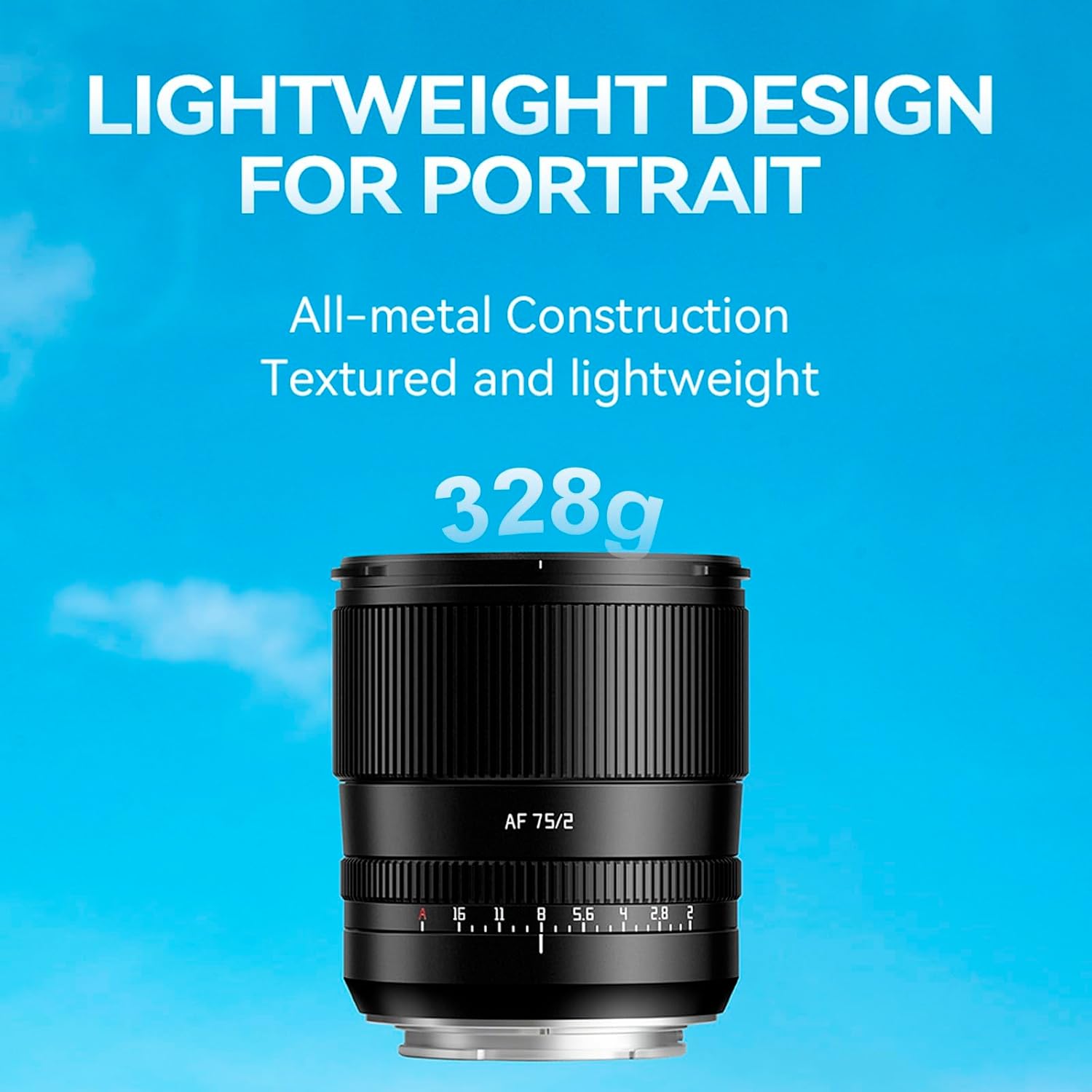
The TTArtisan 75mm F2 Z-Mount lens, showcasing its compact and robust design.

The all-metal construction of the TTArtisan 75mm F2 Z-Mount lens mounted on a camera.
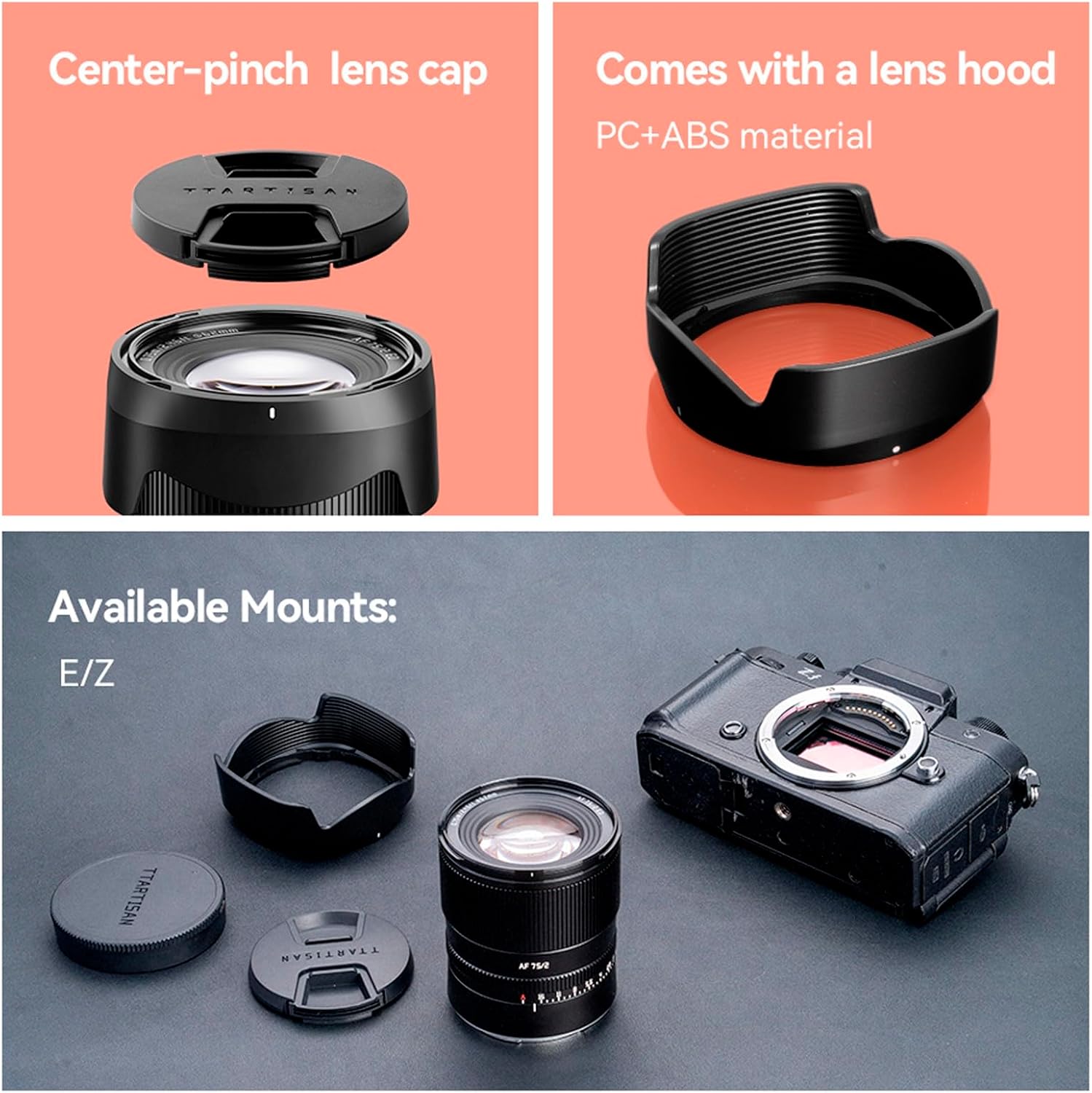
Included accessories: center-pinch lens cap and lens hood.
Setup
Attaching the Lens
- Ensure your camera is turned off.
- Align the white dot on the lens barrel with the white dot on your camera's lens mount.
- Gently insert the lens into the camera mount.
- Rotate the lens clockwise until it clicks into place, indicating it is securely locked.
Removing the Lens
- Ensure your camera is turned off.
- Press and hold the lens release button on your camera body.
- Rotate the lens counter-clockwise until it detaches from the camera body.
- Place the front and rear lens caps on the lens to protect the glass elements.
Operating the Lens
Autofocus (AF) and Manual Focus (MF)
The lens supports both autofocus and manual focus modes. The mode can be selected via the switch on the lens barrel or through your camera's settings.
- Autofocus: For automatic focusing, ensure the lens is set to AF mode. The STM motor provides fast and accurate focusing.
- Manual Focus: For precise manual control, switch the lens to MF mode. Rotate the focus ring to adjust focus.
Adjusting Aperture
The lens features a clicked aperture ring. Rotate the ring to select your desired aperture (f-stop). The F2.0 aperture is ideal for creating creamy bokeh and shooting in low light conditions.
Video demonstrating the features of the TTArtisan 75mm F2 lens, including its optical performance and aperture capabilities.
Official product video showcasing the TTArtisan 75mm F2 Portrait AF Lens in use.
Maintenance
- Cleaning: Use a soft, lint-free cloth to clean the lens barrel. For lens elements, use a lens brush or air blower to remove dust, then gently wipe with a specialized lens cleaning cloth and solution. Avoid touching the glass directly.
- Storage: Store the lens in a cool, dry place away from direct sunlight and extreme temperatures. Use the provided lens caps to protect the front and rear elements from dust and scratches.
- Avoid Impact: Handle the lens with care to prevent drops or impacts, which can damage the optical elements or internal mechanisms.
Troubleshooting
| Problem | Possible Cause | Solution |
|---|---|---|
| Lens not recognized by camera | Improper mounting; dirty contacts | Re-attach the lens securely; clean lens and camera contacts with a dry cloth. |
| Autofocus not working | Lens set to MF; insufficient light; camera settings issue | Switch lens to AF mode; ensure adequate lighting; check camera AF settings. |
| Blurry images | Incorrect focus; camera shake; dirty lens elements | Verify focus; use a faster shutter speed or tripod; clean lens elements. |
| Aperture ring not responding | Firmware issue; mechanical fault | Update firmware via Type-C port; contact customer support if issue persists. |
Specifications
- Focal Length: 75mm
- Maximum Aperture: F2.0
- Lens Type: Prime Lens
- Compatible Mountings: Nikon Z
- Optical Structure: 10 elements in 7 groups (including 4 high-refractive elements and 1 extra-low dispersion element)
- Autofocus Motor: STM + Lead Screw Stepper Motor
- Filter Size: 62mm
- Product Dimensions: 4.72 x 3.94 x 4.72 inches
- Item Weight: 11.6 ounces
Warranty and Support
This TTArtisan lens comes with a standard manufacturer's warranty. For detailed warranty information, product registration, or technical support, please refer to the warranty card included in the packaging or visit the official TTArtisan website. Keep your purchase receipt as proof of purchase for warranty claims.


