
Introduction
Thank you for choosing the XCWIIE 52 Inch Outdoor Smart Ceiling Fan. This manual provides essential information for the safe installation, operation, and maintenance of your new ceiling fan. Please read these instructions thoroughly before installation and keep them for future reference.
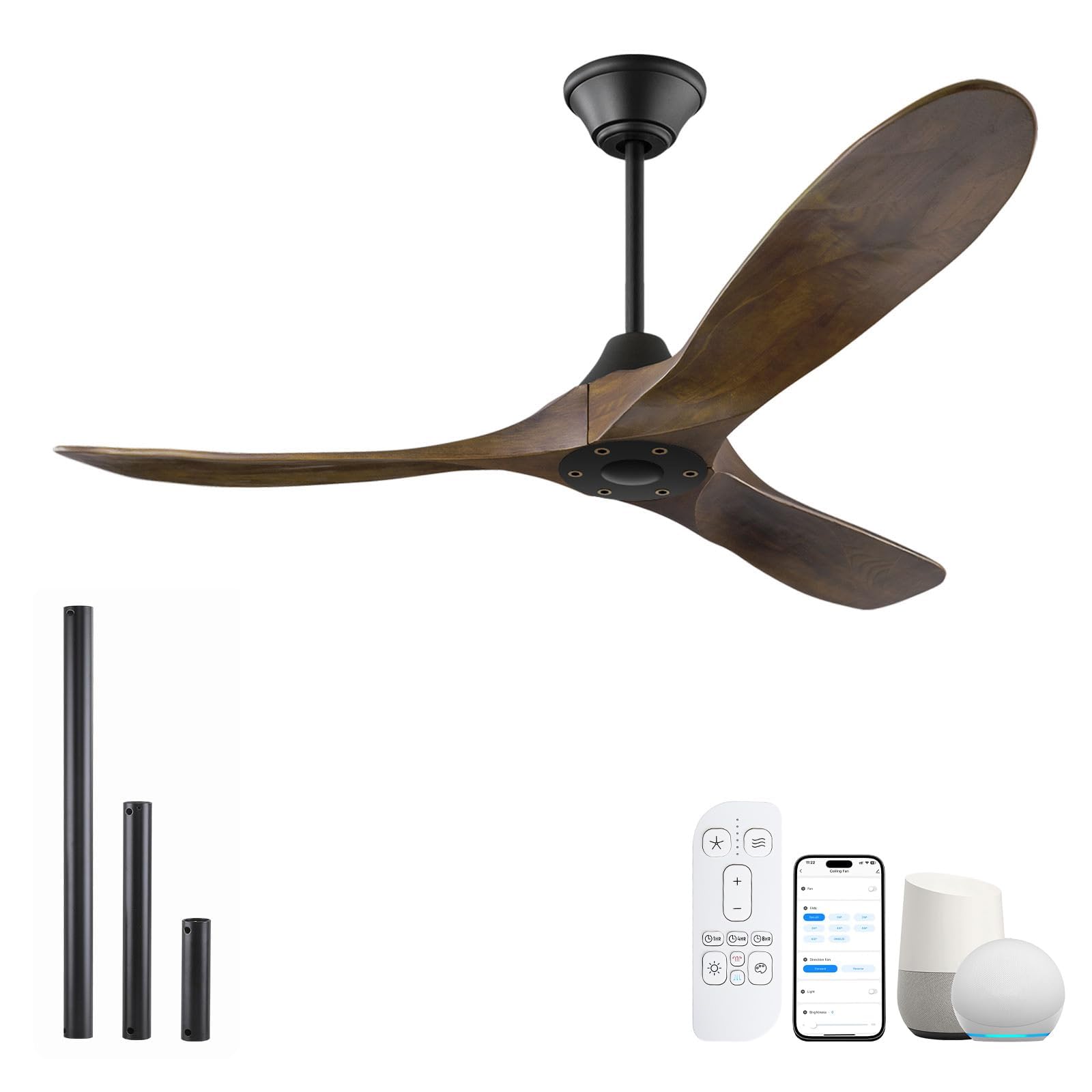
Image: The XCWIIE 52 Inch Outdoor Smart Ceiling Fan, featuring a walnut finish and three blades, designed for both indoor and outdoor covered spaces.
Important Safety Information
Always follow basic safety precautions when installing and operating electrical appliances to reduce the risk of fire, electric shock, and personal injury.
- Read all instructions before beginning installation.
- Ensure the power is turned off at the circuit breaker before installation or servicing.
- All wiring must be in accordance with national and local electrical codes. If you are unfamiliar with wiring, consult a qualified electrician.
- The mounting structure must be capable of supporting the fan's weight (refer to specifications).
- Keep hands, clothing, and other objects clear of the fan blades when the fan is operating.
- This fan is damp-rated, suitable for covered outdoor areas like patios and gazebos, but not for direct exposure to water.
Package Contents
Verify that all components are present and undamaged before proceeding with installation.
- 1 x Quiet DC Motor
- 1 x Remote Control
- 3 x Black Down Rods (5'', 10'', 24'')
- 3 x Walnut Wood Fan Blades
- 1 x English User's Manual
- Special accessories for inclined ceilings
Setup and Installation
Follow these steps for proper installation. Professional installation is recommended if you are unsure about any part of the process.
- Prepare for Installation: Turn off power at the main circuit breaker. Ensure the mounting location is secure and can support the fan's weight.
- Mounting Bracket Installation: The hanging bracket is pre-attached to the upper canopy. Remove it from the canopy first. Secure the hanging bracket to the ceiling junction box. This fan supports both standard downrod and angled mounting (up to 20°).
- Assemble Downrod: Select the appropriate downrod (5", 10", or 24") for your ceiling height. If using a shorter downrod, you may need to carefully manage excess wiring within the canopy space.
- Prepare Motor Assembly: Locate and remove the three arched-shaped shipping brakes from the rotating part of the motor. These are for transit protection and must be removed before operation.
- Hang Fan Motor: Carefully lift the fan motor assembly and hang it onto the mounting bracket. Connect the electrical wiring according to the wiring diagram provided in the included user manual. Ensure all connections are secure.
- Install Receiver: The radio receiver for the remote control should be placed into the rectangular space at the top of the mounting bracket. Ensure it is securely positioned to allow the canopy to close properly.
- Attach Fan Blades: Securely attach the three walnut wood fan blades to the motor housing. Ensure all screws are tightened.
- Secure Canopy: Slide the canopy up and secure it to the mounting bracket, covering all wiring and the receiver.
- Power On and Test: Restore power at the circuit breaker. Test the fan using the remote control or smart app.

Image: Visual guide illustrating the fan's dimensions, available downrod lengths (5", 10", 24"), mounting options (downrod and angled), and control methods (App, Remote, Voice).

Image: The three black downrods (5", 10", 24") provided for customizable installation height, alongside the remote control and smart home devices for fan operation.
Operating Instructions
Your XCWIIE Smart Ceiling Fan offers multiple control options for convenience.
Remote Control
The included remote control allows direct management of fan functions.
- Power On/Off: Press the power button to turn the fan on or off.
- Speed Adjustment: Use the speed buttons (1-6) to select your desired airflow level.
- Direction Change (Summer/Winter Mode): Press the direction button to switch between downward airflow (summer mode for cooling) and upward airflow (winter mode for circulating warm air).
- Timer Function: Set the fan to turn off automatically after 1, 4, or 8 hours.
- Natural Wind Mode: Activates a varying speed to simulate a natural breeze.
Smart Control (Tuya App, Alexa, Google Assistant)
For advanced control and integration with your smart home system, use the Tuya App or voice commands via Alexa or Google Assistant.
- Download Tuya App: Search for "Tuya Smart" in your mobile app store and download the application.
- Pair Fan: Follow the in-app instructions to pair your ceiling fan with the Tuya App. Ensure your fan is powered on and your device is connected to a 2.4GHz Wi-Fi network.
- Integrate with Voice Assistants: Once paired with the Tuya App, enable the Tuya skill in your Alexa or Google Home app and link your accounts. You can then use voice commands like "Alexa, turn on the fan" or "Hey Google, set fan speed to 3."

Image: An illustration of the various smart control methods available for the fan, including a physical remote, a smartphone app interface, and voice control devices like Amazon Alexa and Google Assistant.

Image: A visual representation of the fan's dual modes: Summer mode (downward airflow for cooling) and Winter mode (upward airflow for circulating warm air), along with the remote control and app interface.
Maintenance
Regular maintenance ensures optimal performance and longevity of your ceiling fan.
- Cleaning: Periodically wipe the fan blades and motor housing with a soft, damp cloth. Do not use abrasive cleaners or solvents.
- Blade Inspection: Check fan blade attachments annually to ensure all screws are tight. Loose blades can cause wobbling and noise.
- Electrical Connections: Ensure all electrical connections remain secure. If you notice any loose wiring, turn off power at the circuit breaker and consult a qualified electrician.
- Motor Lubrication: The DC motor is permanently lubricated and does not require additional oiling.
Troubleshooting
If you experience issues with your fan, refer to the following common problems and solutions.
| Problem | Possible Cause | Solution |
|---|---|---|
| Fan does not start | No power; Loose wiring; Remote not paired; Shipping brakes not removed. | Check circuit breaker. Ensure all wiring connections are secure. Re-pair remote control. Verify shipping brakes were removed from the motor. |
| Fan wobbles | Loose blades; Uneven blade installation; Loose mounting bracket. | Ensure all blade screws are tight. Check that the mounting bracket is securely fastened to the ceiling. Use the included balancing kit if necessary. |
| Noisy operation | Loose screws; Motor housing rubbing; Shipping brakes not removed. | Check all screws on blades and motor housing. Ensure no wires are rubbing against internal components. Confirm shipping brakes were removed. |
| Remote control not working | Dead batteries; Not paired; Obstruction. | Replace remote batteries. Re-pair the remote with the fan. Ensure no obstructions between remote and fan receiver. |
| Smart app control issues | Wi-Fi connectivity; App not paired; Incorrect network. | Ensure fan is connected to a 2.4GHz Wi-Fi network. Re-pair the fan with the Tuya App. Check internet connection. |
Specifications
Detailed technical specifications for the XCWIIE 52 Inch Outdoor Smart Ceiling Fan.
| Feature | Detail |
|---|---|
| Brand | XCWIIE |
| Model | B0DMVJVBYK |
| Size | 52 inch |
| Color | Walnut |
| Blade Material | Wood |
| Number of Blades | 3 |
| Motor Type | DC Motor |
| Number of Speeds | 6 |
| Air Flow Capacity | 9660 CFM |
| Noise Level | Below 30 dB (Whisper Quiet) |
| Wattage | 40 watts |
| Voltage | 120 volts |
| Control Method | App, Remote, Voice (Alexa, Google Assistant) |
| Timer Function | 1/4/8 hours |
| Indoor/Outdoor Usage | Indoor, Outdoor (Damp Rated for covered areas) |
| Downrod Lengths Included | 5", 10", 24" (longer available upon request) |
| Max Sloped Ceiling Angle | 20° |
| Certifications | CE, ETL, FCC |
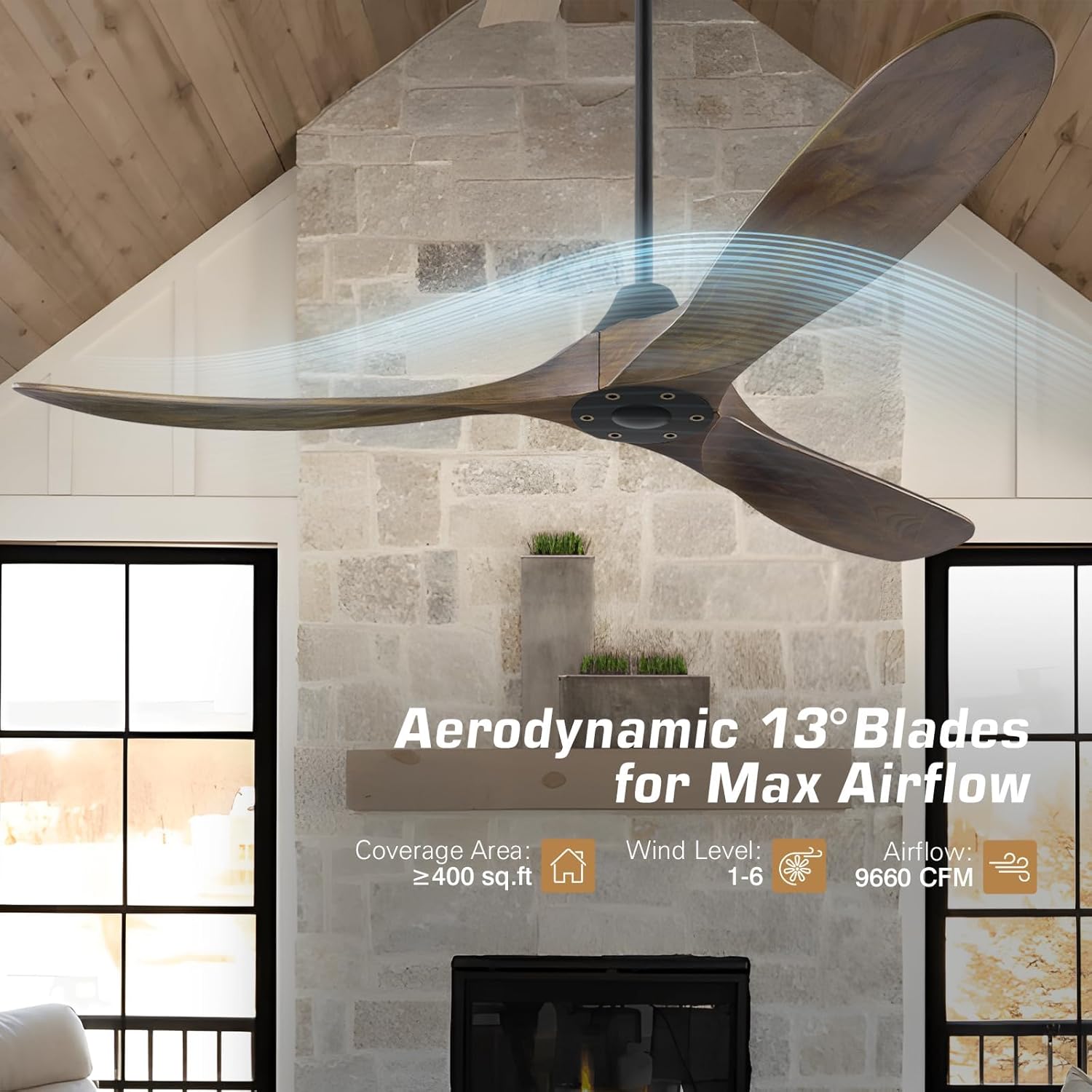
Image: A graphic highlighting the fan's aerodynamic 13° blades, designed for maximum airflow, indicating a coverage area of 400+ sq.ft. and an airflow of 9660 CFM.

Image: An energy efficiency chart demonstrating that the fan's DC motor is significantly more efficient than conventional fans, leading to substantial energy savings.
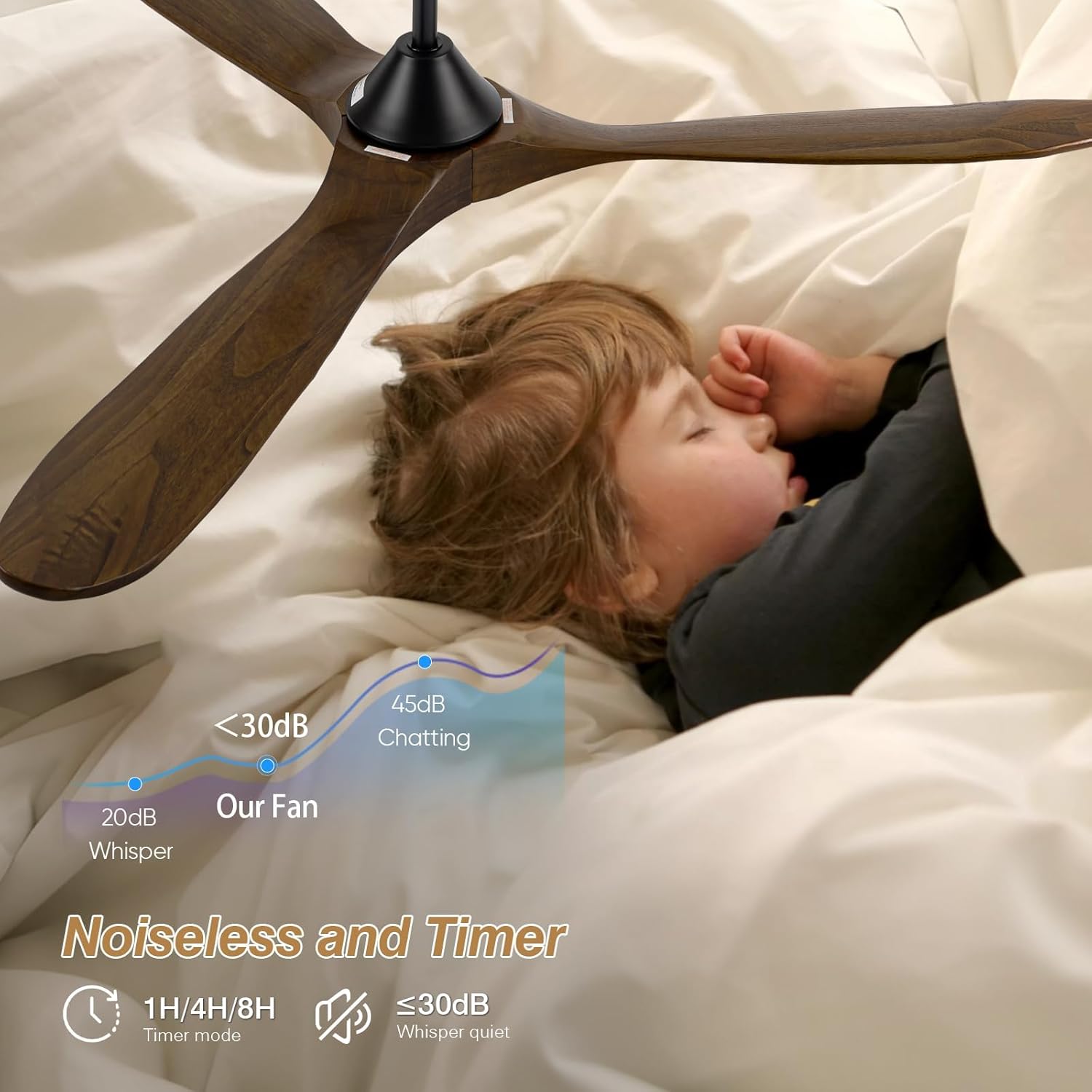
Image: A visual representation of the fan's quiet operation, with noise levels below 30 dB, and its programmable timer modes (1H, 4H, 8H).
Warranty and Support
XCWIIE is committed to providing quality products and customer satisfaction.
Warranty Information
While specific warranty duration details are not provided in this manual, XCWIIE offers a free replacement service for products damaged during shipping, such as a broken cover or missing parts. Please retain your proof of purchase for any warranty claims.
Customer Support
For any questions, concerns, or support needs, please contact XCWIIE customer service through the following steps:
- Check your order details on the platform where you made the purchase.
- Select "Problem with Order."
- Choose the relevant topic for your issue.
- Contact the seller directly.