
Introduction
Thank you for choosing the Basike 5000mAh MagSafe Compatible Power Bank. This ultra-thin and portable power bank is designed to provide fast and convenient charging for your devices, featuring PD20W fast charging and MagSafe compatible wireless charging. Please read this manual carefully to ensure proper use, maintenance, and safety.
Product Features
- MagSafe Compatibility: Connects magnetically to iPhone 16/15/14/13/12 Series for fast wireless charging (5W/7.5W/10W/15W).
- High Capacity: 5000mAh battery, sufficient to fully charge most iPhones once.
- Fast Charging: PD20W fast charging via USB-C output.
- Compact and Portable: Lightweight and slim design, ideal for travel and daily use.
- Multi-Layer Safety Protection: Includes protection against overcharge, short-circuit, overcurrent, and overheating.
- Automatic Activation: Begins charging automatically without needing to press buttons.
Technical Specifications
| Model | POW114-Q60 |
| Capacity | 5000mAh (19.25Wh/3.85V) |
| Input (Type-C) | 5V-2.6A, 9V-2A |
| Output (Type-C) | 5V-3A, 9V-2.22A, 12V-1.67A |
| Wireless Charging Output | 5W/7.5W/10W/15W (MAX) |
| Total Output | 5V-3A |
| Dimensions (L x W x T) | 10.5 cm x 6.5 cm x 0.8 cm |
| Weight | 115 Grams |
| Special Features | Fast Charging, Wireless Charging, LED Indicator Lights, Pocket Size |
| Compatible Devices | MagSafe compatible iPhone 16/15/14/13/12 Series |
Setup and Initial Charging
Before first use, it is recommended to fully discharge the power bank. After complete discharge, perform the initial recharge for a minimum of 12-16 hours, uninterrupted and without using the device during this period.
Charging the Power Bank
- Connect the power bank to a power source using the provided USB-C cable.
- The charge level indicator lights will begin to flash, indicating that the device is charging.
- When all indicator lights are steadily lit, the power bank is fully charged.
- Note: We do not recommend using turbo chargers with this device.
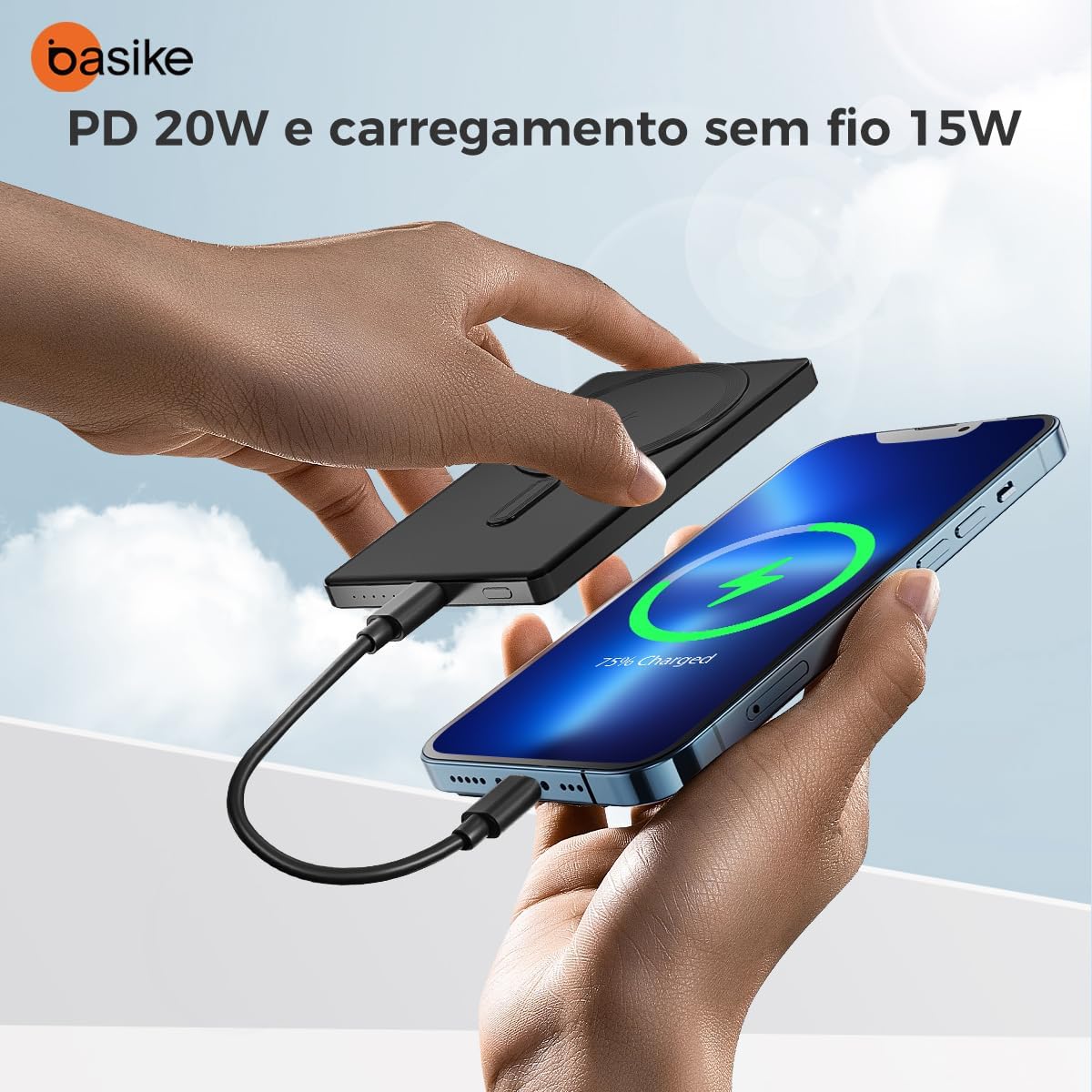
Image: The power bank being charged via its USB-C port, demonstrating its PD 20W and 15W wireless charging features.
Operating Instructions
Charging Devices Wirelessly (MagSafe Compatible)
- Align the back of your MagSafe-compatible iPhone (16/15/14/13/12 Series) with the magnetic charging area on the power bank.
- The strong internal magnets will securely attach the power bank to your iPhone.
- Charging will begin automatically. The power bank supports 5W/7.5W/10W/15W wireless charging.

Image: The power bank magnetically attaching to an iPhone for wireless charging.

Image: An iPhone displaying '75% Charged' while connected to the power bank, highlighting the automatic charging feature.
Charging Devices via USB-C Cable
- Insert a compatible charging cable into the USB-C output port of the power bank.
- Connect the other end of the cable to the device you wish to charge.
- Press the power bank button located on the side, near the charging outputs, to initiate charging.
Maintenance
Proper maintenance will extend the lifespan of your power bank.
- Keep the product in a dry and well-ventilated place.
- Avoid contact with liquids, as this can corrode electronic components.
- Do not expose the product to excessive heat, which can reduce its lifespan, damage the battery, and deform plastic parts.
- Avoid dropping the product or subjecting it to impact, as this can damage internal circuit boards.
- Do not attempt to disassemble the product.
Safety Precautions
- Ensure all connectors are properly plugged in during charging.
- If only one indicator light is on and flashing, the device is nearly discharged and requires recharging.
- Once charging is complete, disconnect the device from the power source.
- The power bank incorporates multi-layer safety features including protection against overcharge, short-circuit, overcurrent, and overheating to ensure safe and reliable charging.

Image: Visual representation of the 7 protection features integrated into the power bank.
Troubleshooting
If you encounter issues with your power bank, please try the following:
- Device not charging: Ensure the power bank is charged. Check all cable connections for secure fit. Verify device compatibility.
- Slow charging: Ensure you are using a compatible charging cable and adapter. Avoid using non-recommended turbo chargers.
- Magnetic attachment issues: Ensure your iPhone is MagSafe compatible or has a MagSafe compatible case. Remove any obstructions between the power bank and your phone.
- Indicator lights not working: Recharge the power bank fully. If the issue persists, contact customer support.
Warranty and Support
This Basike Power Bank comes with a 1-year warranty. The warranty covers manufacturing defects. Basike is not responsible for damages caused by improper use of the product or use with an incompatible electrical device.
For any questions regarding product quality or usage, please contact Basike customer support. We are committed to providing quality after-sales service and will respond within 24 hours to offer the best solution.