
VNMN S19Black
VNMN Open Ear Earbuds Instruction Manual
Model: S19Black | Brand: VNMN

Image: VNMN S19Black Open Ear Earbuds and their charging case.
1. Introduction
The VNMN S19Black Open Ear Earbuds offer a unique audio experience designed for comfort and situational awareness. Featuring advanced Bluetooth 5.3 AI chipset, these lightweight (5g per earbud) headphones provide stable connections, crystal-clear calls with AI noise reduction, and immersive stereo sound through 16.3mm drivers. With an IPX7 waterproof rating and up to 50 hours of total playtime with the charging case, they are ideal for various activities from workouts to daily commutes.
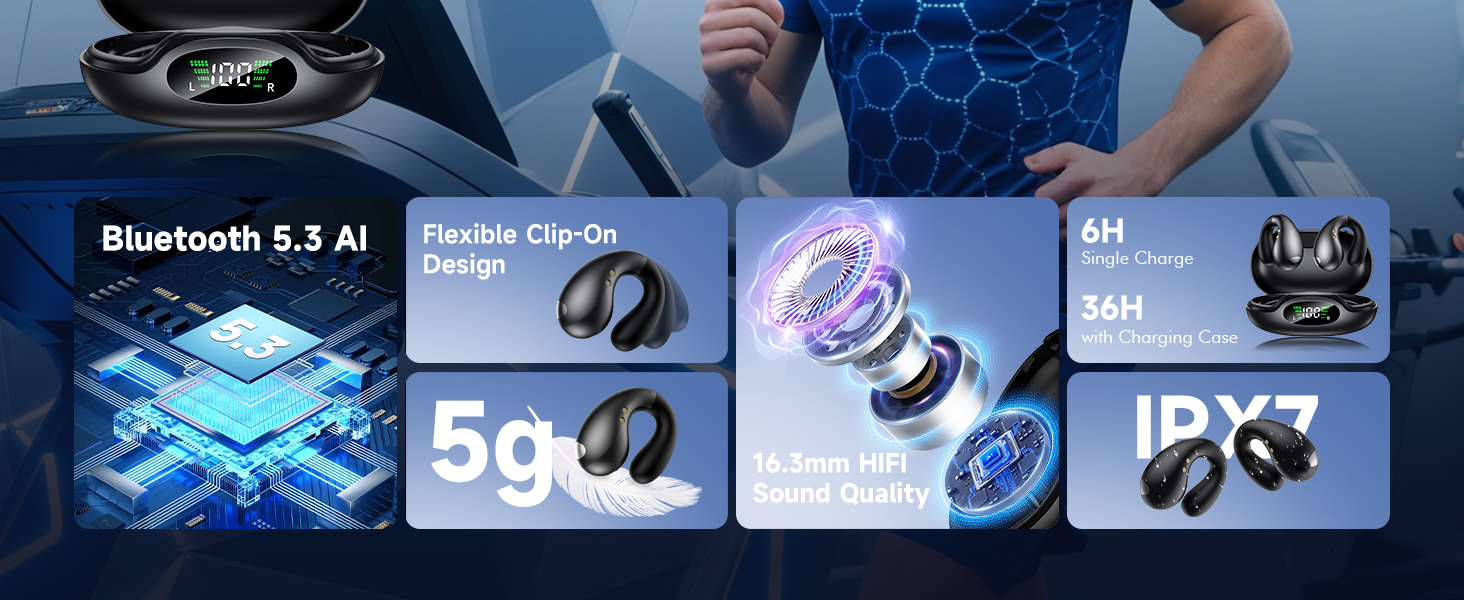
Image: An overview of the earbuds' key features, highlighting Bluetooth 5.3, lightweight design, sound quality, battery life, and waterproof rating.
2. What's in the Box
Your VNMN S19Black Open Ear Earbuds package includes the following items:
- S19 Earbuds * 2 (Left and Right)
- Portable Charging Box
- USB-C Charging Cable
- User Manual
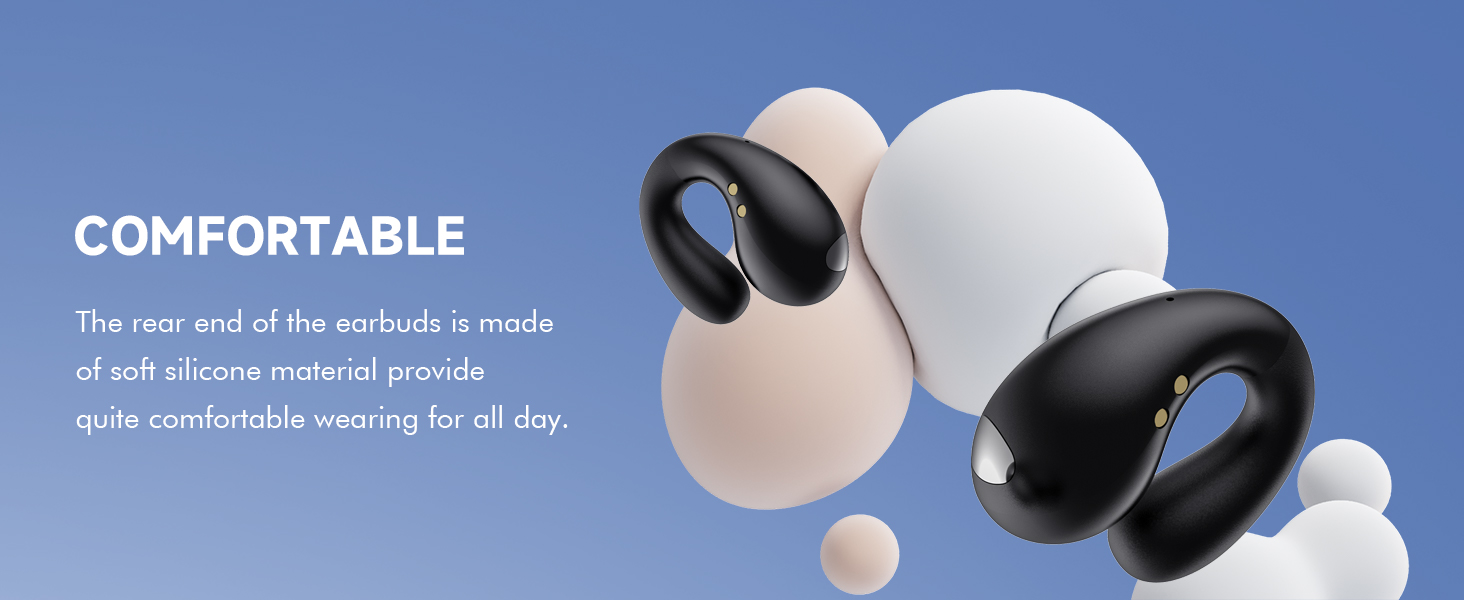
Image: A visual representation of all items included in the product packaging.
3. Setup
3.1 Charging the Earbuds and Case
Before first use, fully charge the earbuds and the charging case. The case features a dual digital LED display to show the power capacity of the charging case and the charging status of each earbud.
- Connect the provided USB-C charging cable to the charging port on the case and a compatible power source.
- The LED display will indicate charging progress.
- A 5-minute quick charge provides approximately 1 hour of music time.

Image: The charging case displaying battery levels for both earbuds and the case itself.
3.2 Pairing with Your Device
The earbuds utilize Bluetooth 5.3 AI chipset for stable and efficient connection.
- Open the charging case. The earbuds will automatically enter pairing mode.
- On your device (smartphone, tablet, laptop), go to Bluetooth settings and search for "S19Black" (or similar product name).
- Select the earbuds to connect. Once paired, they will automatically connect to your device when taken out of the charging case for future use.
Video: An unboxing and initial setup guide for the VNMN S19Black earbuds, demonstrating the pairing process.
4. Operating the Earbuds
4.1 Wearing the Earbuds
The VNMN S19Black earbuds feature a flexible clip-on design for comfortable and secure wear. They are ultra-lightweight at only 5g per earbud, ensuring comfort for extended periods.
- Gently clip the earbud onto your ear, ensuring the speaker is positioned correctly for optimal sound.
- The adjustable ear clip design allows for a perfect fit for various ear shapes.

Image: A visual comparison highlighting the ergonomic and comfortable fit of the VNMN open-ear design.
Video: Demonstrates the open-ear design and how the earbuds are worn, emphasizing comfort and awareness.
4.2 Touch Controls
The earbuds are equipped with intuitive touch controls for easy management of audio and calls.
- Play/Pause: Single tap on either earbud.
- Next Track: Double tap on the right earbud.
- Previous Track: Double tap on the left earbud.
- Answer/End Call: Single tap on either earbud.
- Reject Call: Press and hold for 2 seconds on either earbud.
- Activate Voice Assistant: Triple tap on either earbud.
4.3 Usage Scenarios
The open-ear design allows for ambient awareness, making these earbuds suitable for a variety of activities:
- Sports & Workout: Running, cycling, fitness, yoga, hiking.
- Daily Use: Work, social gatherings, commuting, driving, making calls.
- Entertainment: Listening to music, gaming.

Image: Various usage scenarios for the earbuds, including driving, calling, relaxing, and running.
5. Maintenance
5.1 Waterproof Rating
The earbuds are IPX7 waterproof, making them resistant to sweat and rain. This protection ensures worry-free use during most indoor and outdoor activities.
- Wipe the earbuds dry after exposure to sweat or water.
- Do not submerge the earbuds in water for extended periods.
- The charging case is not waterproof.

Image: A person running in light rain, illustrating the IPX7 waterproof capability.
5.2 General Care
- Clean the earbuds regularly with a soft, dry cloth.
- Avoid exposing the earbuds and charging case to extreme temperatures.
- Store in the charging case when not in use to protect them and keep them charged.
6. Specifications
| Feature | Detail |
|---|---|
| Model Name | S19Black |
| Connectivity Technology | Wireless (Bluetooth 5.3) |
| Bluetooth Range | Up to 33 Feet (15M stated in feature bullets) |
| Battery Life (Single Charge) | Approx. 10 Hours |
| Total Battery Life (with Case) | Up to 50 Hours |
| Audio Driver Size | 16.3 Millimeters |
| Water Resistance Level | IPX7 Waterproof |
| Control Type | Touch Control |
| Weight (Each Earbud) | 5g |
| Material | Plastic |
7. Troubleshooting
If you encounter any issues with your VNMN S19Black earbuds, please refer to the common problems and solutions below:
- Music cuts out or stops: This can be caused by interference or being out of Bluetooth range. Ensure your device is within 15 meters (49 feet) of the earbuds and there are no major obstacles. Low battery can also cause music to stop.
- Earbuds are disconnected: Check if the earbuds are fully charged. Ensure they are within range of your paired device. If the issue persists, try re-pairing the earbuds with your device.
- Earbuds not charging: Verify that the USB-C cable is securely connected to both the charging case and the power source. Check the LED display on the case for charging indicators. Ensure the charging contacts on the earbuds and inside the case are clean and free of debris.
- Poor call quality: Ensure the earbuds are properly seated in your ears. Environmental noise can affect call clarity; the AI noise reduction algorithm works to minimize background noise, but extreme conditions may still impact performance.
8. Warranty and Support
For any questions, concerns, or technical support regarding your VNMN S19Black Open Ear Earbuds, please contact our customer service team.
Customer Service Email: vipsrvice@amazonteam.work
Please provide your product model (S19Black) and a detailed description of your issue for faster assistance.
Ask a question about this manual
Ask about setup, troubleshooting, compatibility, parts, safety, or missing instructions. Manuals+ will review the question and use this page’s manual context to help answer it.