
1. Overview
The DJI Mini 2 is an ultralight, foldable drone designed for ease of use and impressive performance. It features a 3-axis gimbal with a 4K camera, capable of capturing stunning 12MP photos and high-definition video. With OcuSync 2.0 technology, it offers up to 10km of HD video transmission, allowing for extended flight ranges and clear visuals. Its compact size, weighing less than 249g, makes it an ideal travel companion.

Figure 1: DJI Mini 2 Fly More Combo components including the drone, remote controller, and batteries.

Figure 2: The DJI Mini 2 drone, demonstrating its compact and ultralight design, fitting easily in the palm of a hand.
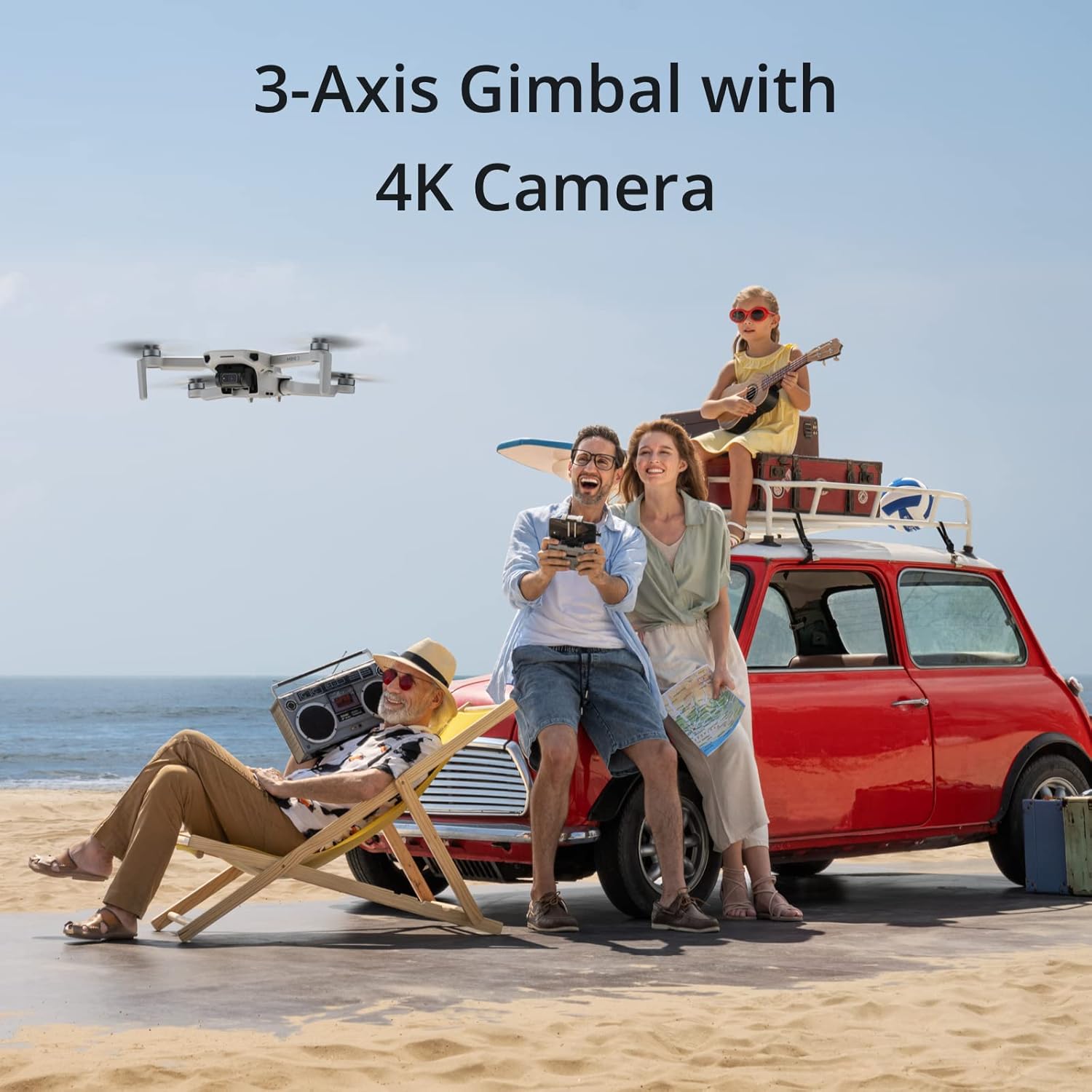
Figure 3: The DJI Mini 2 in flight, showcasing its 3-axis gimbal and 4K camera capabilities for capturing high-quality aerial footage.

Figure 4: Key features of the DJI Mini 2, including its transmission range, portability, flight duration, and camera capabilities.
2. Setup
2.1 Unboxing & Initial Inspection
Upon receiving your DJI Mini 2 Fly More Combo, carefully unbox all components and inspect them for any signs of damage. The package includes:
- Aircraft x 1
- Remote Controller x 1
- DJI Mavic Mini 2 Intelligent Flight Battery × 3
- Spare Propellers (Pair) × 3
- Type-C Cable × 1
- Gimbal Protector × 1
- RC Cable (Micro USB connector) × 1
- RC Cable (USB-C connector) × 1
- RC Cable (Lightning connector) × 1
- Spare Control Sticks (Pair) × 1
- Spare Screw × 18
- Screwdriver × 1
- Propeller Holder × 1
- Two-Way Charging Hub × 1
- DJI 18W USB Charger × 1
- Shoulder Bag × 1

Figure 5: All items included in the DJI Mini 2 Fly More Combo package.
2.2 Drone Preparation
Before flight, unfold the drone's arms. The front arms unfold first, followed by the rear arms. Ensure the gimbal protector is removed from the camera before powering on the aircraft.

Figure 6: The DJI Mini 2 in its compact, folded configuration, ready for transport or unfolding.
2.3 Battery Installation & Charging
Insert a fully charged Intelligent Flight Battery into the drone. Use the provided Two-Way Charging Hub and DJI 18W USB Charger to charge all three batteries. Ensure batteries are fully charged before each flight for optimal performance and safety.
2.4 Remote Controller Setup
Extend the remote controller's phone holder and attach your smartphone using the appropriate RC cable (Micro USB, USB-C, or Lightning). Power on the remote controller and the drone. The DJI Fly app on your smartphone will guide you through the connection process.

Figure 7: The remote controller with a smartphone mounted, showing the live feed and controls from the DJI Fly app.
3. Operating the Drone
3.1 Flight Modes
The DJI Mini 2 offers multiple flight modes to suit different needs:
- Sport Mode: Provides maximum speed and agility for dynamic flight.
- Normal Mode: Offers a balanced flight experience, suitable for most general flying scenarios.
- Cinematic Mode: Slows down flight speed and control inputs for smoother, more cinematic footage.
3.2 Flight Performance
The drone boasts a maximum flight time of 31 minutes, allowing ample time for capturing desired footage. It can resist Level 5 winds, ensuring stable flight even in challenging conditions. The OcuSync 2.0 video transmission system provides a reliable 10km HD video feed, enabling pilots to fly farther with confidence.

Figure 8: The remote controller's display showing the impressive 10km 720p video transmission range of the DJI Mini 2.
3.3 Intelligent Features
Leverage the DJI Fly app's intelligent modes for enhanced creativity:
- Panorama: Choose from Wide-Angle, 180°, and Sphere panoramas for automatic panoramic photo generation.
- Enhanced Photo: The DJI Fly app automatically optimizes image quality after downloading, resulting in vivid colors and details.
- QuickShots: Automatically records and shoots professional-level videos with just a few taps, ready for social media sharing.
- QuickTransfer: Automatically recognizes and connects to your smartphone when Mini 2 is nearby, synchronizing selected photos and videos at high speeds.
- Trimmed Download: Allows easy cutting and downloading of specific segments of footage, saving storage space and time.
- Imaginative Templates: The DJI Fly app's intuitive editor includes diverse creative templates for quick editing and sharing.

Figure 9: The DJI Mini 2 capturing a unique aerial perspective of people on a beach, highlighting its creative potential.
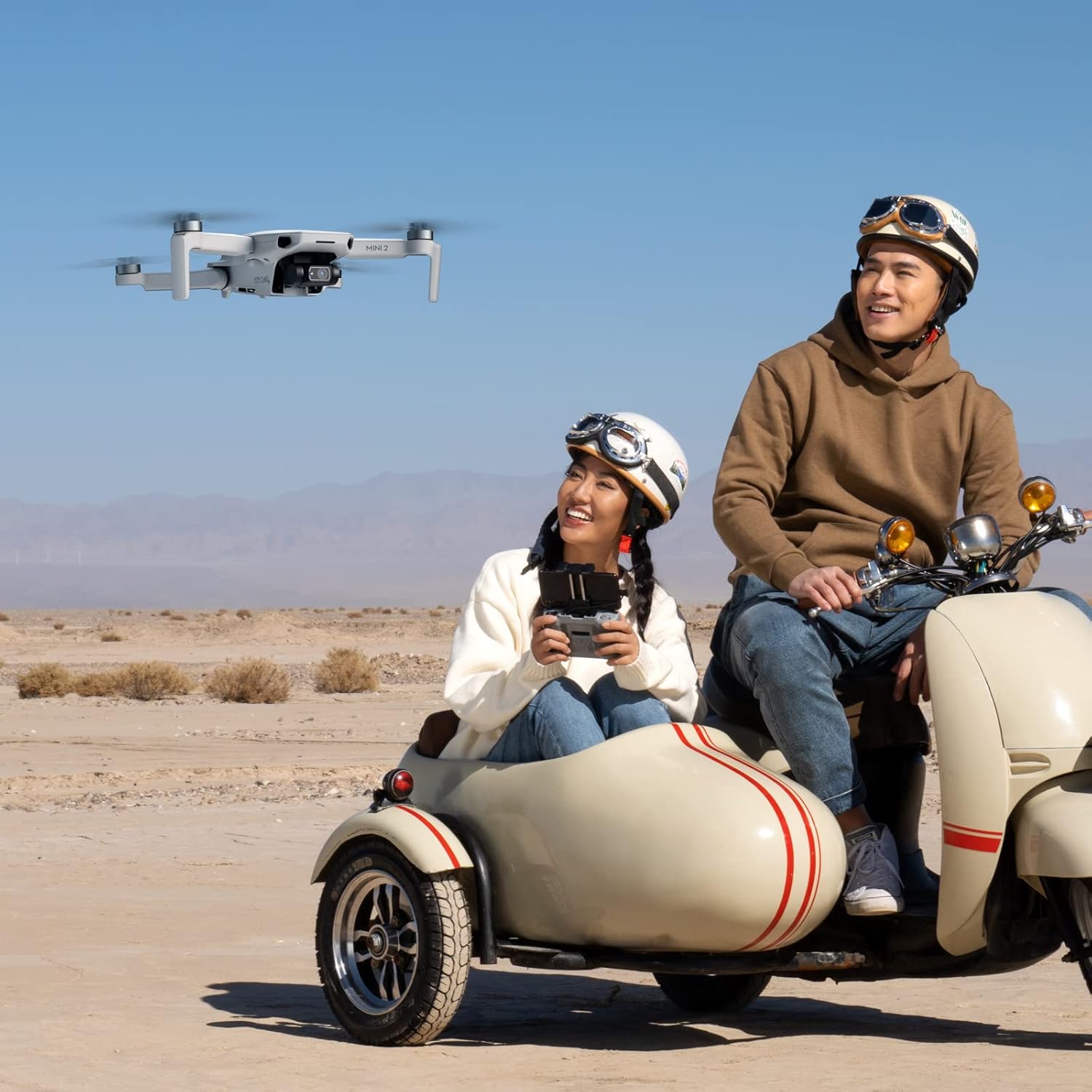
Figure 10: The DJI Mini 2 in action, demonstrating its use for capturing dynamic scenes and adventures.
4. Maintenance
Proper maintenance ensures the longevity and optimal performance of your DJI Mini 2.
- General Care: Keep the drone clean and free from dust and moisture. Avoid operating in extreme temperatures.
- Propeller Inspection: Regularly check propellers for any cracks, bends, or damage. Replace damaged propellers immediately using the provided spare pairs and screwdriver.
- Gimbal Protection: Always attach the gimbal protector when the drone is not in use or during transport to prevent damage to the camera and gimbal system.
- Battery Care: Store batteries in a cool, dry place. Do not overcharge or fully discharge batteries.
5. Troubleshooting
If you encounter issues with your DJI Mini 2, consider the following general troubleshooting steps:
- Connection Issues: Ensure both the drone and remote controller are powered on and fully charged. Verify that the RC cable is securely connected to your smartphone and the remote controller. Restart both devices and the DJI Fly app.
- Flight Instability: Check propellers for damage and ensure they are correctly installed. Calibrate the compass and IMU via the DJI Fly app if flight is unstable. Ensure you are flying in an open area free from strong magnetic interference.
- Camera/Gimbal Problems: Ensure the gimbal protector is removed. Check for any obstructions around the gimbal. Recalibrate the gimbal through the DJI Fly app.
- App Issues: Ensure the DJI Fly app is updated to the latest version. Clear the app's cache or reinstall it if persistent issues occur.
For more detailed troubleshooting, refer to the official User Manual linked in the Support section.
6. Specifications
| Feature | Specification |
|---|---|
| Brand | DJI |
| Model Name | DJI Mini 2 |
| Item Weight | 8.8 ounces (249g) |
| Video Capture Resolution | 4K |
| Effective Still Resolution | 12 MP |
| Max Flight Time | 31 Minutes |
| Max Wind Speed Resistance | 8.5-10.5 m/s (Scale 5) |
| Video Transmission Technology | OcuSync 2.0 (10km HD) |
| Connectivity Technology | USB |
| Battery Type | Lithium Polymer (3 included) |
| Product Dimensions | 6.25"L x 7.99"W x 2.2"H |
7. Warranty and Support
DJI provides an official warranty for the Mini 2 Fly More Combo, ensuring one-stop technical support. For detailed warranty terms and conditions, please refer to the official DJI website or contact customer service.
7.1 Important Documents
7.2 Further Support
For additional resources, FAQs, and customer service, visit the official DJI Store: