
Introduction
Thank you for choosing the VECHTEL 1 Din Car Stereo. This manual provides essential information for the proper installation, operation, and maintenance of your new car stereo. Please read this manual thoroughly before using the product to ensure optimal performance and safety.
Package Contents
Verify that all items are present in the package:
- 1 x VECHTEL 1 Din Car Stereo
- 1 x Power Cable
- 1 x Horn Cable
- 1 x External Microphone
- 1 x Instruction Manual (This Document)
- 1 x Rear View Camera
Setup and Installation
Before installation, ensure your vehicle's power is disconnected. Professional installation is recommended.
Dimensions
The standard installation dimensions for this unit are approximately 177 mm (L) x 100 mm (W) x 50 mm (H) or 7.0 inches (L) x 3.9 inches (W) x 1.9 inches (H). Please confirm that the reserved installation space in your vehicle matches these dimensions.
Wiring Diagram
Refer to the following diagram for proper wiring connections. Incorrect wiring can damage the unit or your vehicle's electrical system.

Image: Wiring Diagram. This image illustrates the various ports and cable connections on the rear of the car stereo, including power, audio output, video input, microphone input, radio antenna, and rear view camera input. It also shows a color-coded diagram for the power and horn cables.
Key Connections:
- Power Cable: Connect to your vehicle's 12V power supply.
- Horn Cable: For speaker connections.
- Microphone Input: For the external microphone.
- Rear View Camera Input: Connect the included rear view camera here.
- Audio Output (Left/Right): For connecting to external amplifiers or speakers.
- Video Output/Input: For connecting external displays or video sources.
- Radio Antenna: Connect your vehicle's FM antenna.
Operating Instructions
Wireless CarPlay and Android Auto
The car stereo automatically connects to Wireless CarPlay or Android Auto when you start your car. No cables are required for this connection, providing a seamless experience. You can access various phone applications directly on the car stereo's touchscreen, including Siri/Google voice control, maps, music, calls, and messages.

Image: Wireless CarPlay and Android Auto Interface. This image displays the car stereo screen showing both CarPlay and Android Auto interfaces, highlighting app icons and voice command examples like 'Hey Siri, call Annie' and 'Hey Google, navigate to the gas station'.
9-inch HD Touchscreen
The unit features a 9-inch Full HD capacitive touchscreen with 1024x600 resolution, offering a clear visual experience and easy operation. The user interface is designed for automotive use.

Image: 9-inch HD Touch Screen Display. The image shows the car stereo installed in a dashboard, displaying a vibrant image on its 9-inch HD touchscreen, with a finger interacting with the screen.
Mirror Link Functionality
Mirror Link supports both iOS and Android devices, allowing you to project your smartphone's content onto the car stereo screen. This enables access to high-quality videos, photos, GPS navigation, and music from your phone.
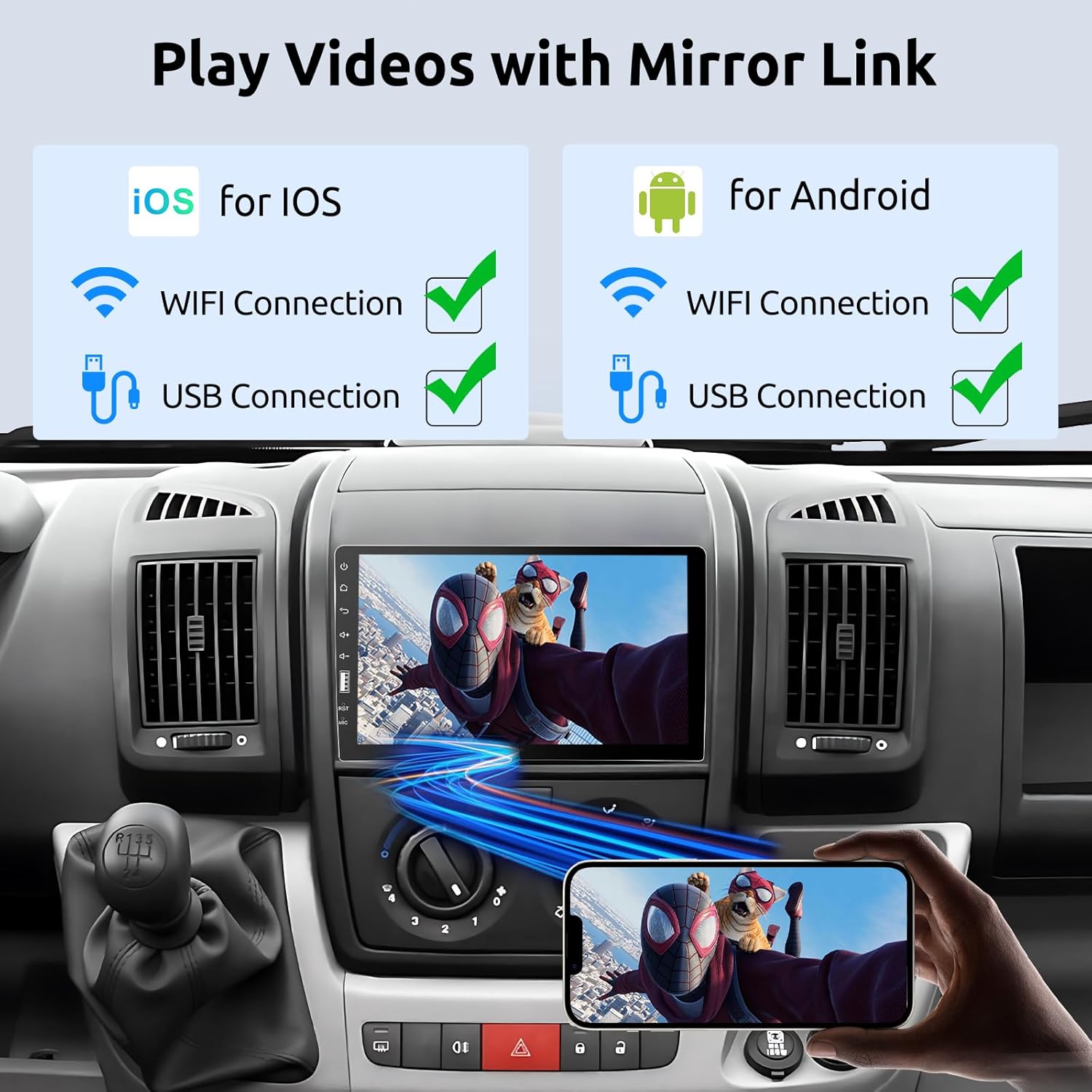
Image: Mirror Link Functionality. This image shows a smartphone screen mirrored onto the car stereo display, playing a video, demonstrating the Mirror Link feature for both iOS and Android devices via WiFi or USB connection.
Bluetooth and FM Radio
The unit features Bluetooth 5.1 technology for hands-free calling and wireless music streaming, enhancing safety while driving. An integrated FM radio allows you to listen to your favorite stations with 18 preset options. The EQ sound effects function enables adjustment of audio equalizer settings for improved sound quality.

Image: Bluetooth 5.1 and FM Radio Interface. The image shows the car stereo displaying a Bluetooth call interface and music playback, along with a diagram illustrating Bluetooth 5.1 connectivity and a phone call screen.
HD Rear View Camera
The car stereo includes an IP68 waterproof HD rear view camera with night vision. When reversing, the camera automatically displays the image on the car stereo screen, providing better visibility for safer and easier parking, even at night. The camera offers a 170-degree wide-angle view.

Image: HD Rear View Camera and Steering Wheel Controls. This image shows the car stereo displaying the rear view camera feed with day and night vision examples, along with details about the camera's features (HD, IP68 waterproof, night vision, 170° wide angle). It also illustrates the steering wheel control setup interface.
Steering Wheel Controls
The unit supports steering wheel controls, allowing you to manage various functions without taking your hands off the wheel. This feature enhances driving safety and convenience.
Maintenance
To ensure the longevity and optimal performance of your VECHTEL car stereo, follow these maintenance guidelines:
- Cleaning the Screen: Use a soft, lint-free cloth to gently wipe the touchscreen. Avoid abrasive cleaners or solvents that could damage the display.
- General Cleaning: Keep the unit free from dust and debris. Use a dry cloth to wipe the exterior.
- Avoid Liquids: Do not expose the unit to excessive moisture or liquids.
- Temperature: Operate the unit within normal automotive temperature ranges. Extreme temperatures can affect performance.
Troubleshooting
If you encounter any issues with your VECHTEL car stereo, please refer to the following common troubleshooting tips. If the problem persists, contact VECHTEL technical support.
- No Power: Check all power connections and fuses. Ensure the vehicle's ignition is on.
- No Sound: Verify speaker connections. Check volume levels and audio settings.
- Touchscreen Unresponsive: Try restarting the unit. Ensure the screen is clean and free of obstructions.
- CarPlay/Android Auto Not Connecting: Ensure Bluetooth and Wi-Fi are enabled on your smartphone. Check the connection settings on the car stereo.
- Rear View Camera Not Displaying: Check the camera's power and video connections. Ensure the vehicle is in reverse gear.
Specifications
| Feature | Specification |
|---|---|
| Screen Size | 9 inches |
| System | F133 |
| Voltage | 12 V |
| Max Output Power | 4*45W |
| Wireless CarPlay/Android Auto | Supported |
| Mirror Link | Android/iPhone Supported |
| Radio Band | FM |
| Radio Frequency | 87.5-108MHz |
| Factory Setting Key | 113266 |
| Audio Formats | MP3/AAC/OGG/FLAC/APE |
| Video Formats | AVI/3GP/MP4/MOV/MPG/MKV/VOB/RMVB/RM |
| Supported Languages | English, Chinese, Japanese, Portuguese, Russian, German, Spanish, Turkish, Italian, French, Polish, Hebrew, Slovenian |
| Product Dimensions | 10P x 17.7L x 5.3H centimeters |
Warranty and Support
Warranty Information
This VECHTEL car stereo comes with a three-year manufacturer's warranty. Please retain your proof of purchase for warranty claims. The warranty covers defects in materials and workmanship under normal use.
Technical Support
VECHTEL specializes in automotive electronics and provides dedicated technical support. If you have any questions, require assistance with installation, or encounter issues not covered in this manual, please do not hesitate to contact us. Our professional team is ready to assist you.
For support, please visit the VECHTEL brand store or contact us through the platform where you purchased the product.
