
1. Introduction
Thank you for choosing the SVBONY SV28 100mm Angled Spotting Scope. This manual provides essential information for the proper setup, operation, and maintenance of your new spotting scope. Designed for target shooting, long-range viewing, and wildlife observation, this scope features FMC HD optics and a versatile 25-75x magnification range.
2. What's in the Box
Verify that all components are present upon unboxing:
- 1x SVBONY Spotting Scope (SV28 25-75x100)
- 1x Desktop Tripod
- 1x Universal Smartphone Adapter
- 1x Lens Cover
- 1x Eyepiece Cover
- 1x Soft Carrying Case
- 1x Lens Cleaning Cloth
- 1x User Manual (this document)
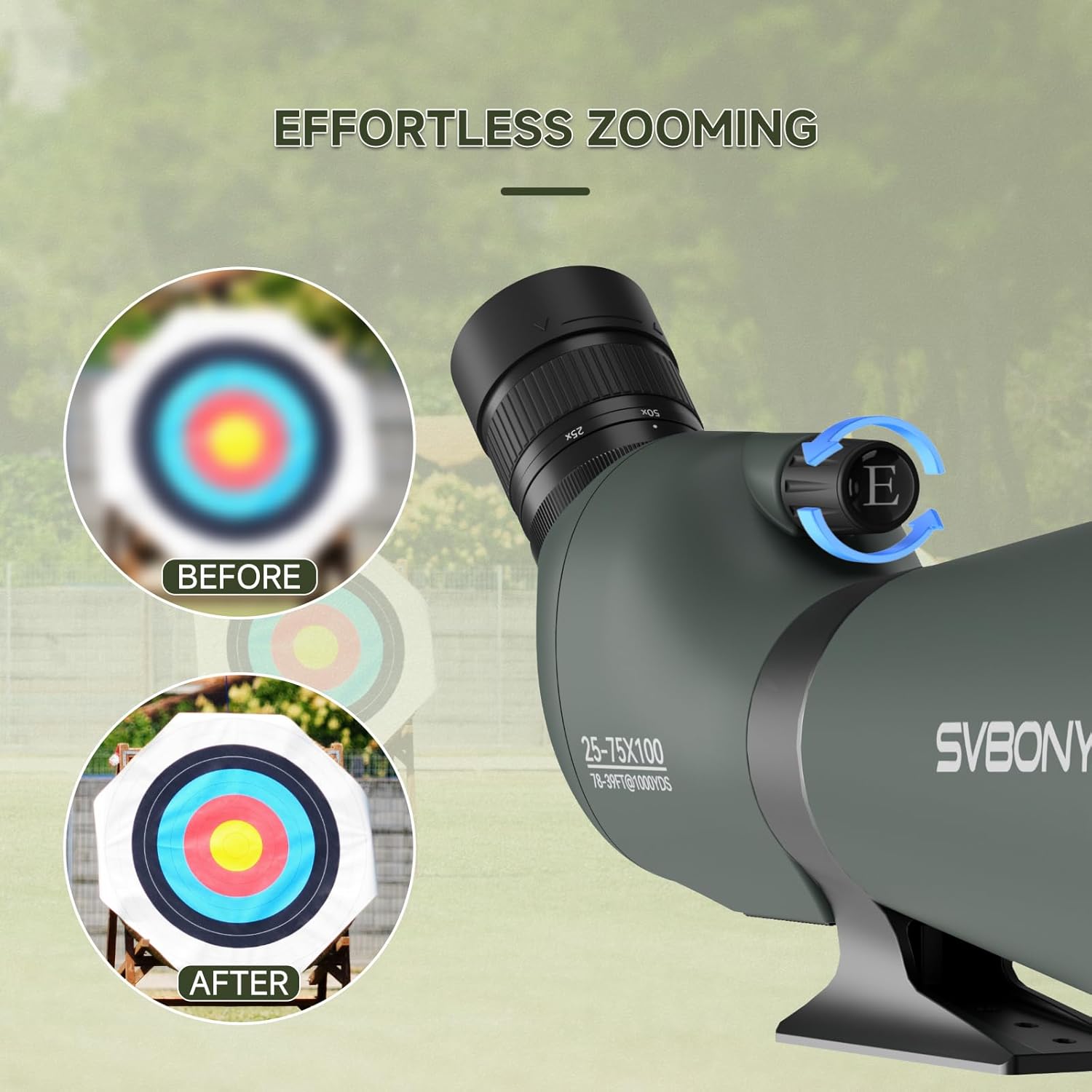
Image: All components included in the SVBONY SV28 Spotting Scope package, laid out on a surface.
3. Setup Guide
Video: A detailed unboxing and installation guide for the SVBONY SV28A 100mm Spotting Scope.
3.1 Attaching the Tripod
- Unfold the legs of the desktop tripod until they are fully extended and stable.
- Locate the 1/4'' thread interface on the bottom of the spotting scope.
- Align the tripod's mounting screw with the scope's interface and rotate the scope clockwise until securely fastened.
- Adjust the tripod's height and angle as needed using the adjustment knobs. Ensure the scope is level using the integrated level if available on your tripod.

Image: The SVBONY SV28 Spotting Scope securely mounted on its desktop tripod, ready for use.
3.2 Attaching the Smartphone Adapter
- Secure your smartphone into the adapter's clamp.
- Carefully position the adapter over the eyepiece of the spotting scope.
- Adjust the adapter to align your phone's camera lens with the scope's eyepiece for optimal viewing and photography. Tighten the adapter's screws to secure it in place.

Image: A smartphone mounted onto the spotting scope's eyepiece using the provided adapter.
Video: Demonstration of how to use the phone adapter with a spotting scope.
4. Operating Instructions
4.1 Adjusting Magnification (Zoom)
The SV28 spotting scope offers a variable magnification range from 25x to 75x. To adjust the magnification, rotate the zoom ring located on the eyepiece. Turn it clockwise for higher magnification and counter-clockwise for lower magnification.

Image: Visual representation of adjusting the magnification on the spotting scope, showing different zoom levels.
4.2 Focusing the Image
Once you have set your desired magnification, use the focus wheel (typically located on the side of the scope body) to bring the image into sharp focus. Rotate the wheel slowly until the image appears clear and crisp.

Image: A close-up of the focus wheel on the spotting scope, illustrating how to adjust for a clear image.
4.3 Adjusting Eyecups
The SV28 features twist-up eyecups for comfortable viewing with or without eyeglasses. Twist the eyecup up or down until you achieve a full field of view without vignetting (darkening around the edges).
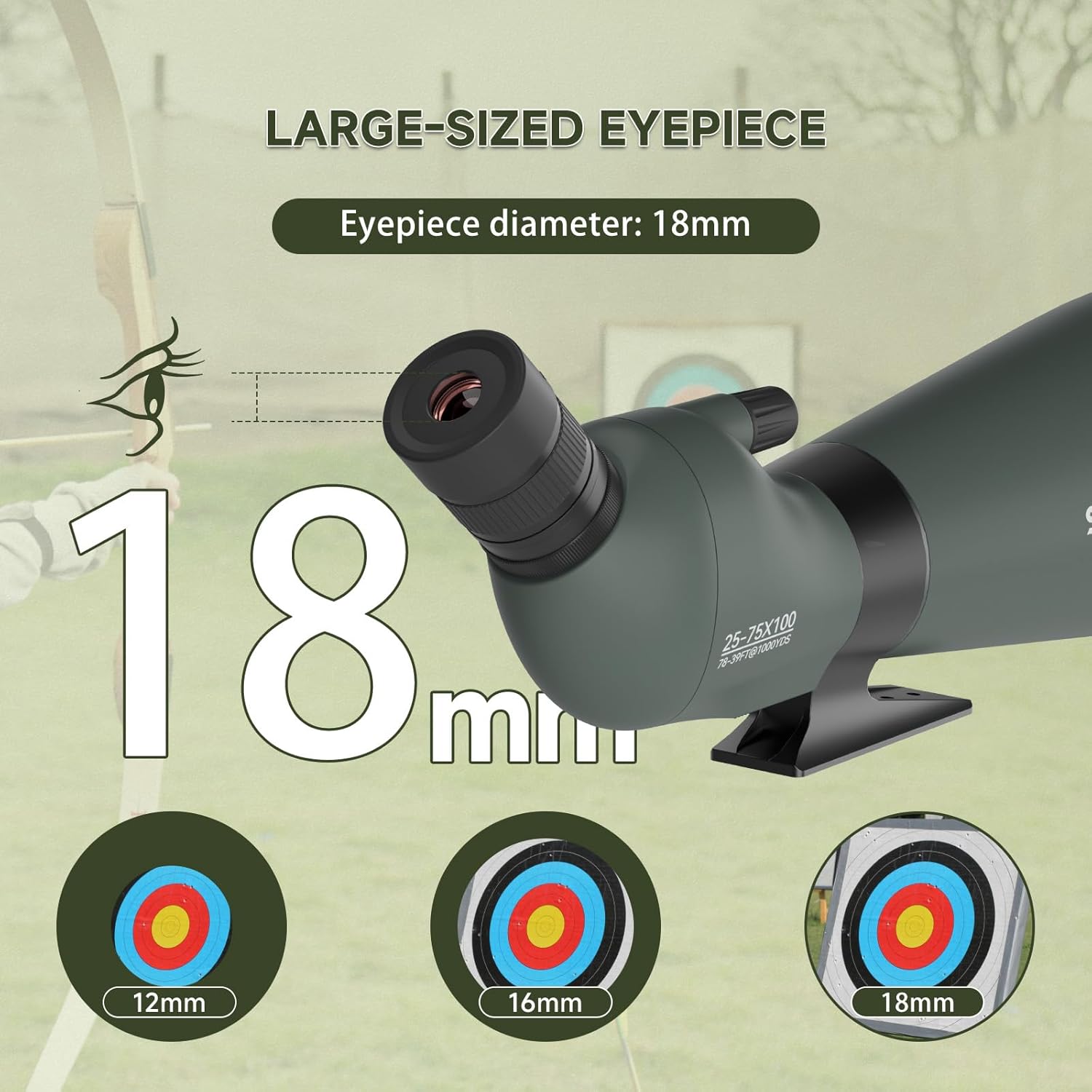
Image: A user adjusting the twist-up eyecup on the spotting scope for comfortable viewing.
4.4 Using the Retractable Sunshade
To reduce glare and improve contrast in bright conditions, extend the retractable sunshade located at the front of the objective lens. Simply slide it forward until it locks into place.

Image: The retractable sunshade extended from the objective lens of the spotting scope to minimize glare.
5. Key Features
- 100mm Large Objective Lens: Provides brighter and sharper images with a wider field of view, especially in low light conditions.
- 25-75x Magnification Range: Offers versatile zoom capabilities for detailed observation.
- Fully Multi-Coated (FMC) Optics: Enhances light transmission, reduces glare, and improves contrast for realistic color reproduction.
- BAK4 Porro Prism: Delivers high-quality images with excellent light gathering.
- Waterproof and Fogproof: Nitrogen-filled and O-ring sealed to prevent moisture, dust, and debris from entering, ensuring reliable performance in various weather conditions.
- Angled Eyepiece: Designed for comfortable viewing, particularly during extended observation sessions.
- Anti-Lost Eyepiece Cover: Ensures the eyepiece cover remains securely attached to the scope.
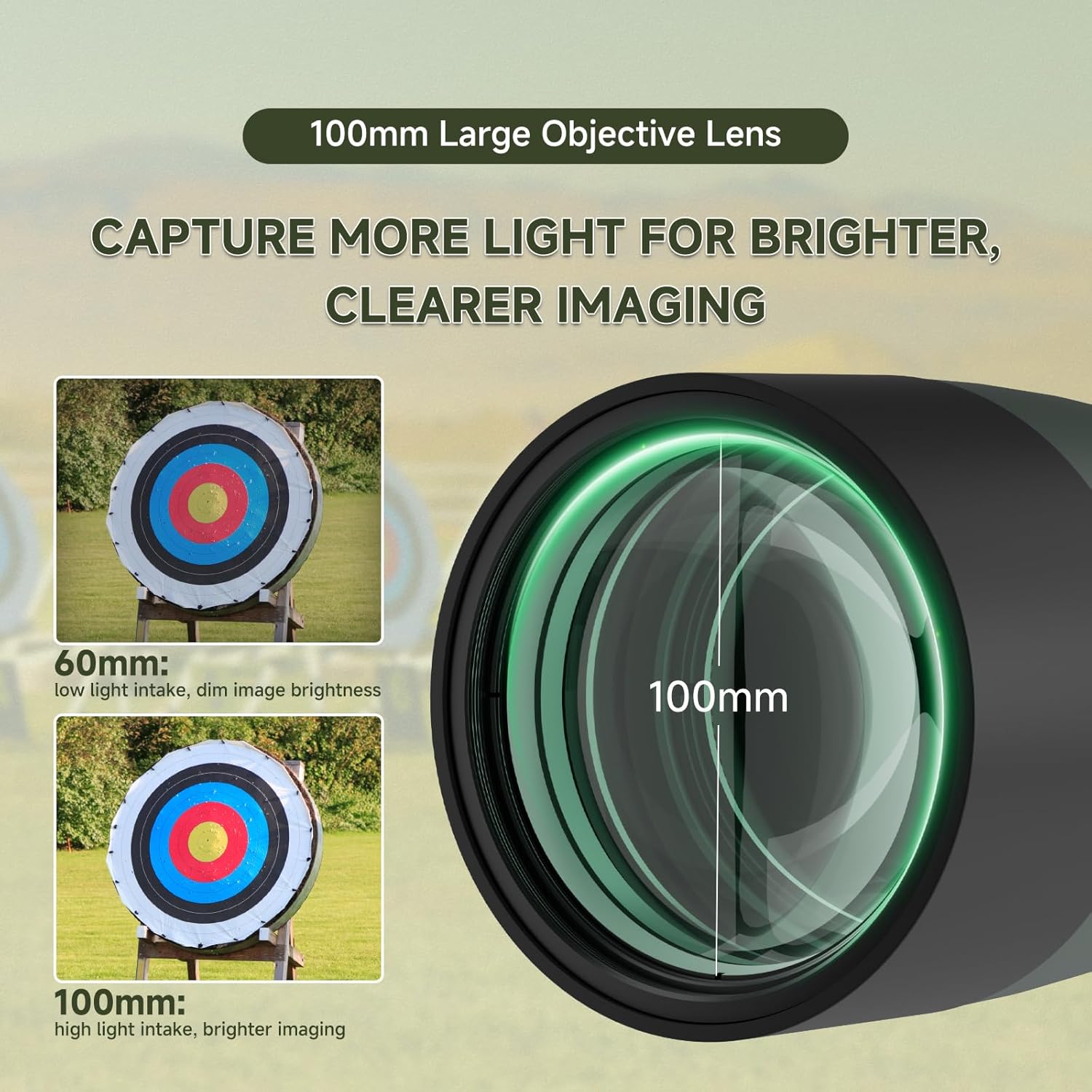
Image: The large 100mm objective lens of the SVBONY SV28 Spotting Scope, emphasizing its light-gathering capability.
6. Maintenance and Care
- Cleaning Lenses: Use the provided lens cleaning cloth or a soft, lint-free cloth. Gently wipe the lens surfaces to remove dust or smudges. For stubborn dirt, use a lens cleaning solution specifically designed for optics. Avoid using abrasive materials or excessive force.
- Cleaning Body: Wipe the body of the scope with a soft, damp cloth. Do not use harsh chemicals or solvents.
- Storage: When not in use, store the spotting scope in its carrying case in a cool, dry place to protect it from dust, moisture, and impacts. Ensure all lens caps are in place.
- Avoid Extreme Temperatures: Do not expose the scope to extreme temperatures or sudden temperature changes, as this can affect the optics.
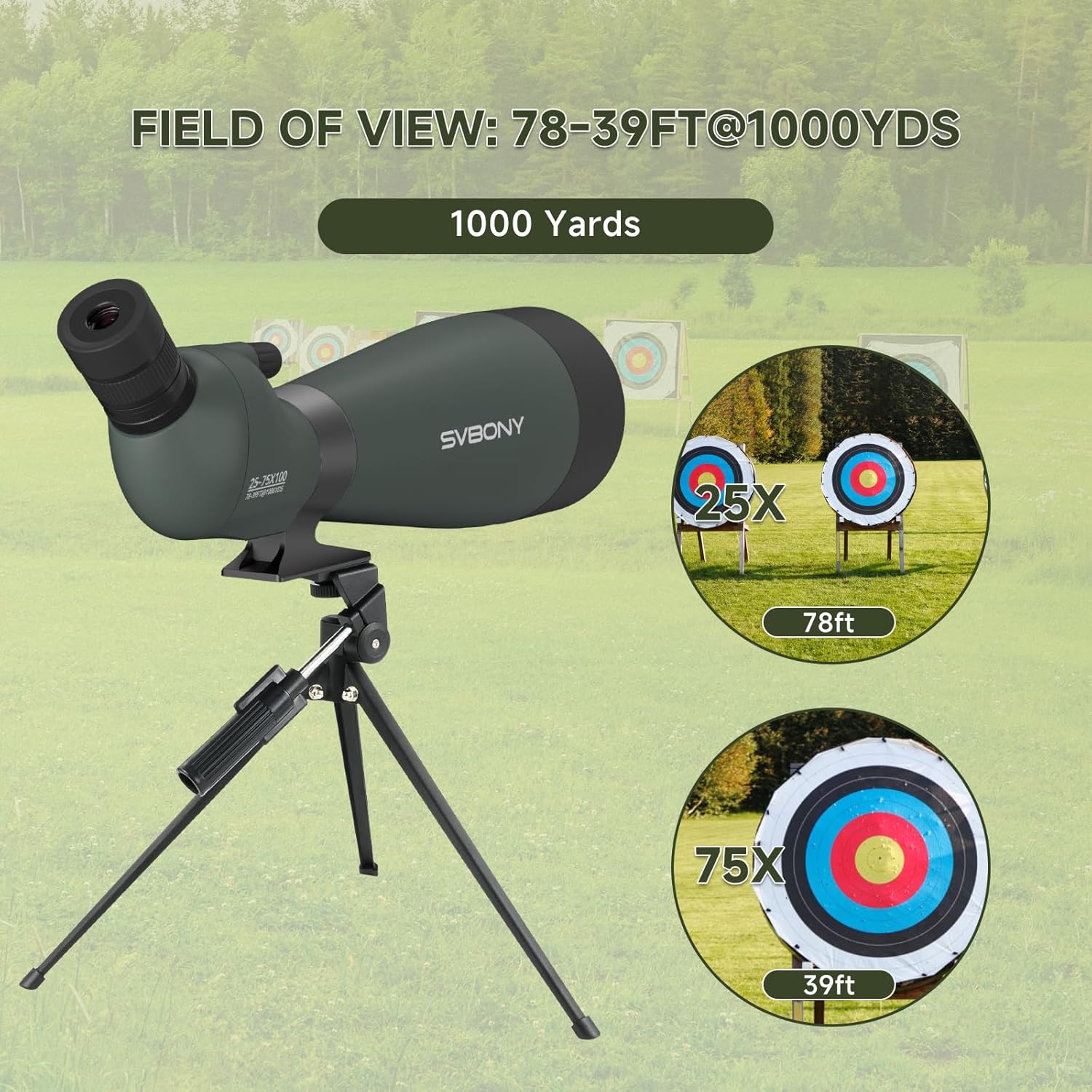
Image: The SVBONY SV28 Spotting Scope with its lens caps on and a cleaning cloth, illustrating proper care.
7. Specifications
| Feature | Detail |
|---|---|
| Model | SV28 |
| Magnification | 25-75x |
| Objective Lens Diameter | 100 mm |
| Optical Tube Length | 12.8 Millimeters |
| Eyepiece Lens Description | BAK4-Porro |
| Lens Coating Description | FMC (Fully Multi-Coated) |
| Focus Type | Manual Focus |
| Telescope Mount Description | Altazimuth Mount |
| Product Dimensions | 18.9 x 6.1 x 4.92 inches |
| Item Weight | 5.64 pounds (2560 Grams) |
| Compatible Devices | Smartphone |
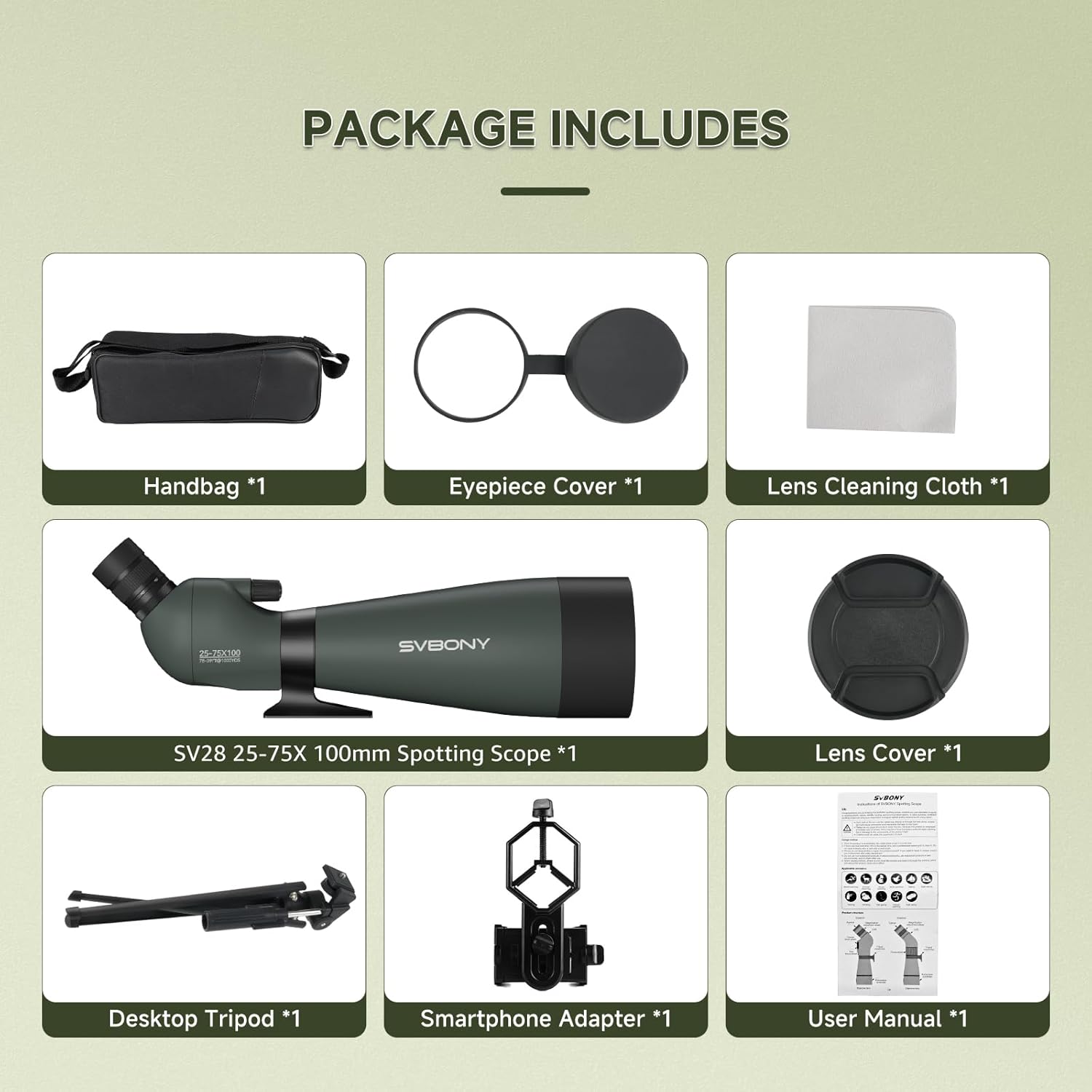
Image: A detailed diagram illustrating the dimensions and key structural components of the SVBONY SV28 Spotting Scope.
8. Troubleshooting
- Blurred Image: Ensure the focus wheel is properly adjusted. Check that the eyecup is set correctly for your vision (with or without glasses).
- Dark Edges (Vignetting): Adjust the eyecup position until you achieve a full, clear field of view.
- Glare/Poor Contrast: Extend the retractable sunshade to block stray light. Ensure lenses are clean.
- Unstable View: Ensure the tripod is set up on a stable, flat surface and all locking mechanisms are tightened.
9. Warranty and Support
For warranty information, technical support, or service inquiries, please refer to the official SVBONY website or contact your retailer. Keep your purchase receipt as proof of purchase.