1. Introduction
The AIWA DVR-M700 is a compact and lightweight digital voice recorder designed for high-quality audio capture. Featuring 16GB of internal memory, three stereo microphones, and an OLED display, it is suitable for professionals, students, and anyone requiring a reliable recording tool. This manual provides detailed instructions for operating and maintaining your device.
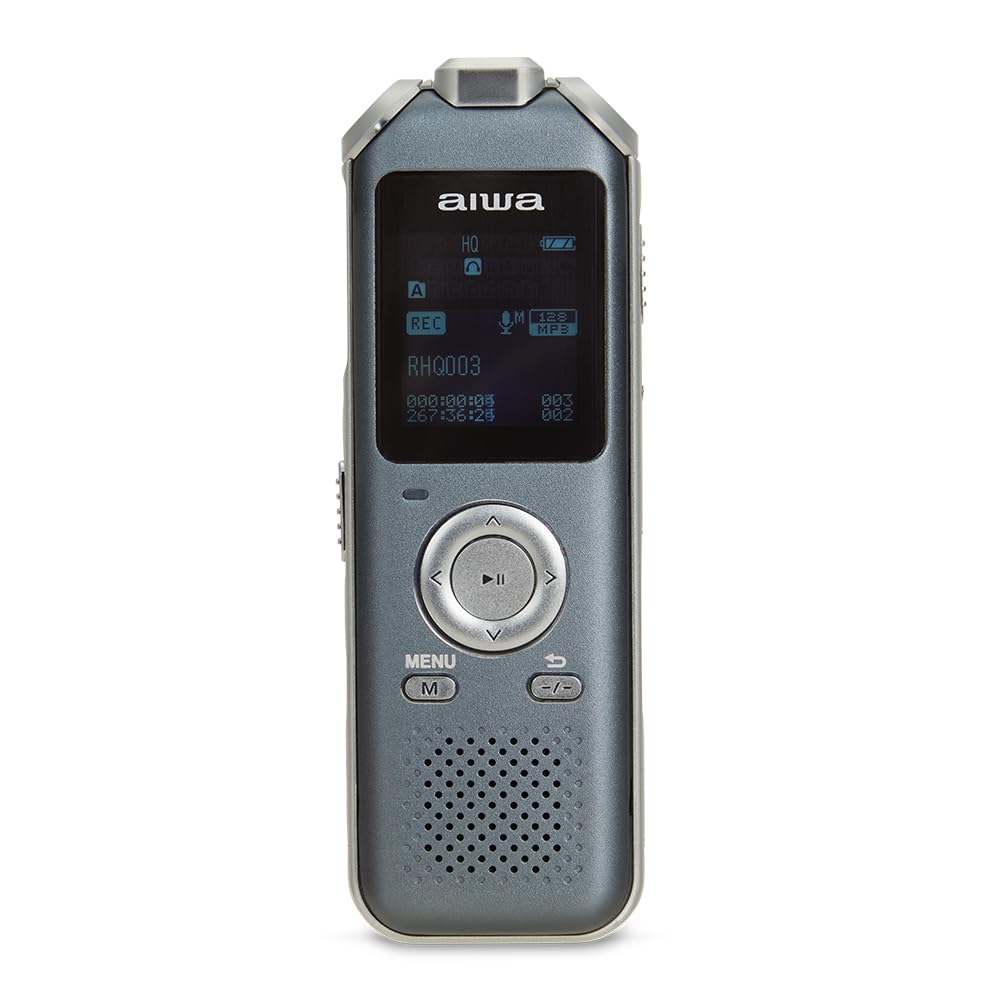
Figure 1: Front view of the AIWA DVR-M700 Digital Voice Recorder, showing the display and control buttons.
2. Package Contents
Please ensure all items are present:
- AIWA DVR-M700 Digital Voice Recorder
- USB-C Cable
- User Manual (this document)
- (Optional: Earphones, if included with your specific package)
3. Device Overview
Familiarize yourself with the main components of your DVR-M700.
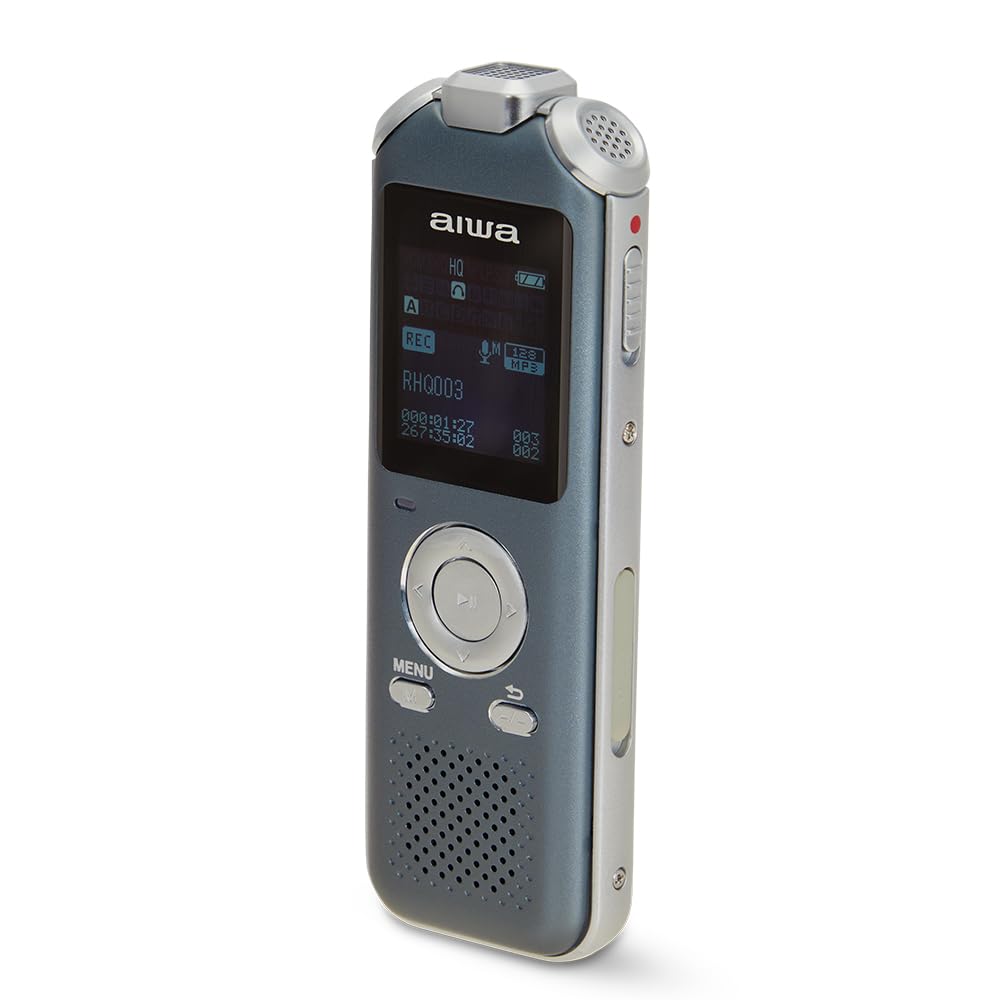
Figure 2: Angled view of the recorder, highlighting the stereo microphones at the top and side controls.
3.1 Controls and Ports
- OLED Display: Shows recording status, battery level, time, and menu options.
- Microphones: Three built-in stereo microphones for high-fidelity recording.
- Control Buttons: Play/Pause, Stop, Menu, Back, Navigation (Up/Down/Left/Right).
- Record Slider: Dedicated switch for initiating and stopping recordings.
- USB-C Port: For charging and data transfer to a computer.
- Line-In Input (3.5mm): For connecting external audio sources.
- Headphone Jack (3.5mm): For private audio playback and monitoring.
- MicroSD Card Slot: For memory expansion up to 128GB.
- Speaker: For direct audio playback.
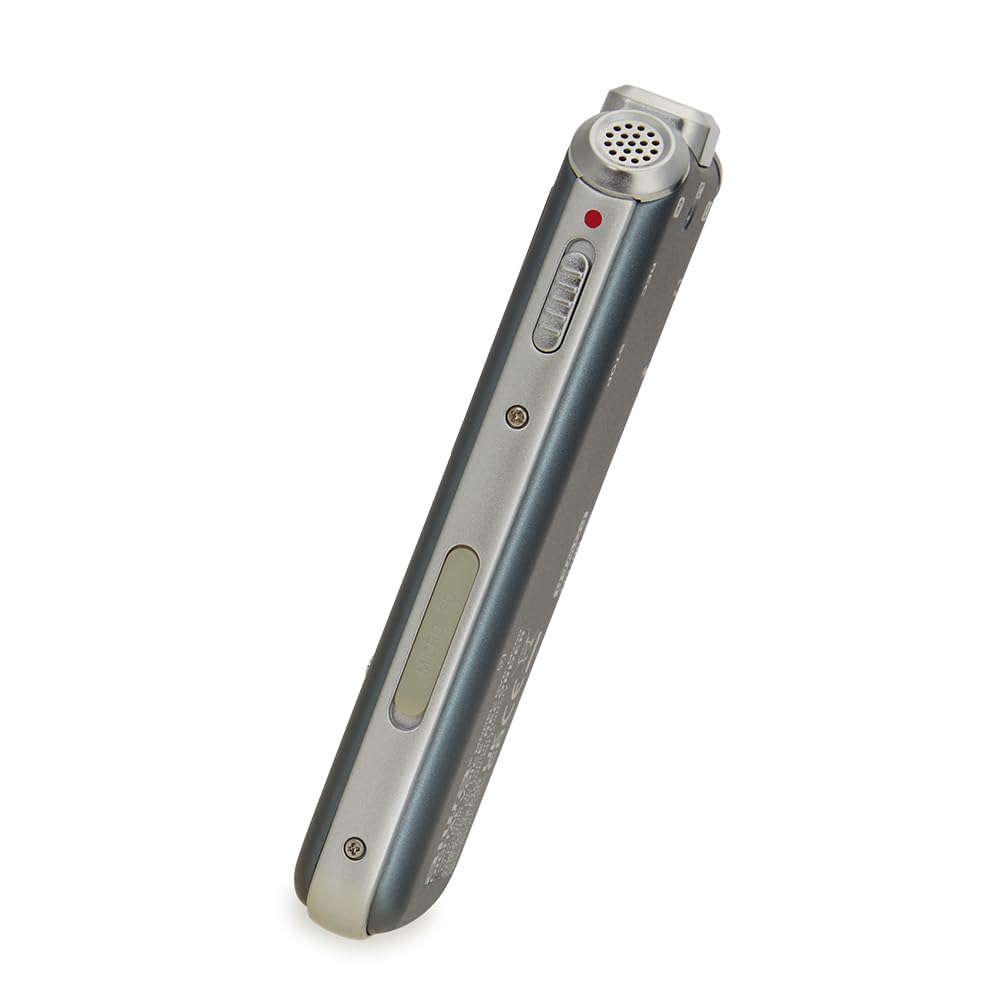
Figure 3: Side view of the recorder, showing the record slider and other side-mounted controls/ports.
4. Setup
4.1 Charging the Battery
Before first use, fully charge the device. Connect the supplied USB-C cable to the recorder's USB-C port and the other end to a USB power adapter (not included) or a computer's USB port. The OLED display will indicate charging status. A full charge provides approximately 21 hours of recording time (MP3, 128kbps).
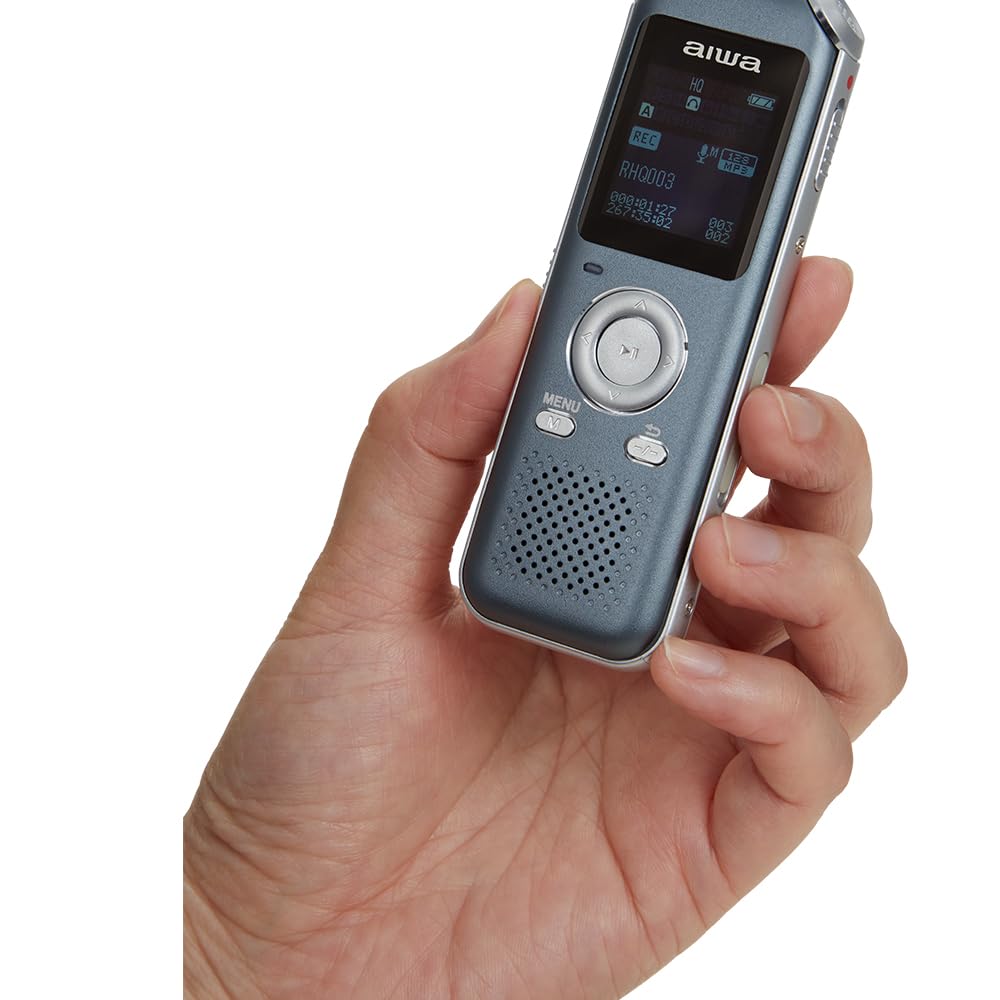
Figure 4: The DVR-M700 connected to a laptop via its USB-C port for charging and data transfer.
4.2 Inserting a MicroSD Card (Optional)
The DVR-M700 has 16GB of internal memory. To expand storage, insert a microSDHC card (up to 128GB) into the designated slot. Ensure the card is inserted correctly until it clicks into place. To remove, gently press the card to eject it.
5. Operating Instructions
5.1 Power On/Off
Press and hold the Play/Pause button to power the device on or off.
5.2 Recording Audio
- Slide the Record switch upwards to begin recording. The display will show "REC" and the recording timer will start.
- To pause recording, press the Play/Pause button. Press again to resume.
- To stop recording, slide the Record switch downwards. The recording will be saved automatically.
Voice Activated Recording (VOR): To enable VOR, navigate to the menu, select "Recording Settings," and activate "VOR." When VOR is active, the recorder will automatically start recording when sound is detected and pause when silence occurs, optimizing memory usage.
Real-time Monitoring: Connect headphones to the 3.5mm headphone jack to monitor audio during recording. This allows you to check audio quality and levels in real-time.
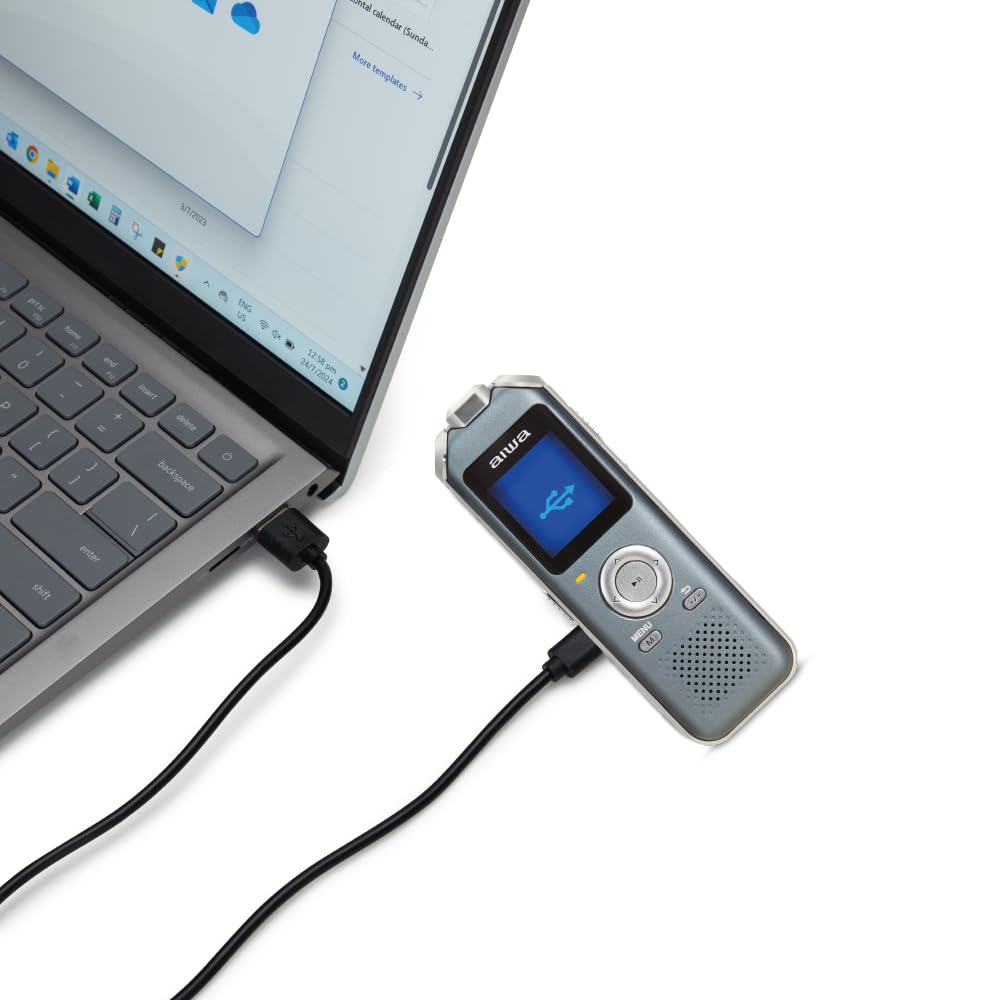
Figure 5: The DVR-M700 with earphones connected, demonstrating real-time monitoring capability.
5.3 Playing Back Recordings
- From the main screen, use the navigation buttons to select the desired recording.
- Press the Play/Pause button to start playback.
- Use the navigation buttons (left/right) to fast forward or rewind.
- Press the Play/Pause button to pause playback.
- Press the Stop button to end playback.
5.4 FM Tuner and Recording
The DVR-M700 includes an FM tuner. To access:
- Navigate to the "FM Radio" option in the main menu.
- Use the navigation buttons to scan for stations or manually tune.
- To record an FM broadcast, press the Record switch while listening to the radio. The broadcast will be saved as an audio file.
6. Memory Management
The device features 16GB of internal memory, capable of storing up to 275 hours of MP3 recordings (16kHz/64kbps). The microSDHC card slot supports up to 128GB for additional storage. Files can be transferred to a computer via the USB-C connection.
7. Connectivity
- USB-C 2.0 High-Speed: Connect to a PC for fast data transfer of recorded files and charging.
- Line-In Input (3.5mm): Allows recording from external audio sources such as other players or microphones.
- Headphone Jack (3.5mm): For connecting headphones for private listening or real-time monitoring during recording.
8. Maintenance
- Keep the device dry and away from extreme temperatures.
- Clean the exterior with a soft, dry cloth. Do not use liquid cleaners.
- Avoid dropping the device or subjecting it to strong impacts.
- Regularly back up important recordings to a computer to prevent data loss.
9. Troubleshooting
| Problem | Possible Cause | Solution |
|---|---|---|
| Device does not power on. | Low or depleted battery. | Charge the device using the USB-C cable. |
| Cannot record. | Memory full; Record switch not engaged. | Delete old files or insert a microSD card. Ensure the Record switch is in the 'REC' position. |
| Poor recording quality. | Microphones obstructed; recording environment too noisy; incorrect settings. | Ensure microphones are clear. Record in a quieter environment. Check recording settings (e.g., microphone sensitivity). |
| Device not recognized by computer. | Faulty USB-C cable; incorrect connection mode. | Try a different USB-C cable or USB port. Ensure the device is powered on when connected. |
| MicroSD card not detected or files not playable. | Card not inserted correctly; incompatible card format; corrupted card. | Reinsert the microSD card. Ensure it is formatted correctly (FAT32). Try a different card. |
10. Specifications
- Internal Memory: 16GB (up to 275 hours MP3 recording at 16kHz/64kbps)
- Memory Expansion: MicroSDHC card slot, supports up to 128GB
- Display: OLED with LCD backlight
- Microphone System: Three-MIC stereo (two channels)
- Recording Formats: MP3, WAV
- Playback Formats: WAV, MP3, WMA, AAC
- Connectivity: USB-C 2.0 High-Speed, 3.5mm Line-In, 3.5mm Headphone Jack
- FM Tuner: Yes, with recording function
- Battery Life: Approx. 21 hours recording (MP3, 128kbps)
- Dimensions: 106 x 36.8 x 15mm
- Weight: 53.5g
- Manufacturer: Aiwa
- Model Number: DVR-M700
11. Warranty and Support
This product is covered by a manufacturer's warranty. For specific warranty terms and conditions, please refer to the documentation provided with your purchase or contact Aiwa customer support. Extended warranty options may be available from third-party providers.
For technical support or service inquiries, please visit the official Aiwa website or contact their customer service department. Keep your purchase receipt as proof of purchase for warranty claims.
Note: The original product information indicated Italian as the language. This manual has been translated to English for clarity and user convenience.


