
INIU P73
INIU P73 Qi2 Certified 10000mAh Magnetic Power Bank User Manual
Brand: INIU
1. Introduction
Thank you for choosing the INIU P73 Qi2 Certified 10000mAh Magnetic Power Bank. This portable charger is designed to provide efficient and fast charging for your compatible devices, featuring both wireless magnetic charging and high-speed wired charging capabilities. Its slim design and integrated foldable stand enhance portability and usability. Please read this manual carefully to ensure proper use and maintenance of your device.
2. Product Overview
The INIU P73 is a versatile power bank engineered for modern mobile lifestyles. Key features include:
- Qi2-Certified 15W Wireless Charging: Provides fast and secure magnetic wireless charging, optimized for iPhone 12-16 series.
- Ultra-Fast PD 45W Wired Charging: Delivers rapid power delivery via USB-C, capable of charging smartphones, tablets, and even some laptops.
- Slimmest 10000mAh Design: Utilizes INIU's exclusive TinyCell technology for an ultra-slim profile, making it highly portable.
- Integrated Foldable Stand: Allows for hands-free viewing in both vertical and horizontal orientations, supporting StandBy mode.
- Convenient USB-C GoCord: A short, integrated USB-C cable that doubles as a lanyard for easy carrying and immediate wired charging.

Image: The INIU P73 Magnetic Power Bank in white, attached to an iPhone, showcasing its slim profile and the integrated USB-C GoCord. This image provides a clear view of the product's design and how it connects to a smartphone.

Image: A visual representation highlighting the ultra-slim design of the INIU P73 Magnetic Power Bank (0.5 inches thick), positioned next to a smartphone to emphasize its compact size. A butterfly is shown above, symbolizing its lightweight nature.
3. Setup
3.1 Unboxing
Upon opening the package, ensure all components are present:
- INIU 10000mAh MagSafe Power Bank (P73)
- 0.4ft/12cm USB-C GoCord
- User Manual (this document)
3.2 Initial Charge
Before first use, it is recommended to fully charge your INIU P73 Power Bank. This ensures optimal battery performance and longevity. Refer to Section 4 for detailed charging instructions.
4. Operating Instructions
4.1 Power On/Off
The INIU P73 Power Bank typically activates automatically when a device is connected for charging. To manually check the battery level or initiate wireless charging, briefly press the power button. The LED indicator (often a paw print icon) will illuminate to show the current battery status.
4.2 LED Indicators
The power bank features an LED indicator, often shaped like a paw print, which provides visual feedback on battery status and charging activity. Consult the specific product labeling for detailed interpretations of light patterns (e.g., solid, flashing, color changes) indicating charge level or charging mode.
5. Charging the Power Bank
To recharge your INIU P73 Power Bank:
- Connect the included USB-C GoCord or another compatible USB-C cable to the input port on the power bank.
- Connect the other end of the cable to a USB-C wall adapter (not included). For optimal and fastest recharging, use a 30W or higher power adapter.
- The LED indicator will show charging progress. A full recharge typically takes approximately 2.2 hours with a suitable adapter.

Image: The INIU P73 Power Bank connected via its USB-C port to a wall adapter for recharging. This illustrates the process of replenishing the power bank's battery.
6. Charging Your Devices
6.1 Wireless Magnetic Charging (Qi2)
For iPhone 12, 13, 14, 15, and 16 series, align your device with the magnetic charging area on the power bank. The magnets will snap into place, initiating 15W Qi2 certified wireless fast charging. Ensure your phone is centered for the best connection.

Image: The INIU P73 Power Bank next to a framed Qi2 certification, with an iPhone attached to the power bank, illustrating its 15W wireless charging capability. A comparison shows it charges 2X faster than other 7.5W chargers.
6.2 Ultra-Fast PD 45W Wired Charging
Use the integrated USB-C GoCord or another USB-C to USB-C cable to connect your device to one of the power bank's USB-C output ports. This enables up to 45W Power Delivery (PD) fast charging for compatible devices. The GoCord can be detached for convenience.
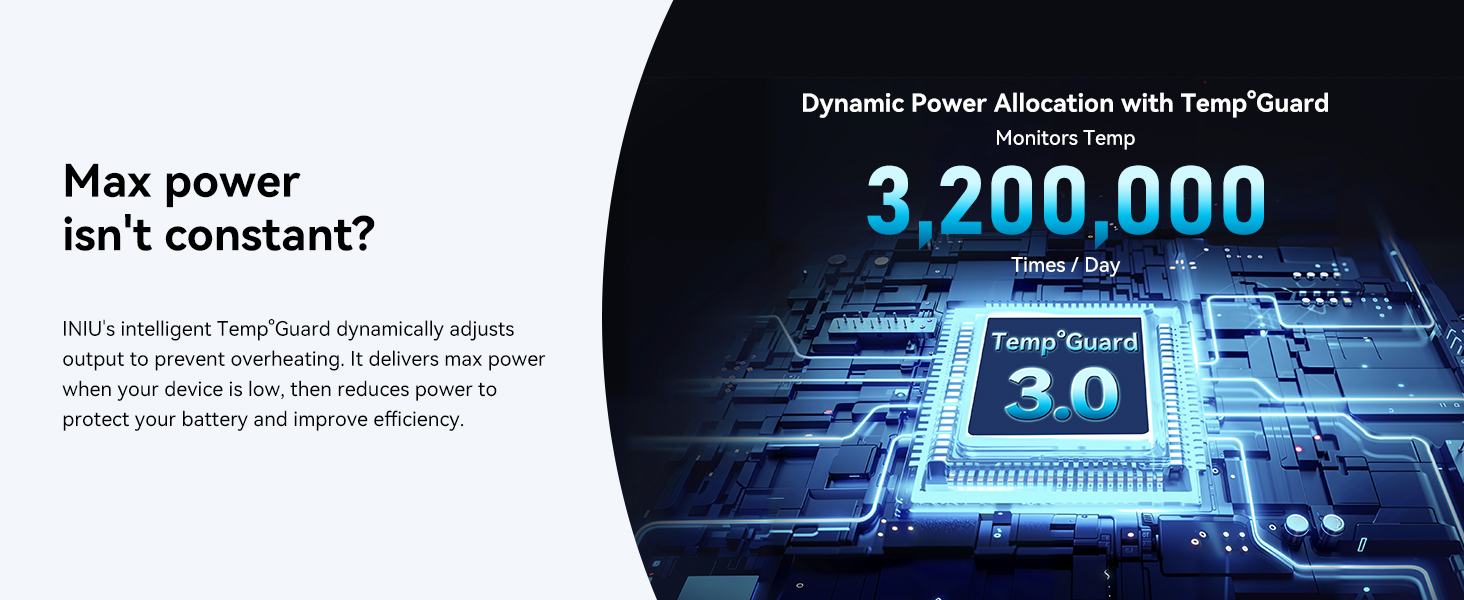
Image: A sequence of images demonstrating the versatility of the USB-C GoCord, showing it attached to the power bank, detached for wired charging, and used as a lanyard.
6.3 Charging Multiple Devices
The INIU P73 can charge up to three devices simultaneously: one wirelessly and two via the USB-C ports. To enable wireless charging while wired charging is active, briefly press the power button on the power bank.
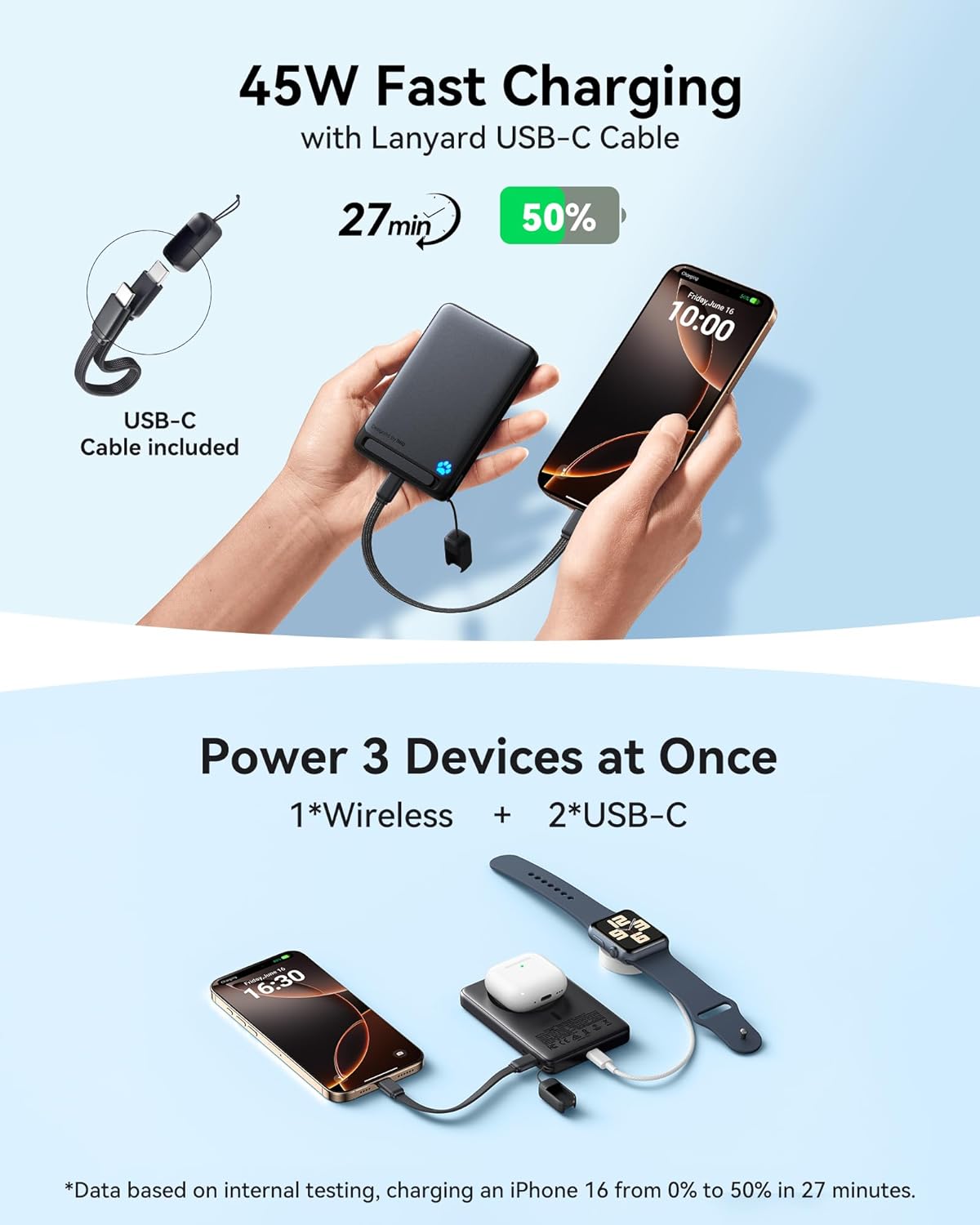
Image: The INIU P73 Power Bank simultaneously charging an iPhone wirelessly, an Apple Watch, and AirPods via its USB-C ports, demonstrating its ability to power three devices at once.
7. Using the Foldable Stand
The integrated foldable stand allows for convenient hands-free viewing while your device charges wirelessly. Simply pull out the stand from the back of the power bank.
- Vertical Orientation: Ideal for video calls or accessing StandBy mode on compatible iPhones.
- Horizontal Orientation: Perfect for watching movies or other media content.

Image: The INIU P73 Power Bank with its foldable stand extended, shown supporting an iPhone in both vertical and horizontal viewing angles, demonstrating its utility for hands-free use.
8. Compatibility
The INIU P73 Power Bank is designed with broad compatibility, though optimized for specific devices:
- Optimized Magnetic Wireless Charging: Specifically provides 15W magnetic fast charging for iPhone 12, 13, 14, 15, and 16 series.
- Other Devices: Can wirelessly charge Samsung, Google, and other Android phones, but these devices will not benefit from the magnetic function and will charge wirelessly at lower speeds and reduced efficiency.
- Wired Charging: Compatible with a wide range of USB-C devices, including smartphones, tablets, and other gadgets that support USB Power Delivery.

Image: A chart illustrating the compatibility of the INIU P73 Power Bank, showing that it works with magnetic cases, iPhone 12-16 series, and AirPods 3/Pro 2, while noting that it does not magnetically attach to non-magnetic cases.
9. Maintenance
9.1 Cleaning
To clean the power bank, gently wipe its surface with a soft, dry, lint-free cloth. Do not use harsh chemicals, abrasive cleaners, or immerse the device in water.
9.2 Storage
Store the power bank in a cool, dry place away from direct sunlight and extreme temperatures. If storing for an extended period, charge the power bank to approximately 50-75% capacity to help preserve battery health.
9.3 Safety Precautions
- Do not drop, disassemble, or attempt to repair the device yourself.
- Keep away from water, fire, and high temperatures.
- Avoid exposing the power bank to strong magnetic fields.
- Do not use if the device is damaged or swollen.
10. Troubleshooting
If you encounter issues with your INIU P73 Power Bank, please refer to the following common solutions:
| Problem | Possible Cause | Solution |
|---|---|---|
| Device not charging or charging slowly. | Low power bank battery; incompatible cable/adapter; poor connection; device not Qi2 compatible for fast wireless. | Recharge power bank; use original or certified cables/adapters; ensure secure connection; verify device Qi2 compatibility. |
| Magnetic connection is weak or device slips. | Non-MagSafe case; device not iPhone 12-16 series; foreign objects between power bank and phone. | Use a MagSafe-compatible case or no case; ensure device is an iPhone 12-16 series; remove any obstructions. |
| Power bank or device gets warm during charging. | Normal operation for fast charging; excessive heat due to poor ventilation or high ambient temperature. | Slight warmth is normal. Ensure adequate ventilation; avoid charging in direct sunlight or hot environments. INIU's TempGuard technology dynamically adjusts output to prevent overheating. |
| LED indicator not working. | Power bank is fully discharged or faulty. | Attempt to recharge the power bank. If issue persists, contact customer support. |
If the problem persists after trying these solutions, please contact INIU customer support for further assistance.
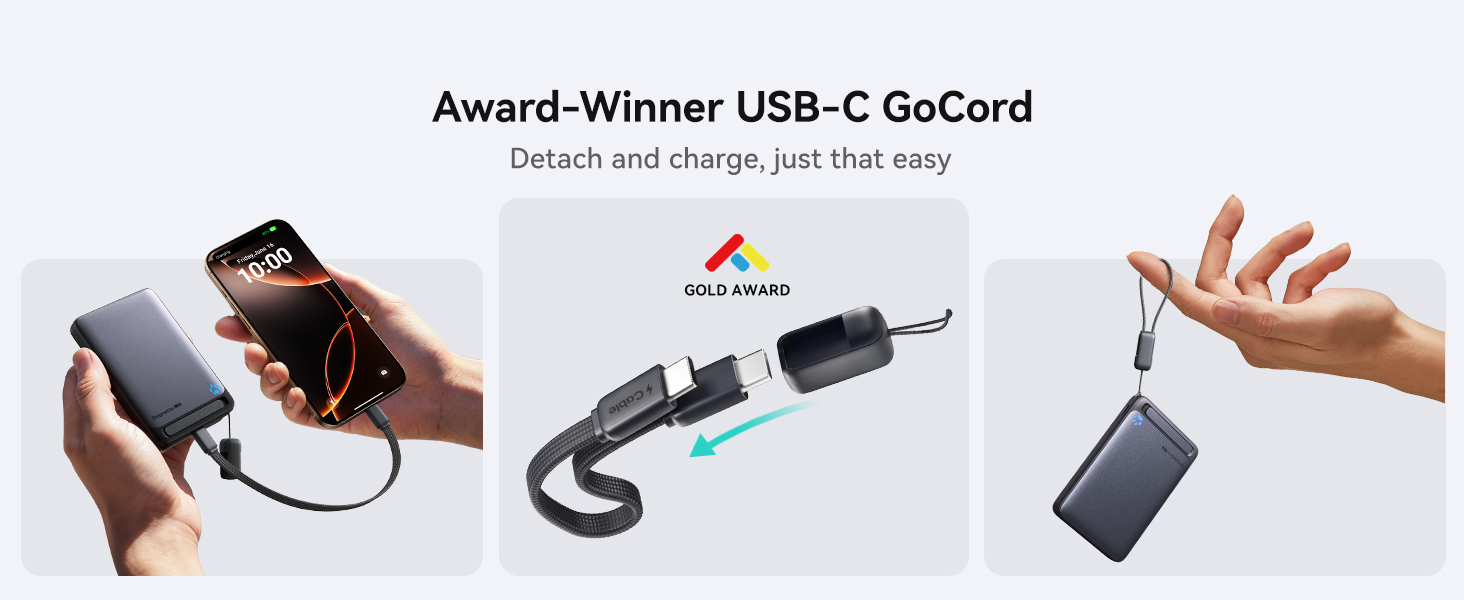
Image: An illustration of INIU's intelligent TempGuard 3.0 technology, which monitors temperature 3.2 million times a day and dynamically adjusts power output to prevent overheating, ensuring device safety and efficiency.
11. Specifications
| Feature | Detail |
|---|---|
| Model Number | P73 |
| Battery Capacity | 10000 Milliamp Hours (mAh) |
| Product Dimensions | 4.1 x 0.5 x 2.8 inches |
| Item Weight | 8.4 ounces |
| Wireless Output | Up to 15W (Qi2 Certified) |
| Wired Output (USB Type C) | Up to 45W Power Delivery (PD) |
| Input (USB Type C) | Up to 45W Power Delivery (PD) |
| Special Features | Fast Charging, LED Indicator Lights, MagSafe Compatible, Pocket Size, Slim, Foldable Stand |
| Color | White |
| Manufacturer | Shenzhen Topstar Industry Co.,Ltd. |
| Date First Available | November 14, 2024 |
12. Warranty and Support
INIU stands behind the quality of its products. The INIU P73 Power Bank comes with an industry-leading 3-year INIU care warranty. In case of any quality issues within this period, INIU offers a replacement.
Additionally, lifetime technical support is provided to assist you with any questions or concerns regarding your product.
For warranty claims, technical support, or further inquiries, please visit the official INIU website or contact their customer service directly through the platform where you purchased the product.
Image: A banner highlighting INIU's 3-year care warranty, stating that any quality issues within this period will result in a new product. It features a customer service representative, emphasizing support.
Related documentsP73


Ask a question about this manual
Ask about setup, troubleshooting, compatibility, parts, safety, or missing instructions. Manuals+ will review the question and use this page’s manual context to help answer it.