
1. Introduction and Overview
The K&F Concept Circular Polarizing (CPL) Filter is designed to enhance your photography and videography experience with DJI Osmo Action 3, Osmo Action 4, and Osmo Action 5 Pro cameras. This filter effectively reduces unwanted glare and reflections from non-metallic surfaces such as water, glass, and foliage, while simultaneously improving color saturation and contrast.
Constructed from high-quality optical glass with multiple protective coatings, this CPL filter ensures optimal image quality and durability, making it an essential accessory for outdoor shooting in various conditions.
2. Key Features
- Compatibility: Specifically designed for DJI Osmo Action 3, Osmo Action 4, and Osmo Action 5 Pro cameras.
- Glare and Reflection Reduction: Effectively minimizes glare from water, glass, and other non-metallic surfaces.
- Enhanced Image Quality: Improves color saturation, contrast, and detail, especially in outdoor scenes with bright light.
- Premium Optical Glass: Made from imported AGC optical glass for superior clarity and true color reproduction.
- 28 Multi-Layer Coatings: Features water-repellent, scratch-resistant, dustproof, and oil-proof properties to protect the lens and simplify cleaning.
- Snap-on Design: Allows for easy and quick installation and removal without needing to remove the camera's original lens.
- Durable Construction: Built with a lightweight aluminum alloy frame for long-lasting use.
- Protective Case: Includes a robust case for safe storage and transport of the filter.
3. Setup and Installation
The K&F Concept CPL filter features a convenient snap-on design for easy attachment to your DJI Osmo Action camera.
- Prepare Your Camera: If your DJI Osmo Action camera has a rubber protector around its lens, gently remove it first. The CPL filter is designed to fit directly over the camera's main lens.
- Align the Filter: Hold the CPL filter with the K&F Concept logo facing outwards. Align the filter with the lens of your Osmo Action camera.
- Snap to Install: Gently press the filter onto the camera lens until it securely snaps into place. Ensure it is flush and stable.
To remove the filter, gently pull it away from the camera lens. Always store the filter in its provided protective case when not in use.

Figure 3.1: Snap-on installation of the CPL filter.
Video 3.1: Demonstration of K&F Concept Push-In Fit Filter installation for DJI Osmo Action 3/4/5 Pro. This video shows how to easily attach and remove the filter from the camera.
4. Operating Instructions
The CPL filter is designed to reduce reflections and enhance colors. To achieve the desired effect, the filter needs to be rotated.
- Identify the Polarization Mark: The filter may have a small indicator mark (e.g., a triangle) on its rim. This mark helps in identifying the filter's orientation.
- Adjusting Polarization: Since this CPL filter does not rotate while attached to the camera, you must adjust its orientation before snapping it onto the lens. Hold the filter in your hand and rotate it while looking through it or observing the effect on your camera's screen (if possible) to find the optimal polarization angle for glare reduction and color enhancement.
- Attach the Filter: Once the desired polarization is set, snap the filter onto your camera lens as described in the Setup section.
- Optimal Usage: Use the CPL filter in bright, sunny conditions to reduce reflections from water, glass, or wet surfaces. It is also effective for deepening blue skies and making clouds more prominent.
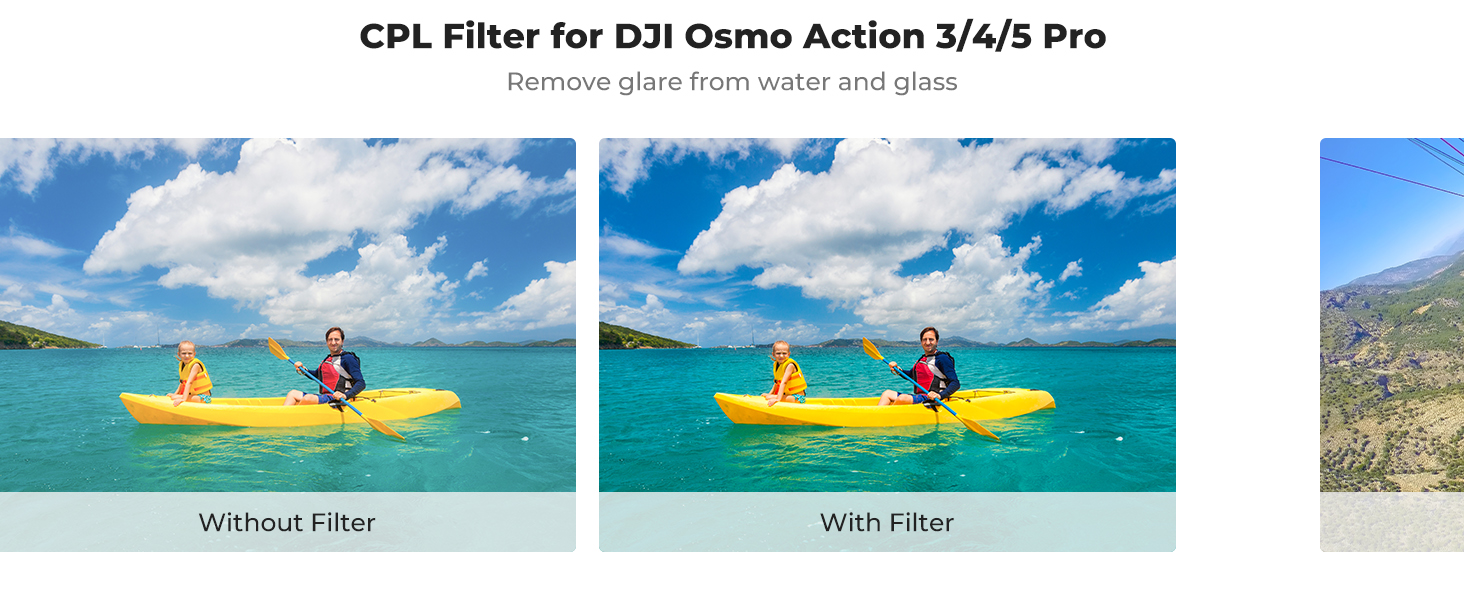
Figure 4.1: Effect of CPL filter on water reflections and color saturation.
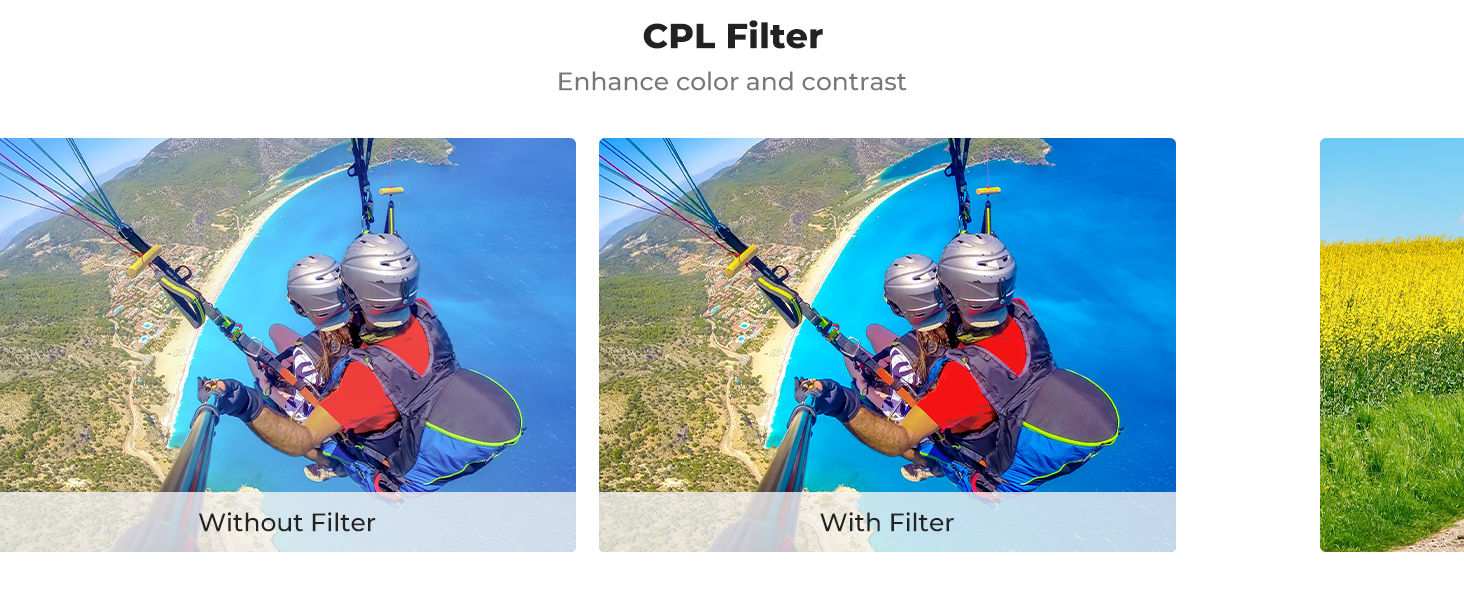
Figure 4.2: CPL filter enhancing sky color and contrast.
5. Maintenance
Proper maintenance ensures the longevity and performance of your CPL filter.
- Cleaning: The filter features water-repellent, scratch-resistant, dustproof, and oil-proof coatings. To clean, gently wipe the glass surface with a clean, soft microfiber cloth. For stubborn smudges, use a specialized lens cleaning solution. Avoid harsh chemicals or abrasive materials.
- Storage: Always store the CPL filter in its robust protective case when not in use. This prevents dust accumulation, scratches, and accidental damage.
- Handling: Handle the filter by its aluminum alloy frame to avoid touching the glass surface directly.
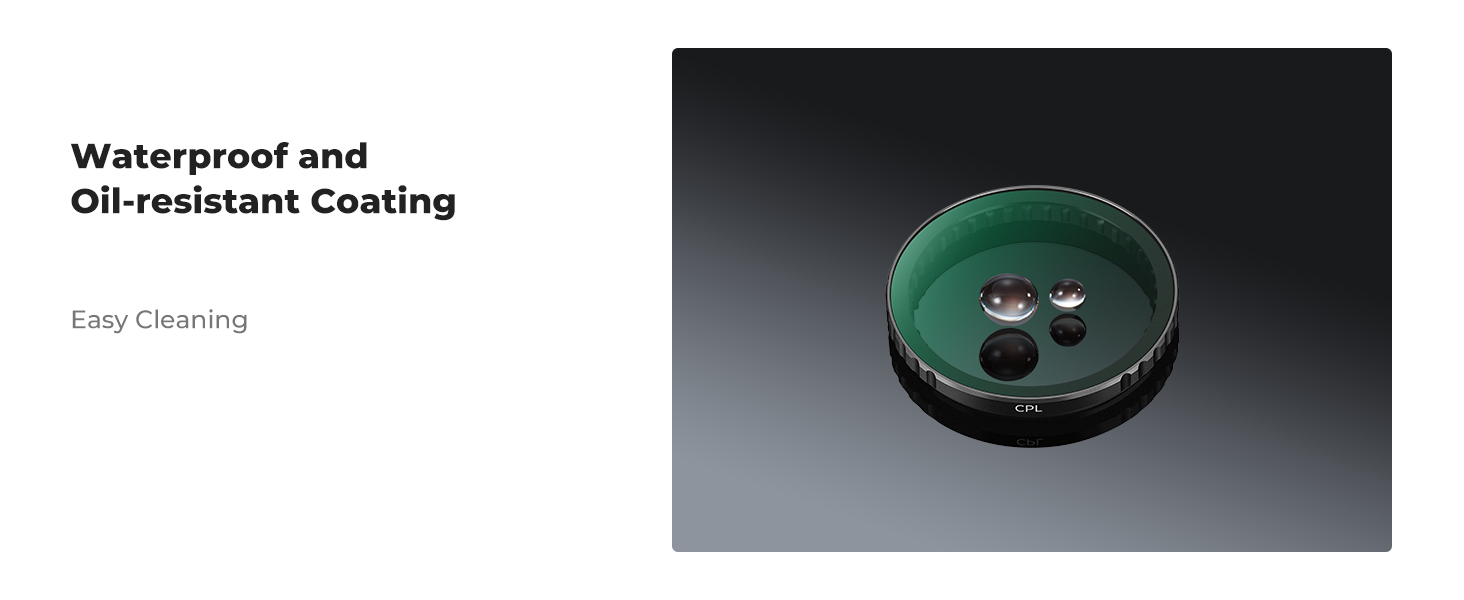
Figure 5.1: Water and oil-resistant coating for easy cleaning.
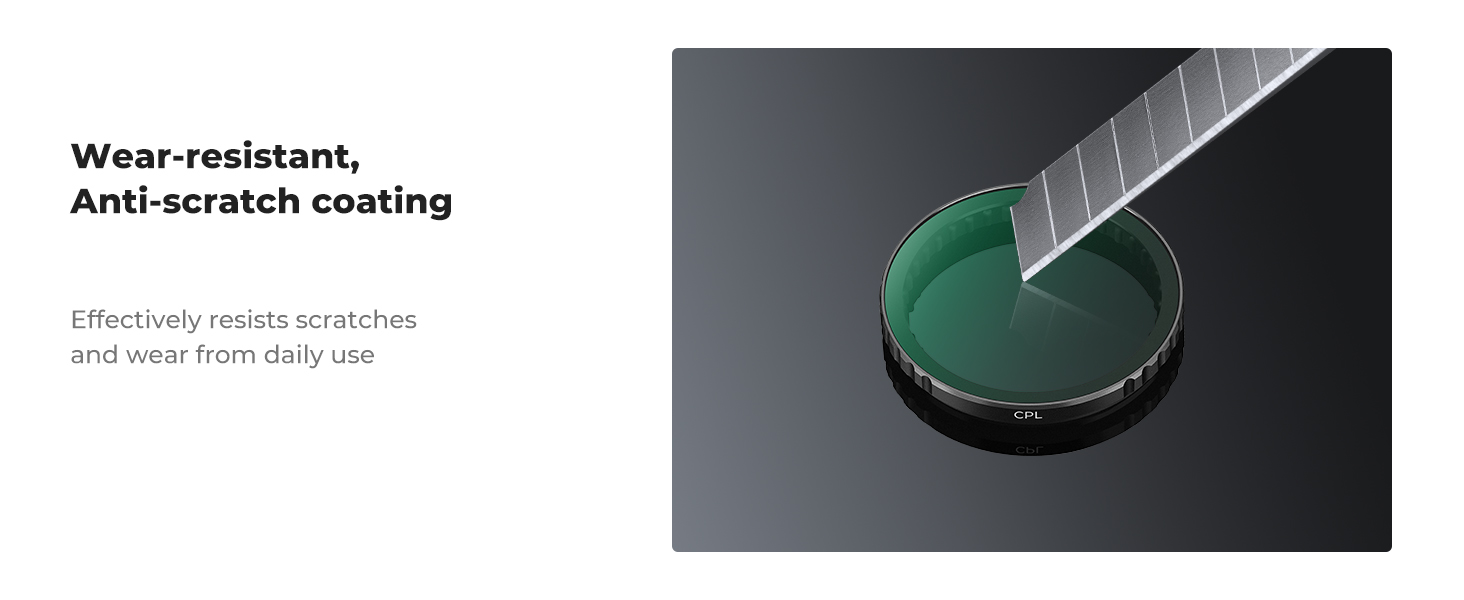
Figure 5.2: Wear-resistant and anti-scratch coating.
6. Troubleshooting
- Filter Not Snapping On Securely: Ensure that any original lens protector or rubber ring on your camera lens has been removed. The filter should align correctly and snap firmly into place. Do not force the filter.
- Unwanted Reflections or Glare Still Present: The CPL filter's effect is dependent on its rotation angle relative to the light source. Experiment with rotating the filter (before attaching it to the camera) to find the optimal angle that minimizes reflections.
- Image Quality Issues (e.g., 'Rainbow' Effect): Ensure the filter is clean and free from smudges or dust. While rare, some coatings can exhibit minor optical effects under extreme conditions. If the issue persists after cleaning and proper installation, contact customer support.
- Filter Appears Fragile: While designed for durability, optical filters should always be handled with care. Avoid dropping or subjecting the filter to strong impacts.
7. Specifications
| Feature | Description |
|---|---|
| Compatibility | DJI Osmo Action 3, Osmo Action 4, Osmo Action 5 Pro |
| Filter Type | Circular Polarizer (CPL) |
| Glass Material | Imported AGC Optical Glass |
| Coatings | 28 Multi-Layer Coatings (Water-repellent, Scratch-resistant, Dustproof, Oil-proof) |
| Frame Material | Aluminum Alloy |
| Installation | Snap-on (Push-in fit) |
8. Warranty and Support
For specific warranty details and customer support, please refer to the documentation included with your purchase or contact the seller directly. K&F Concept is committed to providing quality products and assistance.
Video 8.1: K&F Concept Filter Kit for DJI Osmo Action 5 Pro/Action 4. This video showcases the filter kit and its benefits for action camera users.