
1. Introduction
Welcome to the user manual for your new TCL 115X955 Max 4K Ultra HD QD Mini LED Google TV. This document provides essential information for setting up, operating, maintaining, and troubleshooting your television. Please read it carefully to ensure optimal performance and longevity of your device.
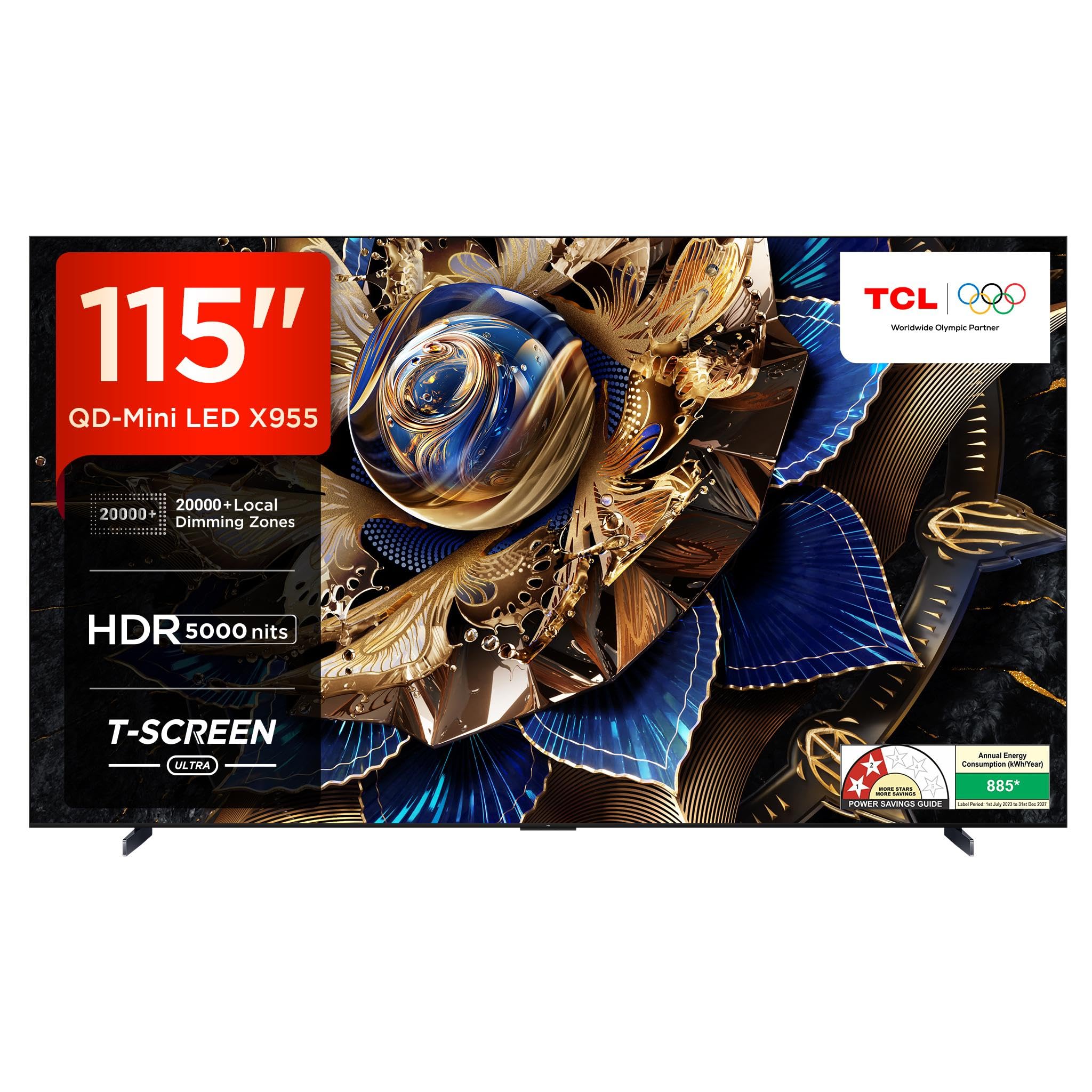
Figure 1: TCL 115X955 Max TV highlighting its advanced features.
2. What's in the Box
Before you begin, ensure all components are present in the packaging:
- 1N LED TV
- 1N Stand
- 1N Power cord
- 1N Remote Control
- 2N Batteries (for remote control)
- 1N Audio Cable
3. Setup
3.1 Stand Installation
To install the TV stand:
- Carefully place the TV screen-down on a soft, flat surface to prevent damage.
- Align the stand brackets with the screw holes on the bottom of the TV.
- Secure the stand using the provided screws. Ensure the stand is firmly attached before placing the TV upright.

Figure 2: TV dimensions and weight for placement planning.
3.2 Wall Mounting
For wall mounting, use a compatible VESA wall mount (not included). Follow the wall mount manufacturer's instructions carefully. Ensure the wall can support the TV's weight (approximately 99.8 kg).

Figure 3: Side profile of the TV, demonstrating its slim design for wall mounting.
3.3 Initial Power On
Connect the power cord to the TV and a power outlet. Press the power button on the remote control or the TV to turn it on. Follow the on-screen instructions for initial setup, including language selection, network connection, and Google account login.
4. Operating Your TV
4.1 Google TV Interface
Your TCL TV runs on Google TV, providing a personalized experience with access to thousands of apps, movies, and shows. Navigate using the remote control's directional pad and 'OK' button.

Figure 4: Google TV home screen with popular streaming apps.
4.2 Remote Control
The smart remote control features dedicated hotkeys for quick access to popular streaming services and Google Assistant. Use the voice button to activate 'Hey Google' for hands-free control.

Figure 5: Remote control with Google Assistant and quick access buttons.
4.3 Smart Features
- Chromecast built-in: Cast content from your mobile devices directly to the TV.
- Hey Google - Hands Free Voice Control: Control your TV and smart home devices using voice commands.
- HomeKit & Airplay 2: Seamlessly integrate with Apple devices for streaming and control.
- Multi View 2.0: Display multiple content sources simultaneously on the screen.
- Multiple Eye Care: Features designed to reduce eye strain during prolonged viewing.
5. Display Features
Experience stunning visuals with the TCL 115X955 Max's advanced display technologies:
- 4K Ultra HD (3840 x 2160): Delivers incredibly sharp and detailed images.
- QD Mini LED: Combines Quantum Dot and Mini LED technologies for superior brightness, color, and contrast.
- 20000+ Local Dimming Zones: Precisely controls backlight for deep blacks and bright highlights.
- HDR 5000nits: Achieves peak brightness of 5000 nits for exceptional HDR performance.
- QLED PRO: Enhances color volume and accuracy.
- T-SCREEN ULTRA: Reduces reflections and improves viewing angles.
- AiPQ PROCESSOR PRO: AI-powered processor optimizes picture quality in real-time.
- Dolby Vision IQ, HDR10+, HLG: Supports multiple HDR formats for dynamic content.

Figure 6: Visual representation of 20000+ Local Dimming Zones.

Figure 7: The AiPQ PRO Processor, enhancing visual performance.
6. Audio Features
Immerse yourself in rich, dynamic sound with the TV's advanced audio system:
- 120W ONKYO 6.2.2 Hi-Fi System: Powerful audio output with dedicated speakers for a cinematic experience.
- Dolby Atmos: Delivers multi-dimensional sound that moves around you.
- Ultra Surround Speaker: Creates an expansive soundstage.
- Double Subwoofer: Provides deep, impactful bass.
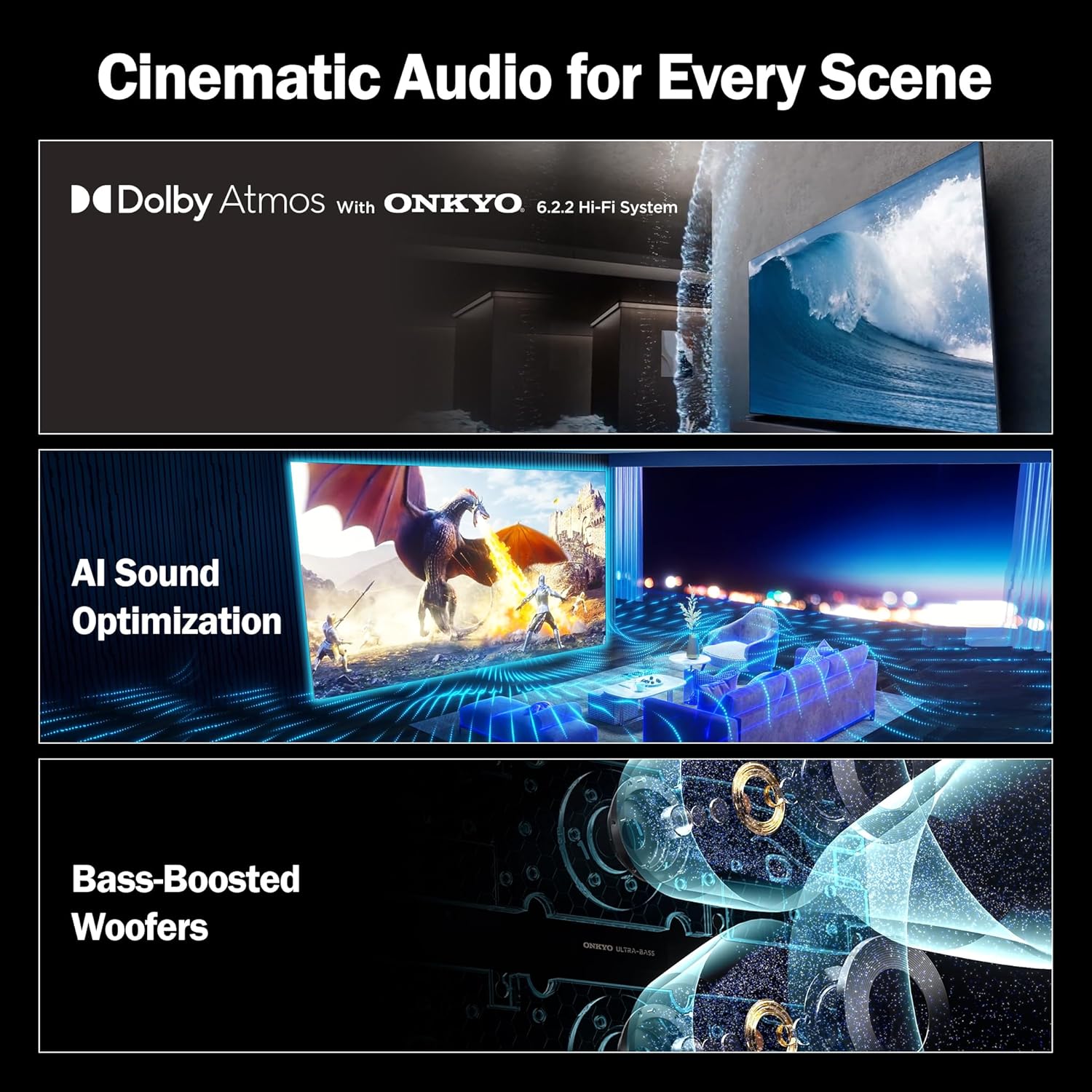
Figure 8: Overview of the TV's cinematic audio capabilities.
7. Gaming Features
Designed for gamers, the TCL 115X955 Max offers features for a smooth and responsive gaming experience:
- VRR 144Hz: Variable Refresh Rate up to 144Hz for tear-free and fluid gameplay.
- DLG 240Hz: Dynamic Low Latency Gaming at 240Hz for ultra-responsive input.
- AMD Free Sync Premium Pro: Ensures smooth, low-latency gaming with compatible graphics cards.
- Game Master: Dedicated gaming mode for optimized settings.
- Dolby Vision Gaming: Enhanced visual experience for supported games.

Figure 9: Gaming features for an enhanced experience.
8. Connectivity
Your TV offers a wide range of connectivity options:
- 4 HDMI Ports: Connect set-top boxes, Blu-Ray players, and gaming consoles.
- 3 USB Ports (2-USB 2.0, 1-USB 3.0): For media playback and connecting peripherals.
- 1 AV Input: For older devices.
- 1 Digital Audio Out (Optical): For connecting to external sound systems.
- 1 Antenna IN: For terrestrial broadcast reception.
- 1 LAN Port: For wired internet connection.
- Wi-Fi 6 & Bluetooth 5.2: For wireless internet and accessory connections.
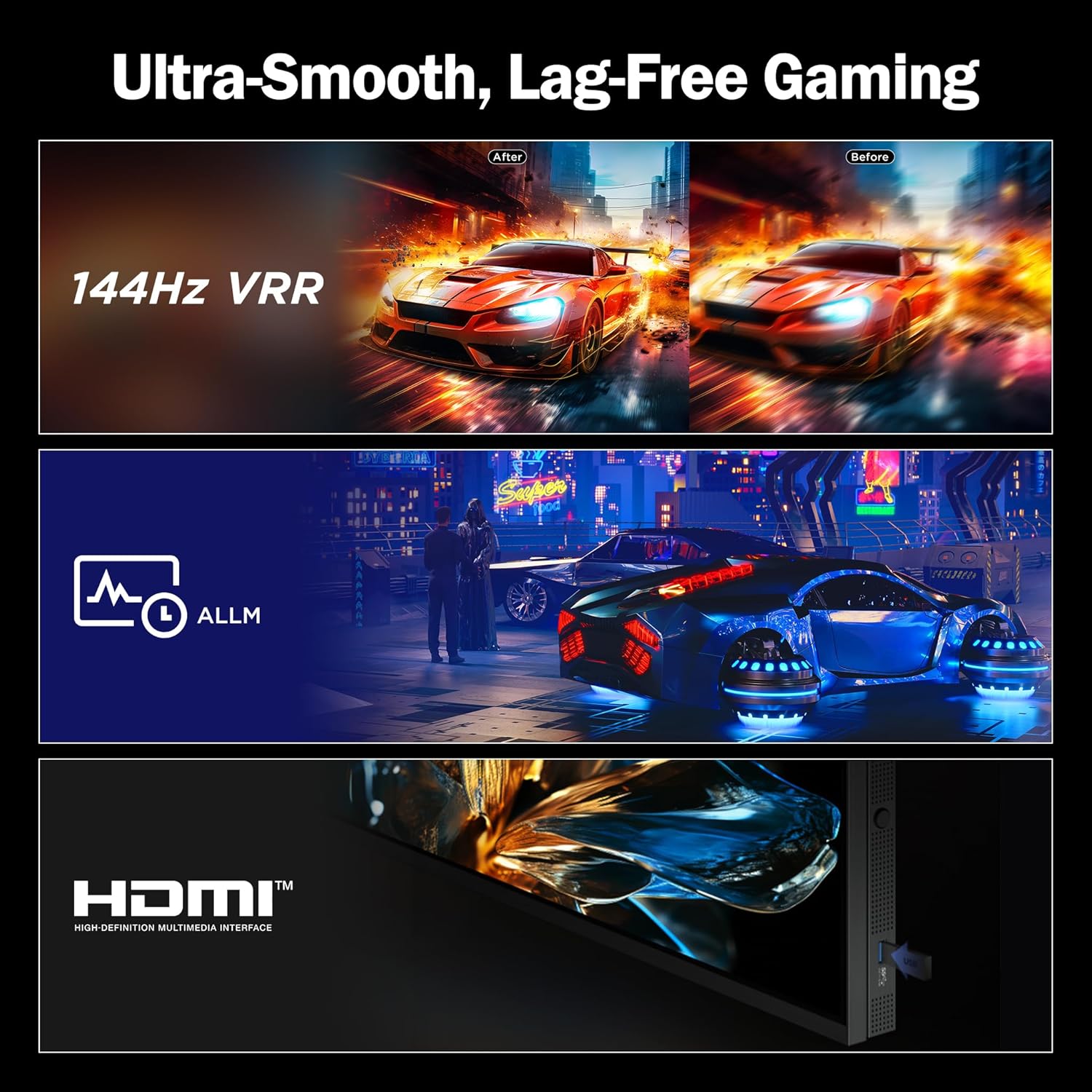
Figure 10: Detailed view of the TV's connectivity ports.
9. Maintenance
To keep your TCL TV in optimal condition:
- Cleaning the Screen: Use a soft, lint-free cloth specifically designed for electronics. Do not use harsh chemicals or abrasive materials.
- Cleaning the Body: Wipe the TV's frame and stand with a soft, dry cloth.
- Software Updates: Regularly check for and install software updates to ensure the best performance and latest features.
- Ventilation: Ensure adequate airflow around the TV to prevent overheating. Do not block ventilation openings.
10. Troubleshooting
If you encounter issues with your TV, refer to the following common solutions:
- No Power: Check if the power cord is securely connected and the power outlet is functioning. Try a different outlet.
- No Picture/Sound: Verify that the correct input source is selected. Check all cable connections.
- Remote Not Working: Replace the batteries. Ensure there are no obstructions between the remote and the TV.
- Network Connection Issues: Restart your router and modem. Reconnect the TV to the Wi-Fi network or check the LAN cable connection.
- Picture Quality Issues: Adjust picture settings (brightness, contrast, color). Ensure the content source is high quality.
For more complex issues, please contact TCL customer support.
11. Specifications
| Feature | Specification |
|---|---|
| Brand | TCL |
| Model | 115X955 Max |
| Screen Size | 115 Inches (291 cm) |
| Display Technology | QD Mini LED |
| Resolution | 4K Ultra HD (3840 x 2160) |
| Refresh Rate | 120 Hz (DLG 240Hz, VRR 144Hz) |
| Local Dimming Zones | 20000+ |
| HDR Brightness | 5000 nits |
| Processor | 64-bit A73*4 @1.1GHz Max:1.39G Hz (AiPQ PROCESSOR PRO) |
| Operating System | Google TV |
| RAM | 3 GB |
| Storage | 64 GB |
| Audio Output | 120W Dolby Atmos ONKYO 6.2.2 Hi-Fi System |
| HDMI Ports | 4 (HDMI 2.1 with eARC/ARC) |
| USB Ports | 3 (2x USB 2.0, 1x USB 3.0) |
| Wireless Connectivity | Wi-Fi 6, Bluetooth 5.2 |
| Product Dimensions (LxWxH) | 256 x 67 x 184.9 cm |
| Item Weight | 99.8 kg |
12. Warranty and Support
Your TCL 115X955 Max TV comes with a 2-year warranty provided by the manufacturer from the date of purchase. The remote control has a 6-month warranty. Warranty claims can be processed using your Amazon e-invoice.
For further assistance, technical support, or to access the full user manual, please visit the official TCL website or contact their customer service.


