
Introduction
This manual provides comprehensive instructions for the setup, operation, and maintenance of your soyes Mini 4G Smartphone, model soyes-15mini-pk. Designed for portability and functionality, this compact device offers essential smartphone features in a small form factor.
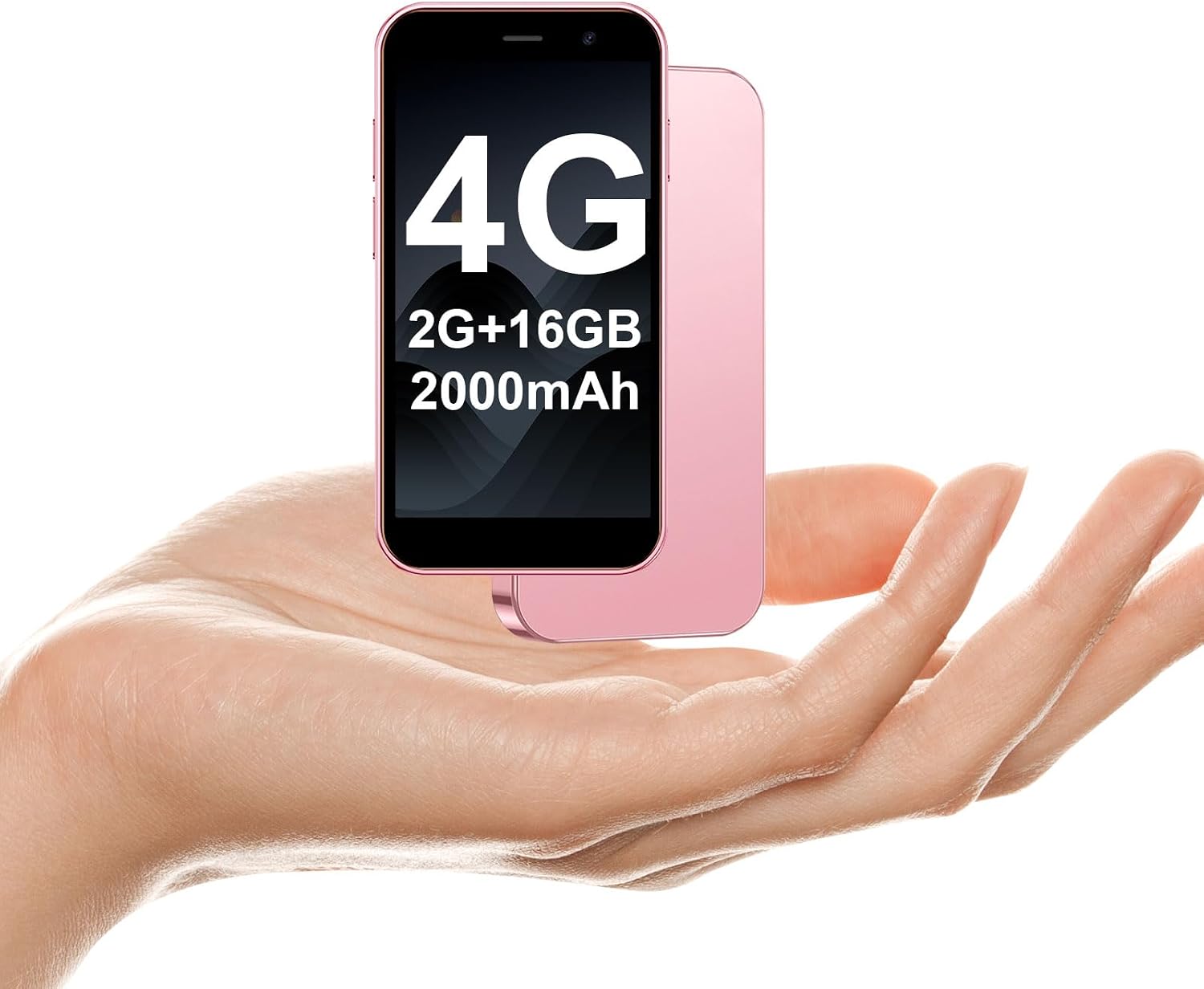
Image: The soyes Mini 4G Smartphone, highlighting its small size and key specifications on the screen.
Setup
1. Unboxing and Initial Charge
Upon unboxing, ensure all components are present:
- 1*mini smartphone
- 1*Tempered Film
- 1*Type C Cable
- Phone Case
- 1*Stuck Pin
Connect the device to a power source using the provided Type C cable for initial charging. The device requires 1 Lithium Ion battery (included).
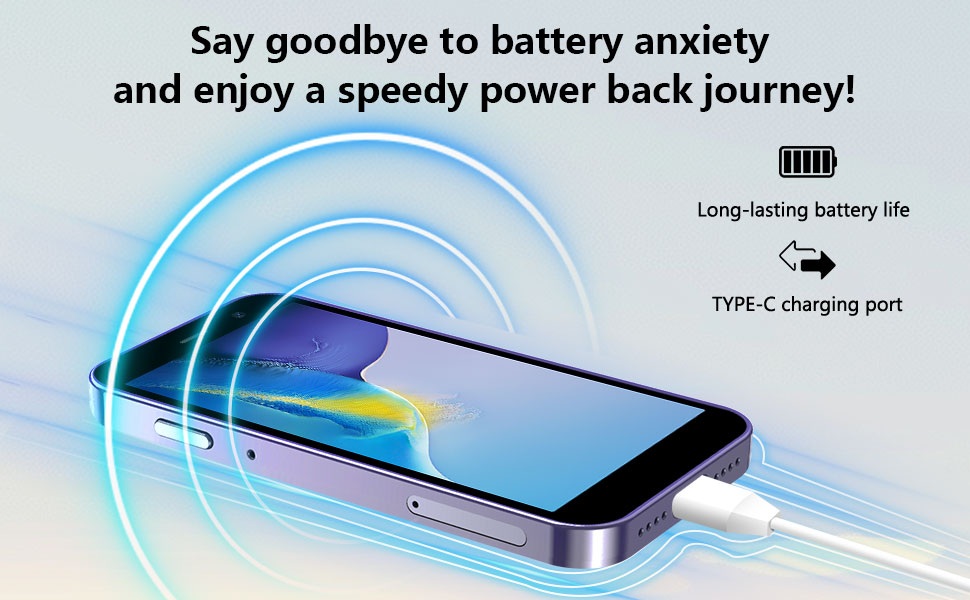
Image: The soyes Mini 4G Smartphone connected to a Type-C charging cable.
2. SIM Card and Network Configuration
The soyes Mini 4G Smartphone supports dual SIM cards. To install, locate the SIM card tray on the side of the device. Use the provided stuck pin to eject the tray. Insert your Nano-SIM cards into the designated slots. Ensure your SIM card is compatible with the following 4G frequency bands for optimal performance: WCDMA B2/B4, B5; FDD B2/B4/B5/B7/B17/B28/B28A/B41/B66.

Image: The dual SIM card and TF card slot of the soyes Mini 4G Smartphone.
3. Memory Card Installation
The device features a memory card slot for expandable storage (up to 256GB Max). Insert a compatible TF (microSD) card into the dedicated slot on the SIM tray. This allows for additional storage of photos, videos, music, and files.
4. Initial Setup and Google Play Store
Upon first power-on, follow the on-screen prompts to complete the initial setup, including language selection, Wi-Fi connection, and Google account login. The device runs on Android 8.1 and is fully compatible with applications from the Google Play Store. You can download popular apps such as Facebook, YouTube, Instagram, WhatsApp, TikTok, and Twitter.

Image: The soyes Mini 4G Smartphone showcasing various downloadable applications.
Operating Instructions
1. Navigation and Touch Screen
The device features a 3.0-inch HD touch screen with a resolution of 720 x 1280. Navigate the interface by swiping, tapping, and pinching. The on-screen navigation buttons (Back, Home, Recent Apps) are located at the bottom of the display.
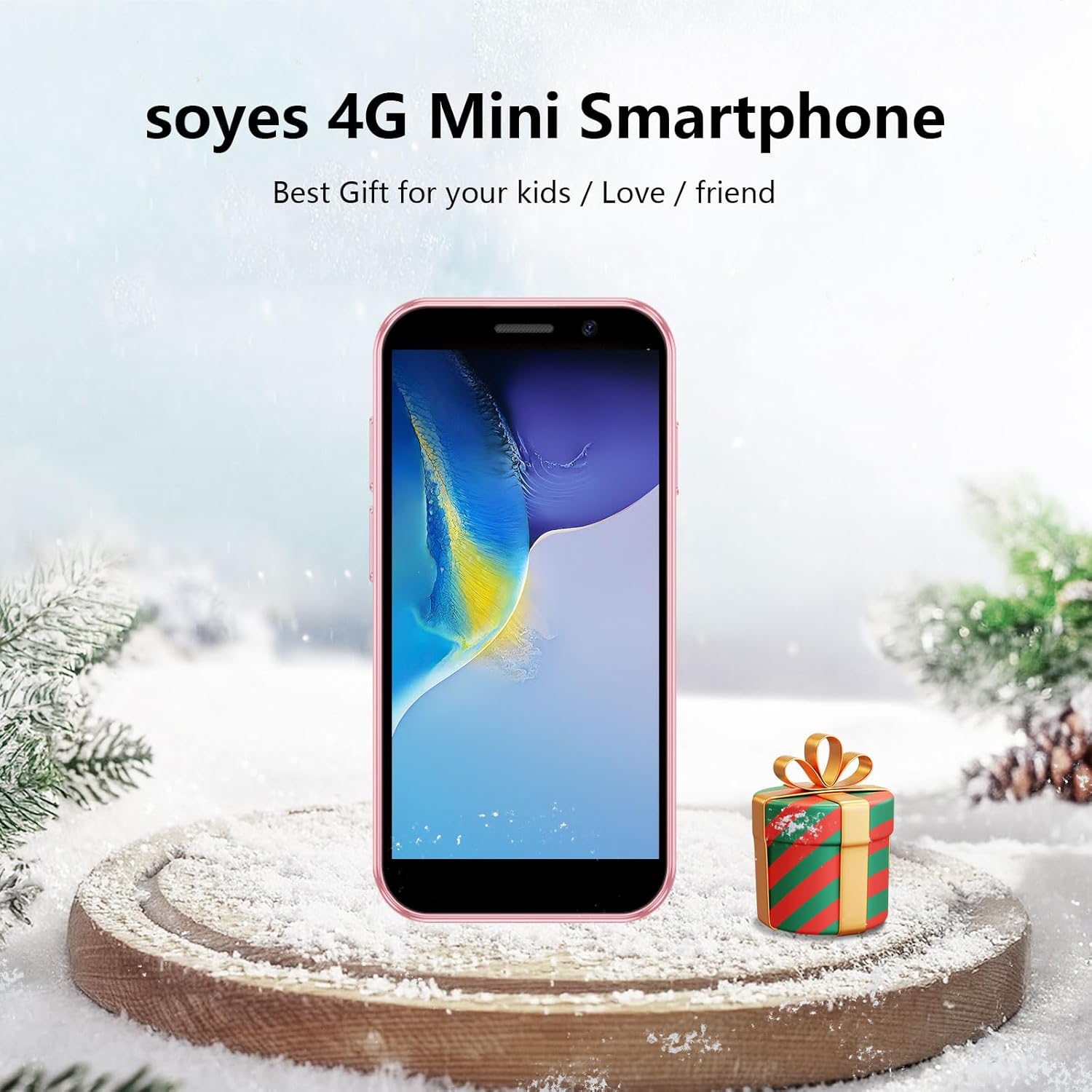
Image: The soyes Mini 4G Smartphone held in a hand, illustrating its compact design.
2. Making Calls and Messaging
Use the Phone app to make calls. Enter the number directly or select a contact from your address book. The Messaging app allows you to send and receive text messages. With dual SIM support, you can manage calls and messages from two different numbers.
3. Camera Functions
The soyes Mini 4G Smartphone is equipped with a 2MP front camera and a 5MP rear camera. Open the Camera app to capture photos and videos. Tap the screen to focus and press the shutter button to take a picture. Various modes and settings are available within the camera interface.
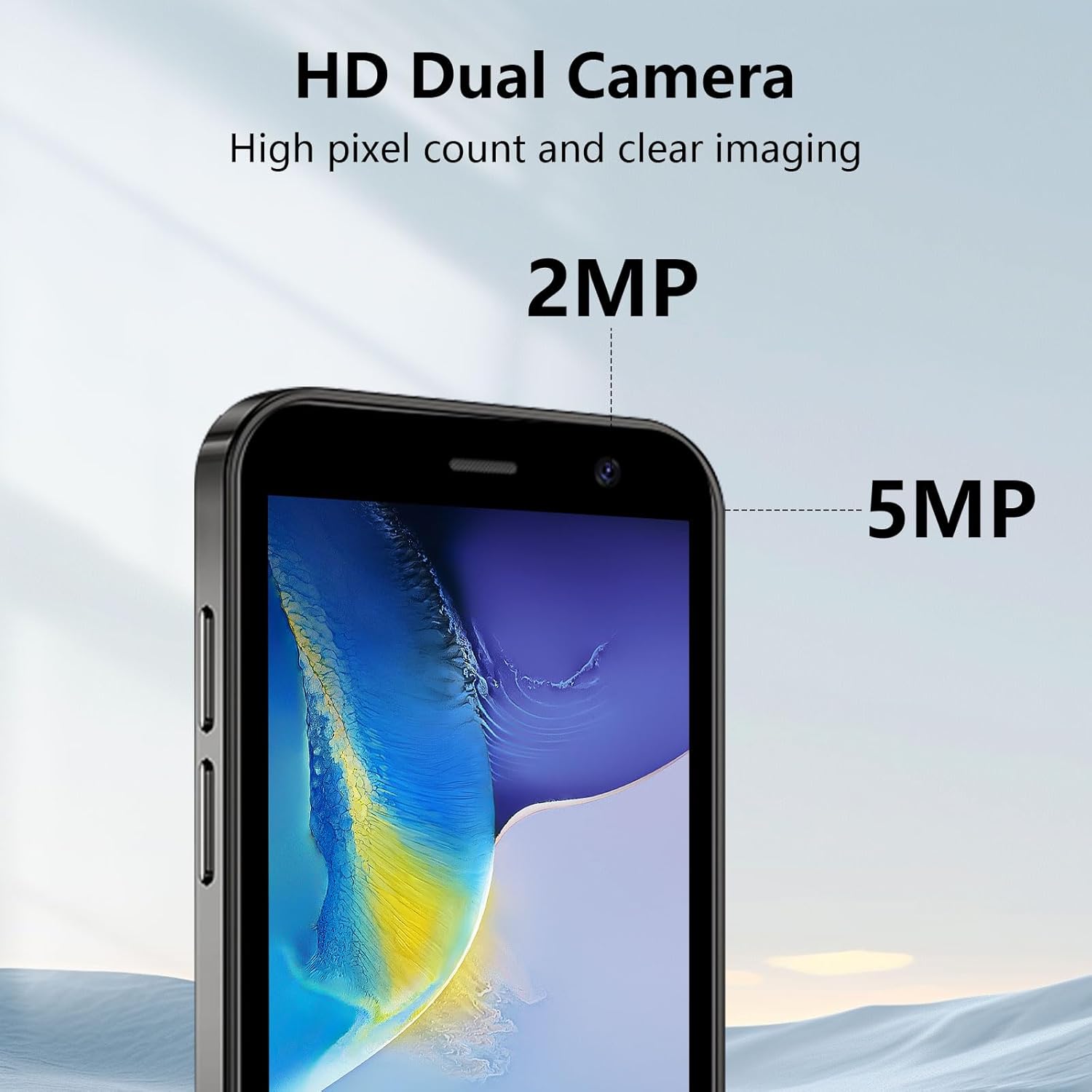
Image: Detailed view of the soyes Mini 4G Smartphone's dual camera system.
4. Facial Recognition
For enhanced security, the device includes advanced facial recognition technology. To set up Face ID, navigate to Settings > Security & Location > Face Unlock and follow the on-screen instructions to register your face. This feature allows for faster unlocking of your device.

Image: Illustration of the facial recognition feature on the soyes Mini 4G Smartphone.
Maintenance
1. Battery Management
The device is equipped with a 2000mAh Lithium Ion battery. To maximize battery life:
- Avoid extreme temperatures.
- Reduce screen brightness.
- Close unused applications running in the background.
- Use the provided Type C cable for charging.
2. Cleaning Your Device
Use a soft, lint-free cloth to clean the screen and body of the phone. Avoid using harsh chemicals or abrasive materials that could damage the device.
3. Software Updates
Periodically check for software updates to ensure your device has the latest features and security patches. Navigate to Settings > System > System update to check for and install available updates.
Troubleshooting
Common Issues and Solutions:
- Device not powering on: Ensure the battery is charged. Connect to the charger and wait a few minutes before attempting to power on again.
- Poor network signal: Check SIM card insertion. Ensure you are within network coverage. Verify SIM card compatibility with listed frequency bands.
- Applications crashing or slow performance: Close background apps. Clear app cache (Settings > Apps & notifications > [App Name] > Storage & cache > Clear cache). Restart the device.
- Battery draining quickly: Reduce screen brightness. Disable unused features like GPS or Bluetooth. Limit background app activity.
- Touch screen unresponsive: Restart the device. If the issue persists, perform a factory reset (backup data first).
Technical Specifications
| Feature | Specification |
|---|---|
| Product Dimensions | 3.7 x 1.89 x 0.5 inches |
| Item Weight | 3.35 ounces (95 Grams) |
| Model Number | soyes-15mini-pk |
| Operating System | Android 8.1 |
| CPU Model | MediaTek Kompanio 800T (Quad-Core Processor) |
| Screen Size | 3.0 Inches |
| Resolution | 720 x 1280 |
| RAM Memory Installed Size | 2 GB |
| Memory Storage Capacity | 16 GB (Expandable via TF card up to 256GB) |
| Battery Capacity | 2000 mAh (1 Lithium Ion battery included) |
| Connectivity Technologies | 4G |
| Wireless Carrier | Unlocked |
| Special Features | Basic Phone, Dual SIM, Expandable Memory, Fast Charging Support, Stereo Speakers, Face ID, GPS |
| Front Camera | 2MP |
| Rear Camera | 5MP |
| Manufacturer | soyes |

Image: Key physical specifications of the soyes Mini 4G Smartphone.
Warranty Information
Please refer to the warranty card included in your product packaging for detailed warranty terms and conditions. Keep your proof of purchase for any warranty claims.
Customer Support
For further assistance, technical support, or inquiries regarding your soyes Mini 4G Smartphone, please contact your retailer or visit the official soyes support website. Contact information can typically be found on the product packaging or the manufacturer's website.