
Introduction
This manual provides essential information for the proper setup, operation, and maintenance of your OUKITEL BT20 Smartwatch. Please read this guide thoroughly before using the device to ensure optimal performance and longevity. The OUKITEL BT20 is a military-grade rugged smartwatch designed for durability and comprehensive health and fitness tracking.

The OUKITEL BT20 Smartwatch, built for rugged environments.
Package Contents
Upon unboxing your OUKITEL BT20 Smartwatch, please verify that all items listed below are present:
- OUKITEL BT20 Smartwatch
- Charging Cable
- User Manual (this document)
Unboxing and initial setup of a similar smartwatch, demonstrating typical package contents and first steps.
Product Overview
The OUKITEL BT20 features a robust design with a 1.96-inch AMOLED display. It includes physical buttons for power and navigation, along with sensors on the rear for health monitoring.
Physical Features
- Display: 1.96-inch AMOLED screen with 410x502 resolution.
- Buttons: Dedicated buttons for power, sport mode, and menu navigation.
- Sensors: Optical sensors for heart rate, blood oxygen, and blood pressure monitoring.
- Durability: Military-grade construction, 5ATM waterproof rating, dustproof, and drop-resistant.

The 1.96-inch AMOLED display of the OUKITEL BT20 Smartwatch.
Setup
1. Charging the Smartwatch
Before initial use, fully charge your smartwatch. Connect the magnetic charging cable to the charging points on the back of the watch and plug the USB end into a power adapter (not included).
- Charging Time: Approximately 2.5 hours for a full charge.
- Battery Life: Up to 15 days in standby, 10 days with daily use, and 7 days with heavy use.
The OUKITEL BT20 Smartwatch displaying its battery capacity and usage estimates.
2. App Installation and Pairing
To unlock the full potential of your OUKITEL BT20 Smartwatch, you need to install the companion app on your smartphone.
- Download the App: Scan the QR code displayed on the smartwatch screen or in the manual to download the 'FitCloudPro' app from your smartphone's app store (iOS/Android). You can also visit http://fitcloud.hetangsmart.com/qrcode/.
- Enable Bluetooth: Ensure Bluetooth is enabled on your smartphone.
- Pairing: Open the 'FitCloudPro' app, navigate to the device section, and search for 'BT20' to pair. Follow the on-screen prompts to complete the connection.

Steps for installing the companion app and pairing your smartwatch.
Operating Instructions
Basic Navigation
- Swipe Up/Down: Scroll through notifications and quick settings.
- Swipe Left/Right: Access different widgets and main functions (e.g., activity, heart rate, weather).
- Press Power Button: Wake/sleep screen, return to home screen.
- Press Sport Button: Quickly access sport modes.
Bluetooth Calling
The OUKITEL BT20 supports Bluetooth 5.2 for stable call functionality.
- Making Calls: Use the dial pad on the watch or access synced contacts to make calls directly from your wrist.
- Receiving Calls: Answer or reject incoming calls directly on the smartwatch.
- Notifications: Receive instant messages from various apps (SMS, WhatsApp, Facebook, Instagram, etc.).

Bluetooth calling feature on the OUKITEL BT20 Smartwatch.
Health Monitoring
The smartwatch continuously monitors key health metrics.
- Heart Rate: 24-hour continuous heart rate tracking.
- Blood Oxygen (SpO2): Monitor your blood oxygen levels.
- Blood Pressure: Track your blood pressure.
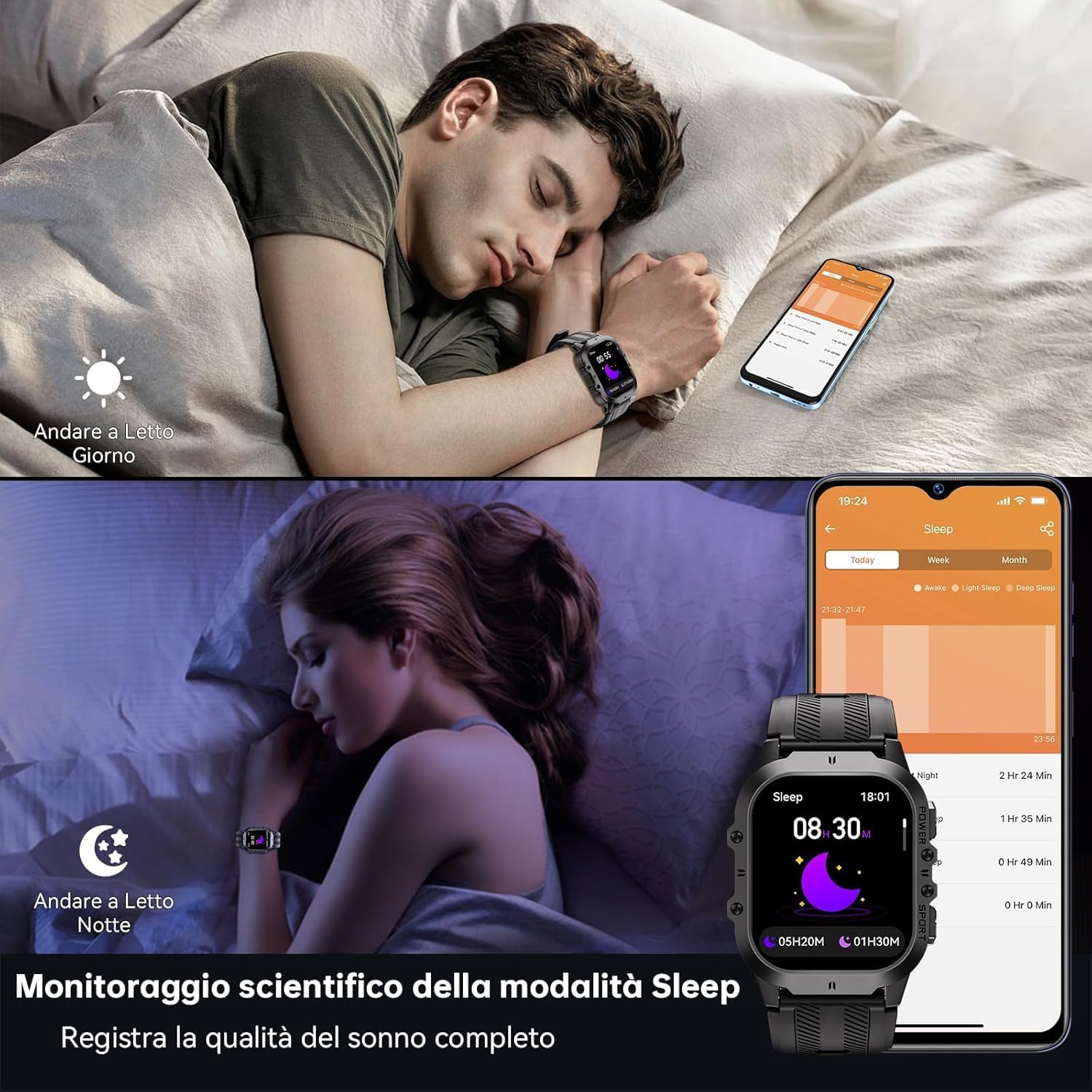
- Sleep Tracking: Records sleep status and quality during the night.
Health monitoring features including heart rate, blood pressure, and blood oxygen.
Sports Modes
With over 120 sports modes, the BT20 is suitable for a wide range of activities.
- Activity Tracking: Automatically records daily activity data including steps, calories, and distance.
- GPS Tracking: Utilizes your mobile phone's GPS for specific movement tracks, viewable in the app.
- Supported Modes: Includes mountaineering, skiing, running, hiking, cycling, and more.
The OUKITEL BT20 Smartwatch tracking a cycling activity.
Other Functions
The smartwatch offers several convenient features:
- Camera Remote: Control your smartphone camera remotely.
- Weather Updates: Get real-time weather information.
- Alarm Function: Set alarms directly from your wrist.
- Hydration Reminder: Receive reminders to drink water.
- Sedentary Reminder: Get alerts when you've been inactive for too long.
- Flashlight: A built-in flashlight for convenience.
Demonstration of various smartwatch features including flashlight, battery life, sports modes, and Bluetooth calling.
Maintenance and Care
To ensure the longevity and optimal performance of your OUKITEL BT20 Smartwatch, follow these care guidelines:
- Cleaning: Wipe the watch and strap regularly with a soft, dry cloth. For stubborn dirt, use a slightly damp cloth and dry thoroughly.
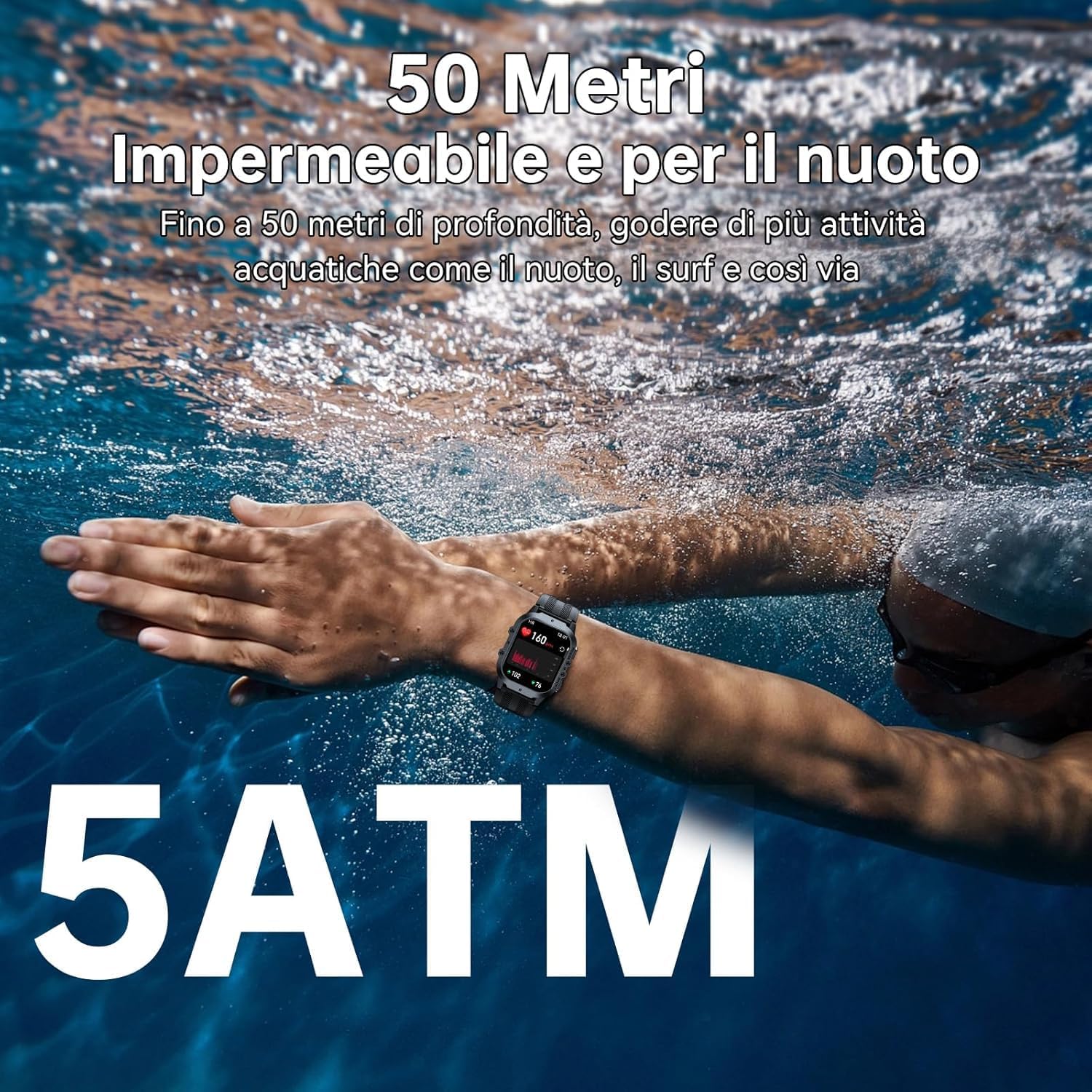
- Water Resistance: The watch is 5ATM waterproof, suitable for swimming and shallow water activities. Do not use for deep diving or hot baths.
- Temperature: Avoid exposing the watch to extreme temperatures (below -40°C or very high heat) for prolonged periods.
- Impact: While rugged, avoid unnecessary drops or impacts to prevent damage.
- Charging: Use only the provided charging cable. Ensure charging contacts are clean and dry before charging.

The OUKITEL BT20 Smartwatch is 5ATM waterproof, suitable for swimming.
Troubleshooting
If you encounter issues with your smartwatch, refer to the following common solutions:
| Problem | Possible Solution |
|---|---|
| Watch not turning on | Ensure the watch is fully charged. Press and hold the power button for several seconds. |
| Cannot pair with phone | Ensure Bluetooth is enabled on your phone. Restart both the watch and phone. Make sure the 'FitCloudPro' app is updated. |
| Inaccurate health data | Ensure the watch is worn snugly on your wrist. Clean the sensor on the back of the watch. Avoid excessive movement during measurements. |
| Notifications not received | Check app settings to ensure notifications are enabled for desired apps. Verify Bluetooth connection is stable. |
| Short battery life | Reduce screen brightness, disable continuous heart rate monitoring, or limit frequent notifications. |
Specifications
| Feature | Detail |
|---|---|
| Model | BT20 |
| Display | 1.96-inch AMOLED, 410 x 502 resolution |
| Battery Capacity | 350 mAh Lithium Metal |
| Charging Time | Approx. 2.5 hours |
| Battery Life (Typical) | Up to 10 days |
| Connectivity | Bluetooth 5.2 |
| Water Resistance | 5ATM |
| Memory | 128 MB |
| Operating System | Android Wear 2.9 (compatible with iOS/Android) |
| Weight | 140 g |
Warranty and Support
OUKITEL products are designed for durability and performance. For warranty information and customer support, please refer to the official OUKITEL website or contact your retailer. Keep your purchase receipt as proof of purchase for warranty claims.
- Warranty: Typically includes a manufacturer's warranty against defects.
- Support: Online resources, FAQs, and customer service contact information are usually available on the brand's official channels.


