1. Introduction
This manual provides essential information for the safe and efficient operation of your JUOVI 45W 20000mAh and 35W 10000mAh Power Banks. Please read this manual thoroughly before using the product and retain it for future reference.
2. Product Overview
The JUOVI Power Bank set includes two portable chargers designed for fast and efficient device charging. The 45W 20000mAh model offers higher capacity and output for demanding devices like laptops, while the 35W 10000mAh model provides a compact solution for smartphones and smaller gadgets. Both power banks feature multiple output ports and support various fast charging protocols.

Image: The JUOVI 35W and 45W Power Banks, showcasing their sleek black design and digital display.
Key Features:
- 45W High-Speed Charging (20000mAh model): Capable of charging laptops and other high-power devices via the Type-C port.
- 35W Fast Charging (10000mAh model): Provides rapid charging for smartphones, such as an iPhone 15 from 20% to 70% in 30 minutes.
- High Capacity: 20000mAh model can charge an iPhone 15 up to 4 times.
- Multiple Ports: Both models feature Type-C (input/output) and USB-A output ports for versatile charging.
- Two-way Fast Charging: The Type-C port supports both fast input and output.
- Digital Display: Shows remaining battery percentage.
- Protocol Support: Compatible with PD3.0, QC4.0, and Samsung Super Fast Charge 2.0.
3. Package Contents
Please check the package for the following items:
- JUOVI 45W 20000mAh Power Bank (Black)
- JUOVI 35W 10000mAh Power Bank (Black)
- USB-C to USB-C Charging Cable(s)
- User Manual
4. Setup
4.1 Initial Charging
Before first use, it is recommended to fully charge your JUOVI Power Bank. Connect the provided USB-C cable to the Type-C IN/OUT port on the power bank and plug the other end into a compatible USB wall charger (not included). The digital display will show the charging progress, indicating 100% when fully charged.
4.2 Understanding the Digital Display
The integrated digital display shows the remaining battery percentage of the power bank. A small lightning bolt or fast charge indicator may also appear when fast charging is active.

Image: Detailed view of the 35W power bank's interface, highlighting the digital display and port functions.
5. Operating Instructions
5.1 Charging Your Devices
- Identify the correct charging cable for your device.
- Connect one end of the cable to your device.
- Connect the other end of the cable to an available output port (USB-A or Type-C OUT) on the JUOVI Power Bank.
- The power bank will automatically begin charging your device. The digital display will show the power bank's remaining charge.

Image: The 45W power bank demonstrating its ability to charge multiple devices concurrently.

Image: The 45W power bank providing power delivery to a MacBook Pro, illustrating its fast charging capability for laptops.
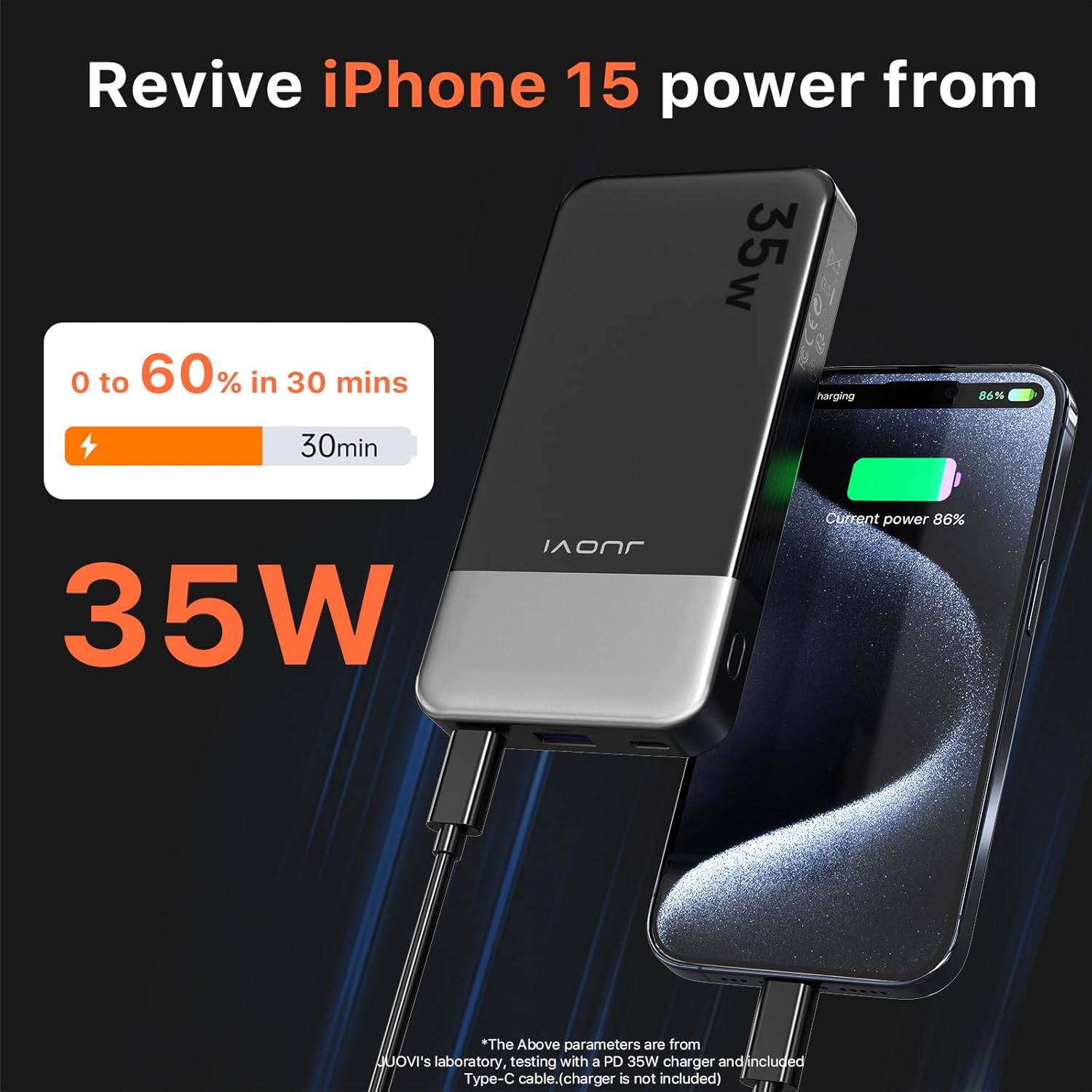
Image: The 35W power bank rapidly charging an iPhone 15, highlighting its efficiency for smartphone users.
5.2 Recharging the Power Bank
To recharge your JUOVI Power Bank:
- Use the provided USB-C to USB-C cable.
- Connect one end of the cable to the Type-C IN/OUT port on the power bank.
- Connect the other end to a compatible USB wall charger (e.g., a 35W or 45W PD charger for optimal speed).
- The digital display will show the battery percentage increasing as it charges. The 35W model can be fully charged in approximately 1.4 hours with a 35W input.

Image: The 45W power bank illustrating its dual fast charging capability through its Type-C port.
6. Maintenance
- Cleaning: Wipe the power bank with a soft, dry cloth. Do not use liquid cleaners or aerosols.
- Storage: Store the power bank in a cool, dry place away from direct sunlight and extreme temperatures.
- Handling: Avoid dropping or subjecting the power bank to strong impacts.
- Water Exposure: Keep the power bank away from water and high humidity.
- Charging Cycles: For optimal battery life, fully discharge and recharge the power bank at least once every three months if not in regular use.
7. Troubleshooting
- Power bank not charging:
- Ensure the charging cable is securely connected to both the power bank and the wall charger.
- Verify that the wall charger is functional and provides sufficient power (e.g., 35W or 45W PD charger).
- Try a different USB-C cable or wall charger.
- Device not charging from power bank:
- Check if the power bank has sufficient charge remaining.
- Ensure the charging cable is securely connected to both the power bank and your device.
- Try a different output port on the power bank.
- Test with a different charging cable or device to rule out cable/device issues.
- Slow charging:
- Ensure your device and cable support fast charging protocols (PD, QC).
- If charging multiple devices, the total output power is shared, which may reduce individual charging speeds.
- For recharging the power bank, use a high-wattage PD wall charger.
- Digital display not working:
- Try charging the power bank or connecting a device to see if it activates.
- If the issue persists, contact customer support.
8. Specifications
| Feature | 45W 20000mAh Power Bank | 35W 10000mAh Power Bank |
|---|---|---|
| Model | Not specified (part of B0DMJY8FMK kit) | Not specified (part of B0DMJY8FMK kit) |
| Capacity | 20000mAh | 10000mAh |
| Max Output Power | 45W (Type-C single port) | 35W (Type-C single port) |
| Input Port | USB Type-C (PD 35W Max) | USB Type-C (PD 35W Max) |
| Output Ports | 2x USB Type-C (45W Max), 2x USB-A (30W Max) | 2x USB Type-C (35W Max), 2x USB-A (30W Max) |
| Special Features | Fast Charging, PD3.0, QC4.0, Samsung Super Fast Charge 2.0 | Fast Charging, PD3.0, QC4.0 |
| Color | Black | Black |
9. Safety Information
- Do not disassemble, modify, or repair the device.
- Do not expose to fire, water, or extreme temperatures.
- Avoid dropping or strong impacts.
- Keep out of reach of children.
- Use only original or certified cables for charging and discharging.
- If the power bank swells, leaks, or emits an unusual odor, discontinue use immediately and dispose of it properly.
- Do not use in environments with high humidity or dust.
10. Warranty and Support
JUOVI products are designed for reliability and performance. For warranty information, technical support, or any inquiries regarding your power bank, please refer to the official JUOVI website or contact their customer service directly. Please retain your proof of purchase for warranty claims.

