
1. Introduction
Thank you for choosing the FOFUN T-Fun NC95 Hybrid Active Noise Cancelling Headphones. This manual provides essential information for the safe and efficient use of your headphones. Please read it thoroughly before use and retain it for future reference.

Image 1.1: T-Fun NC95 Hybrid Active Noise Cancelling Headphones.
2. Package Contents
Verify that all items are present in the package:
- NC95 ANC Headphones
- 3.5mm Audio Cable
- Type A-C Charging Cable
- PU Bag (Carrying Case)
- Quick Start Guide
- Digital Manual (Downloadable)

Image 2.1: Included accessories and headphones.
3. Product Overview
3.1 Headphone Components

Image 3.1: Overview of headphone ports and buttons.
3.2 Fit and Adjustability
- Adjustable Headband: The headband can be extended or retracted to fit various head sizes, ensuring a personalized and comfortable fit.
- 90° Rotatable Earcups: The earcups rotate more than 90 degrees, allowing for a comfortable fit and easy storage when not in use.
- Soft Ear Cushions: Made with quality protein memory foam for extended comfort.
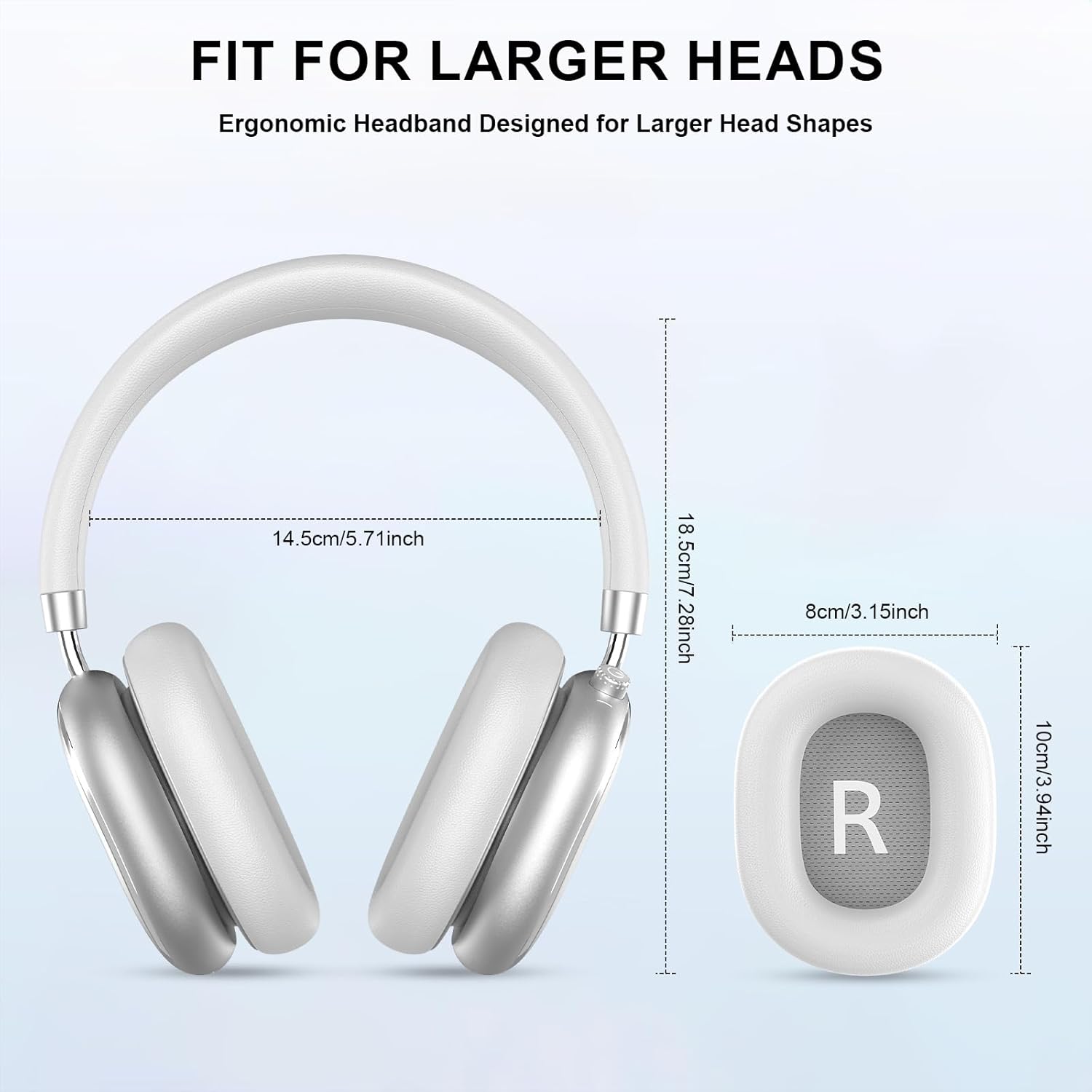
Image 3.2: Headphone dimensions for fit reference.
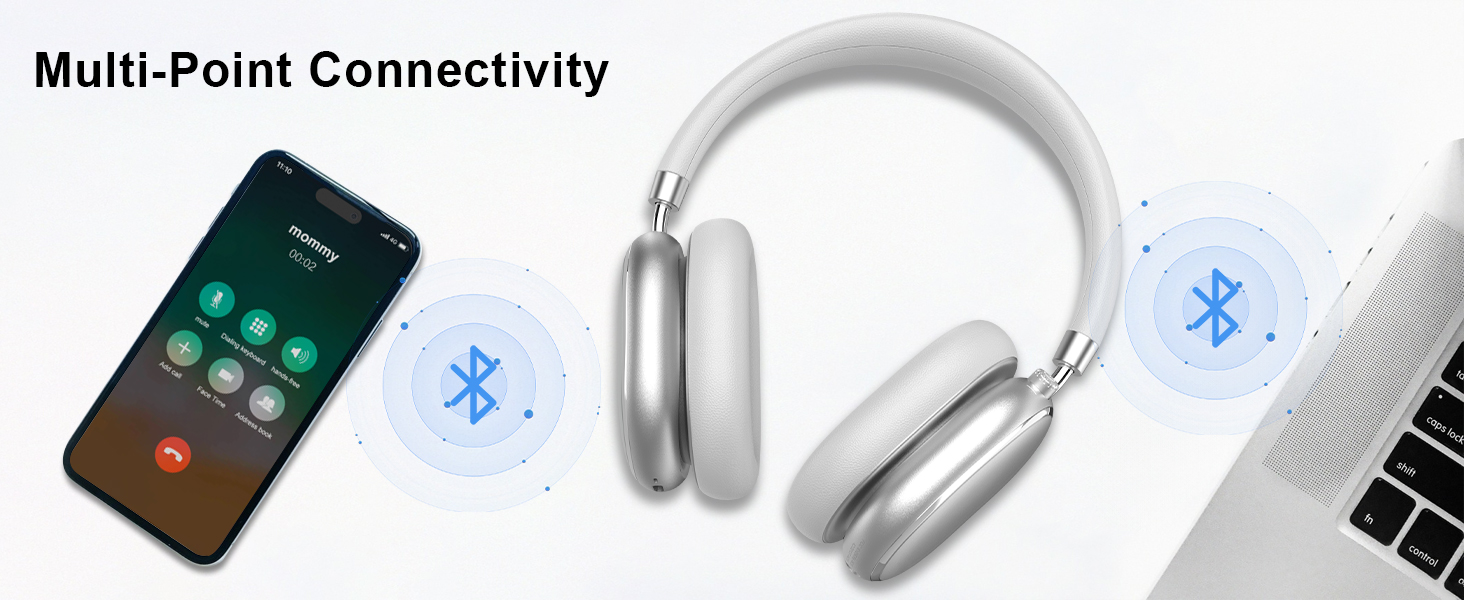
Image 3.3: Adjustable headband for personalized comfort.
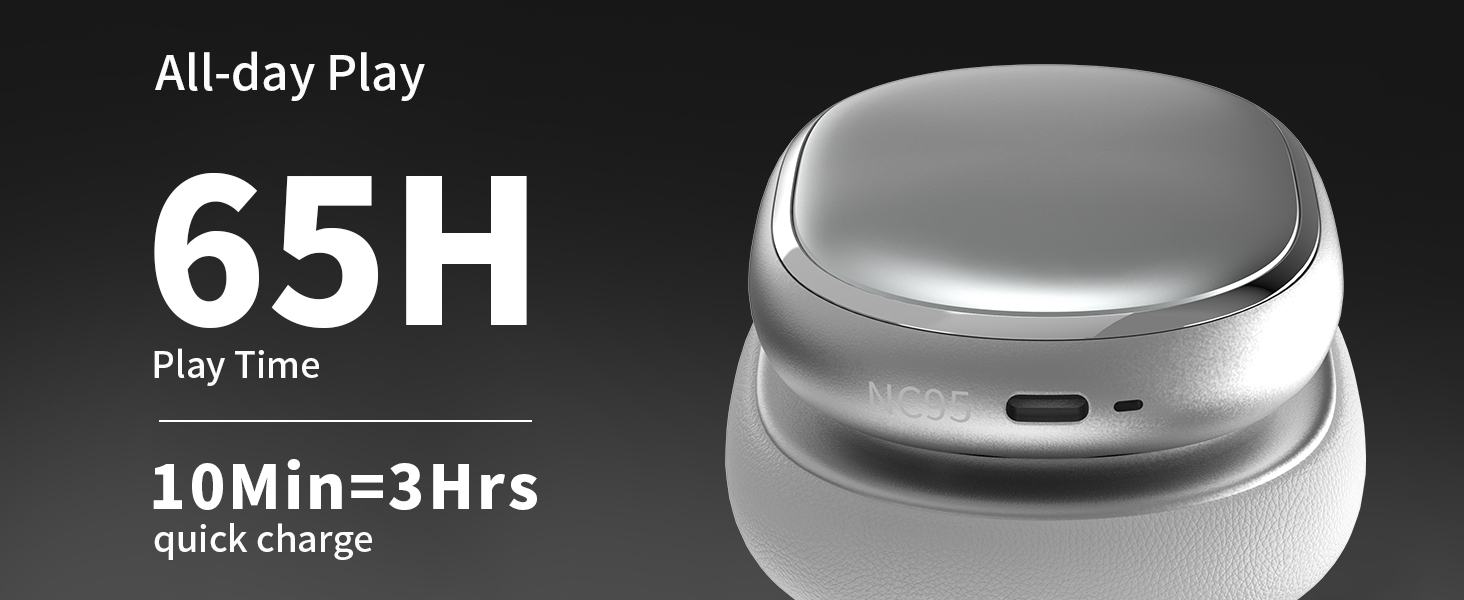
Image 3.4: Earcups rotate for comfort and storage.

Image 3.5: Ultra-soft protein leather ear cushions for comfort.
4. Setup
4.1 Initial Preparation
- Remove Protective Sticker: Before first use, gently remove the protective sticker from the sides of the headphones. You may warm the area with a hairdryer (low heat) for easier removal. Peel slowly and remove any sticky residue with warm water or rubbing alcohol.

Image 4.1: Steps for removing the protective sticker.
4.2 Charging the Headphones
Before initial use, fully charge the headphones. Use the provided Type A-C charging cable.
- Connect the USB-C end of the cable to the charging port on the headphones.
- Connect the USB-A end to a compatible USB power source (e.g., wall adapter, computer USB port).
- The LED indicator will show charging status. A full charge takes approximately 2.5 hours.
- A 10-minute quick charge provides approximately 3 hours of playback.

Image 4.2: Battery life and charging information.
4.3 Bluetooth Pairing
- Ensure the headphones are charged and powered off.
- Press and hold the power button (located on the knob control) for 3-5 seconds until the LED indicator flashes, indicating pairing mode.
- On your device (smartphone, tablet, laptop), enable Bluetooth and search for available devices.
- Select "T-Fun NC95" from the list of devices.
- Once connected, the LED indicator will change to a steady light or flash slowly.
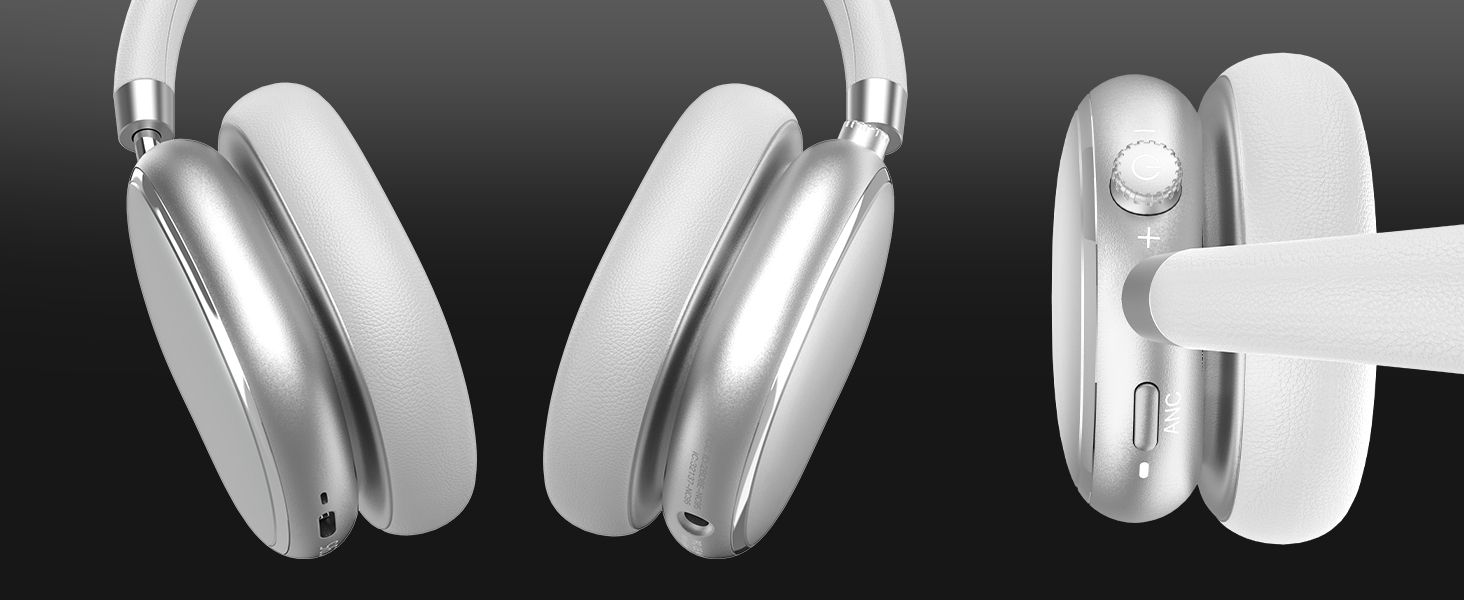
Image 4.3: Multipoint Bluetooth connectivity.
4.4 T-Fun App Installation
For enhanced control and customization, download the official "T-fun" app.
- Search for "T-fun" on the Apple App Store or Google Play Store.
- Download and install the app.
- Open the app and follow the on-screen instructions to connect your NC95 headphones.

Image 4.4: T-Fun app customization features.

Image 4.5: App download and connection process.
5. Operating Instructions
5.1 Power On/Off
- Power On: Press and hold the power button (on the knob) for 3-5 seconds.
- Power Off: Press and hold the power button (on the knob) for 3-5 seconds.
5.2 Knob Control Functions
The multi-functional knob control allows for intuitive operation:
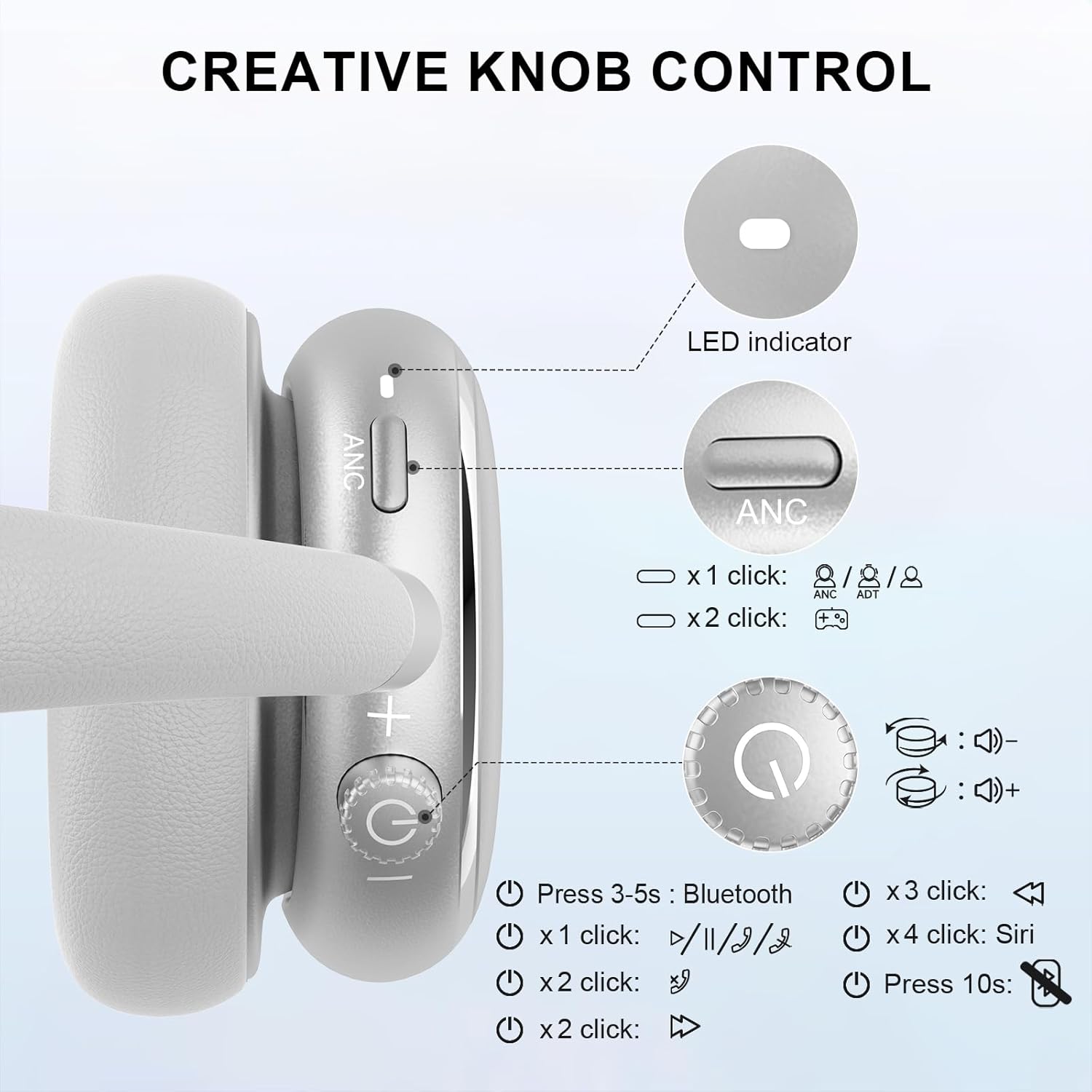
Image 5.1: Creative Knob Control functions.
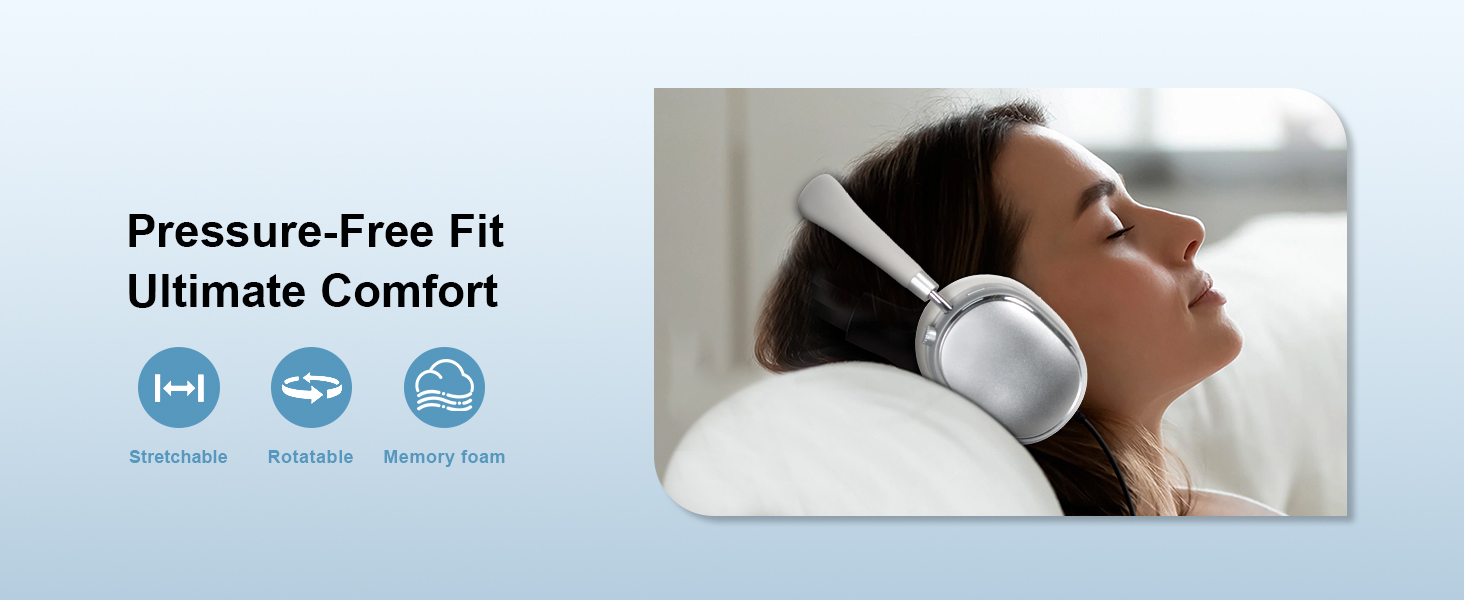
Image 5.2: Multi-functional Knob Control for volume adjustment.
- Volume Adjustment: Rotate the knob clockwise to increase volume, counter-clockwise to decrease volume.
- Play/Pause: Press the knob once.
- Answer/End Call: Press the knob once.
- Next Track: Press the knob twice.
- Previous Track: Press the knob three times.
- Activate Voice Assistant (Siri): Press the knob four times.
- Reset: Press and hold the knob for 10 seconds.
Note: Knob functions are only available in wireless connection mode.
5.3 Active Noise Cancellation (ANC) and Transparency Mode
The NC95 headphones feature Hybrid Active Noise Cancellation and Transparency Mode, controlled by a dedicated button.
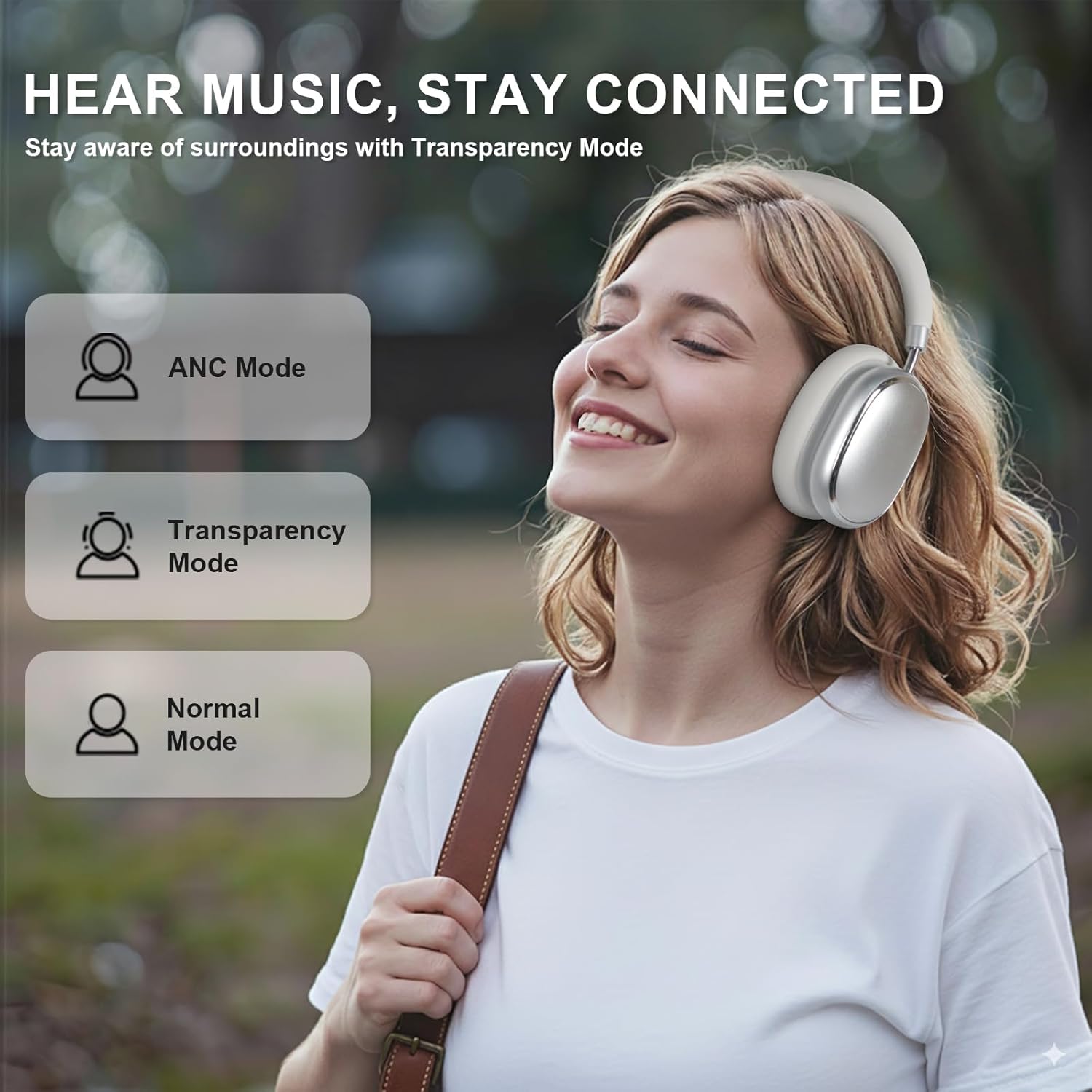
Image 5.3: ANC, Transparency, and Normal modes.

Image 5.4: Noise reduction effectiveness.
- ANC Mode: Press the ANC button once to activate Hybrid Active Noise Cancellation, reducing ambient noise by up to 35dB.
- Transparency Mode: Press the ANC button again to switch to Transparency Mode, allowing you to hear your surroundings without removing the headphones.
- Normal Mode: Press the ANC button a third time to return to Normal Mode, with ANC and Transparency off.
Note: ANC mode is only available in wireless connection mode.
5.4 Wired Connection
For a wired audio experience or when battery is low, use the 3.5mm audio cable.
- Connect one end of the 3.5mm audio cable to the audio jack on the headphones.
- Connect the other end to the 3.5mm audio output of your device.
- In wired mode, the knob control functions for volume, playback, and calls are not available.
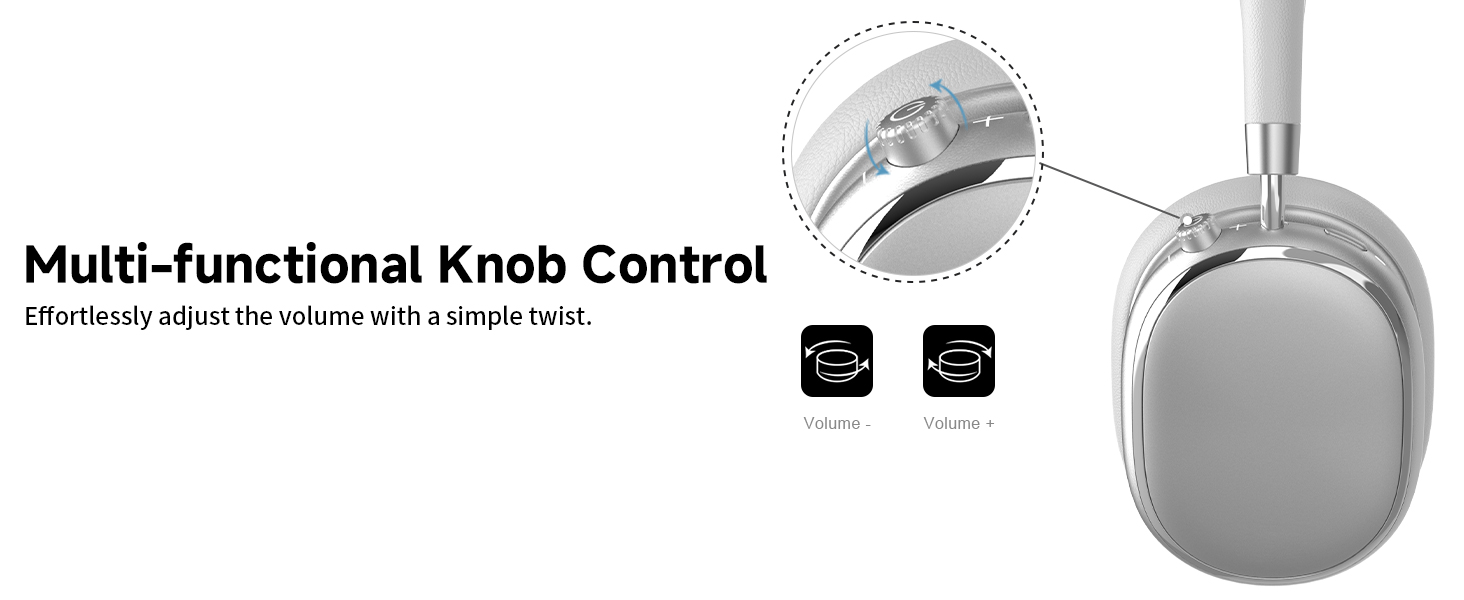
Image 5.5: Wired connection with 3.5mm audio cable.
5.5 Call Management
When connected via Bluetooth, you can manage calls using the knob control.
- Answer/End Call: Press the knob once.
- Reject Call: Press and hold the knob for 2 seconds.

Image 5.6: Clear hands-free calls with built-in microphones.
6. Maintenance
6.1 Cleaning
- Wipe the headphones with a soft, dry cloth.
- Do not use harsh chemicals or abrasive materials.
- Avoid getting moisture into any openings.
6.2 Storage
- Store the headphones in the provided PU bag when not in use to protect them from dust and scratches.
- Avoid storing in extreme temperatures or high humidity.
6.3 Detachable Ear Cushions
The ear cushions are detachable for easy cleaning and replacement, ensuring long-term use.

Image 6.1: Detachable ear cushions for easy care.
7. Troubleshooting
If you encounter issues with your NC95 headphones, refer to the following common solutions:
| Problem | Possible Cause | Solution |
|---|---|---|
| Headphones do not power on | Low battery | Charge the headphones fully. |
| Cannot pair via Bluetooth | Headphones not in pairing mode; Device Bluetooth off; Interference | Ensure headphones are in pairing mode (flashing LED). Turn device Bluetooth off and on. Move closer to the device. |
| No sound | Volume too low; Incorrect audio source; Loose wired connection | Increase volume on headphones and device. Check audio output settings on your device. Re-insert 3.5mm cable firmly. |
| ANC not working effectively | ANC not activated; Environmental noise too high | Press the ANC button to cycle through modes. ANC is most effective against low-frequency noise. |
| App connection issues | Bluetooth not connected; App glitch | Ensure headphones are connected via Bluetooth. Restart the app or your phone. |
If the problem persists, please contact customer support.
8. Specifications
| Feature | Detail |
|---|---|
| Model Name | NC95 |
| Noise Control | Hybrid Noise Cancellation |
| Frequency Response | 20 Hz - 20 KHz |
| Sensitivity | 105 dB |
| Impedance | 32 Ohm |
| Headphones Jack | 3.5 mm Jack |
| Connectivity Technology | Wireless (Bluetooth), Wired |
| Wireless Communication Technology | Bluetooth 5.3 |
| Bluetooth Range | 15 Meters |
| Audio Latency | 50 Milliseconds |
| Audio Driver Size | 40 Millimeters |
| Control Type | App Control, Push Button, Knob |
| Battery Life | Up to 65 Hours (ANC playback) |
| Charging Time | 2.5 Hours |
| Water Resistance Level | Not Water Resistant |
| Item Weight | 1.28 pounds |
| Manufacturer | FOFUN |
9. Warranty and Support
9.1 Warranty Information
For detailed warranty information, please refer to the documentation included with your purchase or contact FOFUN customer service directly. Warranty terms may vary by region and retailer.
9.2 Customer Support
If you require further assistance or have questions not covered in this manual, please contact FOFUN customer support through their official channels. You can also visit the T-Fun Store on Amazon for additional resources.


