
1. Product Overview
The FitStand 4-Leg Electric Adjustable Height Desk, Model 7931, is designed to provide a versatile and ergonomic workspace. This desk features an electric height adjustment mechanism, allowing users to switch between sitting and standing positions effortlessly. Its robust four-legged structure ensures stability and supports a significant load capacity, making it suitable for various home office or workstation needs.
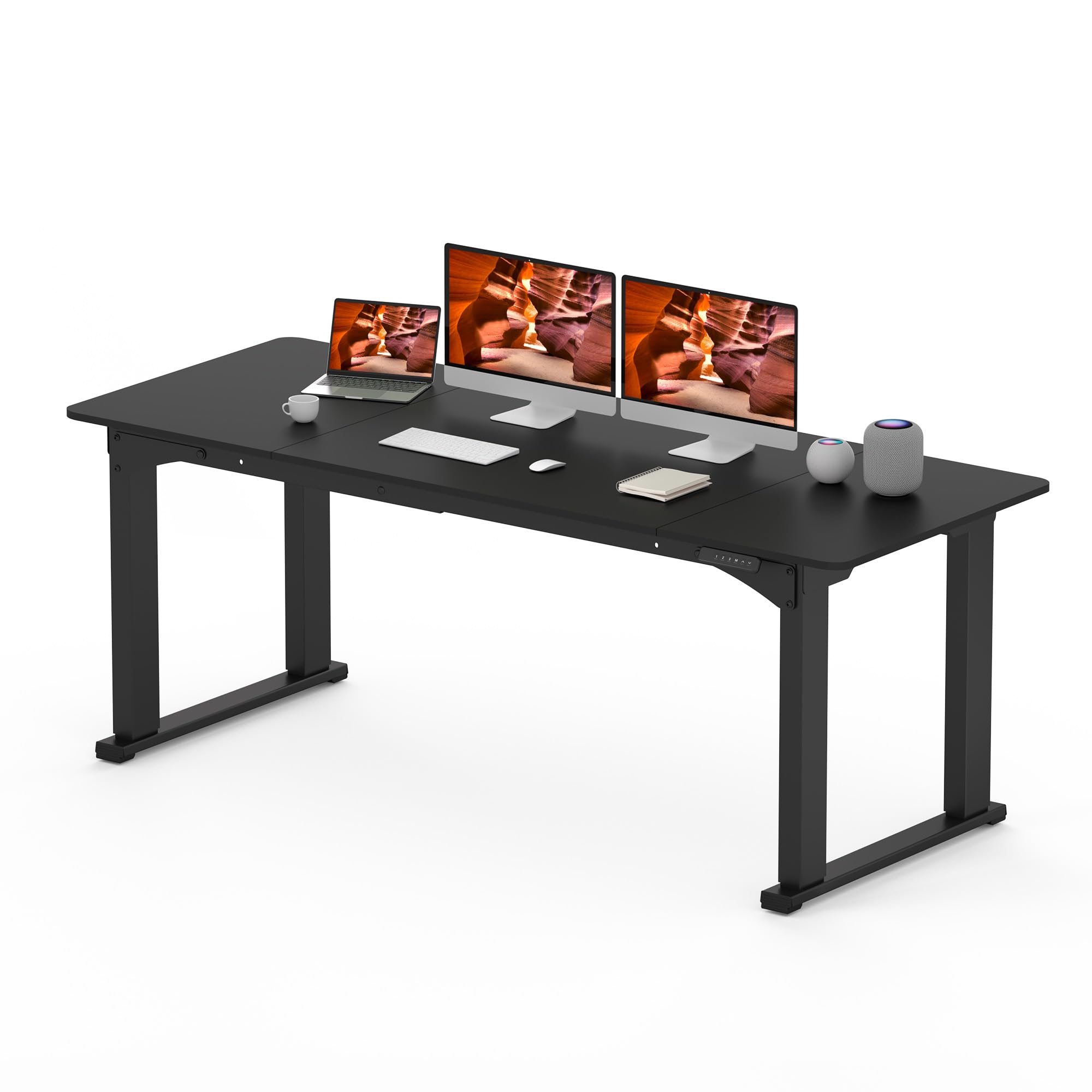
Image 1.1: The FitStand 4-Leg Electric Adjustable Height Desk, Model 7931, in a typical office environment.
Key Features:
- Wide Workspace: A generous 78.7"x31.5" surface provides ample room for multiple monitors, paperwork, and other equipment. The tabletop is made of FSC-Certified wood.
- Solid 4-Legged Frame: A robust four-legged structure enhances stability and supports loads up to 220 lbs.
- Thoughtful Design: Features three spliced panels for easier installation and includes a collision avoidance system for safety.
- Adjustable Height: Electric height adjustment from 28.7" to 47.2" promotes a healthier work environment.
- Quiet Operation: Operates with less than 50db noise, ensuring a tranquil workspace.
2. Safety Information
Please read and understand all safety instructions before assembly and operation to prevent injury or damage to the product.
- Always follow the assembly instructions carefully.
- Do not exceed the maximum weight limit of 220 lbs (100 kg).
- Ensure the desk is properly assembled and stable before placing items on it.
- Keep the workspace clear of obstacles to prevent accidents during height adjustment.
- Keep children and pets away from the desk during operation.
- Do not sit or stand on the desk.
- Disconnect power before cleaning or maintenance.
3. Package Contents
Verify that all components are present and undamaged before beginning assembly. Refer to the detailed parts list provided in the separate assembly guide included with your product. Please note that assembly tools are not included.
4. Assembly Instructions
Assembly of the FitStand 4-Leg Electric Adjustable Height Desk requires careful attention to detail. It is recommended that at least one person performs the assembly. For detailed, step-by-step instructions, please refer to the dedicated assembly manual included in your product packaging.

Image 4.1: The robust 4-leg stable frame structure, designed for enhanced stability.
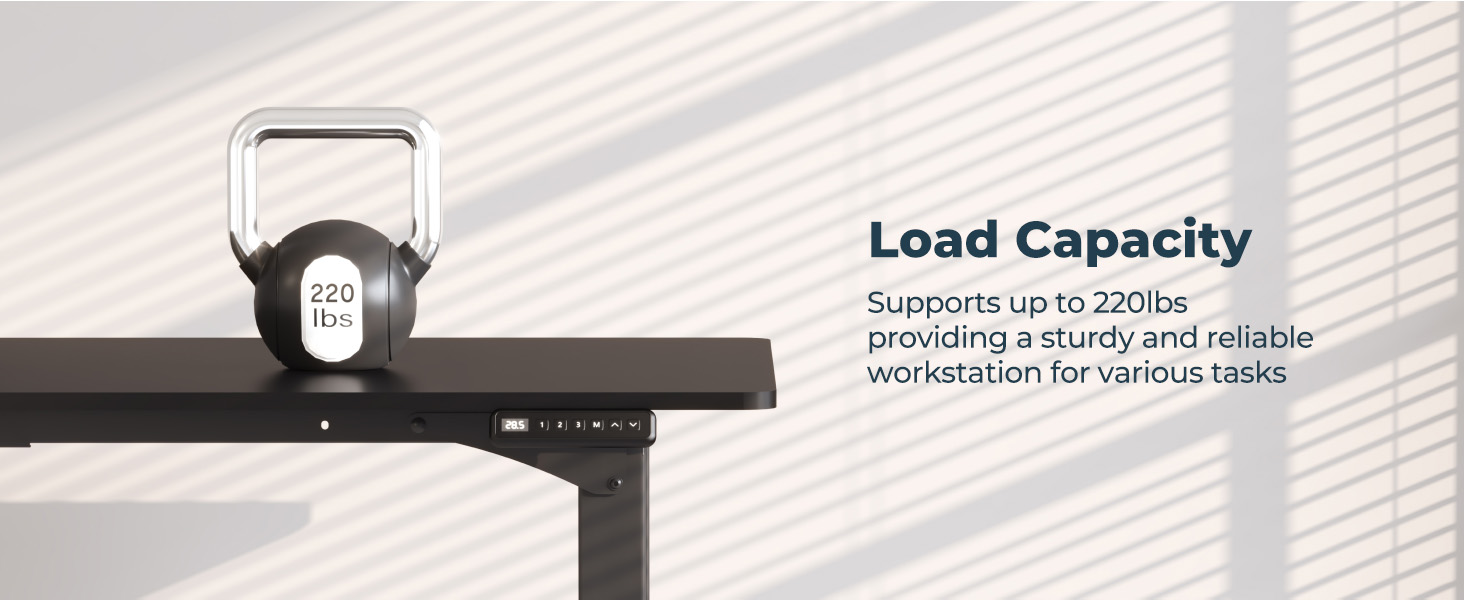
Image 4.2: The desk supports a load capacity of up to 220 lbs.
5. Operating Instructions
5.1. Height Adjustment
The desk's height can be adjusted electrically from a minimum of 28.7 inches to a maximum of 47.2 inches. Use the up and down arrow buttons on the digital keypad to precisely control the desk's height.

Image 5.1: Visual representation of the desk's adjustable height range.
5.2. Digital Keypad Functions
The digital keypad provides intuitive control over the desk's functions:
- Digital Height Display: Shows the current desk height in inches.
- 1, 2, 3 Buttons: These are preset memory buttons. Press and hold a number button to save the current height. A short press will move the desk to the saved height.
- M Button: Used to save a height preset. Adjust the desk to your desired height, then press 'M' followed by '1', '2', or '3' to save.
- Up/Down Arrows: Manually adjust the desk height up or down.
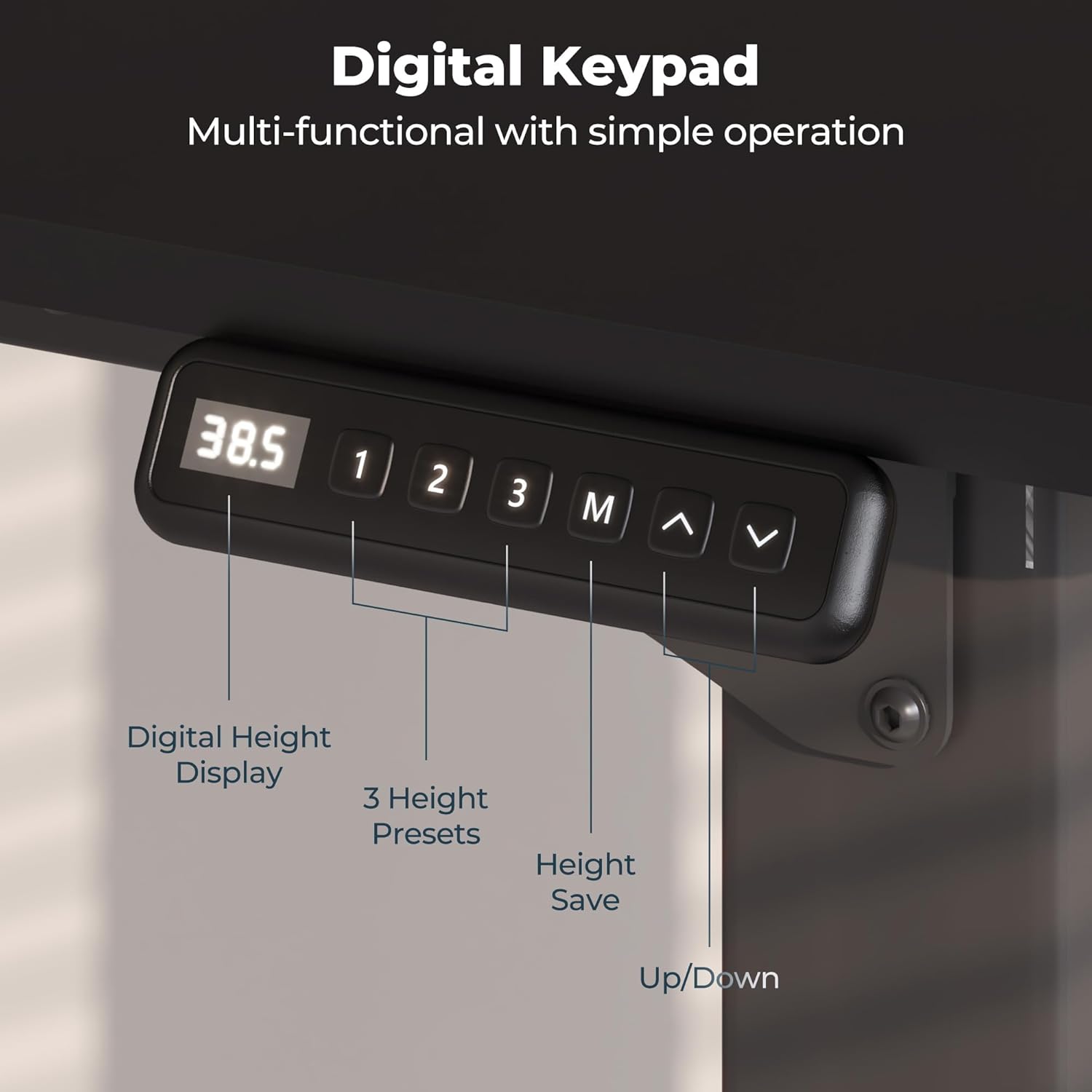
Image 5.2: The digital keypad for controlling desk height and presets.
5.3. Anti-collision System
The desk is equipped with an anti-collision system. If the desk encounters an obstacle during height adjustment, it will automatically stop and reverse slightly to prevent damage or injury. Ensure the area around the desk is clear before and during operation.
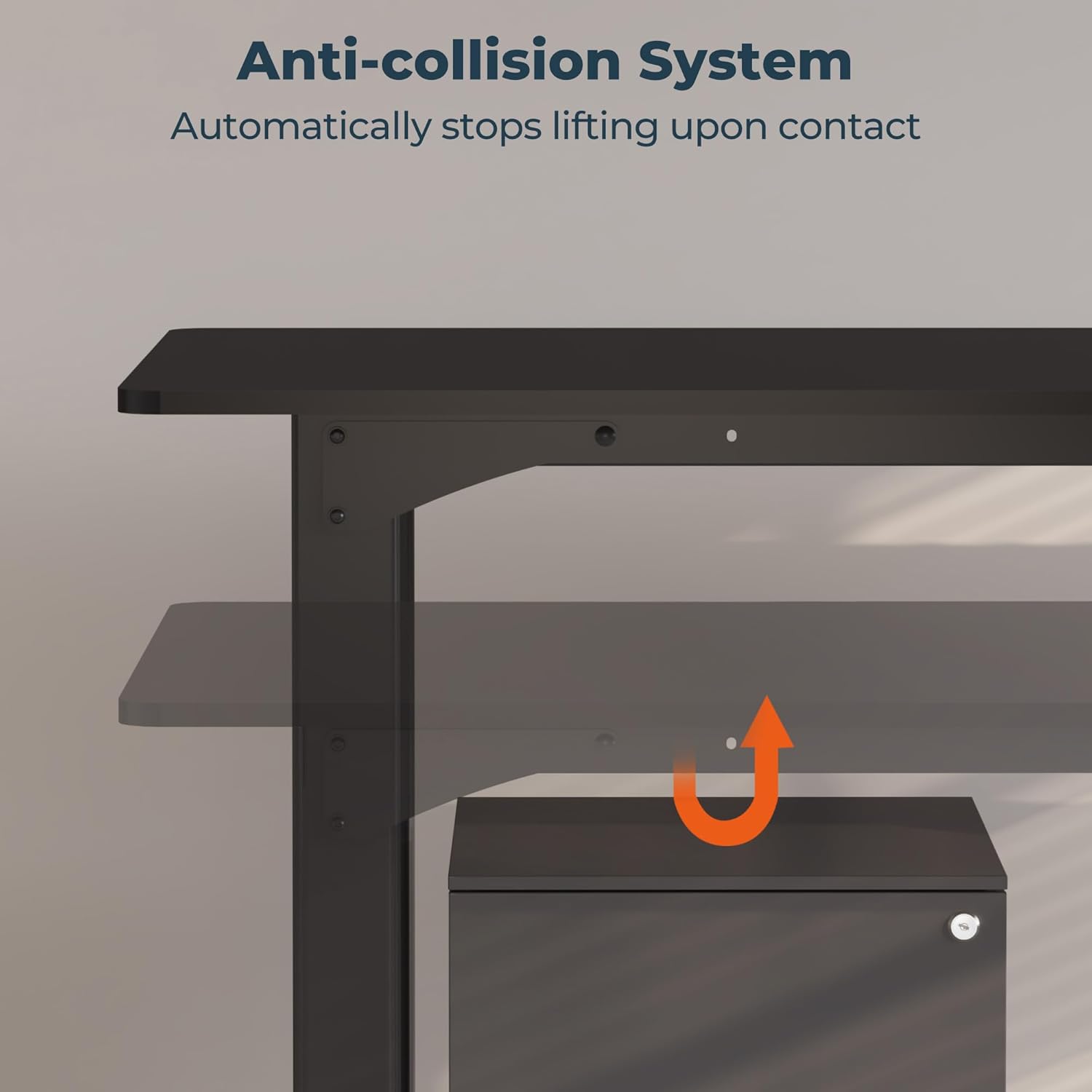
Image 5.3: The anti-collision system automatically stops movement upon detecting an obstacle.
6. Maintenance
Regular maintenance helps ensure the longevity and proper function of your FitStand desk.
- Cleaning: Wipe the desk surface and frame with a soft, damp cloth. Avoid harsh chemicals or abrasive cleaners.
- Cable Management: Periodically check and organize cables to prevent tangles and damage.
- Fasteners: Ensure all screws and fasteners are tight. Do not overtighten.
- Motor Inspection: If you notice any unusual noises or movements from the motor, discontinue use and contact customer support.
7. Troubleshooting
If you encounter issues with your desk, refer to the following common troubleshooting steps:
| Problem | Possible Cause | Solution |
|---|---|---|
| Desk does not move | Power cable disconnected, motor overload, or control panel issue. | Check power connections. Reduce weight on the desk. Reset the system by unplugging for 30 seconds and plugging back in. |
| Uneven height adjustment | Obstruction or uneven weight distribution. | Clear any obstructions. Redistribute weight evenly on the desk surface. |
| Noise during operation | Normal motor sound or loose components. | A low hum is normal. Check for any loose screws or connections and tighten if necessary. |
| Anti-collision system triggers frequently | Obstacles in the path of movement. | Ensure the area above and below the desk is clear of all objects. |
If these steps do not resolve the issue, please contact FitStand customer support for further assistance.
8. Specifications
| Feature | Detail |
|---|---|
| Brand | FitStand |
| Model Number | bea8f30a-315f-46e8-8d78-8dd0022da4ef |
| Desk Design | Standing Desk |
| Product Dimensions (D x W x H) | 31"D x 79"W x 29"H (Minimum Height) |
| Adjustable Height Range | 28.7" to 47.2" |
| Maximum Weight Recommendation | 220 Pounds (100 kg) |
| Top Material Type | Engineered Wood (FSC-Certified) |
| Base Material | Metal |
| Color | Black |
| Is Electric | Yes |
| Required Assembly | Yes |
| Recommended People for Assembly | 1 |
| Noise Level | Less than 50db |
| GTIN / UPC | 840460419758 |
9. Warranty and Support
The FitStand 4-Leg Electric Adjustable Height Desk comes with a Limited Warranty. For specific details regarding warranty coverage, duration, and terms, please refer to the warranty card included with your product or visit the official FitStand website.
For technical support, troubleshooting assistance, or to inquire about replacement parts, please contact FitStand customer service. Contact information can typically be found on the product packaging, the official FitStand website, or within the included documentation.