
Introduction
This manual provides detailed instructions for the GOBOULT Mirage Smart Watch. Please read this guide thoroughly to ensure proper setup, operation, and maintenance of your device. This smartwatch features a 1.39-inch HD display, Bluetooth calling, comprehensive health monitoring, and various sports modes.
What's in the Box
- GOBOULT Mirage Smart Watch
- Charging Cable
- User Manual
- Warranty Card
Setup
1. Charging the Device
Before initial use, fully charge your GOBOULT Mirage Smart Watch. Connect the provided charging cable to the charging port on the back of the watch and to a standard USB power adapter (not included). The watch typically charges within 120 minutes.

Image: GOBOULT Mirage Smart Watch displaying its features, including charging capability.
2. Pairing with Your Smartphone
- Download the official GOBOULT companion app from your smartphone's app store (available for iOS and Android).
- Ensure Bluetooth is enabled on your smartphone.
- Open the app and follow the on-screen instructions to search for and connect to your GOBOULT Mirage Smart Watch.
- Confirm the pairing request on both your watch and smartphone.
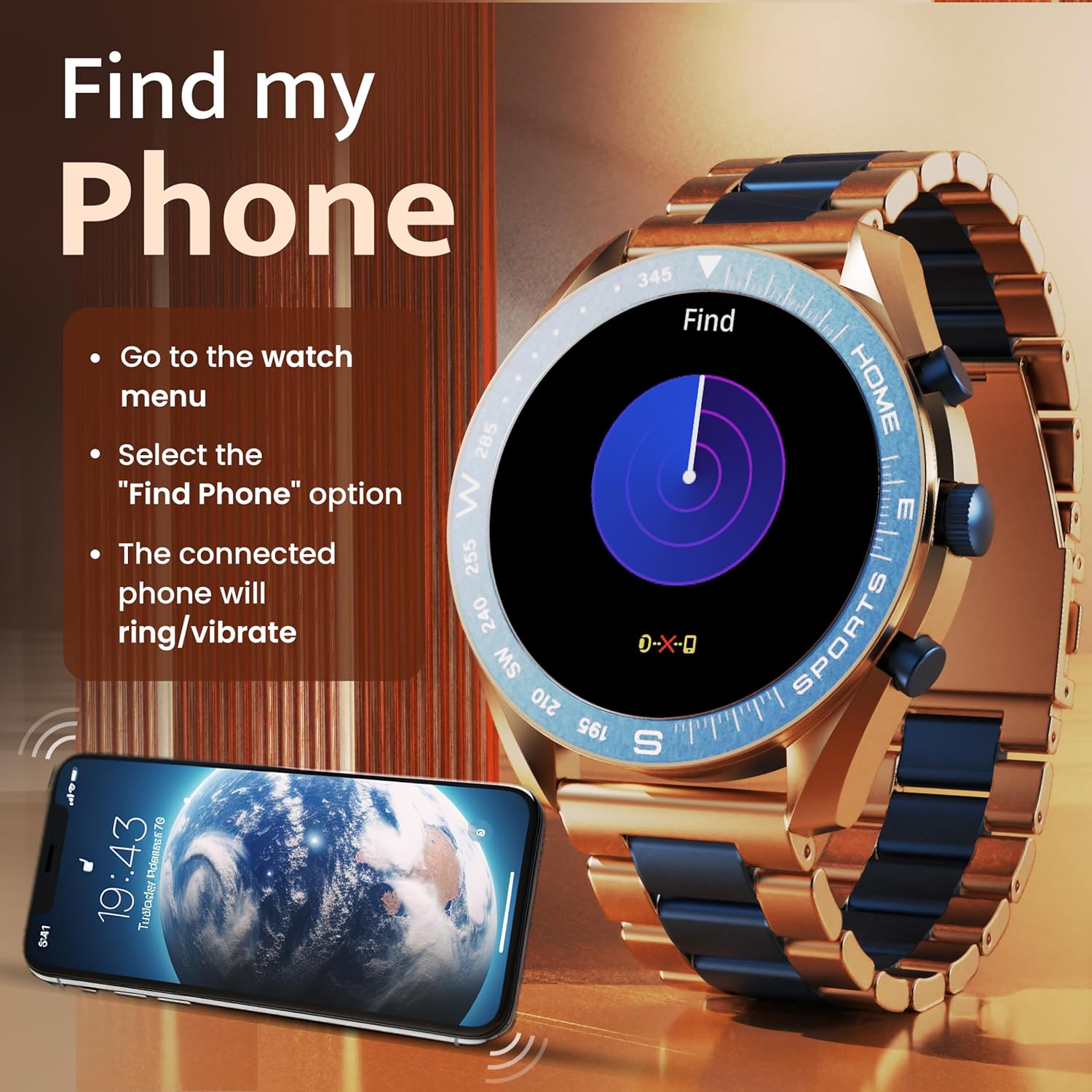
Image: The GOBOULT Mirage Smart Watch connected to a smartphone, illustrating connectivity.
Operating Instructions
1. Display and Navigation
The GOBOULT Mirage features a 1.39-inch HD display with 360x360 pixels resolution and 500 nits peak brightness for clear visibility. Navigate the watch interface using touch gestures and the digital crown.
- Digital Crown: Press to power on/off, switch UIs, and navigate menus. Rotate to scroll through options.
- Side Buttons: Use for quick access to specific functions, such as launching sports modes.

Image: GOBOULT Mirage Smart Watch highlighting the digital crown and its various functions.
2. Bluetooth Calling
With the built-in speaker and microphone, you can make and receive calls directly from your wrist once paired with your smartphone via Bluetooth 5.3.
- To answer a call, tap the green icon on the watch screen.
- To reject a call, tap the red icon.
- To make a call, access the dial pad or contacts through the watch menu.
Image: GOBOULT Mirage Smart Watch showing an incoming call notification.
3. Health Monitoring
The GOBOULT Mirage provides comprehensive health tracking features:
- SpO2 Blood Oxygen Monitor: Measures blood oxygen levels.
- Heart Rate Monitor: 24/7 heart rate tracking.
- Sleep Monitor: Tracks sleep patterns and quality.
- Breath Training Mode: Guides you through breathing exercises.
- Drink Water Reminder: Prompts you to stay hydrated.
- Sedentary Reminder: Alerts you after periods of inactivity.
- Activity Tracking: Records steps, distance, and calories burned.
- Menstrual Cycle Tracking: Helps monitor menstrual cycles.

Image: GOBOULT Mirage Smart Watch showcasing its complete health suite on the display.
4. Sports Modes
Track your performance across over 120 sports modes. Access these modes quickly using the shortcut buttons.
- Examples include Running, Cycling, Yoga, Cricket, Badminton, and Basketball.

Image: GOBOULT Mirage Smart Watch showing the selection of over 120 sports modes.
5. Watch Faces
Personalize your watch with over 300 cloud-based watch faces. You can also customize the dial to match your style.

Image: GOBOULT Mirage Smart Watch illustrating the variety of 300+ cloud watch faces.
6. Smart Notifications
Receive SMS and other smart notifications directly on your watch. Ensure your watch is connected to your phone via Bluetooth for this feature to function.

Image: GOBOULT Mirage Smart Watch showing a push notification from a messaging app.
7. AI Voice Assistant
Access an intelligent AI voice assistant for hands-free control. Long press the designated button or use the voice assistant icon on the screen to activate.
8. Find My Phone
If you misplace your connected smartphone, use the 'Find My Phone' feature on your watch:
- Go to the watch menu.
- Select the "Find Phone" option.
- The connected phone will ring or vibrate, helping you locate it.
Image: GOBOULT Mirage Smart Watch showing the 'Find My Phone' interface.
9. Water Resistance
The GOBOULT Mirage Smart Watch is IP67 water-resistant, offering protection against dust and temporary immersion in water. It is suitable for daily wear and activities like hand washing or light rain.

Image: GOBOULT Mirage Smart Watch demonstrating its IP67 water resistance.
10. Mini Games
The watch includes several mini-games for entertainment during leisure time.
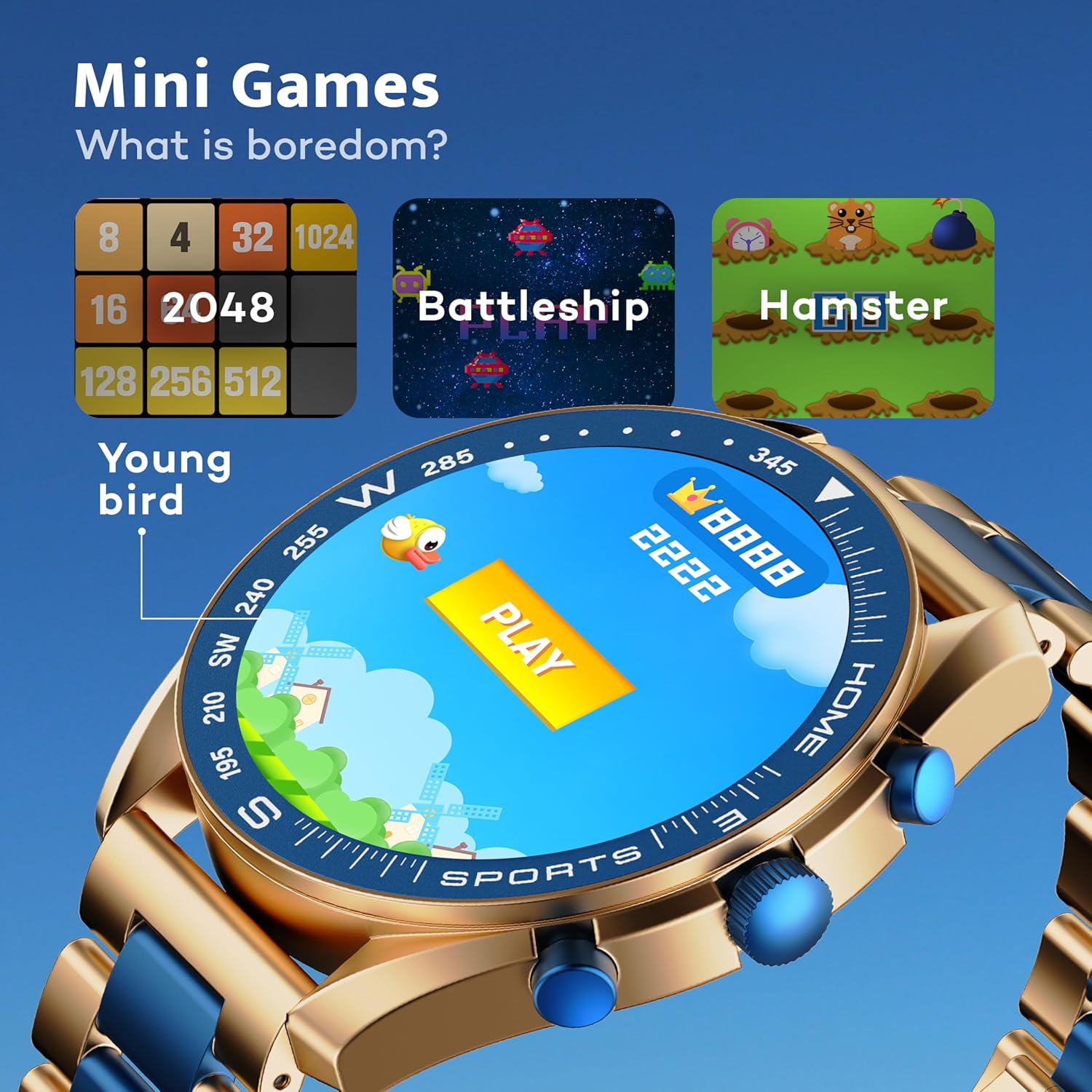
Image: GOBOULT Mirage Smart Watch showing the selection of mini-games.
Maintenance
1. Cleaning
- Wipe the watch screen and body with a soft, dry cloth.
- For stubborn dirt, use a slightly damp cloth and immediately dry the watch.
- Avoid using harsh chemicals or abrasive materials, as these can damage the finish.
2. Water Resistance Guidelines
- The IP67 rating means the watch is protected from dust and can withstand immersion in water up to 1 meter for 30 minutes.
- Do not use the watch for swimming, showering with hot water, or diving.
- Avoid exposing the watch to high-pressure water or steam.
- If the watch gets wet, dry it thoroughly before charging or using any buttons.
Troubleshooting
- Watch not turning on: Ensure the watch is fully charged. Connect it to the charger for at least 30 minutes.
- Cannot pair with phone: Make sure Bluetooth is enabled on your phone and the watch is within range. Restart both devices and try pairing again.
- Inaccurate health data: Ensure the watch is worn snugly on your wrist, not too tight or too loose. Clean the sensors regularly.
- Short battery life: Reduce screen brightness, disable unnecessary notifications, and limit continuous heart rate monitoring if not needed.
- Display issues: Restart the watch. If the problem persists, contact customer support.
Specifications
| Feature | Detail |
|---|---|
| Brand | GOBOULT |
| Model Number | 8906133853464 |
| Display Size | 1.39 Inches |
| Brightness | 500 Nits |
| Frame Material | Zinc Alloy |
| Wireless Type | Bluetooth 5.3 |
| Operating System | iOS, Android |
| Water Resistance | IP67 |
| Battery Charge Time | 120 Minutes |
| Battery Type | Lithium Polymer |
| Item Weight | 106 g |
Warranty and Support
Your GOBOULT Mirage Smart Watch comes with a warranty card included in the box. Please refer to this card for details regarding warranty coverage and terms.
For technical support, troubleshooting assistance, or warranty claims, please contact GOBOULT customer service through their official website or the contact information provided on your warranty card.
