
1. Introduction
The Bewinner Language Translator Earbuds provide real-time, multilingual translation capabilities, designed for seamless communication across various languages. These earbuds feature Bluetooth 5.4 connectivity, noise cancelling technology, and an ergonomic design for comfortable extended use. This manual outlines the product's features, setup, operation, and maintenance to ensure optimal performance.
2. Package Contents
Verify that all items are present in the package:
- Charging Case
- Earbuds (Left and Right)
- USB Charging Cable
- Ear Tips (various sizes)
- Cleaning Brush
- Lanyard
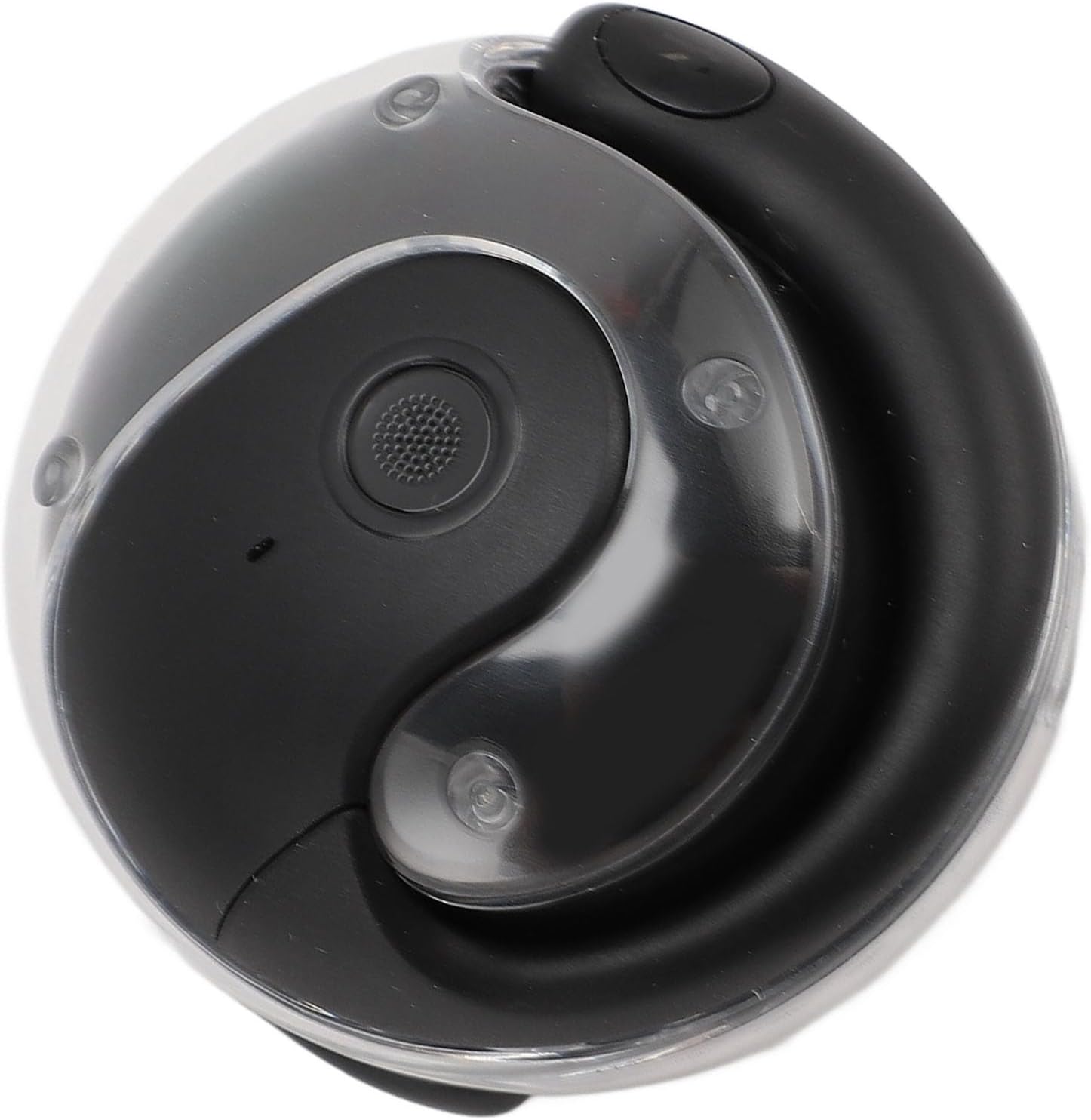
Image: Contents of the Bewinner Language Translator Earbuds package.
3. Product Overview
The Bewinner Language Translator Earbuds consist of two earbuds and a portable charging case. The earbuds are designed for in-ear comfort and feature touch controls for various functions. The charging case protects the earbuds and recharges them on the go.
3.1 Earbuds
- Touch Control Area: For managing playback, calls, and translation modes.
- Microphone: Captures your voice for translation and calls.
- Speaker: Delivers audio and translated speech.
- Charging Contacts: Connects with the charging case for power.
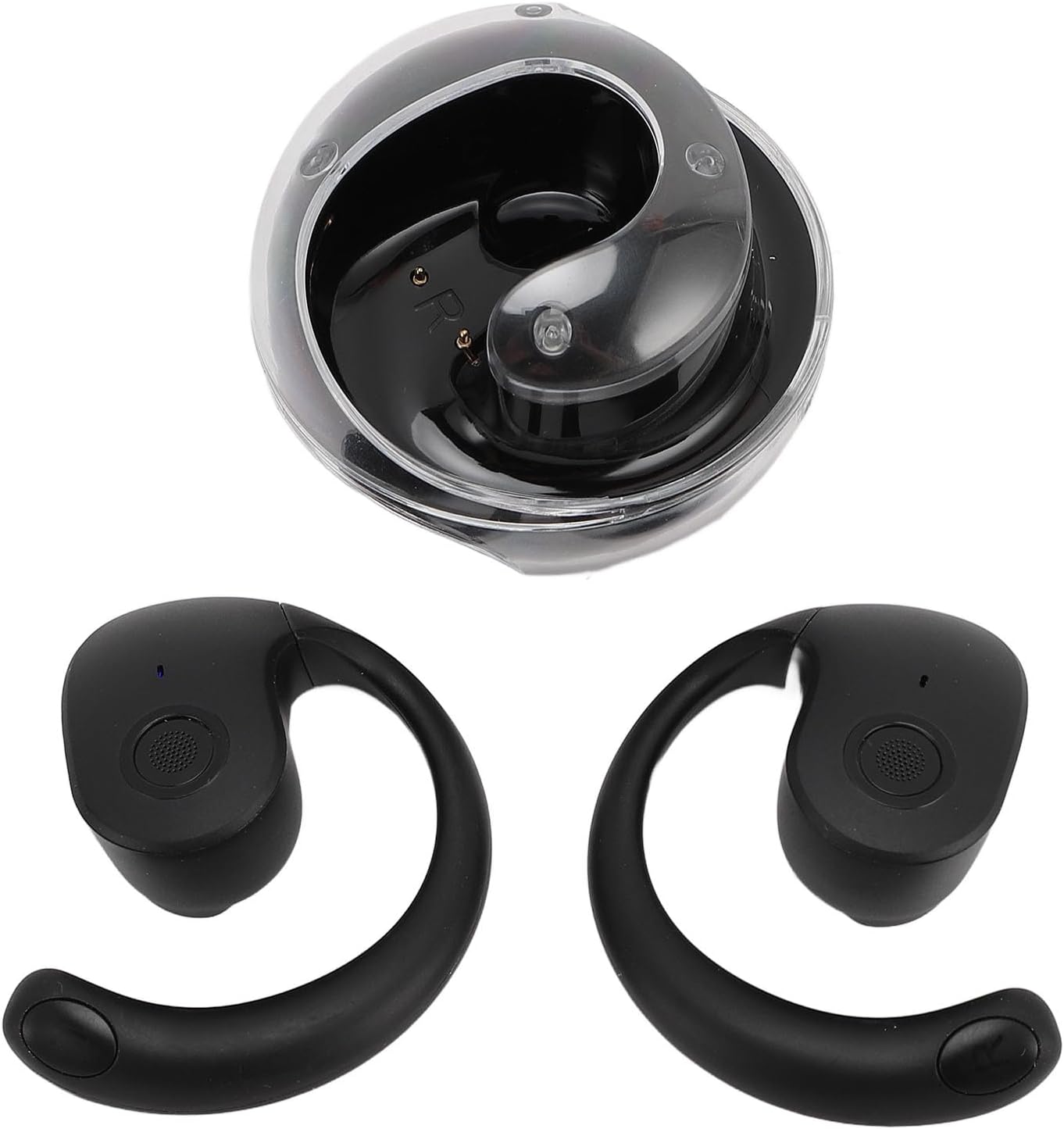
Image: The two earbuds and the open charging case.
3.2 Charging Case
- Charging Port: USB-C port for charging the case.
- LED Indicator: Shows charging status and battery level.
- Earbud Slots: Securely holds and charges the earbuds.

Image: The closed charging case for the Bewinner Language Translator Earbuds.
4. Setup
4.1 Charging the Earbuds and Case
- Place the earbuds into the charging case, ensuring they are correctly seated.
- Connect the USB charging cable to the charging port on the case and to a power source.
- The LED indicator on the case will show the charging status. A full charge for the earbuds takes approximately 1.5 hours, and the case takes about 2 hours.

Image: Earbuds placed inside the charging case.
4.2 Pairing with Your Device
- Ensure the earbuds are charged.
- Open the charging case. The earbuds will automatically enter pairing mode.
- On your smartphone or device, enable Bluetooth and search for available devices.
- Select "Bewinner Translator Earbuds" (or similar name) from the list to connect.
- Once paired, you will hear a confirmation tone.
Note: For translation functions, download the dedicated Bewinner translation application from your device's app store. Follow the in-app instructions for initial setup and language selection.
5. Operating Instructions
5.1 Basic Earbud Controls
The earbuds feature touch controls for various functions:
- Play/Pause: Single tap on either earbud.
- Next Track: Double tap on the right earbud.
- Previous Track: Double tap on the left earbud.
- Answer/End Call: Single tap on either earbud.
- Reject Call: Long press on either earbud.
- Activate Voice Assistant: Triple tap on either earbud (if supported by your device).
5.2 Translation Modes
The Bewinner Translator Earbuds offer three primary translation modes via the companion app:
- Touch Mode:
This mode is for real-time, face-to-face conversations. Each person wears one earbud. When you speak, touch your earbud to activate translation. The translated speech will be played through the other person's earbud. This mode allows for natural, turn-based communication.
- External Speaker Mode:
Ideal for situations where sharing earbuds is not practical. One person wears an earbud, and the other person speaks into the smartphone's microphone. The translation is then played through the smartphone's speaker, or vice-versa. This facilitates communication with a group or in public settings.
- Talk Freely Mode:
This mode enables simultaneous real-time translation. Both individuals wear an earbud. The system automatically detects and translates speech from both parties, allowing for a more fluid conversation without manual activation. Ensure clear speech for optimal performance.
To use any translation mode, open the Bewinner translation app, select the desired mode, and configure the source and target languages. The earbuds support 133 languages with high accuracy.
Video: Demonstration of the Bewinner Language Translator Earbuds features and usage.
6. Maintenance
Proper maintenance ensures the longevity and performance of your earbuds.
- Cleaning: Use the provided cleaning brush or a soft, dry cloth to gently clean the earbuds and charging case. Avoid using liquids or abrasive cleaners.
- Ear Tips: Regularly remove and clean the ear tips. Replace them if they become worn or damaged to maintain sound quality and comfort.
- Storage: When not in use, store the earbuds in their charging case to protect them from dust and damage.
- Water Resistance: The earbuds are water-resistant, but not waterproof. Avoid submerging them in water or exposing them to heavy rain. Dry them thoroughly if they get wet.
7. Troubleshooting
| Problem | Solution |
|---|---|
| Earbuds not pairing. | Ensure earbuds are charged. Place them back in the case, close, then open again to re-enter pairing mode. Check your device's Bluetooth settings and forget previous connections if necessary. |
| No sound from earbuds. | Check device volume. Ensure earbuds are properly paired and connected. Clean earbud speakers if obstructed. |
| Translation not working. | Verify internet connection. Ensure the Bewinner app is open and the correct translation mode and languages are selected. Speak clearly and at a moderate pace. |
| Earbuds not charging. | Ensure charging cable is securely connected to both the case and power source. Clean charging contacts on earbuds and case. Try a different USB cable or power adapter. |
8. Specifications
| Feature | Detail |
|---|---|
| Model Name | Bewinnercy93ovr5at |
| Bluetooth Version | V5.4 |
| Bluetooth Range | 10m |
| Earbuds Battery | Li-Ion Battery 30mAh x 2 |
| Charging Case Battery | Li-Ion Battery 200mAh |
| Talk Time | 5h |
| Play Time | 5h |
| Earbuds Charging Time | Approx. 1.5h |
| Charging Case Charging Time | Approx. 2h |
| Material | ABS, PC |
| Control Method | Touch |
| Noise Control | Active Noise Cancellation |
| Water Resistance Level | Water Resistant |
| Product Dimensions | 4.33 x 3.54 x 1.97 inches |
| Item Weight | 3.77 ounces |
9. Warranty and Support
Bewinner products are manufactured to high quality standards. For specific warranty information, please refer to the documentation included with your purchase or visit the official Bewinner website. If you encounter any issues or require technical assistance, please contact Bewinner customer support.
Official Bewinner Store: Visit the Bewinner Store on Amazon