Introduction
Thank you for choosing the Yunseity IP68 Wired Swimming Earbuds. These earbuds are designed for active use, offering a high level of water resistance suitable for swimming, surfing, running, and skiing. With a secure fit and clear audio, they are built to enhance your experience in various environments. Please read this manual carefully to ensure proper use and maintenance of your earbuds.
Package Contents
Verify that all items are present in your package:
- 1 x Yunseity IP68 Water Proof Earphone
- 8 x Replacement Ear Tips (in 4 different sizes)
Specifications
| Feature | Description |
|---|---|
| Model Name | Yunseityegngp0cq4f |
| Water Proof Grade | IP68 (Submersible up to 3.6 meters) |
| Plug Type | 3.5mm Audio Jack |
| Cable Length | Approx. 40cm / 15.75 inches |
| Material | Acrylonitrile Butadiene Styrene (ABS) |
| Form Factor | In Ear |
| Special Feature | Adjustable (referring to ear tips/clips) |
Setup
- Select Appropriate Ear Tips: Your earbuds come with 8 replacement ear tips in 4 different sizes. Choose the size that provides the most comfortable and secure fit for your ears. A good seal is crucial for both sound quality and water resistance.

Image: The Yunseity IP68 Wired Swimming Earbuds shown alongside a selection of eight ear tips in four different sizes, allowing users to customize their fit for comfort and water resistance.
- Attach Ear Tips: Gently push the selected ear tips onto the earbud nozzles until they are securely in place.
- Secure the Cable: The earphone cord features two clips. Use these clips to securely attach the cable to your clothing or swim cap to prevent it from falling off or tangling during activities.

Image: A close-up view of one earbud, highlighting the integrated cable clip designed to secure the earphone cord during active use.
Operating Instructions
These earbuds are designed for simple plug-and-play operation.
- Connect to Device: Insert the 3.5mm audio jack into the headphone port of your compatible device (e.g., smartphone, tablet, waterproof MP3 player).

Image: A detailed view of the 3.5mm audio jack, which connects the earbuds to compatible audio devices.
- Adjust Volume: Control the volume directly from your connected audio device.
- Enjoy Audio: Once connected, you can enjoy clear stereo audio during your activities.
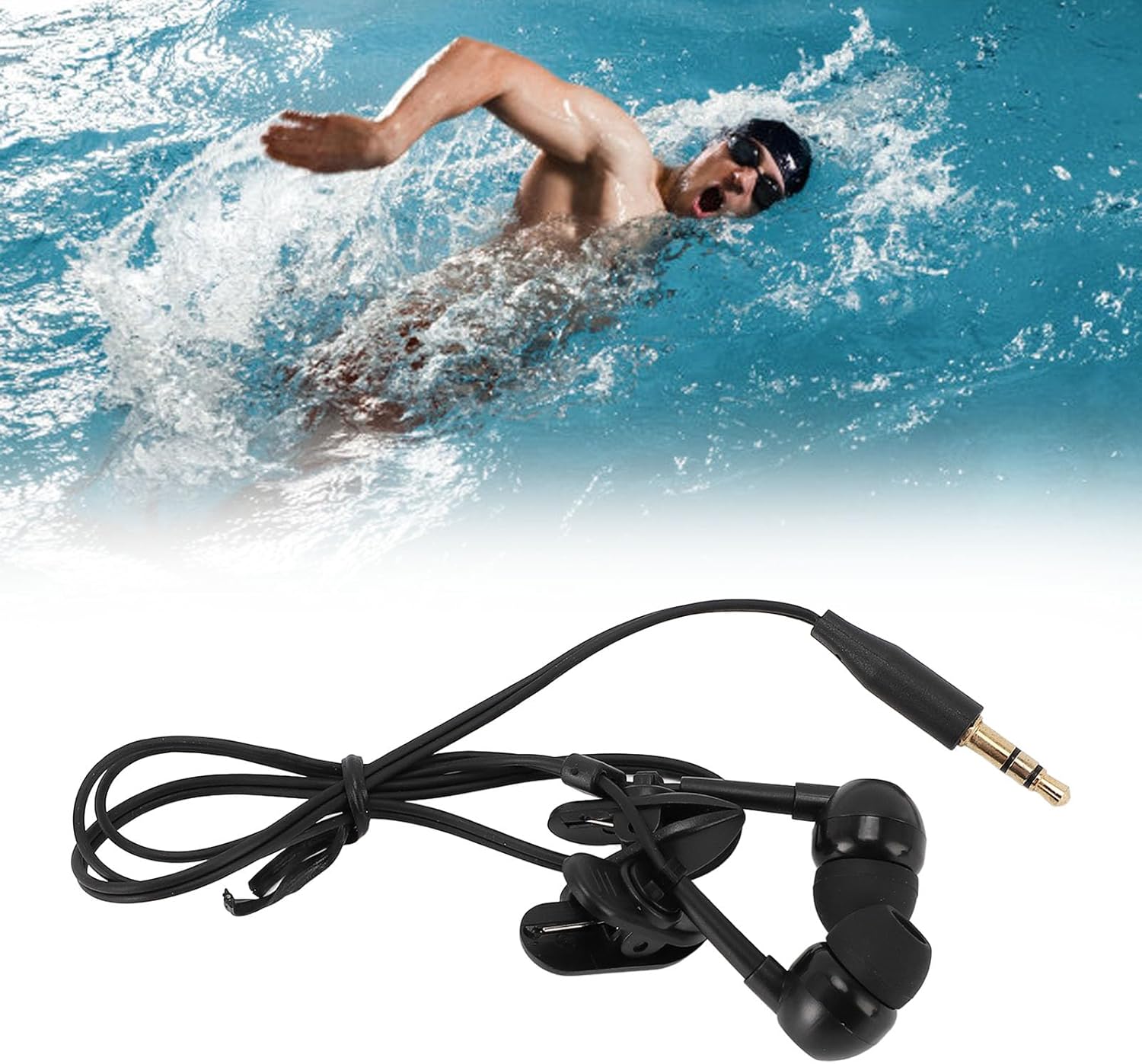
Image: A person swimming in a pool, demonstrating the use of the Yunseity IP68 Wired Swimming Earbuds during an aquatic activity.

Image: A person surfing on a wave, illustrating the earbuds' suitability for water sports and their secure design.
Maintenance
Proper maintenance ensures the longevity and performance of your waterproof earbuds.
- Rinse After Use: After each use, especially in chlorinated or saltwater, rinse the earbuds thoroughly with clean, fresh water.
- Dry Thoroughly: Ensure the earbuds are completely dry before storing them. Use a soft, dry cloth to wipe away any moisture. Allow them to air dry in a well-ventilated area.
- Storage: Store the earbuds in a dry environment, away from extreme temperatures and direct sunlight.
- Clean Ear Tips: Periodically remove the ear tips and clean them with mild soap and water. Rinse and dry completely before reattaching.
Troubleshooting
| Problem | Possible Cause | Solution |
|---|---|---|
| No sound or low volume |
|
|
| Water entering ears / Poor water resistance |
|
|
| Earbuds falling out |
|
|
Warranty and Support
For warranty information or technical support, please refer to the documentation provided with your purchase or contact your retailer. Keep your proof of purchase for any warranty claims.