
Introduction
This manual provides detailed instructions for the setup, operation, and maintenance of your Uvital Big Button Corded Phone, Model UV-1000. This phone is designed with large, high-contrast buttons and amplified sound features to enhance usability for seniors and individuals with visual or hearing impairments. Please read this manual thoroughly before using your new phone.
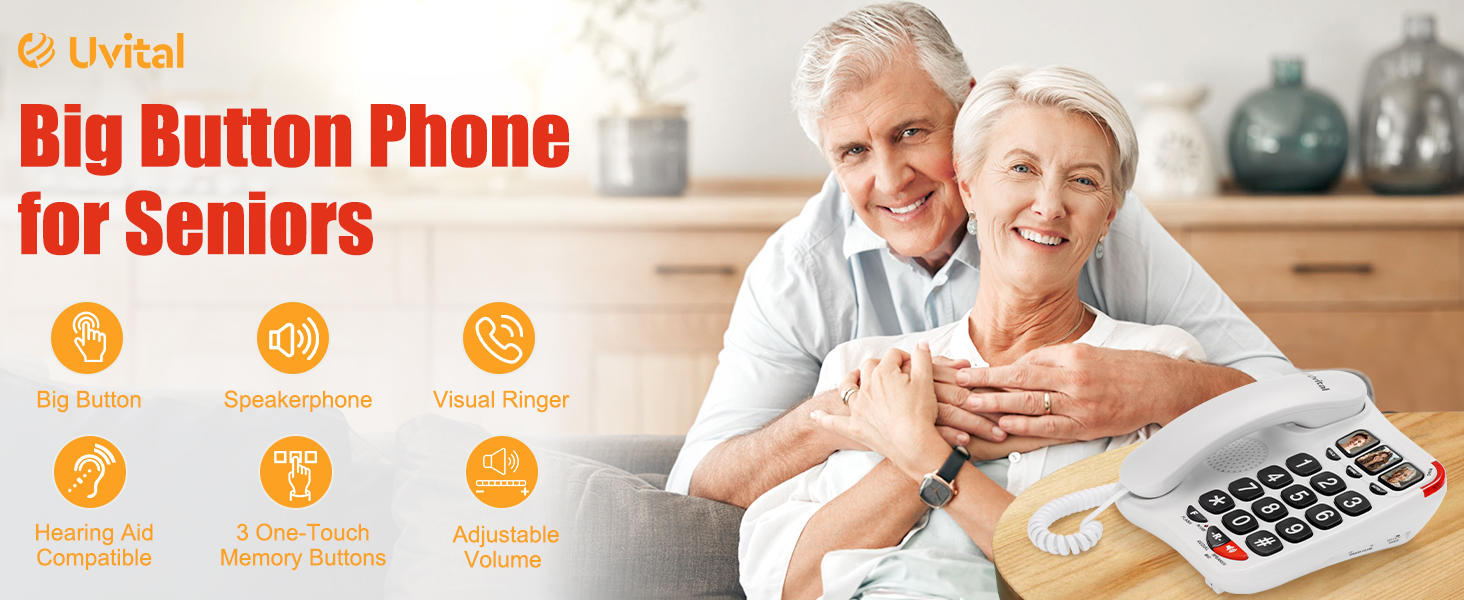
The Uvital Big Button Corded Phone, Model UV-1000, designed for ease of use.
Package Contents
Verify that all items are present in the package:
- Phone Base
- Handset
- Handset Cord (13FT)
- Phone Line Cord
- User Manual (this document)

Illustration of the items included in the product box.
Features
- Large, High-Contrast Buttons: Easy-to-read buttons reduce eye strain and confusion, ideal for individuals with vision impairments.
- Visual Loud Ringer: Alerts users with flashing lights and an amplified ringer (up to 110dB) for incoming calls.
- Hands-Free Speakerphone: Adjustable speakerphone feature provides clear and crisp call quality.
- 3 One-Touch Memory Buttons: Pre-programmable photo buttons for quick dialing of important contacts or emergency numbers.
- Hearing Aid Compatible: Designed to provide clearer conversations with less background noise, meeting TIA-1083 standards.
- No External Power Required: Operates directly through a phone line, ensuring functionality during power outages.
- Stable Design: Features a weighted base and silicone non-slip foot mats for stability.

The phone features large, high-contrast buttons for easy dialing.

The Uvital phone is hearing aid compatible for clearer conversations.
Setup
Follow these steps to set up your Uvital Big Button Corded Phone:
- Connect Handset Cord: Plug one end of the coiled RJ9 handset cord into the left side of the phone base and the other end into the handset.
- Connect Telephone Line: Plug one end of the RJ11 telephone line cord into the "TEL-LINE" jack on the side of the phone base. Plug the other end into your telephone wall socket.

Step-by-step guide for connecting the handset and telephone line.
Video demonstrating the physical setup and connection of the Uvital Big Button Phone.
Operating Instructions
Making a Call
- Pick up the handset or press the SPEAKER button for hands-free operation.
- Dial the desired phone number using the large numeric keypad.
- Wait for the call to connect.
- To end the call, replace the handset or press the SPEAKER button again.
Receiving a Call
- When the phone rings and the visual ringer flashes, pick up the handset or press the SPEAKER button to answer.
- To end the call, replace the handset or press the SPEAKER button again.
Hands-Free Speakerphone
To use the speakerphone function, press the SPEAKER button during a call. The microphone and speaker will activate, allowing you to converse without holding the handset. Press the SPEAKER button again to deactivate or pick up the handset to switch to private mode.

The phone offers a hands-free speakerphone function for convenience.
Visual Ringer
The phone is equipped with a visual ringer that flashes brightly when an incoming call is detected, providing an additional alert for users who may have difficulty hearing the ringer.
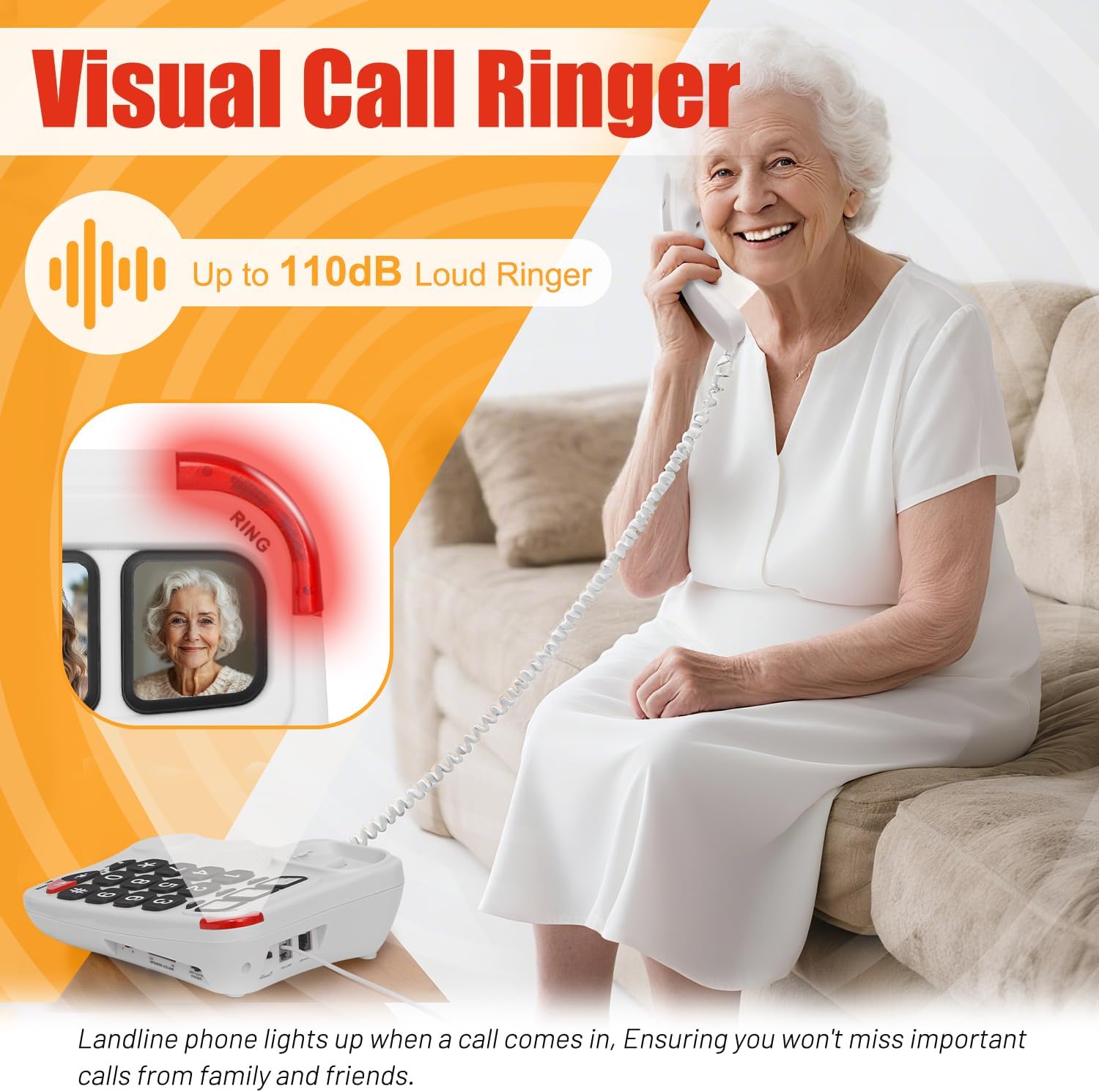
The visual ringer provides a flashing light alert for incoming calls.
Programming One-Touch Buttons
Your Uvital phone features three one-touch memory buttons (labeled with picture slots) for quick dialing of frequently called numbers. To program these buttons:
- Pick up the handset.
- Press the STORE button.
- Input the phone number you wish to save (up to 16 digits).
- Press one of the three photo buttons (e.g., HOLD, STORE, AUTO) where you want to save the number.
- Replace the handset. The number is now saved.
To dial a saved number, simply pick up the handset and press the corresponding photo button.

The three one-touch photo buttons can be programmed for important contacts.
Video tutorial on how to program the one-touch memory buttons on the phone.
Volume Adjustments
The Uvital Big Button Phone offers adjustable volume settings for the speaker, ringer, and handset to suit individual preferences.
- Speaker Volume: Use the LO/HI SPEAKER VOLUME switch on the side of the phone base to adjust the speakerphone volume.
- Ringer Volume: Use the OFF-LO-HI RINGER switch on the side of the phone base to adjust the ringer volume or turn it off.
- Handset Volume: Use the LO/HI HANDSET switch on the side of the phone base to adjust the volume during a handset call.

Location of the volume adjustment switches for speaker, ringer, and handset.
Troubleshooting
Cannot Make Outgoing Calls
If your phone can receive calls but cannot make outgoing calls, the issue may be due to the dialing mode setting. In most cases, switching to Tone mode (‘T’) will resolve the issue. Look for a T/P switch on the phone base and ensure it is set to 'T' for Tone dialing.
Specifications
| Feature | Detail |
|---|---|
| Model Number | UV-1000 |
| Product Dimensions | 21.3 x 7.2 x 21.5 Centimetres |
| Item Weight | 0.6 Kilograms |
| Telephone Type | Corded Phone |
| Material | Acrylonitrile Butadiene Styrene (ABS) |
| Power Source | Corded Electric (Phone Line Powered) |
| Dialer Type | Single Keypad |
| Multiline Operation | Single-Line Operation |
| Caller ID | No |
Care and Maintenance
To ensure the longevity and optimal performance of your Uvital Big Button Phone:
- Clean the phone regularly with a soft, damp cloth. Avoid harsh chemicals or abrasive cleaners.
- Keep the phone away from direct sunlight, heat sources, and moisture.
- Avoid dropping the phone or subjecting it to strong impacts.
Support
For technical assistance or any inquiries regarding your Uvital Big Button Phone, please contact Uvital customer support. We are committed to providing quick replies and technical support to ensure your satisfaction.

Uvital offers dedicated customer support for product assistance.