
BAOFENG UV-17 PRO GPS
Contents
BAOFENG UV-17 PRO GPS Ham Radio User Manual
Model: UV-17 PRO GPS
Introduction
This manual provides comprehensive instructions for the operation, maintenance, and troubleshooting of your BAOFENG UV-17 PRO GPS Ham Radio. Please read this manual thoroughly before using the device to ensure safe and optimal performance.

Image: The BAOFENG UV-17 PRO GPS Ham Radio package contents, showing two radios and included accessories.
Package Contents
Upon opening the package, verify that all items listed below are present and in good condition:
- 2 x BAOFENG UV-17 PRO GPS Radios
- 2 x 771 High Gain Antennas
- 2 x Lithium Ion Batteries
- 2 x USB-C Chargers
- 2 x Base Chargers
- 2 x Headsets
Key Features
- Multi-Band Operation: Capable of transmitting across VHF, 1.25M, and UHF frequencies.
- 999 Channel Capacity: Organize channels into 10 groups, each with 99 channels.
- Integrated GPS Function: View your current location and that of teammates for improved navigation and communication.
- Quick Copy Frequency: Easily copy frequencies from other radios without manual input.
- NOAA Weather Receiver: Access real-time weather updates for enhanced safety and planning.
- Multiple Charging Methods: Supports both USB-C direct charging and traditional base charging.
- High Gain Antenna: Enhances signal strength for clear and reliable transmission.
- Additional Features: Emergency alarm, integrated flashlight, long-range capability, rechargeable battery.
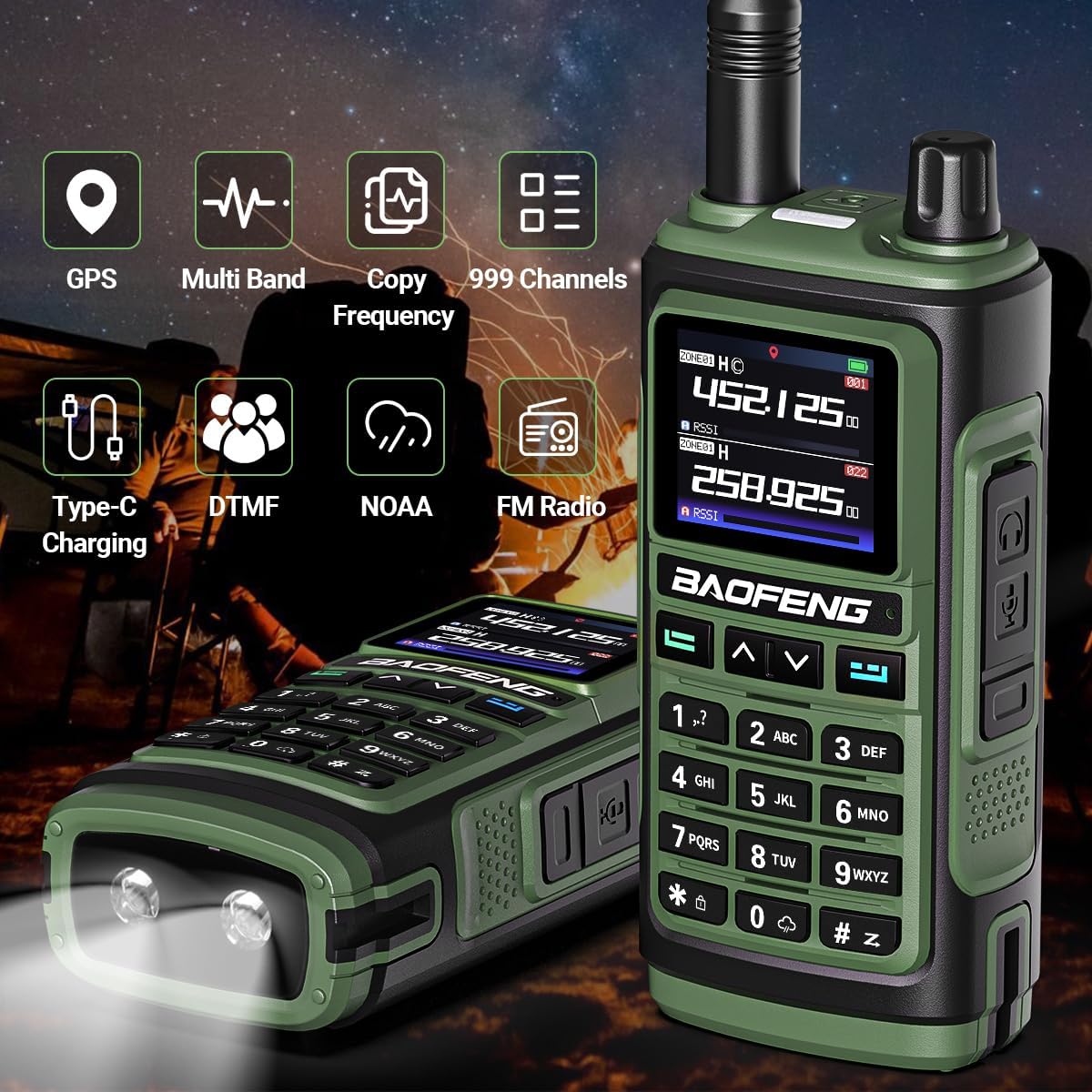
Image: Overview of the BAOFENG UV-17 PRO GPS's primary features.
Setup
1. Battery Installation and Charging
- Install Battery: Align the battery with the grooves on the back of the radio and slide it into place until it clicks securely.
- Charge Battery:
- Using Base Charger: Place the radio into the charging cradle. Ensure the charging contacts align. The indicator light will show charging status.
- Using USB-C Charger: Connect the USB-C cable directly to the radio's USB-C port and to a compatible power source (e.g., wall adapter, power bank, computer USB port).
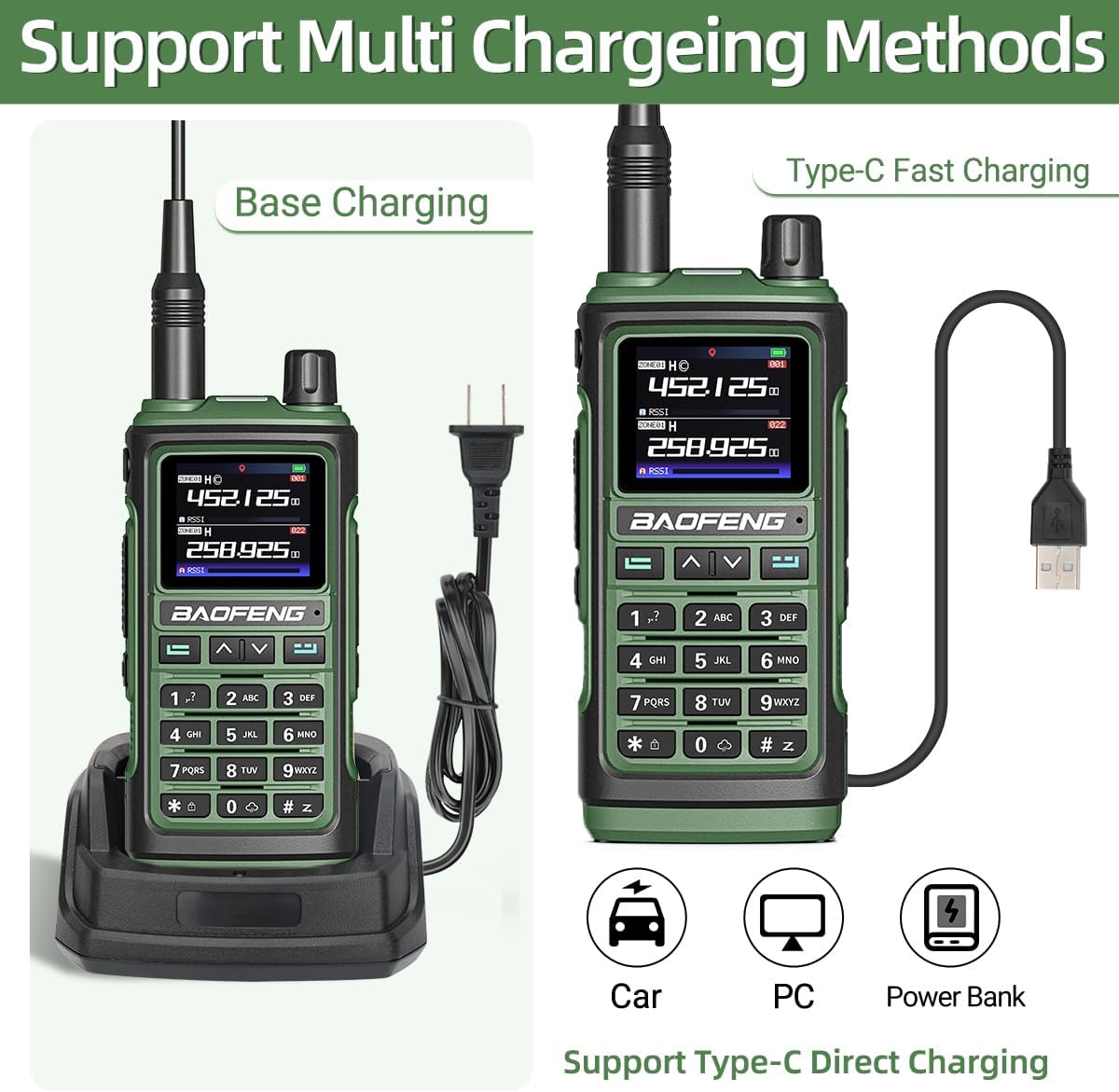
Image: Illustration of the multiple charging options available for the radio.
- Initial Charge: For first use, charge the battery completely (approximately 4-5 hours) before operation.
2. Antenna Attachment
Screw the provided 771 High Gain Antenna clockwise onto the antenna connector at the top of the radio until it is finger-tight. Do not overtighten.

Image: The high gain 771 antenna, designed to improve signal strength and range.
3. Powering On/Off
Rotate the power/volume knob clockwise to turn on the radio. Continue rotating to adjust the volume. Rotate counter-clockwise until a click is heard to turn off the radio.
Operating Instructions
1. Channel Selection and Frequency Input
Use the keypad to directly input frequencies or navigate through pre-programmed channels. The radio supports 999 channels, organized into 10 groups.
2. Transmitting and Receiving
- To Transmit: Press and hold the Push-To-Talk (PTT) button on the side of the radio. Speak clearly into the microphone. Release the PTT button to stop transmitting.
- To Receive: The radio will automatically receive signals on the selected frequency/channel. Adjust volume for clarity.
3. GPS Functionality
The integrated GPS allows you to view your current coordinates and the location of other GPS-enabled BAOFENG radios in your group. Access the GPS menu through the radio's interface to view location data and facilitate direction confirmation.

Image: The GPS display on the radio, showing location information.
4. Copy Frequency Feature
This feature allows for rapid frequency replication from another radio without manual programming. Consult the on-screen prompts or specific menu options to initiate the frequency copy process.

Image: Visual representation of the quick frequency copy function.
5. NOAA Weather Radio
Activate the NOAA Weather Receiver function to receive real-time weather alerts and forecasts from the National Weather Service. This feature is crucial for outdoor activities and emergency preparedness.
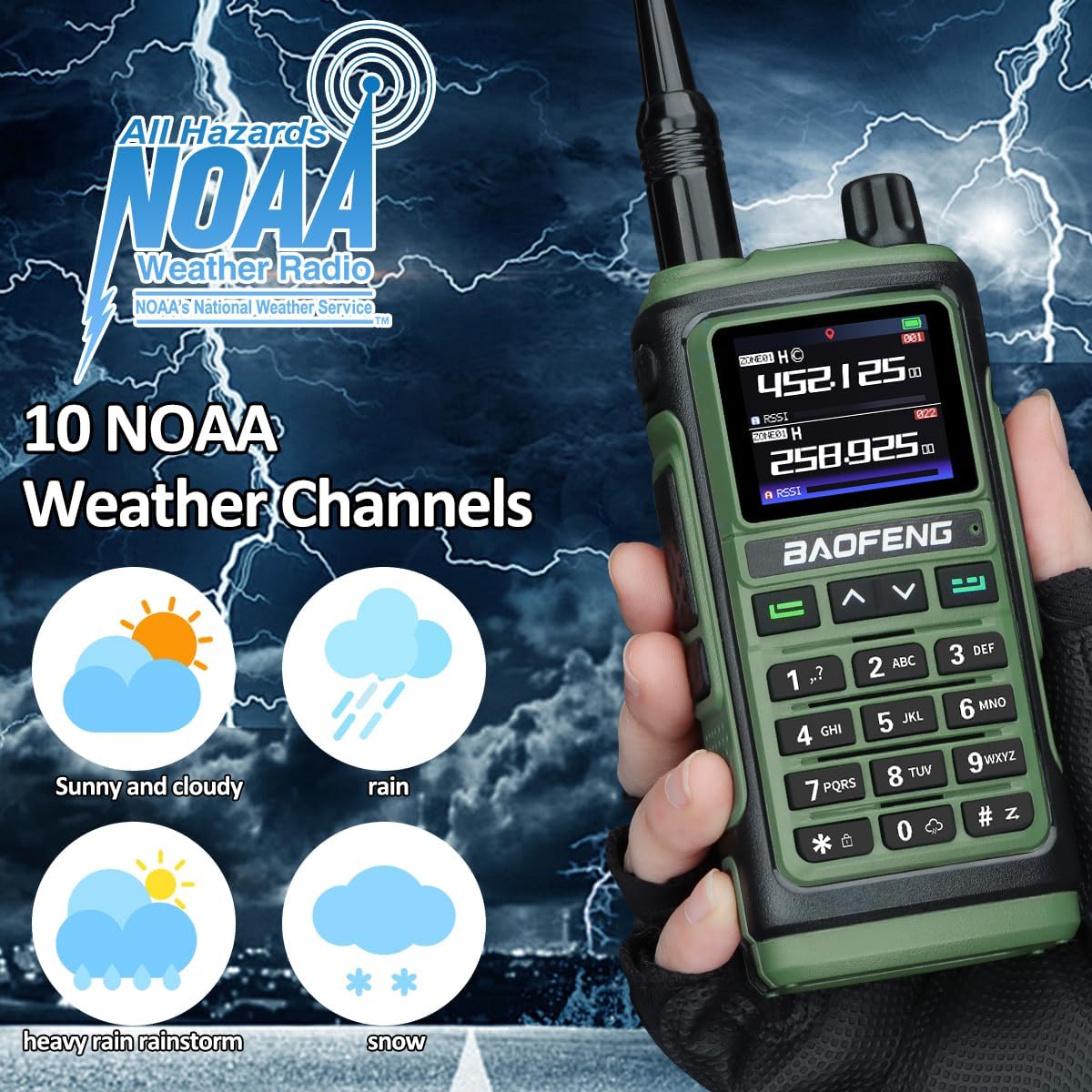
Image: The NOAA Weather Radio feature, providing access to weather channels.
6. Emergency Alarm and Flashlight
The radio includes an emergency alarm function for distress signaling and an integrated flashlight for illumination in low-light conditions. Refer to the radio's menu for activation procedures.
Maintenance
- Cleaning: Use a soft, damp cloth to clean the radio's exterior. Do not use harsh chemicals or abrasive cleaners.
- Battery Care: Store batteries in a cool, dry place when not in use. Avoid overcharging or completely draining the battery frequently to prolong its lifespan.
- Storage: When storing the radio for extended periods, remove the battery and store the radio in a dry, dust-free environment.
- Water Resistance: This radio is Not Water Resistant. Avoid exposure to water or high humidity.
Troubleshooting
| Problem | Possible Cause | Solution |
|---|---|---|
| Radio does not power on. | Battery is low or not installed correctly. | Charge the battery. Reinstall the battery, ensuring it clicks into place. |
| Cannot transmit or receive. | Incorrect frequency/channel, antenna not attached, or out of range. | Verify frequency/channel. Ensure antenna is securely attached. Move closer to the other radio. |
| Poor audio quality. | Low battery, weak signal, or incorrect volume. | Charge battery. Adjust antenna position. Increase volume. |
| GPS not acquiring signal. | Obstructed view of sky, indoors. | Move to an open outdoor area with clear sky visibility. |
Specifications
| Feature | Detail |
|---|---|
| Model Number | UV-17 PRO GPS |
| Frequency Range | VHF, 1.25M, UHF |
| Number of Channels | 999 |
| Battery Type | Lithium Ion (2 included) |
| Charging Methods | USB-C, Base Charger |
| Special Features | GPS, NOAA Weather Receiver, Copy Frequency, Emergency Alarm, Integrated Flashlight, Long Range |
| Talking Range Maximum | 1 Mile |
| Water Resistance Level | Not Water Resistant |
| FCC ID | 2AJGM-UV17 |

Image: Feature comparison between UV-17 PRO GPS and UV-5R models.
Warranty and Support
For warranty information and technical support, please refer to the official BAOFENG website or contact their customer service. Keep your purchase receipt as proof of purchase.
Manufacturer: BAOFENG
Date First Available: November 5, 2024
For further assistance, you may visit the BAOFENG Store on Amazon.
Application Scenarios
The BAOFENG UV-17 PRO GPS Ham Radio is designed for a variety of uses, including but not limited to:
- Camping and Outdoor Adventures
- Rock Climbing
- Cycling
- Mountaineering
- Hunting
- Survival Gear
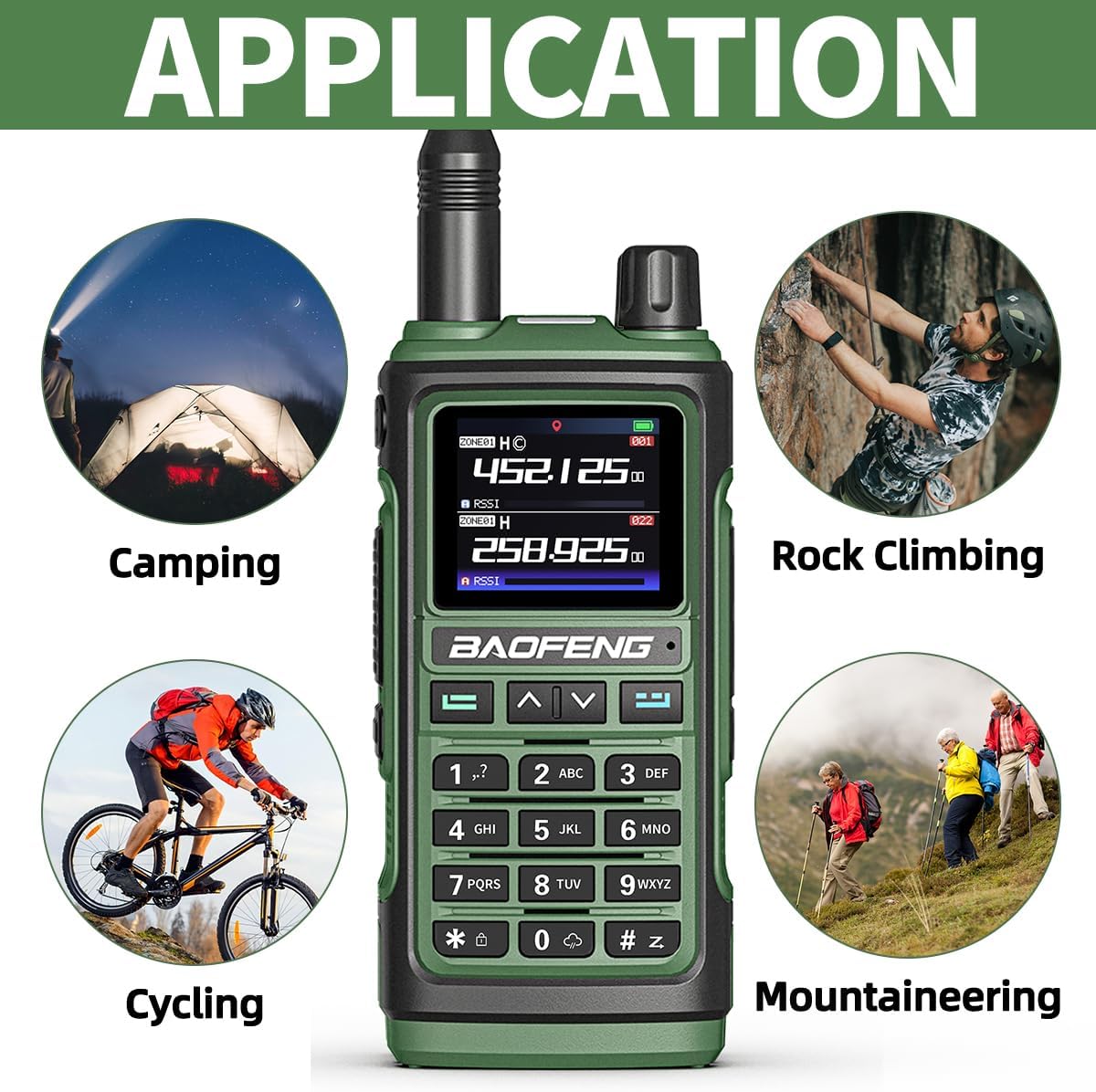
Image: Common application scenarios for the BAOFENG UV-17 PRO GPS radio.
Ask a question about this manual
Ask about setup, troubleshooting, compatibility, parts, safety, or missing instructions. Manuals+ will review the question and use this page’s manual context to help answer it.